
1. ບົດແນະນຳ
This manual provides detailed instructions for the installation, operation, and maintenance of your ARCCTV C3 4-Cam Kit Solar Security Camera System. Please read this manual thoroughly before using the product to ensure proper setup and functionality. Keep this manual for future reference.
2. ຜະລິດຕະພັນເກີນview
2.1 ເນື້ອໃນຊຸດ
- 4 x ARCCTV C3 Solar Security Cameras
- 1 x ສະຖານີຖານ
- 1 x 64GB Memory Card (pre-installed in base station)
- 4 x Mounting Kits (screws, wall anchors)
- 1 x Power Adapter for Base Station
- ສາຍ 1 x ອີເທີເນັດ
- 1 x ຄູ່ມືຜູ້ໃຊ້
2.2 ລັກສະນະທີ່ສໍາຄັນ
- 4MP HD Resolution: Provides clear 2560x1440p video footage.
- Integrated Solar Panels: Each camera features a high-efficiency solar panel for continuous power.
- ການເຊື່ອມຕໍ່ແບບໄຮ້ສາຍ: Cameras connect wirelessly to the base station.
- ວິໄສທັດກາງຄືນສີ: ການເບິ່ງເຫັນທີ່ດີຂຶ້ນໃນສະພາບແສງສະຫວ່າງໜ້ອຍ.
- ການກວດຈັບການເຄື່ອນໄຫວ PIR: Detects human movement and sends instant alerts.
- ການເກັບຮັກສາທ້ອງຖິ່ນ: 64GB memory card in the base station for recording without monthly fees.
- IP65 ກັນອາກາດ: Designed for outdoor use, resistant to rain and dust.
- ສຽງສອງທາງ: ອະນຸຍາດໃຫ້ສື່ສານຜ່ານກ້ອງຖ່າຍຮູບໄດ້.
- ການເຂົ້າເຖິງໄລຍະໄກ: Monitor and manage via the mobile application.
- ຮອງຮັບ Wi-Fi 6: Offers low latency, fast network transmission, and high stability.

Image: The ARCCTV C3 4-Cam Kit Solar Security Camera System, showing four white bullet-style cameras with integrated solar panels and a cylindrical white base station.

Image: A side-by-side comparison demonstrating the clarity of 4MP resolution from ARCCTV cameras versus 2K resolution from other cameras, showing a house exterior.
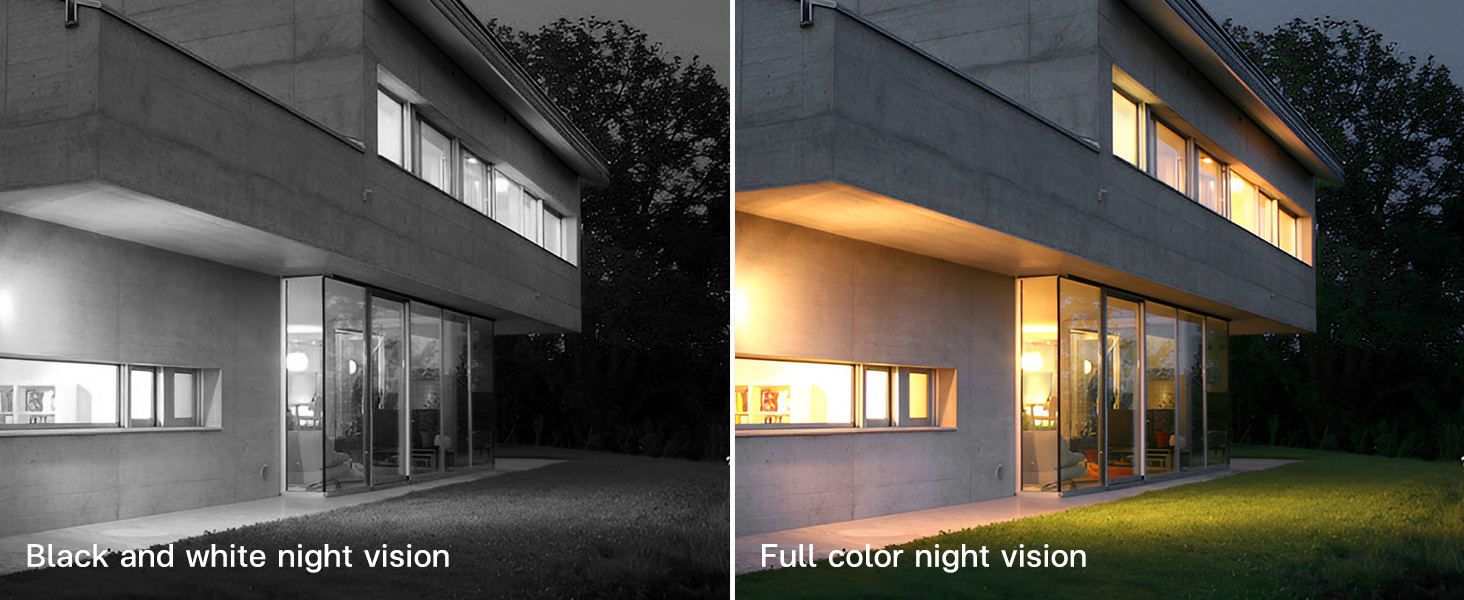
Image: A comparison showing a house at night, with one side displaying black and white night vision and the other side displaying full-color night vision.
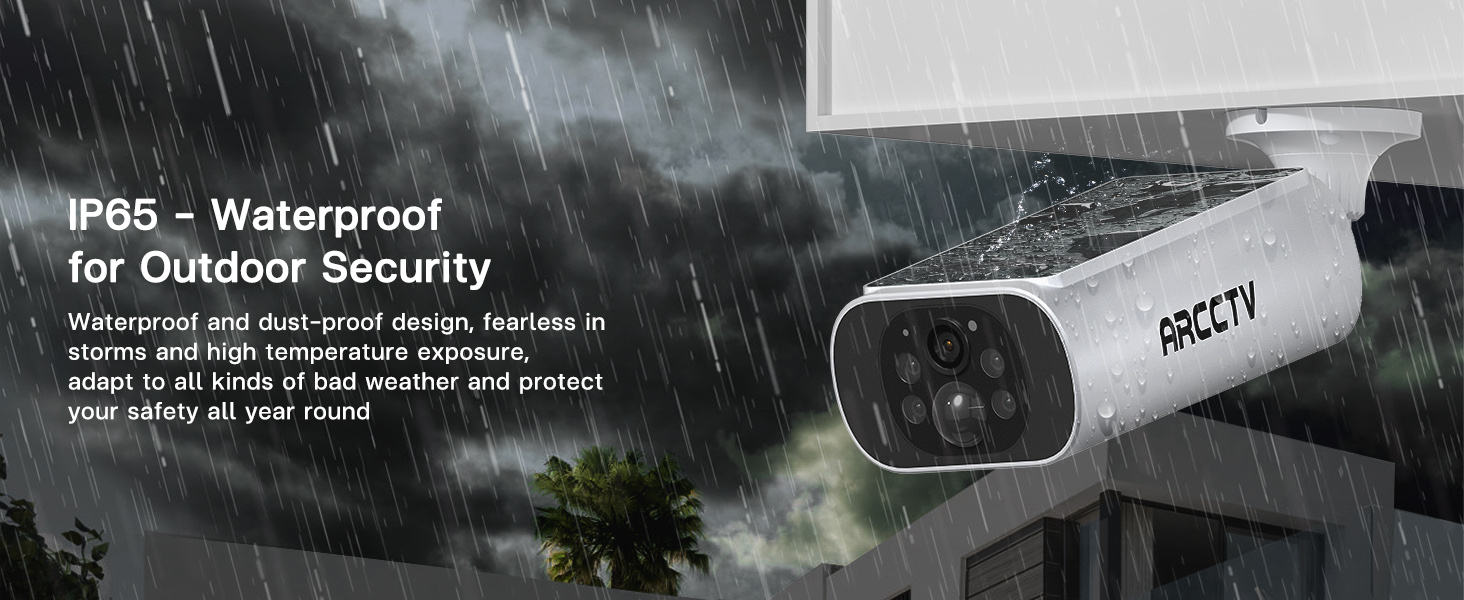
Image: An ARCCTV camera mounted outdoors, with water splashing on it, illustrating its IP65 waterproof design for outdoor security.

Image: A graphic highlighting the benefits of WiFi 6 for the camera system, including low latency, fast network transmission, and high stability.
3. ຕັ້ງຄ່າ
3.1 ກ່ອນທີ່ທ່ານຈະເລີ່ມຕົ້ນ
- ໃຫ້ແນ່ໃຈວ່າອົງປະກອບທັງຫມົດທີ່ລະບຸໄວ້ໃນພາກ 2.1 ມີຢູ່.
- Charge cameras fully before initial installation for optimal performance, especially if solar exposure is limited initially.
- Ensure your Wi-Fi network is stable and within range of the base station.
3.2 ການຕິດຕັ້ງ App
- Download the ARCCTV mobile application from your device's app store (iOS or Android).
- ລົງທະບຽນສຳລັບບັນຊີໃໝ່ ຫຼື ເຂົ້າສູ່ລະບົບຖ້າທ່ານມີບັນຊີແລ້ວ.
3.3 Base Station and Camera Installation
- ວາງຕຳແໜ່ງສະຖານີຖານ: Place the base station indoors, centrally located to cover all camera areas, and connect it to power and your router via the provided Ethernet cable.
- Select Camera Locations: Choose outdoor locations for each camera that provide a clear view of the desired monitoring area and receive ample direct sunlight for solar charging. Avoid obstructions that might block sunlight or the camera's field of view.
- ຕິດກ້ອງ: Use the included mounting kits to securely attach each camera to a wall or suitable surface. Drill pilot holes, insert wall anchors if necessary, and fasten the camera bracket with screws. Adjust the camera angle for optimal coverage.

Image: A person installing an ARCCTV solar security camera on an exterior wall, demonstrating the simple DIY installation process.
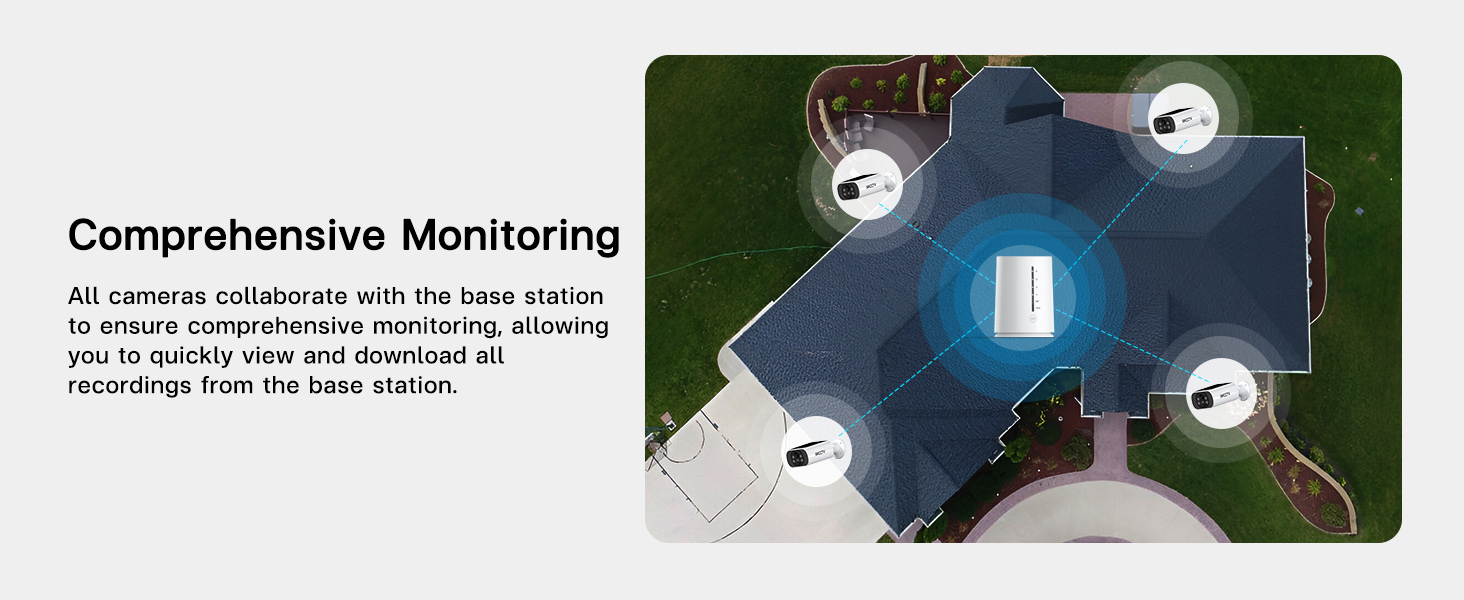
ຮູບພາບ: ທາງອາກາດ view of a house showing four security cameras strategically positioned around the perimeter, illustrating comprehensive monitoring coverage.
3.4 ການຈັບຄູ່ລະບົບ
- Open the ARCCTV app and follow the on-screen instructions to add your base station.
- Once the base station is added, the app will guide you through pairing each camera to the base station. Ensure cameras are powered on and within range during this process.
- Verify that all cameras are successfully connected and displaying live feeds in the app.

Image: A diagram illustrating the base station's function as a Wi-Fi repeater, extending and strengthening the signal to the cameras for reliable connectivity.
4. ຄໍາແນະນໍາການດໍາເນີນງານ
4.1 ດໍາລົງຊີວິດ View ແລະ Playback
- Open the ARCCTV app to view ຟີດສົດຈາກກ້ອງທີ່ເຊື່ອມຕໍ່ທັງໝົດ.
- Select a specific camera to view its full-screen live feed.
- ການເຂົ້າເຖິງບັນທຶກ footage by navigating to the playback section within the app. You can filter by date and time to review ເຫດການ.

Image: A hand holding a smartphone displaying a grid of four live video feeds from the security cameras, allowing simultaneous monitoring.
4.2 ກວດຈັບການເຄື່ອນໄຫວ ແລະການແຈ້ງເຕືອນ
- The cameras utilize PIR (Passive Infrared) detection to identify human movement.
- Upon detection, the system will send instant notifications to your mobile device.
- Customizable Alarm Area: Within the app settings, you can define specific areas for motion detection to reduce false alerts.
- Custom Alarm Time: Set specific timeframes for motion detection to be active, conserving battery life and reducing unnecessary notifications.
- Base Station Sync Alarm: The base station can emit an audible alarm when motion is detected by a camera. This feature can be enabled or disabled in the app.

Image: A security camera illuminating a figure in the dark, with a smartphone displaying an 'Abnormal movement detected' notification from the ARCCTV app.

Image: A security camera highlighting a person in its field of view, demonstrating intelligent PIR detection and immediate alarm notification to a phone.
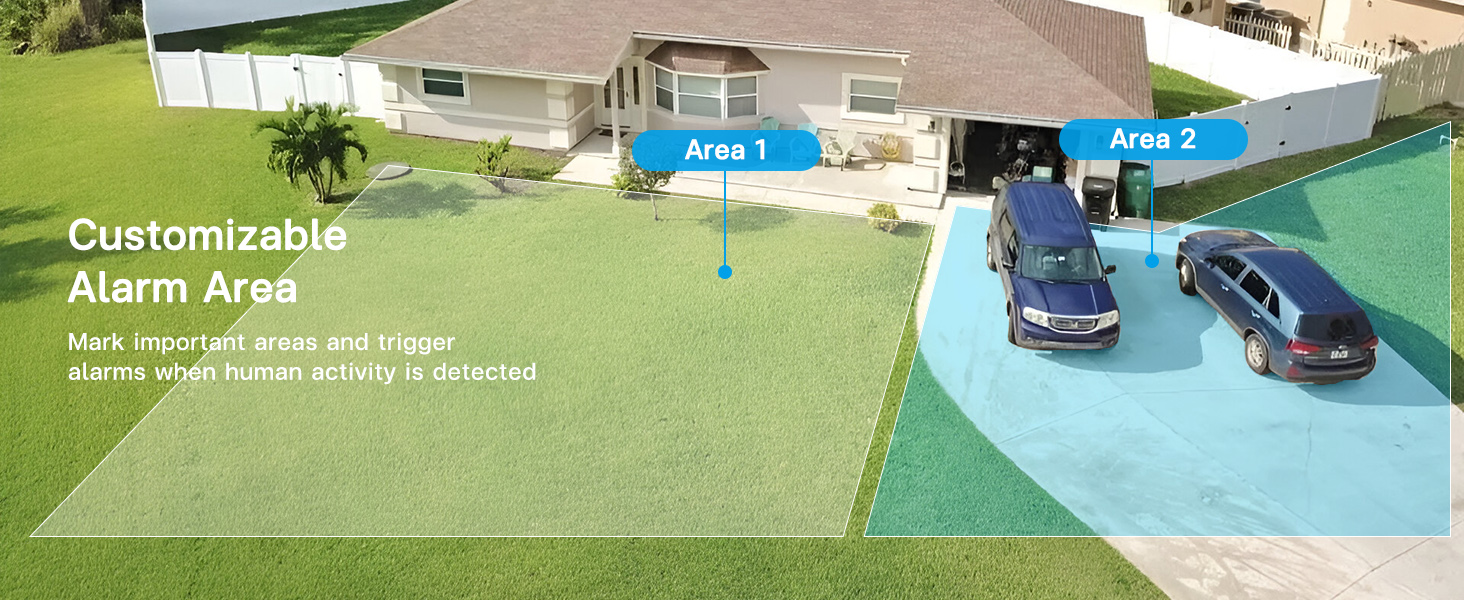
ຮູບພາບ: ທາງອາກາດ view of a house and yard with two distinct areas highlighted, indicating customizable alarm zones for motion detection.

Image: A base station on a table emitting sound waves, signifying its synchronized alarm function when a camera detects motion.

Image: A graphic showing a security camera and an app interface with a toggle for custom alarm times (e.g., 08:00 am - 18:00 pm), allowing users to set specific periods for motion alerts.
4.3 ສຽງສອງທາງ
- Use the microphone and speaker functions within the app to communicate with individuals near the camera.
- This feature is useful for interacting with visitors or deterring unwanted activity.
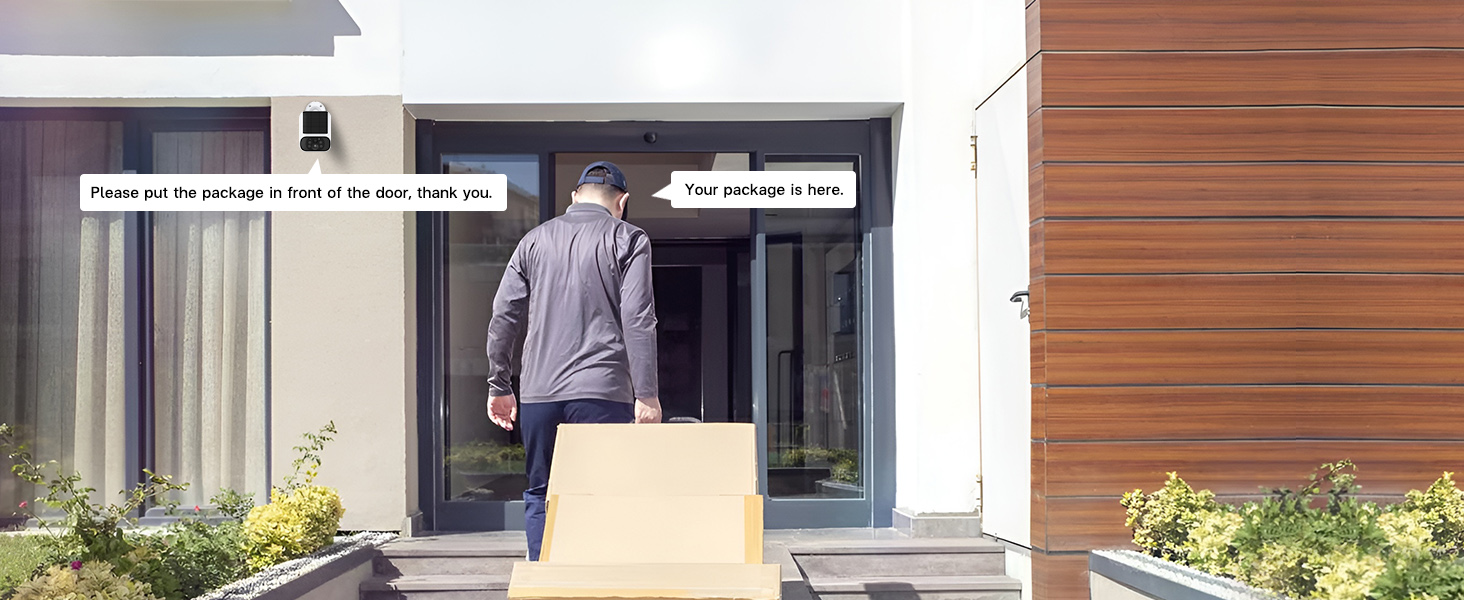
Image: A delivery person at a front door with packages, and speech bubbles indicating two-way audio communication from the security camera, such as "Please put the package in front of the door, thank you."
4.4 ການຄຸ້ມຄອງການເກັບຮັກສາ
- The base station includes a pre-installed 64GB memory card for local video storage.
- This system does not require monthly cloud storage fees.
- ເຈົ້າສາມາດ view and download recordings directly from the base station via the app.
- The system supports up to 512GB flash memory for expanded storage.
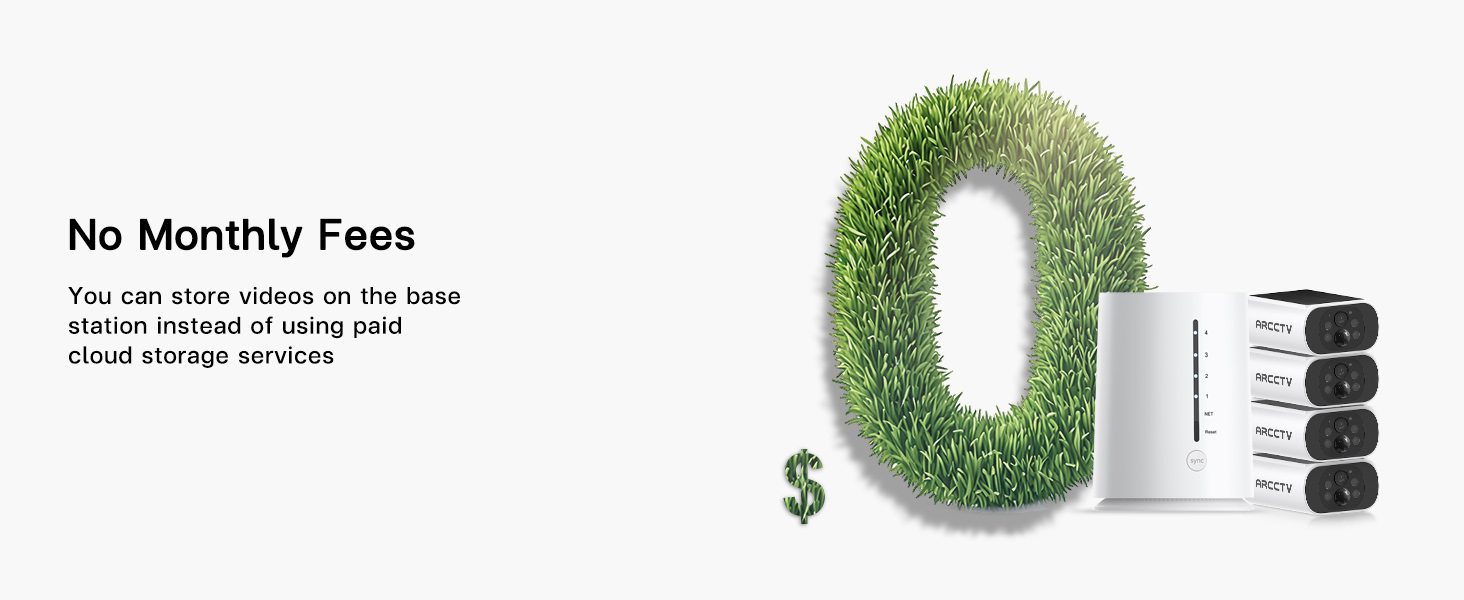
Image: A large '0' made of grass, symbolizing no monthly fees, next to the base station and cameras.
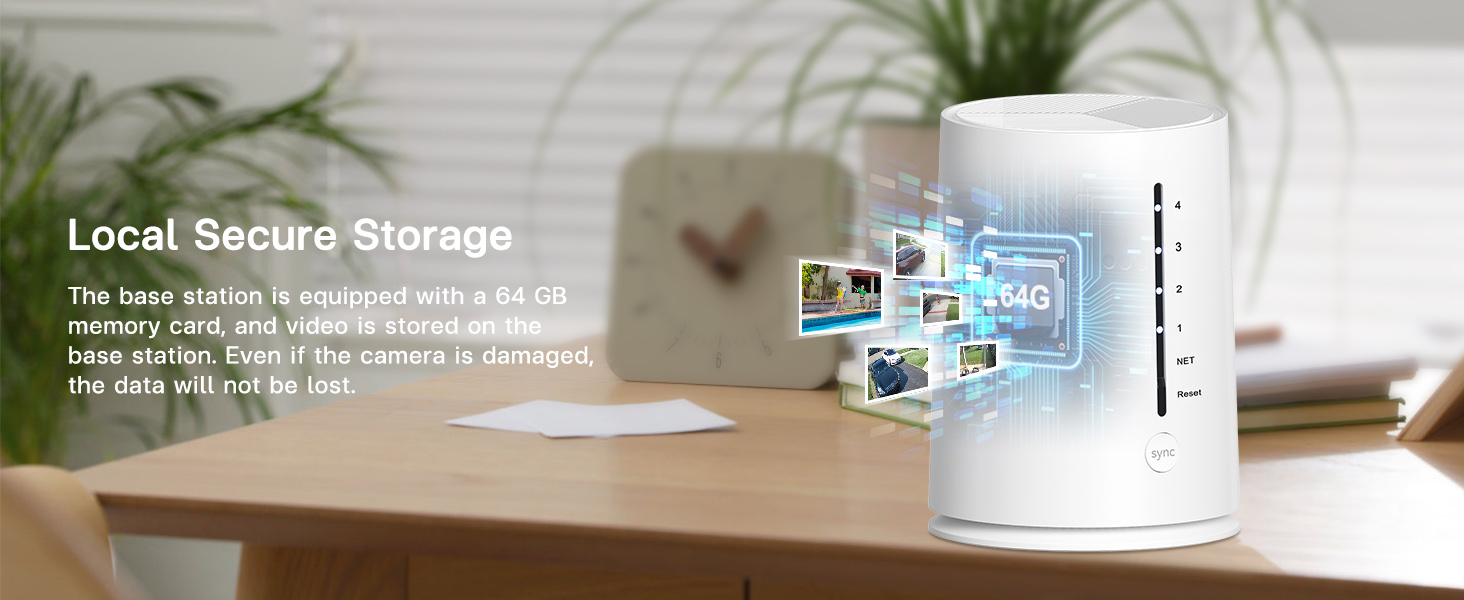
Image: The base station on a desk, with a graphic overlay indicating a 64GB memory card for local secure storage, emphasizing that data is not lost even if a camera is damaged.
4.5 ການແບ່ງປັນການເຂົ້າເຖິງ
- The ARCCTV app supports multi-user sharing, allowing family members or trusted individuals to view ຫນ້າຈໍຕິດຕາມກວດກາ.
- Access sharing settings within the app to invite and manage users.

Image: A world map with pinpoints showing different people viewing security camera feeds on their smartphones, illustrating the multi-user sharing feature.
4.6 Smart Home ປະສົມປະສານ
- The system is compatible with Amazon Alexa.
- You can use voice commands to view ຟີດກ້ອງຖ່າຍຮູບຢູ່ໃນຈໍສະແດງຜົນອັດສະລິຍະທີ່ເຂົ້າກັນໄດ້.

Image: An Amazon Echo Show smart display showing a security camera feed, with a speech bubble indicating the voice command "Alexa, show me the backyard."
5. ບໍາລຸງຮັກສາ
5.1 ການດູແລແຜງໂຊລາເຊວ
- Regularly inspect the solar panels on each camera for dirt, dust, or debris.
- Gently clean the solar panel surface with a soft, damp cloth to ensure optimal sunlight absorption and charging efficiency.
- Ensure no obstructions (e.g., tree branches, leaves) are blocking direct sunlight to the panels.

Image: A graphic showing an integrated solar panel on a camera, with arrows indicating sunlight being converted into energy for continuous power.
5.2 ການຈັດການກາດຫນ່ວຍຄວາມຈໍາ
- The 64GB memory card in the base station will automatically overwrite the oldest footagອີ ເມື່ອເຕັມ.
- If you need to save specific recordings, download them to your mobile device via the app.
- To manually clear space or replace the memory card, refer to the base station's physical access instructions (typically located on the bottom or side panel).
6. ການແກ້ໄຂບັນຫາ
| ສະບັບ | ສາເຫດທີ່ເປັນໄປໄດ້ | ການແກ້ໄຂ |
|---|---|---|
| Camera not powering on/charging | Insufficient sunlight; dirty solar panel; low battery. | Relocate camera to an area with more direct sunlight. Clean solar panel. Fully charge camera via USB if prolonged low light. |
| No live feed/camera offline | Weak Wi-Fi signal; camera too far from base station; camera battery depleted. | Ensure base station is centrally located. Check camera battery level. Restart camera and base station. |
| ບໍ່ໄດ້ຮັບການແຈ້ງເຕືອນການເຄື່ອນໄຫວ | Motion detection disabled; app notifications off; incorrect detection zone settings. | Enable motion detection in app. Check phone notification settings. Adjust detection zones and sensitivity. |
| ຄຸນນະພາບຮູບພາບບໍ່ດີ | Dirty lens; poor lighting; network bandwidth issues. | Clean camera lens. Ensure adequate lighting for color night vision. Check network speed. |
| ສະຖານີຖານອອບລາຍ | Power disconnected; Ethernet cable loose; router issue. | Check power connection. Ensure Ethernet cable is secure. Restart router and base station. |
7. ຂໍ້ມູນຈໍາເພາະ
| ຄຸນສົມບັດ | ລາຍລະອຽດ |
|---|---|
| ຊື່ຕົວແບບ | C3 |
| ຄວາມລະອຽດການຖ່າຍວິດີໂອ | 1440p (4MP) |
| ການນຳໃຊ້ພາຍໃນ/ນອກ | ພາຍໃນ, ກາງແຈ້ງ |
| ແຫຼ່ງພະລັງງານ | Battery Powered & Solar Powered |
| ອະນຸສັນຍາການເຊື່ອມຕໍ່ | Wi-Fi |
| ເຕັກໂນໂລຊີການສື່ສານໄຮ້ສາຍ | Wi-Fi |
| ປະເພດການຄວບຄຸມ | Amazon Alexa, Android (App) |
| ປະເພດການຕິດຕັ້ງ | ຕົວຍຶດຝາ (ແບບສະກູ) |
| Viewໃນມຸມ | 360 Degrees (System Coverage) |
| ຂອບເຂດວິໄສທັດກາງຄືນ | 33 ຟຸດ |
| ລະດັບຄວາມຕ້ານທານນ້ໍາ | ກັນນ້ ຳ (IP65) |
| Flash Memory ຂະຫນາດຕິດຕັ້ງ | 64 GB |
| Flash Memory ຮອງຮັບຂະໜາດສູງສຸດ | 512 GB |
| ເຕັກໂນໂລຊີແສງສະຫວ່າງຕ່ໍາ | ວິໄສທັດກາງຄືນສີ |
| ຄວາມສາມາດໃນການບັນທຶກສຽງ ແລະ ພາບ | Video & Audio (2-Way Audio) |
| ຂະໜາດສິນຄ້າ | 16.2 x 7.8 x 4.3 ນິ້ວ |
| ນ້ໍາຫນັກລາຍການ | 4.99 ປອນ |
| ໝໍ້ໄຟ | 1 ຫມໍ້ໄຟທີ່ຕ້ອງການ (ລວມ) |
8. ການຮັບປະກັນແລະການສະຫນັບສະຫນູນ
For warranty information and technical support, please refer to the official ARCCTV website or contact their customer service directly. The manufacturer is Shenzhen Anran Security Technology Co.,Ltd.
ກະລຸນາຮັກສາຫຼັກຖານການຊື້ຂອງທ່ານສໍາລັບການຮຽກຮ້ອງການຮັບປະກັນໃດໆ.