
ແນະນຳ
The Skullcandy Crusher Evo Wireless Bluetooth Headphones deliver a powerful audio experience with patented Multi-Sensory Crusher Bass technology. Designed for comfort and extended use, these headphones feature up to 40 hours of battery life, Rapid Charge, and personalized sound tuning through the Skullcandy App. This manual provides essential information for setting up, operating, maintaining, and troubleshooting your Crusher Evo headphones.
ແມ່ນຫຍັງຢູ່ໃນກ່ອງ
Upon opening your Skullcandy Crusher Evo package, you should find the following items:
- Crusher® Evo Wireless Headphones
- ສາຍສາກ USB-C
- ສາຍສຽງຊ່ວຍ
- ກໍລະນີປ້ອງກັນ
- Quick Start & User Guides

Image: The Skullcandy Crusher Evo headphones, USB-C charging cable, auxiliary cable, protective case, and user guide are neatly arranged, illustrating the complete package contents.
ຕັ້ງຄ່າ
1. ການສາກຫູຟັງຂອງທ່ານ
Before initial use, fully charge your Crusher Evo headphones. Connect the provided USB-C charging cable to the headphone's charging port and a compatible USB power source. A full charge provides up to 40 hours of listening time. The Rapid Charge feature allows for 4 hours of listening with just a 10-minute charge.
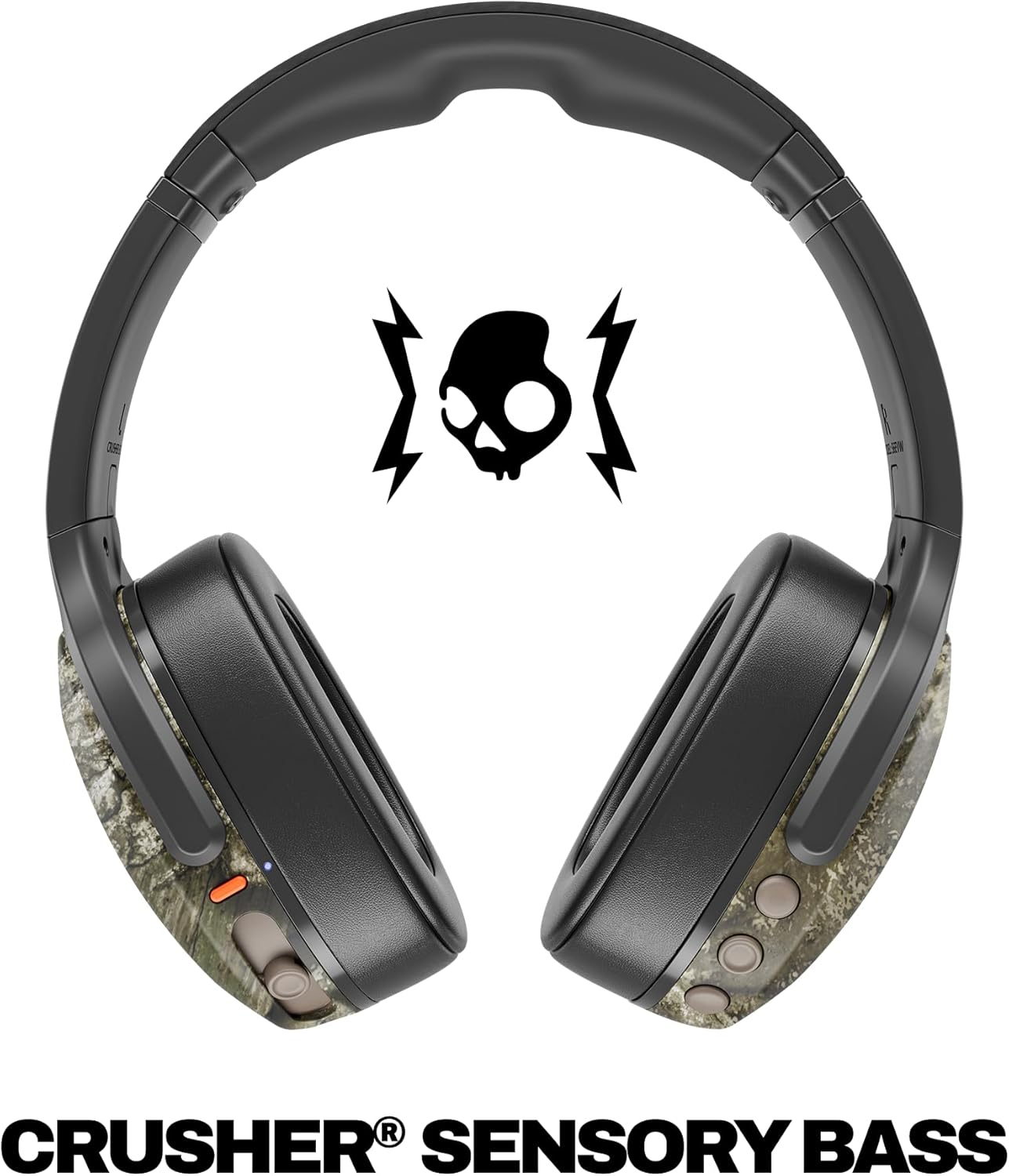
Image: A close-up of the Skullcandy Crusher Evo headphones showing the USB-C charging port and cable connected, indicating the charging process.
2. ການຈັບຄູ່ Bluetooth
- ໃຫ້ແນ່ໃຈວ່າຫູຟັງຂອງທ່ານປິດຢູ່.
- Press and hold the main power button for 3-5 seconds until the LED indicator flashes blue and red, indicating pairing mode.
- ໃນອຸປະກອນຂອງທ່ານ (ໂທລະສັບສະຫຼາດ, ແທັບເລັດ, ຄອມພິວເຕີ), ເປີດ Bluetooth ແລະຊອກຫາອຸປະກອນທີ່ມີຢູ່.
- Select "Crusher Evo" from the list of available devices.
- ເມື່ອເຊື່ອມຕໍ່ແລ້ວ, ຕົວຊີ້ວັດ LED ຈະກະພິບສີຟ້າເປັນໄລຍະໆ.
3. Personal Sound Tuning (Skullcandy App)
Enhance your listening experience by downloading the Skullcandy App. The app features a Personal Sound analysis that customizes audio levels to your unique hearing profile, ensuring optimal sound quality.

Image: A woman wearing the headphones, illustrating the personalized sound feature. The accompanying text highlights the "Personal Sound tuned to you" capability via the Skullcandy app.
ປະຕິບັດການຫູຟັງຂອງທ່ານ
1. ການຄວບຄຸມພື້ນຖານ
The Crusher Evo headphones feature intuitive button controls located on the earcups:
- ເປີດ/ປິດ: ກົດປຸ່ມເປີດປິດຫຼັກຄ້າງໄວ້.
- ຫຼິ້ນ/ຢຸດ: Single press the main power button.
- ປະລິມານຂຶ້ນ/ລົງ: ໃຊ້ປຸ່ມລະດັບສຽງສະເພາະ.
- ເພງຂ້າມ: ກົດສອງເທື່ອສຳລັບເພງຕໍ່ໄປ, ກົດສາມເທື່ອສຳລັບເພງກ່ອນໜ້າ.
- ຮັບ/ສາຍໂທ: Single press the main power button during a call.
- ກະຕຸ້ນຜູ້ຊ່ວຍສຽງ: ກົດປຸ່ມເປີດປິດຫຼັກຄ້າງໄວ້ 2 ວິນາທີ.
2. Multi-Sensory Crusher Bass
Experience deep, adjustable bass that you can feel. Use the slider on the earcup to increase or decrease the intensity of the Crusher Bass. This feature provides a tactile feedback that enhances your audio experience.
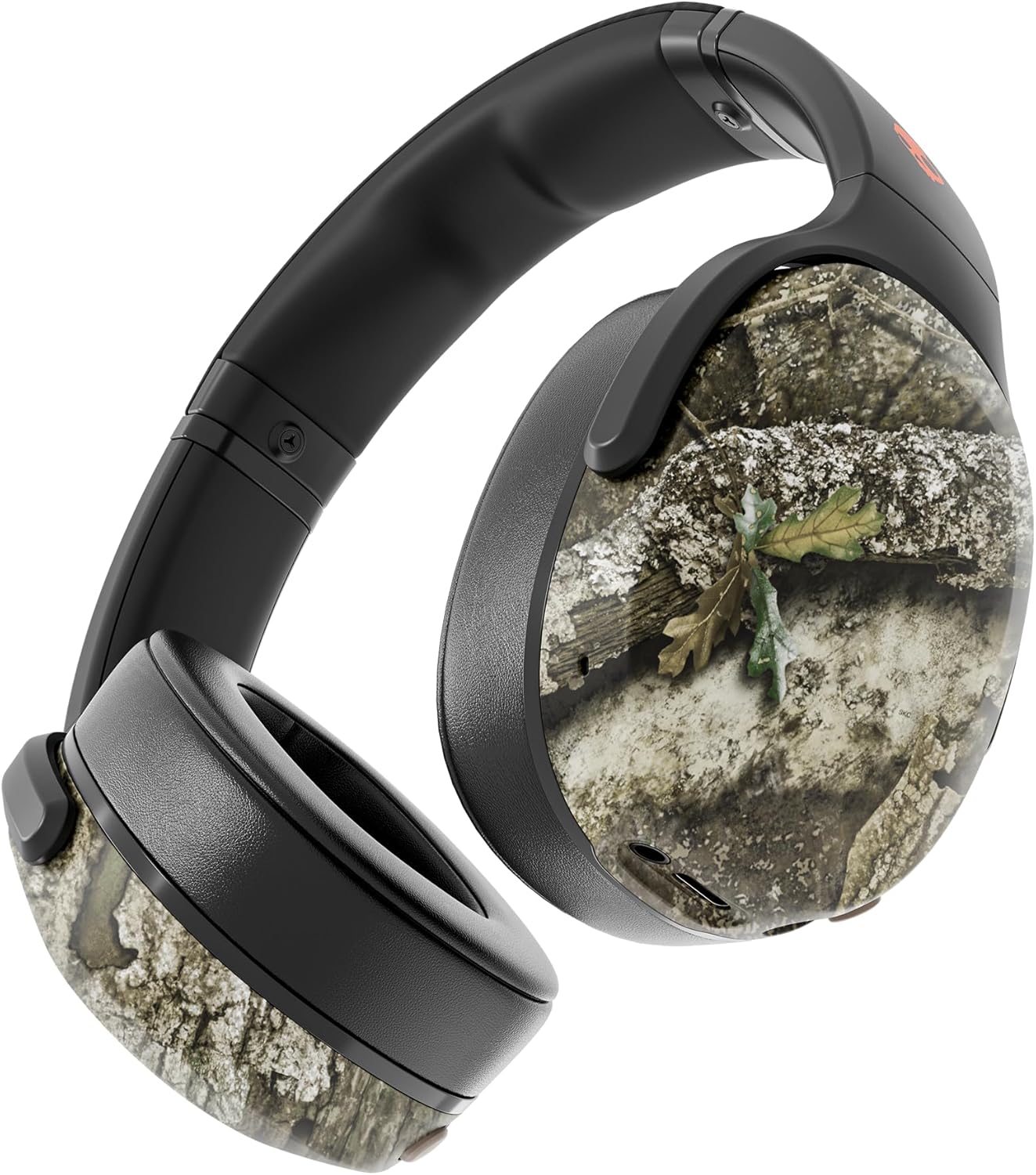
Image: The Skullcandy Crusher Evo headphones, highlighting the "Crusher Sensory Bass" feature, which allows users to feel the bass.
Video: This video demonstrates the multi-sensory bass feature of the Crusher Evo headphones by showing its effect on water, creating ripples. This illustrates how the bass can be physically felt.
Video: This video captures various individuals reacting to the Crusher Bass, showcasing the immersive and impactful experience provided by the headphones' unique bass technology.
3. Flat-Folding and Collapsible Design
The headphones are designed to fold flat and collapse for easy storage and portability. This compact design makes them convenient for travel and daily commutes.
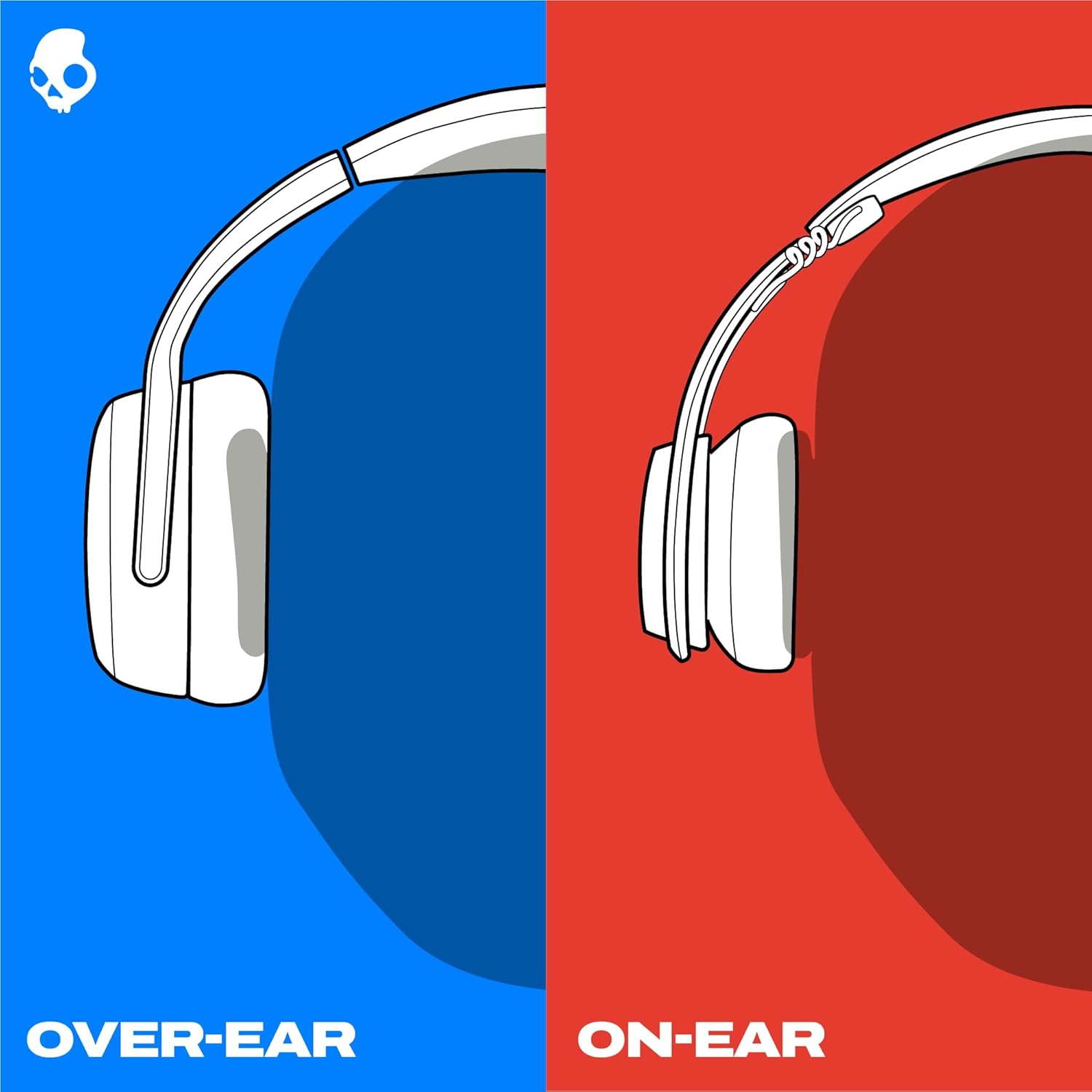
Image: The Skullcandy Crusher Evo headphones are shown folded flat, demonstrating their compact design for easy storage and travel.
ບໍາລຸງຮັກສາ
- ທໍາຄວາມສະອາດ: ໃຊ້ຜ້າອ່ອນ, ແຫ້ງເພື່ອເຮັດຄວາມສະອາດຫູຟັງ. ຫຼີກເວັ້ນການນໍາໃຊ້ສານເຄມີທີ່ຮຸນແຮງຫຼືວັດສະດຸຂັດ.
- ການເກັບຮັກສາ: When not in use, store the headphones in their protective case to prevent damage. Keep them in a cool, dry place away from extreme temperatures.
- ການດູແລຫມໍ້ໄຟ: ເພື່ອຍືດອາຍຸແບັດເຕີຣີ, ຫຼີກເວັ້ນການຖອດຫູຟັງອອກເຕັມທີ່ເລື້ອຍໆ. ໄລ່ພວກມັນເປັນປົກກະຕິ, ເຖິງແມ່ນວ່າບໍ່ໄດ້ໃຊ້ສໍາລັບໄລຍະເວລາທີ່ຍາວນານ.
ການແກ້ໄຂບັນຫາ
No Power / Not Charging
- Ensure the USB-C charging cable is securely connected to both the headphones and a working power source.
- ລອງໃຊ້ສາຍ USB-C ແລະອະແດັບເຕີໄຟອື່ນ.
- ກວດເບິ່ງພອດສາກໄຟສໍາລັບສິ່ງເສດເຫຼືອຫຼືຄວາມເສຍຫາຍໃດໆ.
ບັນຫາການເຊື່ອມຕໍ່ Bluetooth
- Make sure the headphones are in pairing mode (flashing blue and red LED).
- ໃຫ້ແນ່ໃຈວ່າ Bluetooth ຖືກເປີດໃຊ້ຢູ່ໃນອຸປະກອນຂອງທ່ານ.
- Forget "Crusher Evo" from your device's Bluetooth settings and attempt to re-pair.
- Move the headphones closer to your device to ensure they are within range.
ບໍ່ມີສຽງ / ລະດັບສຽງຕ່ໍາ
- ກວດເບິ່ງລະດັບສຽງໃນທັງຫູຟັງ ແລະອຸປະກອນທີ່ເຊື່ອມຕໍ່ຂອງທ່ານ.
- ກວດໃຫ້ແນ່ໃຈວ່າຫູຟັງຖືກຈັບຄູ່ ແລະເຊື່ອມຕໍ່ຢ່າງຖືກຕ້ອງ.
- If using the auxiliary cable, ensure it is fully plugged into both the headphones and the audio source.
- ທົດສອບດ້ວຍແຫຼ່ງສຽງ ຫຼືອຸປະກອນອື່ນ.
ຂໍ້ມູນຈໍາເພາະ
| ຍີ່ຫໍ້ | Skullcandy |
| ຊື່ຕົວແບບ | Crusher Evo |
| ໝາຍເລກຕົວແບບ | S6EVW-T991 |
| ເຕັກໂນໂລຊີການເຊື່ອມຕໍ່ | ໄຮ້ສາຍ (Bluetooth 5.0) |
| ການຈັດວາງຫູ | ເກີນຫູ |
| ຊີວິດຫມໍ້ໄຟ | ສູງສຸດ 40 ຊົ່ວໂມງ |
| ຮັບຜິດຊອບຢ່າງໄວວາ | 10 ນາທີຄິດໄລ່ສໍາລັບການຫຼິ້ນ 4 ຊົ່ວໂມງ |
| impedance | 32 ໂອມ |
| ການຕອບສະໜອງຄວາມຖີ່ | 20 Hz - 20,000 Hz |
| ຄວາມອ່ອນໄຫວ | 100 dB |
| ການຄວບຄຸມສິ່ງລົບກວນ | ການແຍກສຽງ |
| ນ້ຳໜັກ | 0.01 ອອນສ໌ (ປະມານ 0.28 ກຣາມ) |
ການຮັບປະກັນແລະການສະຫນັບສະຫນູນ
The Skullcandy Crusher Evo headphones come with a ການຮັບປະກັນຈຳກັດ 1 ປີຂອງສະຫະລັດ. This warranty covers manufacturing defects and ensures your product functions as intended under normal use.
For warranty claims, technical support, or further assistance, please visit the official Skullcandy support webເວັບໄຊ ຫຼືຕິດຕໍ່ບໍລິການລູກຄ້າຂອງເຂົາເຈົ້າ. ຮັກສາຫຼັກຖານການຊື້ຂອງທ່ານສໍາລັບການຮັບປະກັນຄວາມຖືກຕ້ອງ.