
1. ບົດແນະນຳ
This manual provides essential information for setting up, operating, and maintaining your TCL 98Q7K 98-inch QLED 4K Google TV. This television features a stunning QLED 4K display with a 144 Hz panel for smooth motion, integrated Google TV for smart functionality, and advanced audio with Dolby Atmos. It also includes Google Assistant and Alexa compatibility for hands-free voice control, VisionHDR10+, and AiPQ™ processing for optimized picture quality.

2. ຕັ້ງຄ່າ
2.1 Unboxing ແລະ Initial Inspection
Carefully remove the television from its packaging. Inspect the TV and all included accessories for any signs of damage. Keep the packaging materials for future transport or service needs.
2.2 ການຕິດຕັ້ງຂາຕັ້ງ
If you plan to use the TV with its included stand, follow these steps:
- ວາງຈໍໂທລະທັດລົງເທິງພື້ນຜິວທີ່ຮາບພຽງເພື່ອປ້ອງກັນຮອຍຂີດຂ່ວນ.
- ຈັດວາງອົງປະກອບຂາຕັ້ງກັບຊ່ອງທີ່ກໍານົດຢູ່ດ້ານລຸ່ມຂອງໂທລະພາບ.
- Secure the stand using the screws provided in the accessory kit. Ensure all screws are tightened firmly.

2.3 ການຕິດຝາ (ທາງເລືອກ)
For wall mounting, a compatible VESA wall mount (not included) is required. Due to the size and weight of the 98-inch television, professional installation is highly recommended to ensure safety and proper mounting. Refer to the wall mount manufacturer's instructions for specific installation details.
2.4 ການເຊື່ອມຕໍ່ອຸປະກອນຕໍ່
Connect your external devices such as Blu-ray players, gaming consoles, sound systems, and cable/satellite boxes to the appropriate ports on the TV. The TCL 98Q7K features 4 HDMI ports and 2 USB ports for versatile connectivity.
3. ຄໍາແນະນໍາການດໍາເນີນງານ
3.1 ເປີດ/ປິດ
Connect the power cord to the TV and a power outlet. Press the power button on the remote control or on the TV itself to turn the television on or off.
3.2 Initial Setup with Google TV
Upon first power-on, the TV will guide you through the initial setup process for Google TV. This includes selecting your language, connecting to a Wi-Fi network, signing in with your Google account, and configuring basic settings. Follow the on-screen prompts.

3.3 ຫນ້າທີ່ຄວບຄຸມໄລຍະໄກ
The included remote control allows you to navigate the TV's interface, adjust volume, change channels, and access smart features. It supports voice control via Google Assistant and Alexa. Insert the provided batteries into the remote control before use.
3.4 ຄຸນສົມບັດອັດສະລິຍະ ແລະການຄວບຄຸມດ້ວຍສຽງ
- Google TV: Access a wide range of streaming apps, movies, and shows.
- ຜູ້ຊ່ວຍ Google ແລະ Alexa: Use voice commands for hands-free control of your TV, search for content, get information, and control smart home devices.
- Chromecast ໃນຕົວ: ຄາສທເນື້ອຫາຈາກອຸປະກອນມືຖືທີ່ເຂົ້າກັນໄດ້ຂອງທ່ານໄປຫາໂທລະພາບໂດຍກົງ.
3.5 ຄຸນສົມບັດການຫຼິ້ນເກມ
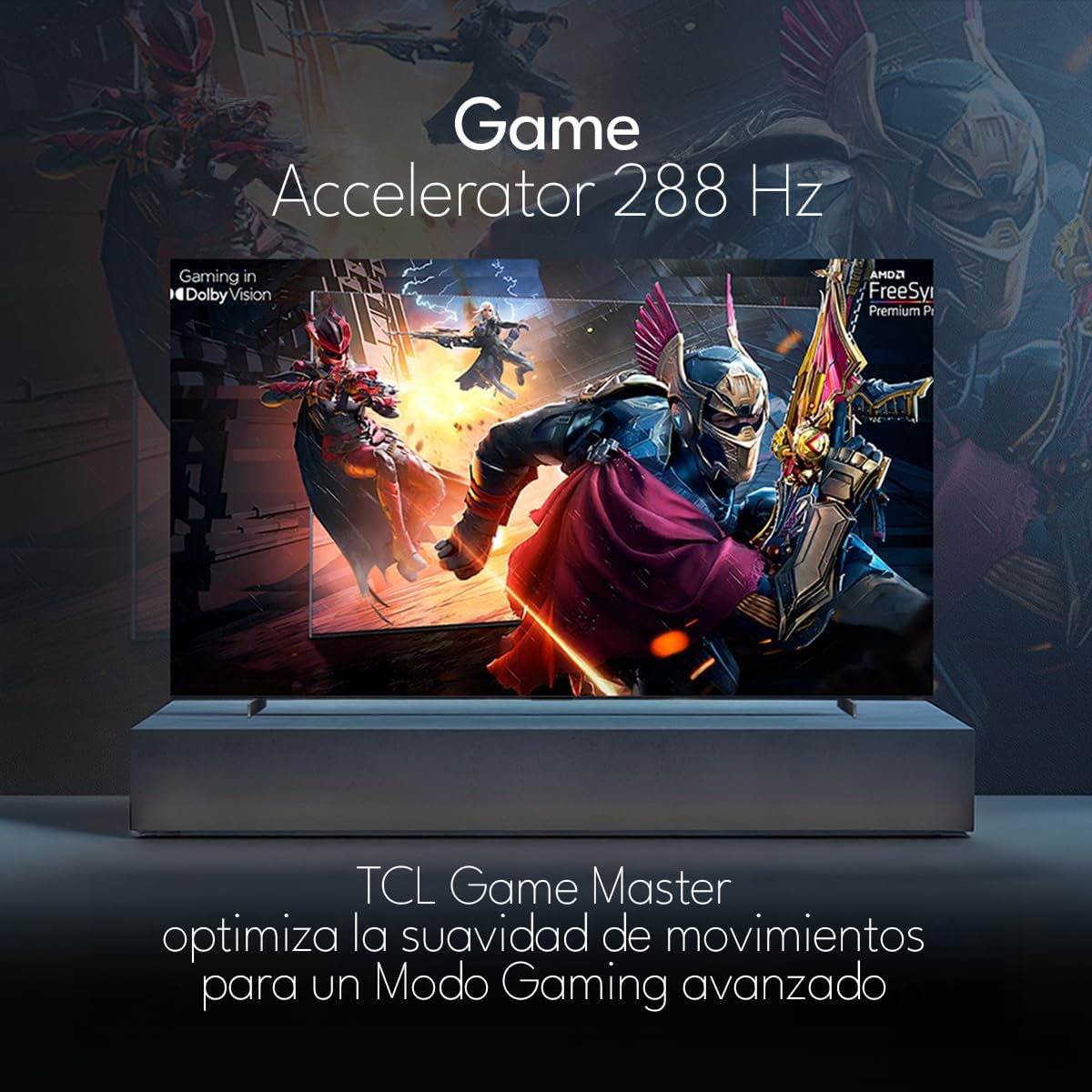
The TCL 98Q7K features a 144 Hz panel and Game Accelerator technology for an enhanced gaming experience with reduced latency and smoother motion.

3.6 ຄຸນສົມບັດສຽງ
Experience immersive sound with Dolby Atmos and the integrated ONKYO Hi-Fi System 2.1 Channels, providing clear vocals and deep bass.

3.7 ຜະລິດຕະພັນເກີນview ວິດີໂອ
4. ບໍາລຸງຮັກສາ
4.1 ການທໍາຄວາມສະອາດຫນ້າຈໍ
ເພື່ອເຮັດຄວາມສະອາດໜ້າຈໍ, ຄ່ອຍໆເຊັດມັນດ້ວຍຜ້າທີ່ອ່ອນໆ, ບໍ່ມີສານຂັດ. ສໍາລັບຮອຍແຂງ, ເບົາບາງ dampໃສ່ຜ້າດ້ວຍນ້ໍາຫຼືເຄື່ອງເຮັດຄວາມສະອາດຫນ້າຈໍພິເສດ. ຫຼີກເວັ້ນການນໍາໃຊ້ສານເຄມີທີ່ຮຸນແຮງ, ວັດສະດຸຂັດ, ຫຼືການສີດນ້ໍາໂດຍກົງໃສ່ຫນ້າຈໍ.
4.2 ການທໍາຄວາມສະອາດຮ່າງກາຍໂທລະທັດ
Wipe the TV body with a soft, dry cloth. Do not use liquid cleaners directly on the TV body.
4.3 ການປັບປຸງຊອບແວ
Your TCL Google TV may receive automatic software updates. To manually check for updates, navigate to the settings menu, then select System > About > System update. Ensure your TV is connected to the internet for updates.
5. ການແກ້ໄຂບັນຫາ
ຖ້າຫາກທ່ານພົບບັນຫາກັບໂທລະພາບຂອງທ່ານ, ເບິ່ງວິທີແກ້ໄຂທົ່ວໄປດັ່ງຕໍ່ໄປນີ້:
- ບໍ່ມີພະລັງງານ:
ກວດໃຫ້ແນ່ໃຈວ່າໄດ້ສຽບສາຍໄຟຢ່າງປອດໄພໃສ່ທັງໂທລະພາບ ແລະປລັກສຽບໄຟທີ່ເຮັດວຽກໄດ້. ລອງສຽບອຸປະກອນອື່ນໃສ່ປລັກສຽບດຽວກັນເພື່ອຢືນຢັນວ່າມັນມີໄຟ. - ບໍ່ມີຮູບພາບ ຫຼືສຽງ:
Verify that the correct input source is selected (e.g., HDMI 1, AV). Check all cable connections between the TV and external devices. Ensure the volume is not muted or set to minimum. - ການຄວບຄຸມໄລຍະໄກບໍ່ເຮັດວຽກ:
ປ່ຽນແບັດໃນຣີໂມດຄວບຄຸມ. ກວດໃຫ້ແນ່ໃຈວ່າບໍ່ມີສິ່ງກີດຂວາງລະຫວ່າງຣີໂໝດ ແລະເຊັນເຊີ IR ຂອງໂທລະທັດ. - ບັນຫາການເຊື່ອມຕໍ່ເຄືອຂ່າຍ:
Check your Wi-Fi router and ensure it is powered on and functioning correctly. Restart the TV and your router. In the TV settings, verify the Wi-Fi connection status. - ບັນຫາຄຸນນະພາບຮູບ (ເຊັ່ນ: ມົວ, ບິດເບືອນ):
Check the resolution settings of your input source. Ensure the cables are not damaged. Adjust picture settings (brightness, contrast, sharpness) in the TV menu.
For persistent issues, consult the full electronic manual available through the TV's help menu or contact TCL customer support.
6. ຂໍ້ມູນຈໍາເພາະ
| ຄຸນສົມບັດ | ຂໍ້ມູນຈໍາເພາະ |
|---|---|
| ຂະໜາດໜ້າຈໍ | 98 ນິ້ວ |
| ເຕັກໂນໂລຊີການສະແດງ | QLED |
| ຄວາມລະອຽດ | 4K (3840 x 2160) |
| ອັດຕາການໂຫຼດຂໍ້ມູນຄືນໃໝ່ | 144 Hz |
| ສະຫນັບສະຫນູນຮູບແບບ HDR | Dolby Vision, HDR10, HDR10+, HLG |
| ຄວາມສະຫວ່າງສູງສຸດ | 450 NITS |
| ລະບົບສຽງ | Dolby Atmos, Dolby Digital, ONKYO Hi-Fi System 2.1 Channels |
| ລະບົບປະຕິບັດການ | Google TV |
| ການຄວບຄຸມສຽງ | ຜູ້ຊ່ວຍ Google, Alexa |
| ການເຊື່ອມຕໍ່ | Wi-Fi, Ethernet, 4x HDMI, 2x USB |
| ຂະໜາດ (ມີຂາຕັ້ງ) | 217.8 x 128.5 x 42 cm |
| ຂະໜາດ (ບໍ່ມີຂາຕັ້ງ) | 0.06prof. x 2.18an. x 1.25alt. Meters (approx. 6 cm depth) |
| ປີຕົວແບບ | 2025 |
| ອົງປະກອບລວມ | Manual, Remote Control, Batteries |
7. ການຮັບປະກັນແລະການສະຫນັບສະຫນູນ
7.1 ການຮັບປະກັນຜະລິດຕະພັນ
The TCL 98Q7K television comes with a ຮັບປະກັນ 2 ປີຈໍາກັດ ຈາກວັນທີ່ຊື້. ການຮັບປະກັນນີ້ກວມເອົາຄວາມບົກຜ່ອງດ້ານການຜະລິດແລະການເຮັດວຽກຜິດປົກກະຕິພາຍໃຕ້ການນໍາໃຊ້ປົກກະຕິ. ກະລຸນາຮັກສາຫຼັກຖານການຊື້ຂອງທ່ານສໍາລັບການຮຽກຮ້ອງການຮັບປະກັນ.
7.2 ສະຫນັບສະຫນູນລູກຄ້າ
For technical assistance, troubleshooting beyond this manual, or warranty inquiries, please contact TCL customer support. Refer to the contact information provided in the separate warranty card or visit the official TCL webເວັບໄຊສໍາລັບພາກພື້ນຂອງທ່ານ.