ແນະນຳ
This manual provides instructions for the proper use and maintenance of your Generic BD-1 Wireless Active Noise Cancelling Headphones. Please read this manual thoroughly before using the product to ensure optimal performance and longevity.
ແມ່ນຫຍັງຢູ່ໃນກ່ອງ
- 1 x Generic BD-1 Wireless Active Noise Cancelling Headphones
- 1 x ສາຍສາກ USB
- ສາຍສຽງ 1 x 3.5 ມມ
- 1 x ຄູ່ມືຜູ້ໃຊ້
ຄຸນສົມບັດຜະລິດຕະພັນ
- Active Noise Cancellation: ຫຼຸດຜ່ອນສຽງລົບກວນອ້ອມຂ້າງເພື່ອປະສົບການສຽງທີ່ສົມຈິງ.
- ໄມໂຄຣໂຟນໃນຕົວ: Enables clear hands-free calling.
- ຂະຫຍາຍເວລາຫຼິ້ນ: ການຫຼິ້ນສຽງສູງສຸດ 30 ຊົ່ວໂມງດ້ວຍການສາກຄັ້ງດຽວ.
- ການເຊື່ອມຕໍ່ສອງໂໝດ: Supports both wireless (Bluetooth) and wired (3.5mm audio cable) connections.
- ການອອກແບບທີ່ສະດວກສະບາຍ: Features an adjustable headband and soft memory protein ear cups for extended wear.
- ການອອກແບບແບບພັບ: ອະນຸຍາດໃຫ້ມີການເກັບຮັກສາ ແລະ ການພົກພາທີ່ກະທັດຮັດ.
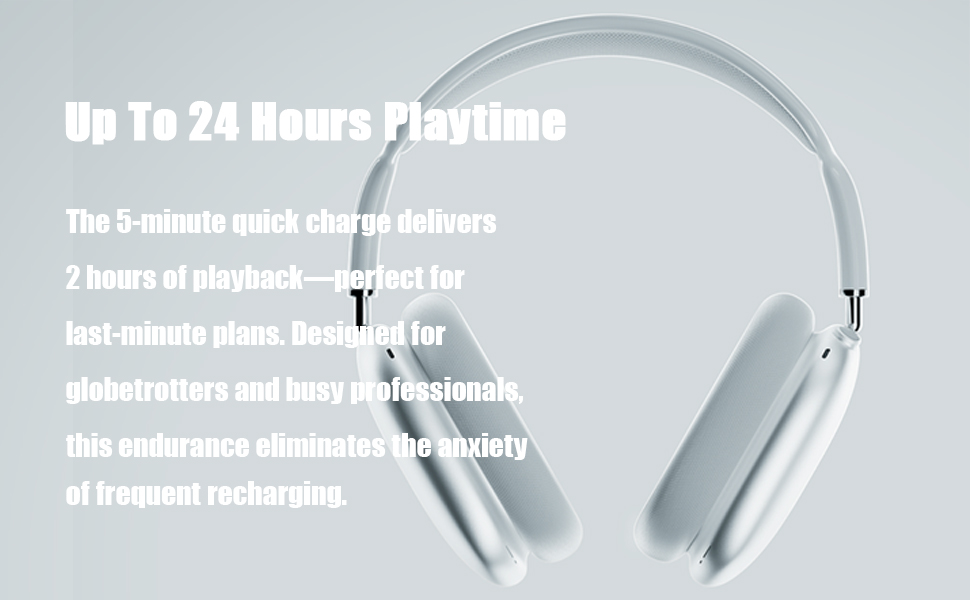
Image: High-fidelity audio capabilities of the headphones.

ຮູບພາບ: ລາຍລະອຽດ view of the adjustable headband, multi-angle rotation, memory protein cushion, and breathable mesh for comfort.
ຕັ້ງຄ່າ
1. ການສາກຫູຟັງ
- ເຊື່ອມຕໍ່ສາຍສາກໄຟ USB ທີ່ໃຫ້ມາເຂົ້າກັບພອດສາກໄຟໃນຫູຟັງ.
- ເຊື່ອມຕໍ່ປາຍອີກດ້ານໜຶ່ງຂອງສາຍ USB ກັບແຫຼ່ງພະລັງງານ USB ທີ່ເຂົ້າກັນໄດ້ (ເຊັ່ນ: ຄອມພິວເຕີ, ອະແດບເຕີຕິດຝາ).
- ໄຟຕົວຊີ້ວັດຈະສະແດງສະຖານະການສາກໄຟ. ໂດຍປົກກະຕິການສາກເຕັມຈະໃຊ້ເວລາປະມານ 1.5 ຊົ່ວໂມງ.
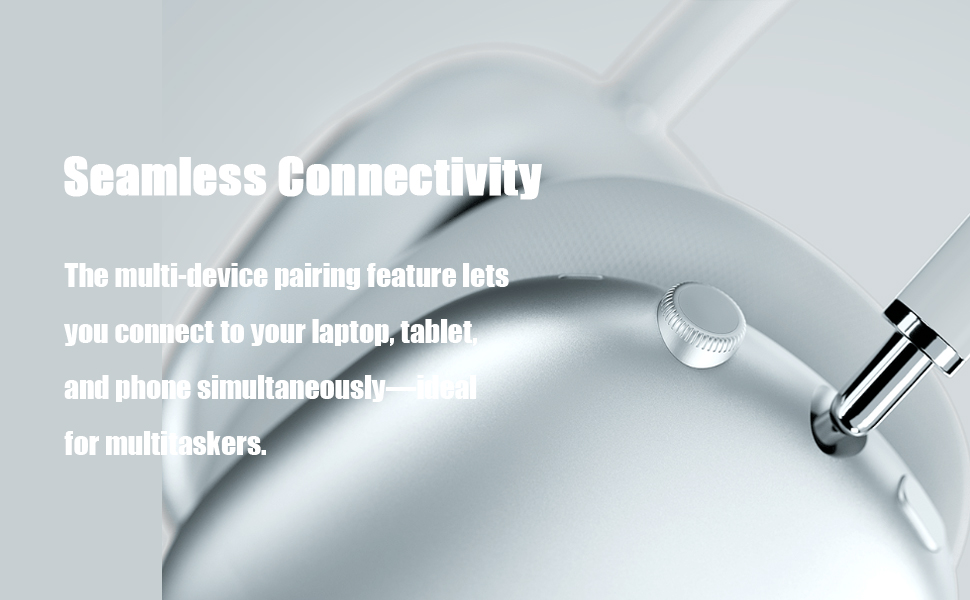
Image: Headphones illustrating extended playtime after charging.
2. ການຈັບຄູ່ Bluetooth
- ກວດໃຫ້ແນ່ໃຈວ່າໄດ້ສາກຫູຟັງແລ້ວ.
- Press and hold the Power button on the headphones for 3 seconds to turn them on. The indicator light will flash, indicating pairing mode.
- ໃນອຸປະກອນຂອງທ່ານ (ໂທລະສັບສະຫຼາດ, ແທັບເລັດ, ຄອມພິວເຕີ), ເປີດ Bluetooth ແລະຊອກຫາອຸປະກອນທີ່ມີຢູ່.
- Select "Generic BD-1" (or similar name) from the list of found devices to connect.
- ເມື່ອເຊື່ອມຕໍ່ແລ້ວ, ການເຕືອນດ້ວຍສຽງຈະຢືນຢັນການຈັບຄູ່ສຳເລັດ.

Image: Headphones demonstrating seamless connectivity across multiple devices.
ຄໍາແນະນໍາການດໍາເນີນງານ
ການຄວບຄຸມview

Image: Easy operation buttons and their functions.
- ເປີດ/ປິດ: ກົດປຸ່ມເປີດປິດຄ້າງໄວ້ 3 ວິນາທີ.
- ການຄວບຄຸມລະດັບສຽງ: ໝຸນເຄື່ອງຄວບຄຸມລະດັບສຽງຕາມເຂັມໂມງເພື່ອເພີ່ມສຽງ, ທວນເຂັມໂມງເພື່ອຫຼຸດລະດັບສຽງ.
- ຫຼິ້ນ/ຢຸດ: ກົດປຸ່ມຄວບຄຸມຄັ້ງດຽວ.
- ເພງຕໍ່ໄປ: ຄລິກສອງຄັ້ງທີ່ປຸ່ມຄວບຄຸມ.
- ເພງກ່ອນໜ້າ: Triple-click the control button.
- ຕອບ/ວາງສາຍ: Click the control button once during an incoming call or active call.
- ປະຕິເສດການໂທ: Double-click the control button during an incoming call.
ການຍົກເລີກສິ່ງລົບກວນທີ່ໃຊ້ວຽກ (ANC)
The headphones feature hybrid active noise cancellation technology designed to detect and block a wide range of low and medium frequency noises, enhancing your listening experience. This feature operates automatically to provide a quieter environment.
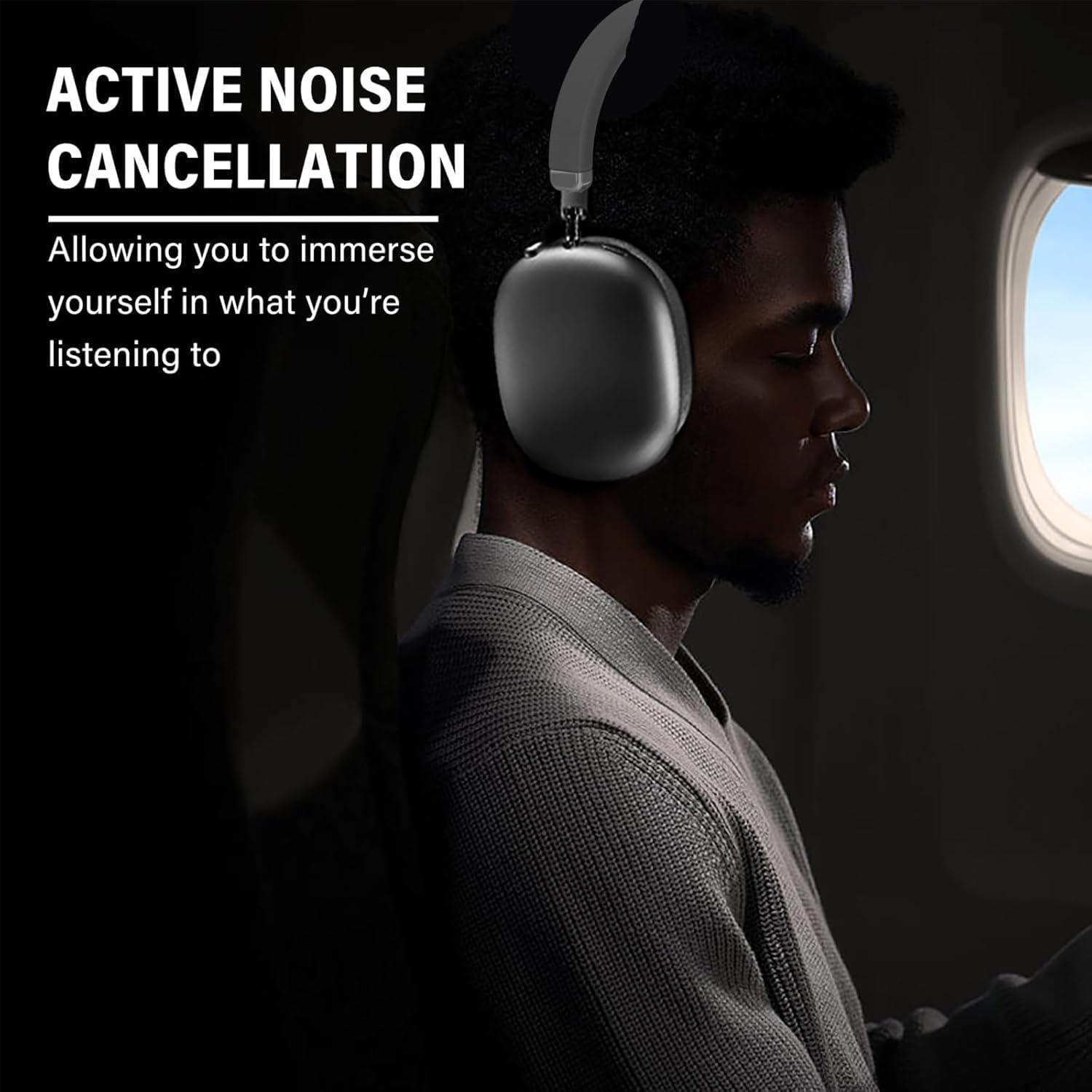
Image: Active Noise Cancellation in use, providing an immersive experience.
ໂທຟຣີ
The integrated microphone allows for clear hands-free communication. Use the control button to manage calls as described above.

Image: Headphones facilitating crystal clear calls with a built-in microphone.
ບໍາລຸງຮັກສາ
ທໍາຄວາມສະອາດ
- ເຊັດຫູຟັງດ້ວຍຜ້າອ່ອນ, ແຫ້ງ.
- ຢ່າໃຊ້ເຄື່ອງເຮັດຄວາມສະອາດຂັດຫຼືສານລະລາຍ.
- Avoid exposing the headphones to excessive moisture.
ການເກັບຮັກສາ
ເມື່ອບໍ່ໄດ້ໃຊ້ງານ, ໃຫ້ພັບຫູຟັງເພື່ອເກັບມ້ຽນທີ່ກະທັດຮັດ. ເກັບຮັກສາໄວ້ໃນບ່ອນທີ່ເຢັນ, ແຫ້ງ ແລະ ຫ່າງຈາກແສງແດດໂດຍກົງ ແລະ ອຸນຫະພູມທີ່ຮຸນແຮງ.
Image: Foldable design for convenient storage and portability.
ການແກ້ໄຂບັນຫາ
- ບໍ່ມີພະລັງງານ: ກວດໃຫ້ແນ່ໃຈວ່າຫູຟັງຖືກສາກເຕັມແລ້ວ.
- ບໍ່ສາມາດຈັບຄູ່ໄດ້: ໃຫ້ແນ່ໃຈວ່າ Bluetooth ເປີດໃຊ້ຢູ່ໃນອຸປະກອນຂອງທ່ານແລ້ວ ແລະ ຫູຟັງຢູ່ໃນໂໝດຈັບຄູ່. ລອງຣີສະຕາດອຸປະກອນທັງສອງ.
- ບໍ່ມີສຽງ: Check the volume levels on both the headphones and your connected device. Ensure the headphones are properly paired. If using the 3.5mm audio cable, ensure it is securely connected.
- ຄຸນະພາບສຽງບໍ່ດີ: Move closer to your connected device to reduce interference. Ensure there are no obstructions between the headphones and the device.
ຂໍ້ມູນຈໍາເພາະ
| ຄຸນສົມບັດ | ລາຍລະອຽດ |
|---|---|
| ຊື່ຕົວແບບ | BD-1 |
| ການຄວບຄຸມສິ່ງລົບກວນ | Active Noise Cancellation |
| ເຕັກໂນໂລຊີການເຊື່ອມຕໍ່ | ໄຮ້ສາຍ (Bluetooth 5.0) |
| ຊ່ວງ Bluetooth | ສູງເຖິງ 10 ແມັດ (33 ຟຸດ) |
| Jack ຫູຟັງ | Jack ຂະ ໜາດ 3.5 ມມ |
| ຊີວິດຫມໍ້ໄຟ | ສູງສຸດ 30 ຊົ່ວໂມງ |
| ເວລາສາກໄຟ | ປະມານ. 1.5 ຊົ່ວໂມງ |
| ວັດສະດຸ | ພາດສະຕິກ, ເທີໂມພລາສຕິກອີລາສໂຕເມີ (TPE) |
| ນ້ໍາຫນັກລາຍການ | 6.1 ອອນສ໌ (0.38 ປອນ) |
| ລະດັບຄວາມຕ້ານທານນ້ໍາ | ບໍ່ທົນທານຕໍ່ນ້ໍາ |
| ປະເພດການຄວບຄຸມ | Media Control, Touch, Wireless |
ການຮັບປະກັນແລະການສະຫນັບສະຫນູນ
Your Generic BD-1 Wireless Active Noise Cancelling Headphones come with a 12-month warranty from the date of purchase. Additionally, a 30-day free return policy is available.
For support or warranty claims, please contact the seller, SDWEGHAW, through your purchase platform.
ວິດີໂອສາທິດຜະລິດຕະພັນ
Video: A demonstration of the headphones, including unboxing, physical features, and Bluetooth pairing process.


