
ແນະນຳ
This manual provides essential information for the setup, operation, and maintenance of your PowerA Enhanced Wireless Controller, featuring the unique Pikachu vs. Gengar design. This officially licensed controller is designed to enhance your gaming experience on Nintendo Switch, Nintendo Switch Lite, and Nintendo Switch (OLED Model) consoles.
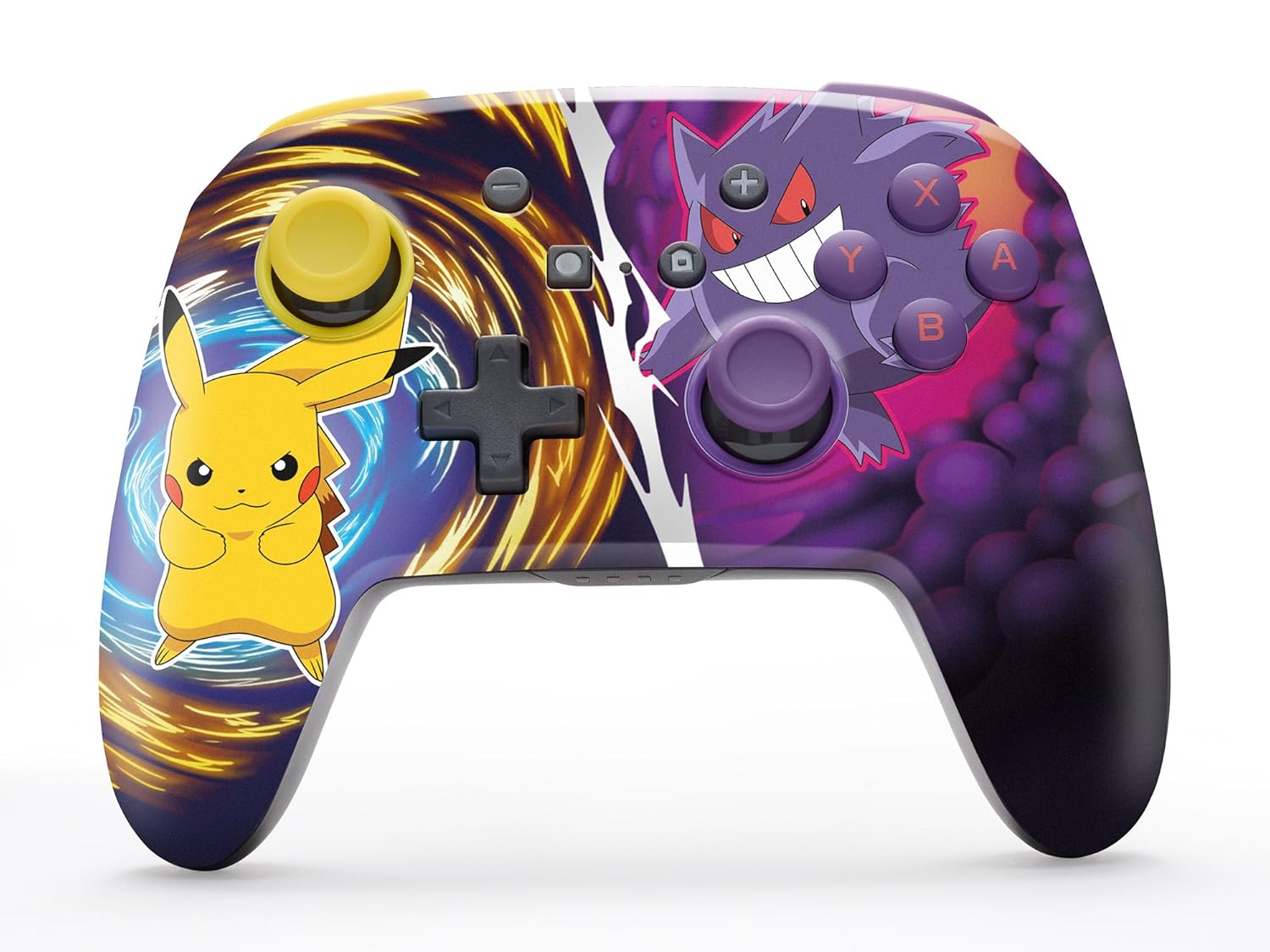
The PowerA Enhanced Wireless Controller with Pikachu vs. Gengar artwork.
ຄຸນນະສົມບັດທີ່ສໍາຄັນ
- ການເຊື່ອມຕໍ່ແບບໄຮ້ສາຍ: Utilizes Bluetooth 5.0 technology for a stable connection.
- ແບັດເຕີຣີທີ່ສາມາດສາກໄດ້: Integrated lithium-ion battery provides up to 30 hours of gameplay per charge.
- Mappable Advanced Gaming Buttons: Two programmable buttons on the back for custom control.
- ການອອກແບບ Ergonomic: Superior ergonomics for extended comfortable gaming sessions.
- Smooth Thumbstick Control: Embedded anti-friction rings ensure precise and fluid movement.
- ການຄວບຄຸມການເຄື່ອນໄຫວ: Supports intuitive motion controls for compatible games.

Ergonomic design for comfortable gameplay.
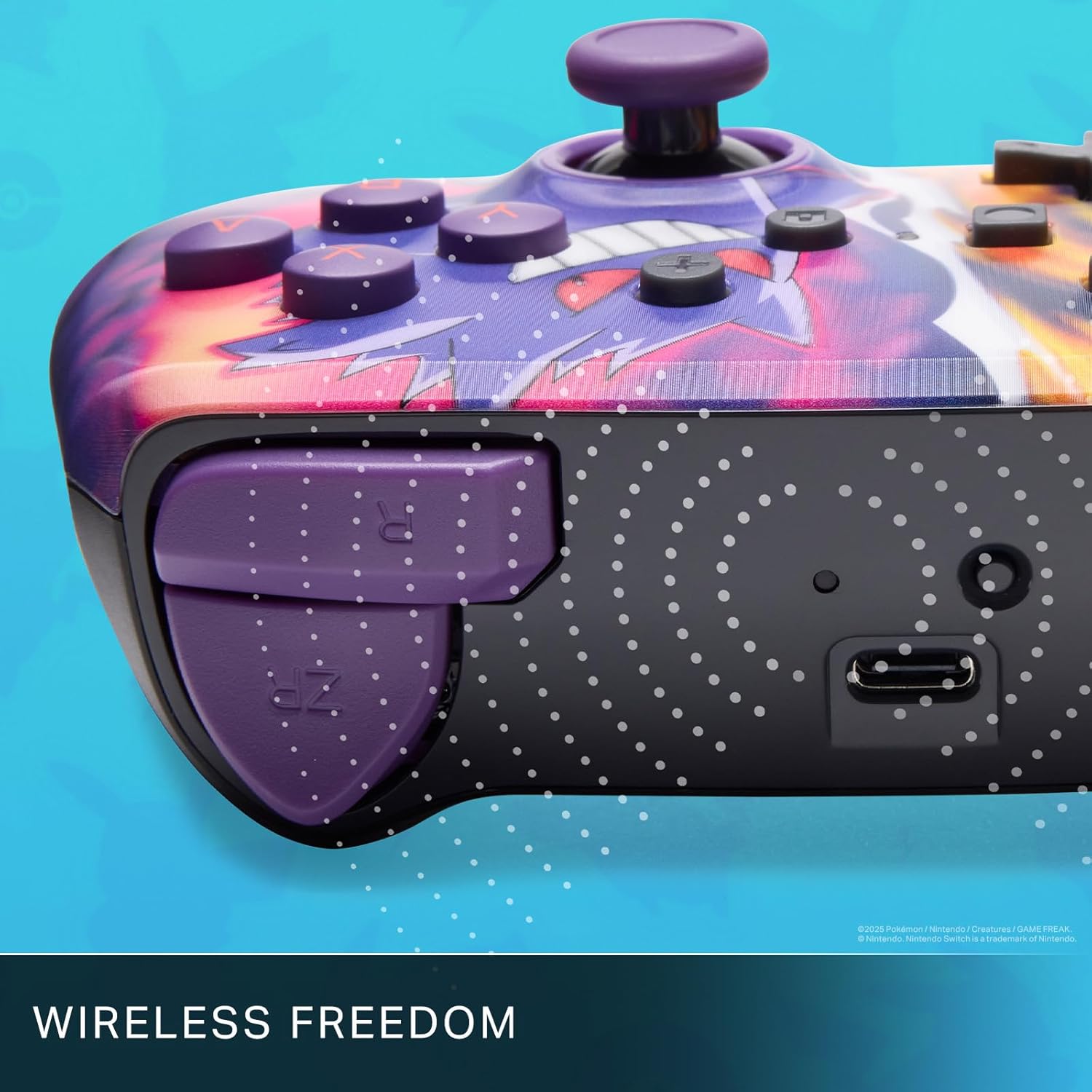
Enjoy wireless freedom with Bluetooth 5.0 technology.
ການຕັ້ງຄ່າແລະການຈັບຄູ່
- ໃຫ້ແນ່ໃຈວ່າເຄື່ອງຫຼີ້ນເກມ Nintendo Switch ຂອງທ່ານເປີດຢູ່ ແລະ ອັບເດດເປັນຊອບແວລະບົບລ່າສຸດແລ້ວ.
- ຈາກຫນ້າທໍາອິດເມນູ, ເລືອກ ຜູ້ຄວບຄຸມ, ແລ້ວ ປ່ຽນ Grip/Order.
- ກົດຄ້າງໄວ້ ປຸ່ມ SYNC on the top edge of your PowerA Enhanced Wireless Controller for at least one second. The Player LED(s) will flash.
- Once paired, the Player LED(s) corresponding to the controller number will remain lit.
- ກົດ ປຸ່ມ to confirm and exit the menu. Your controller is now ready for use.
ກຳລັງສາກເຄື່ອງຄວບຄຸມ
The controller features an internal 900mAh lithium-ion rechargeable battery, providing up to 30 hours of gameplay on a single charge. To charge your controller:
- Connect the included 10ft (3m) USB-C charge cable to the USB-C port on the top of the controller.
- Connect the other end of the USB-C cable to a USB power source (e.g., Nintendo Switch dock, USB wall adapter, or computer USB port).
- The LED indicator on the controller will show charging status. It will typically turn off or change color when fully charged.

Connect the USB-C cable to charge your controller.
ປຸ່ມເກມຂັ້ນສູງ
Your PowerA Enhanced Wireless Controller includes two mappable Advanced Gaming Buttons (AGBs) on the back, allowing you to assign specific button functions for quick access during gameplay.
Programming AGBs:
- ກົດ ປຸ່ມໂຄງການ on the back of the controller. The Program LED will flash, indicating programming mode.
- Press the button you wish to map (A/B/X/Y/L/R/ZL/ZR/Left Stick Click/Right Stick Click/D-Pad). The Program LED will flash rapidly.
- Press the Advanced Gaming Button (AGB L or AGB R) you want to assign the function to. The Program LED will stop flashing, indicating the AGB is now programmed.
Resetting AGBs:
To reset all Advanced Gaming Buttons to their default (no function) state, press and hold the ປຸ່ມໂຄງການ for five seconds. The Program LED will flash slowly, then turn off, confirming the reset.
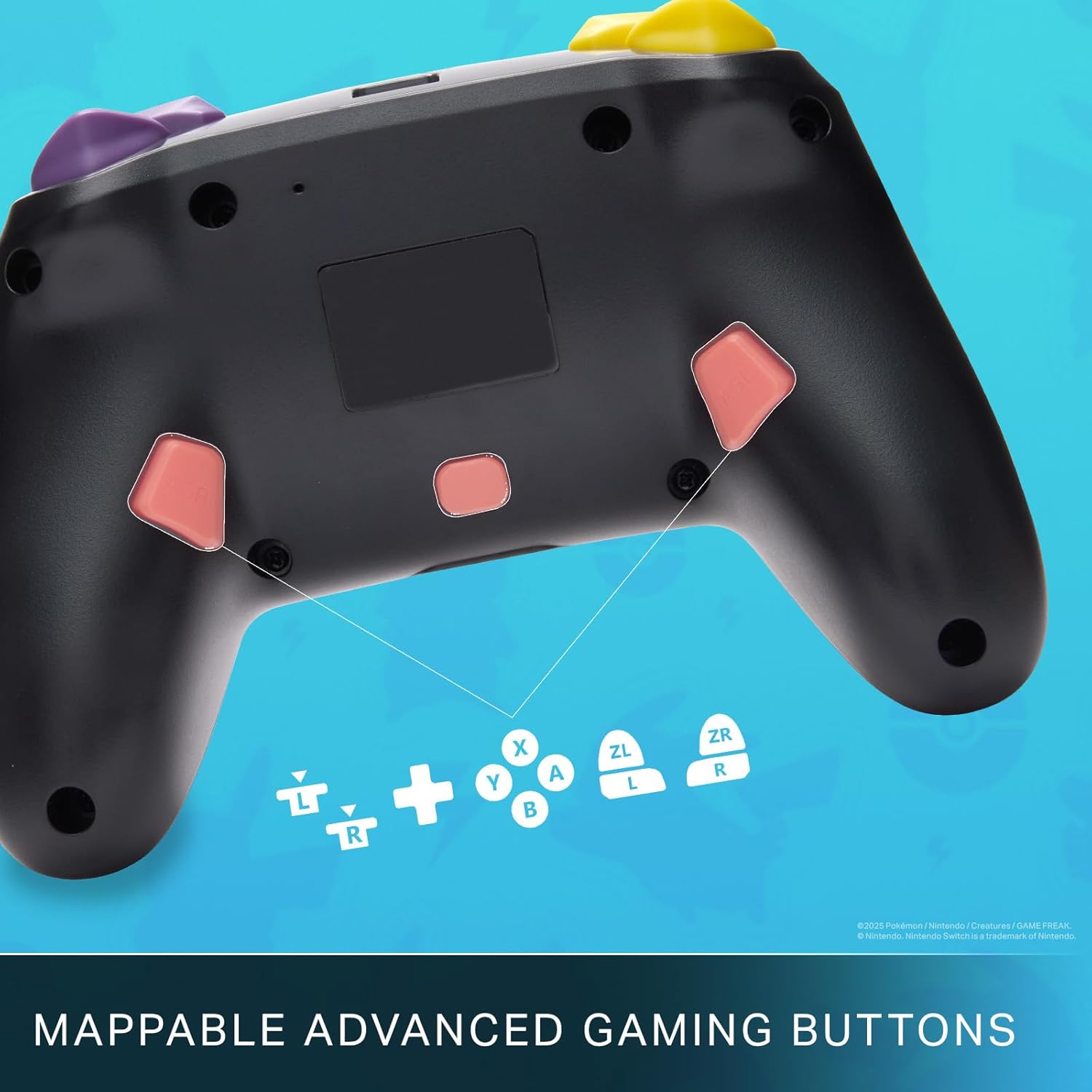
Mappable Advanced Gaming Buttons for personalized control.
ຄວາມເຂົ້າກັນໄດ້
This PowerA Enhanced Wireless Controller is compatible with the following Nintendo consoles:
- Nintendo Switch
- Nintendo Switch Lite
- Nintendo Switch (OLED Model)
- Nintendo Switch 2 (Note: C button not available)

The controller is compatible with Nintendo Switch 2, though the C button functionality is not available.
ຂໍ້ມູນຈໍາເພາະ
| ຄຸນສົມບັດ | ລາຍລະອຽດ |
|---|---|
| ອຸປະກອນທີ່ເຂົ້າກັນໄດ້ | Nintendo Switch |
| ປະເພດການຄວບຄຸມ | ແຜ່ນເກມ |
| ເຕັກໂນໂລຊີການເຊື່ອມຕໍ່ | Bluetooth, USB |
| ຄຸນສົມບັດເພີ່ມເຕີມ | Ergonomic, Wireless |
| ປະລິມານປຸ່ມ | 12 |
| ເວທີຮາດແວ | ຄອນໂຊນເກມ |
| ແຫຼ່ງພະລັງງານ | ສາກແບັດເຕີລີ່ (Rechargeable Lithium-ion) |
| ຮຸ່ນເຄື່ອງຫຼິ້ນເກມວີດີໂອທີ່ເຂົ້າກັນໄດ້ | Nintendo Switch, Nintendo Switch Lite |
| ນ້ໍາຫນັກລາຍການ | 0.68 ປອນ |
| ຂະໜາດລາຍການ | 6.02 x 4.41 x 2.48 ນິ້ວ |
| ສີ | Pikachu vs Gengar |
| ຊື່ຕົວແບບ | Pikachu vs. Gengar |
| ໝາຍເລກຕົວແບບ | NSGP0420-01R |
ການດູແລແລະບໍາລຸງຮັກສາ
- Keep the controller dry. Avoid exposure to moisture or extreme temperatures.
- ເຮັດຄວາມສະອາດເຄື່ອງຄວບຄຸມດ້ວຍຜ້າອ່ອນໆ, ແຫ້ງ. ຢ່າໃຊ້ສານເຄມີທີ່ຮຸນແຮງຫຼືວັດສະດຸຂັດ.
- ເກັບຮັກສາຕົວຄວບຄຸມໄວ້ໃນບ່ອນທີ່ປອດໄພເມື່ອບໍ່ໄດ້ໃຊ້ງານເພື່ອປ້ອງກັນຄວາມເສຍຫາຍ.
ການແກ້ໄຂບັນຫາ
ຕົວຄວບຄຸມບໍ່ໄດ້ເຊື່ອມຕໍ່:
- ກວດໃຫ້ແນ່ໃຈວ່າໄດ້ສາກເຕັມແລ້ວ.
- Verify the controller is within the Bluetooth range of your Nintendo Switch console.
- Attempt to re-pair the controller following the "Setup and Pairing" instructions.
Unresponsive Buttons/Joysticks:
- ກວດສອບວ່າມີສິ່ງກີດຂວາງທາງກາຍະພາບ ຫຼື ສິ່ງເສດເຫຼືອອ້ອມປຸ່ມ ຫຼື ຈອຍສະຕິກຫຼືບໍ່.
- Perform a hard reset by holding the SYNC button for 10 seconds, then attempt to re-pair.
- Ensure the controller's firmware is up to date (check PowerA's official webເວັບໄຊສໍາລັບການປັບປຸງ).
ການຮັບປະກັນແລະການສະຫນັບສະຫນູນ
This PowerA Enhanced Wireless Controller comes with a ຮັບປະກັນ ຈຳ ກັດສອງປີ. For detailed warranty information, product support, and troubleshooting assistance, please visit the official PowerA support webເວັບໄຊ: