
1. ບົດແນະນຳ
Thank you for choosing the LinZong Dualview Dash Cam 1080P. This device is designed to record your driving journey with high-definition video, providing security and peace of mind. This manual provides detailed instructions for the proper installation, operation, and maintenance of your dash camera. Please read it thoroughly before use.
2. ຜະລິດຕະພັນເກີນview
The LinZong Dualview Dash Cam features a dual-channel recording system, capturing both the road ahead and the vehicle's interior. It includes a 3.16-inch IPS screen for immediate footage review and various functions such as night vision, parking monitoring, and loop recording.
2.1 ອົງປະກອບ ແລະການຄວບຄຸມ
Familiarize yourself with the main components and controls of your dash cam:

ຮູບພາບ: ດ້ານໜ້າ view of the LinZong Dualview Dash Cam, highlighting its features. Visible components include the TF card slot, pull back camera interface, charging port, MIC, 3.16-inch screen, front camera lens, and control buttons (Switch, UP, Down, MODE, RESET, Speakers).
- ກ້ອງໜ້າ: Records the road ahead with a 170° wide-angle view.
- Cabin Camera: Records the vehicle interior with a 140° wide-angle view and can rotate 180°.
- ໜ້າຈໍ IPS ຂະໜາດ 3.16 ນິ້ວ: ສໍາລັບການດໍາລົງຊີວິດ view, ການຫຼິ້ນ ແລະການນໍາທາງເມນູ.
- ສະລັອດຕິງບັດ TF: For inserting the memory card (up to 64GB supported).
- Charging Port (USB2.0): Connects to the car charger for power.
- ປຸ່ມຄວບຄຸມ: For navigating menus and controlling recording functions.
- ໄມໂຄຣໂຟນ (MIC): Records audio inside the cabin.
- ລໍາໂພງ: ສໍາລັບການຫຼິ້ນສຽງ.
3. ຂໍ້ມູນຈໍາເພາະ
| ຄຸນສົມບັດ | ຂໍ້ມູນຈໍາເພາະ |
|---|---|
| ພິກເຊລ | 130W |
| ຄວາມລະອຽດ | 1080p/30 Frames |
| ໜ້າຈໍ | ໜ້າຈໍ IPS ຂະໜາດ 3.16 ນິ້ວ |
| Viewໃນມຸມ | ດ້ານຫນ້າ: 170°, Cabin: 140° |
| ຟັງຊັນ | Loop Recording, Motion Detection, Parking Guard/Monitoring |
| ກາດຫນ່ວຍຄວາມຈໍາ | ຮອງຮັບສູງສຸດ 64GB (ລວມກາດ 64GB) |
| ອິນເຕີເຟດພະລັງງານ | USB2.0 |
| ແບັດເຕີຣີ | 150mAh |
| ຜົນຜະລິດ | HDMI |
| ຄວາມຖີ່ | 50/60Hz |
| ອຸນຫະພູມເຮັດວຽກ | -20°C ເຖິງ +70°C |
4. ການຕິດຕັ້ງແລະການຕິດຕັ້ງ
Follow these steps for quick and easy installation of your dash cam:
- ໃສ່ກາດຫນ່ວຍຄວາມຈໍາ: Ensure the dash cam is off. Insert the provided 64GB memory card into the TF card slot until it clicks into place.
- Mount the Dash Cam: ແນບເຄື່ອງດູດນ້ຳໃສ່ບ່ອນແຫ້ງທີ່ສະອາດ, ຢູ່ເທິງແວ່ນໜ້າລົດ, ຮັບປະກັນວ່າມັນບໍ່ໄດ້ກີດຂວາງເຈົ້າ. viewຍຶດກ້ອງວົງຈອນປິດໃຫ້ແໜ້ນກັບຕົວຍຶດ.
- ປັບມຸມກ້ອງ: Position the front camera to capture the road ahead clearly. Adjust the cabin camera (it can rotate 180°) to monitor the vehicle's interior as desired.
- ເຊື່ອມຕໍ່ພະລັງງານ: Plug the included car charger into your vehicle's cigarette lighter socket. Connect the USB cable from the charger to the dash cam's charging port (USB2.0). Route the cable neatly to avoid interference with driving.
- ເປີດ: Start your vehicle. The dash cam should automatically power on and begin recording. If not, press the power button.

ຮູບພາບ: An overhead diagram illustrating the wide viewing angles of the dual-channel dash cam. The front camera covers 170 degrees, and the cabin camera covers 140 degrees, helping to eliminate blind spots.
5. ຄໍາແນະນໍາການດໍາເນີນງານ
5.1 Basic Recording (Loop Recording)
The dash cam automatically starts recording when powered on. It uses loop recording to ensure continuous operation.
- ການບັນທຶກອັດຕະໂນມັດ: Once powered, the dash cam will begin recording video in segments (e.g., 1, 3, or 5 minutes).
- Loop Overwrite: When the memory card is full, the system will automatically overwrite the oldest unlocked video files with new recordings. This ensures continuous recording without manual intervention.
- ລັອກດ້ວຍມື: During recording, you can press a specific button (refer to device controls) to manually lock the current video file, ປ້ອງກັນບໍ່ໃຫ້ມັນຖືກຂຽນທັບ.
ຮູບພາບ: A visual representation of the loop recording function. Various driving scenarios are shown in a circular pattern around a central car, with arrows indicating that newly recorded videos will automatically overwrite unlocked older videos to free up memory space.
5.2 ວິໄສທັດກາງຄືນ
The dash cam is equipped with advanced night vision technology to ensure clear recordings in low-light conditions.
- Front Camera Night Vision: The front camera enhances clarity for full HD capture during both day and night.
- Cabin Camera LED Fill Lights: The built-in cabin camera utilizes 3 unique LED fill lights to accurately capture the driver and passengers even in complete darkness.

ຮູບພາບ: A night scene with a car driving on a road, illustrating the 'Super Night Vision' capability. Icons for '6-Glass Lens', 'WDR Tech', and 'f1.6 Aperture' are shown, indicating the technologies used to enhance clarity in low light.
5.3 ການຕິດຕາມບ່ອນຈອດລົດ
This feature provides 24-hour protection for your vehicle when parked.
- ການເປີດໃຊ້ໂດຍອັດຕະໂນມັດ: When a collision or bump is detected while the vehicle is parked, the dash cam will automatically turn on and begin recording.
- ການປົກປ້ອງຢ່າງຕໍ່ເນື່ອງ: This function provides continuous surveillance, recording incidents even when you are away from your vehicle.
- Hardwire Kit Requirement: Please note that a hardwire kit (sold separately) is required for the 24-hour parking monitoring function to operate continuously without draining the car's battery.

ຮູບພາບ: A blue sports car with a glowing outline, emphasizing the 'Parking Monitor' feature. The text '24H' is prominently displayed, indicating 24-hour protection, with a note that a hardwire kit is required for this function.
5.4 G-Sensor
The built-in G-sensor detects sudden movements or impacts.
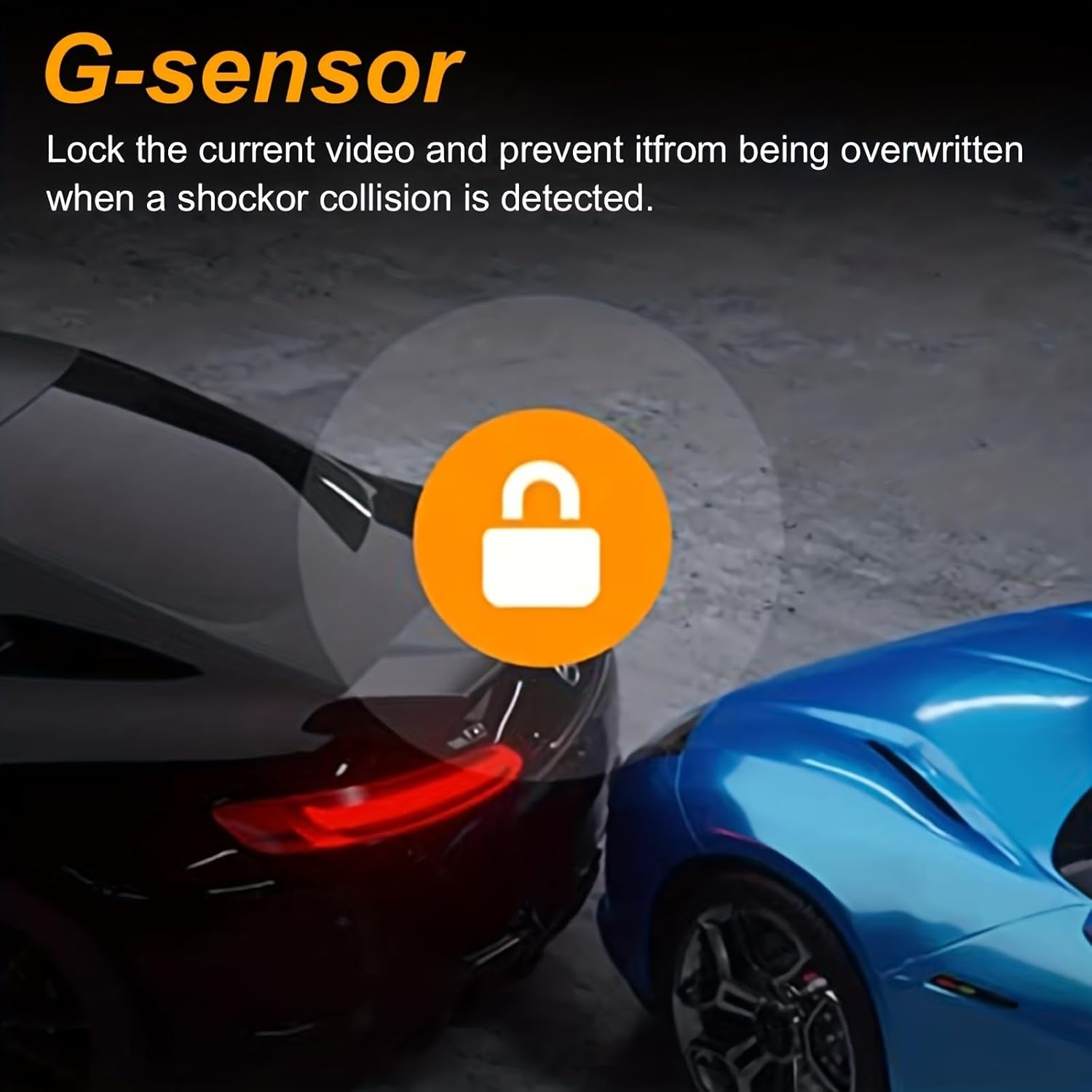
- Event Locking: In the event of a shock or collision, the G-sensor automatically locks the current video file, preventing it from being overwritten by loop recording. This ensures critical footage ຖືກຮັກສາໄວ້.

ຮູບພາບ: Two cars in a parking garage, one blue and one black, with a circular icon featuring a padlock in the center. This visually represents the G-sensor function, which locks the current video to prevent overwriting when a shock or collision is detected.
6. ບໍາລຸງຮັກສາ
ການບໍາລຸງຮັກສາທີ່ເຫມາະສົມຮັບປະກັນອາຍຸຍືນແລະການປະຕິບັດທີ່ດີທີ່ສຸດຂອງກ້ອງ dash ຂອງທ່ານ.
- ເລນສະອາດ: Regularly clean the front and cabin camera lenses with a soft, lint-free cloth to ensure clear video quality. Avoid abrasive materials.
- ການດູແລບັດຄວາມຈໍາ: Periodically format the memory card (e.g., once a month) within the dash cam's settings to prevent data corruption and maintain optimal recording performance. Back up any important files ກ່ອນການຈັດຮູບແບບ.
- ອຸນຫະພູມ: Avoid exposing the dash cam to extreme temperatures for extended periods, as this can affect battery life and component integrity.
- ການອັບເດດເຟີມແວ: ກວດເບິ່ງຜູ້ຜະລິດ webເວັບໄຊທ໌ເປັນໄລຍະໆ ສຳລັບການອັບເດດເຟີມແວທີ່ມີຢູ່ ເພື່ອປັບປຸງປະສິດທິພາບ ແລະ ເພີ່ມຄຸນສົມບັດໃໝ່.
7. ການແກ້ໄຂບັນຫາ
ຖ້າທ່ານພົບບັນຫາກັບກ້ອງວົງຈອນປິດຂອງທ່ານ, ໃຫ້ອ້າງອີງເຖິງວິທີແກ້ໄຂທົ່ວໄປຕໍ່ໄປນີ້:
- ກ້ອງວົງຈອນປິດບໍ່ເປີດ:
- Ensure the car charger is properly connected to both the dash cam and the vehicle's cigarette lighter.
- Check if the vehicle's cigarette lighter socket is receiving power.
- ລອງສາຍ USB ຫຼືສາຍສາກລົດອື່ນຖ້າມີ.
- ການບັນທຶກຢຸດ ຫຼື ຄ້າງໄວ້:
- Format the memory card within the dash cam's settings.
- Ensure you are using a high-speed (Class 10 or U1/U3) memory card.
- The memory card might be full or corrupted. Replace if necessary.
- ຄຸນນະພາບວິດີໂອບໍ່ດີ:
- ເຮັດຄວາມສະອາດເລນກ້ອງຖ່າຍຮູບດ້ວຍຜ້າອ່ອນໆ.
- ໃຫ້ແນ່ໃຈວ່າໄດ້ເອົາຟິມປ້ອງກັນອອກຈາກເລນແລ້ວ.
- Check video resolution settings in the dash cam menu.
- Parking Monitor Not Working:
- Verify that the parking monitoring feature is enabled in the settings.
- Confirm that a hardwire kit is correctly installed and connected for 24-hour functionality.
- ປຸ່ມບໍ່ຕອບສະໜອງ:
- Use a thin object (like a paperclip) to press the RESET button on the device.
8. ການຮັບປະກັນແລະການສະຫນັບສະຫນູນ
Specific warranty information for the LinZong Dualview Dash Cam 1080P is not provided in this manual. For details regarding warranty coverage, technical support, or service inquiries, please refer to the product packaging, contact the retailer where you purchased the device, or visit the official LinZong webເວັບໄຊ.