
amazon basics AB-IBT-82ANC
Amazon Basics Pro Series Wireless Noise Cancelling ANC Over Ear Headphone
Model: AB-IBT-82ANC
ແນະນຳ
This manual provides detailed instructions for the setup, operation, maintenance, and troubleshooting of your Amazon Basics Pro Series Wireless Noise Cancelling ANC Over Ear Headphones. Please read this manual thoroughly before using the product to ensure proper function and longevity.

Image: The Amazon Basics Pro Series Wireless Noise Cancelling ANC Over Ear Headphone in black, showcasing ການອອກແບບ sleek ຂອງຕົນ.
ເນື້ອໃນຊຸດ
ກວດສອບວ່າລາຍການທັງຫມົດແມ່ນມີຢູ່ໃນຊຸດ:
- Amazon Basics Pro Series Wireless Noise Cancelling ANC Over Ear Headphone
- ສາຍສາກໄຟ USB Type-C
- ສາຍໄຟ AUX 3.5mm
- ຄູ່ມືຜູ້ໃຊ້ (ເອກະສານນີ້)
ຕັ້ງຄ່າ
1. ການສາກໄຟເບື້ອງຕົ້ນ
Before first use, fully charge the headphones. Connect the supplied USB Type-C charging cable to the headphone's charging port and the other end to a USB power source (e.g., computer USB port or wall adapter). The LED indicator will show charging status and turn off or change color when fully charged.
A full charge provides up to 74 hours of playback at 50% volume with ANC off, or 34 hours with ANC on.
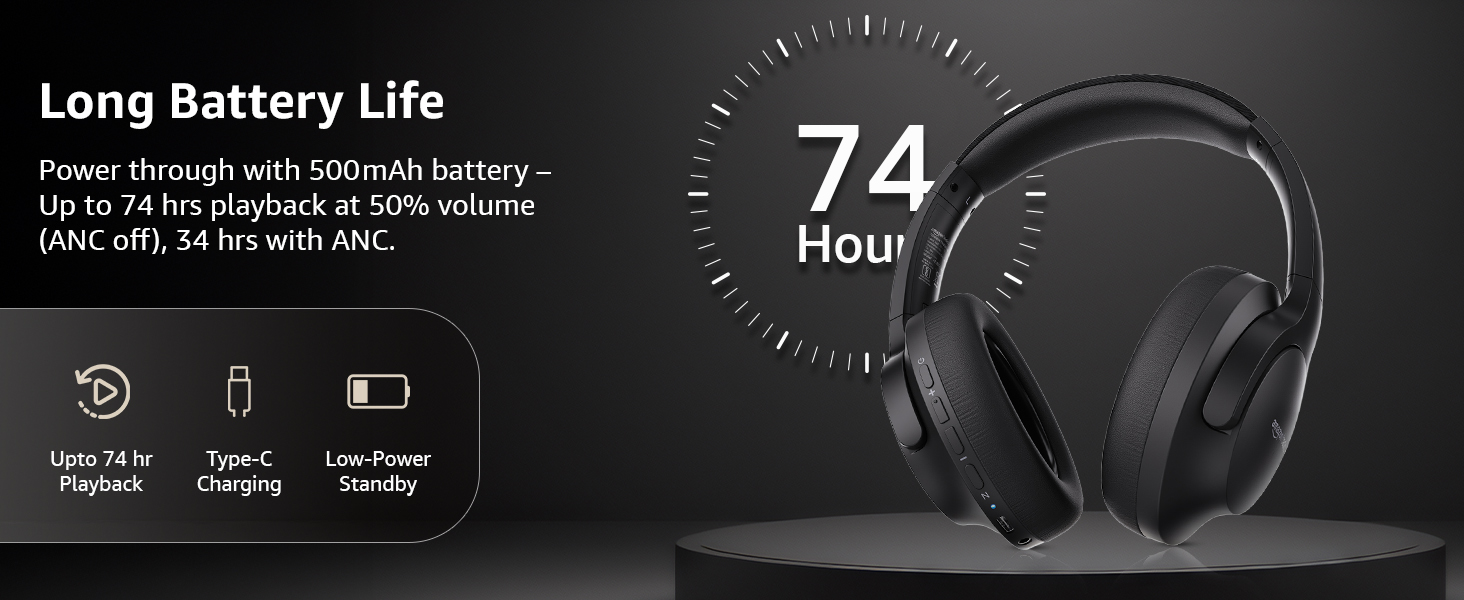
Image: An illustration highlighting the long battery life of the headphones, indicating up to 74 hours of playback.
2. ການຈັບຄູ່ Bluetooth
- ກວດໃຫ້ແນ່ໃຈວ່າຫູຟັງຖືກສາກ ແລະປິດແລ້ວ.
- ກົດປຸ່ມເປີດປິດຄ້າງໄວ້ຈົນກ່ວາຕົວຊີ້ວັດ LED ຈະກະພິບສີຟ້າແລະສີແດງ, ສະແດງເຖິງຮູບແບບການຈັບຄູ່.
- ໃນອຸປະກອນຂອງທ່ານ (ໂທລະສັບສະຫຼາດ, ແທັບເລັດ, ແລັບທັອບ), ເປີດໃຊ້ Bluetooth ແລະຊອກຫາອຸປະກອນທີ່ມີຢູ່.
- Select "AB-IBT-82ANC" from the list of found devices.
- ເມື່ອເຊື່ອມຕໍ່ແລ້ວ, ໄຟ LED ຈະປ່ຽນເປັນສີຟ້າເຂັ້ມ ຫຼື ກະພິບຊ້າໆ.
The headphones support dual pairing, allowing connection to two devices simultaneously for seamless switching.

Image: The headphones shown connected to both a smartphone and a laptop, illustrating the multi-pairing capability.
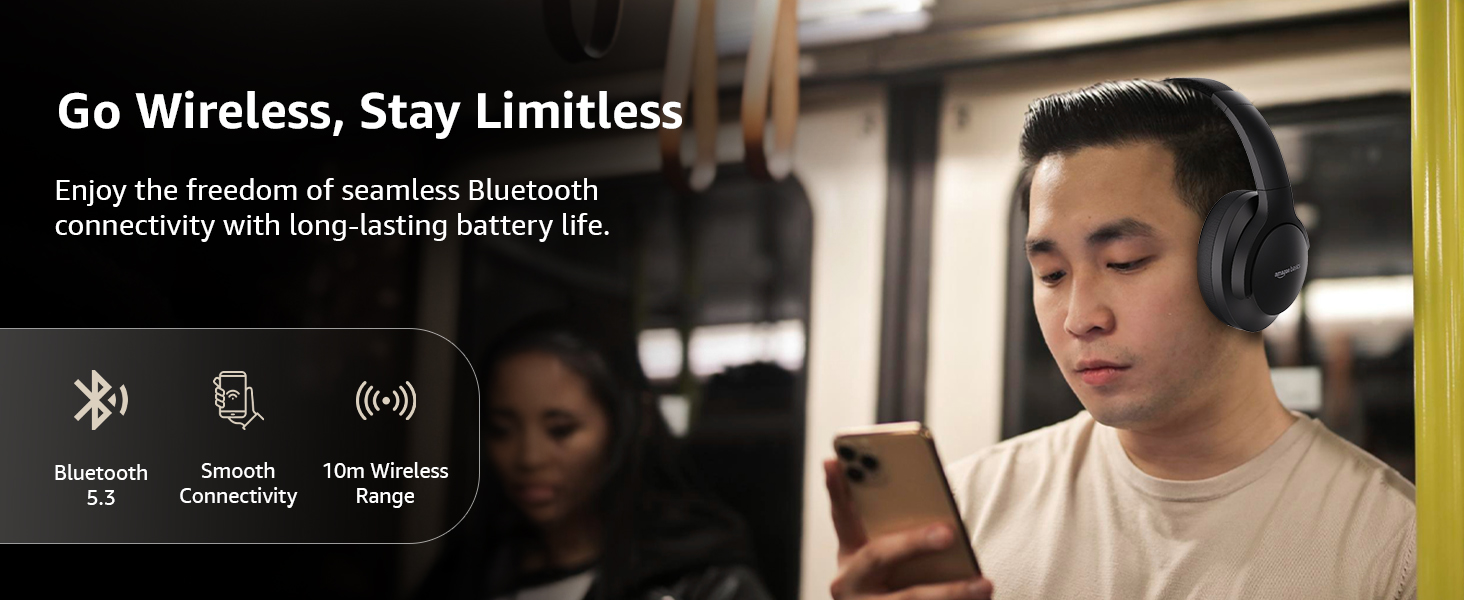
Image: A visual representation of the wireless capabilities, including Bluetooth 5.3 and a 10-meter wireless range.
3. ການເຊື່ອມຕໍ່ແບບມີສາຍ (ໂໝດ AUX)
For a wired connection, plug the 3.5mm AUX cable into the headphone's AUX port and the other end into your audio device's 3.5mm jack. This mode does not require battery power.
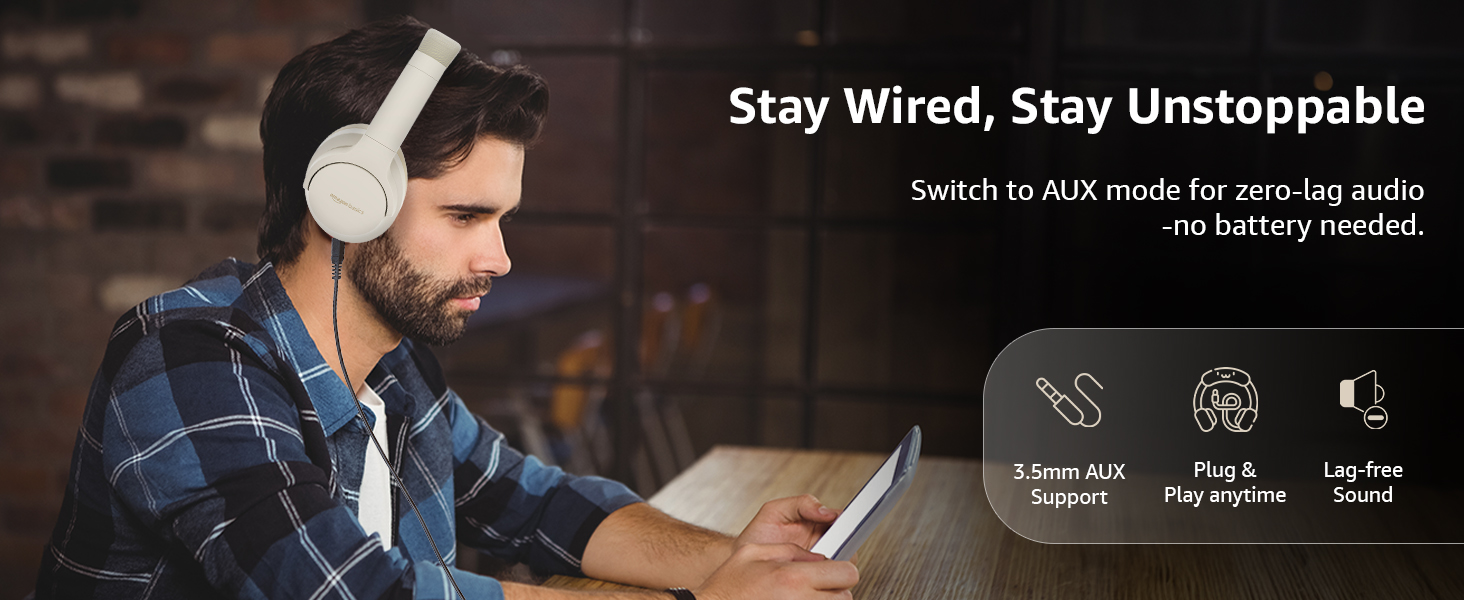
Image: A user demonstrating the wired AUX connection, emphasizing lag-free audio without needing battery power.
ຄໍາແນະນໍາການດໍາເນີນງານ
1. ເປີດ/ປິດ
- ເປີດ: ກົດປຸ່ມເປີດປິດຄ້າງໄວ້ປະມານ 3 ວິນາທີ.
- ປິດພະລັງງານ: ກົດປຸ່ມເປີດປິດຄ້າງໄວ້ປະມານ 5 ວິນາທີ.
2. Accessible Controls
ຫູຟັງມີການຄວບຄຸມ intuitive ທີ່ຕັ້ງຢູ່ໃນຫູຟັງ:
- ເພີ່ມລະດັບສຽງຂຶ້ນ/ເພງຕໍ່ໄປ: ກົດສັ້ນເພື່ອປະລິມານຂຶ້ນ, ກົດຄ້າງໄວ້ສຳລັບເພງຕໍ່ໄປ.
- ຫຼຸດສຽງລົງ/ເພງກ່ອນ ໜ້າ: ກົດສັ້ນເພື່ອປະລິມານລົງ, ກົດຄ້າງໄວ້ສຳລັບເພງກ່ອນໜ້າ.
- ຫຼິ້ນ/ຢຸດ/ຮັບສາຍ: ກົດປຸ່ມດຽວກົດປຸ່ມຫຼາຍຟັງຊັນ.
- ສິ້ນສຸດການໂທ: Single press the multi-function button during a call.
- ປະຕິເສດການໂທ: ກົດປຸ່ມຫຼາຍໜ້າທີ່ຄ້າງໄວ້ໃນລະຫວ່າງສາຍໂທເຂົ້າ.
- ເປີດໃຊ້ຜູ້ຊ່ວຍສຽງ (Siri/Google Assistant): ກົດປຸ່ມຫຼາຍຟັງຊັນສອງເທື່ອ.
- ANC ເປີດ/ປິດ: Dedicated ANC button to toggle Active Noise Cancellation.
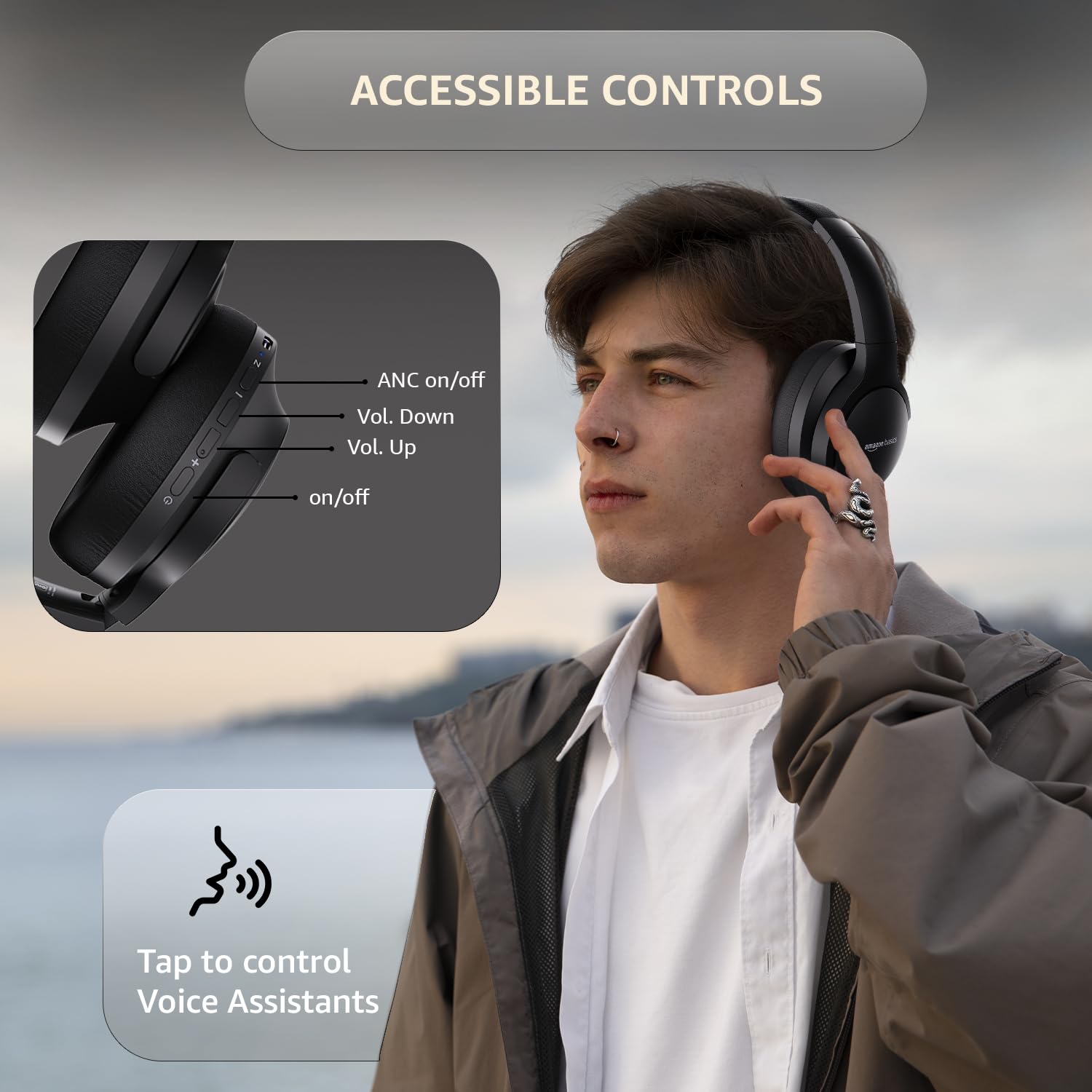
Image: A detailed diagram illustrating the location and function of the accessible controls on the headphone earcup.
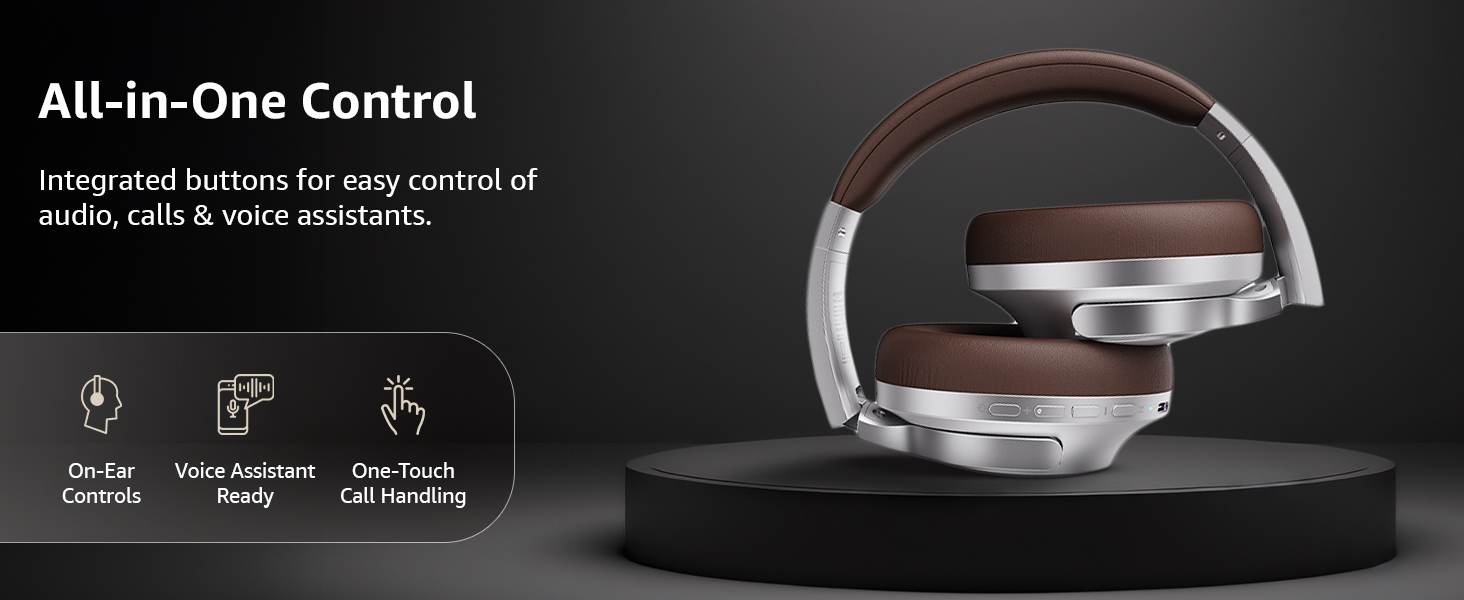
ຮູບພາບ: ຫຼາຍກວ່າview of the integrated controls, highlighting ease of use for audio, calls, and voice assistants.
3. Active Noise Cancellation (ANC)
The Active Noise Cancellation feature reduces ambient noise, providing a more immersive listening experience. Press the dedicated ANC button to activate or deactivate this feature. Note that ANC functionality may slightly reduce overall battery life.

Image: A person wearing the headphones in a public setting, illustrating the effectiveness of Active Noise Cancellation in reducing distractions.
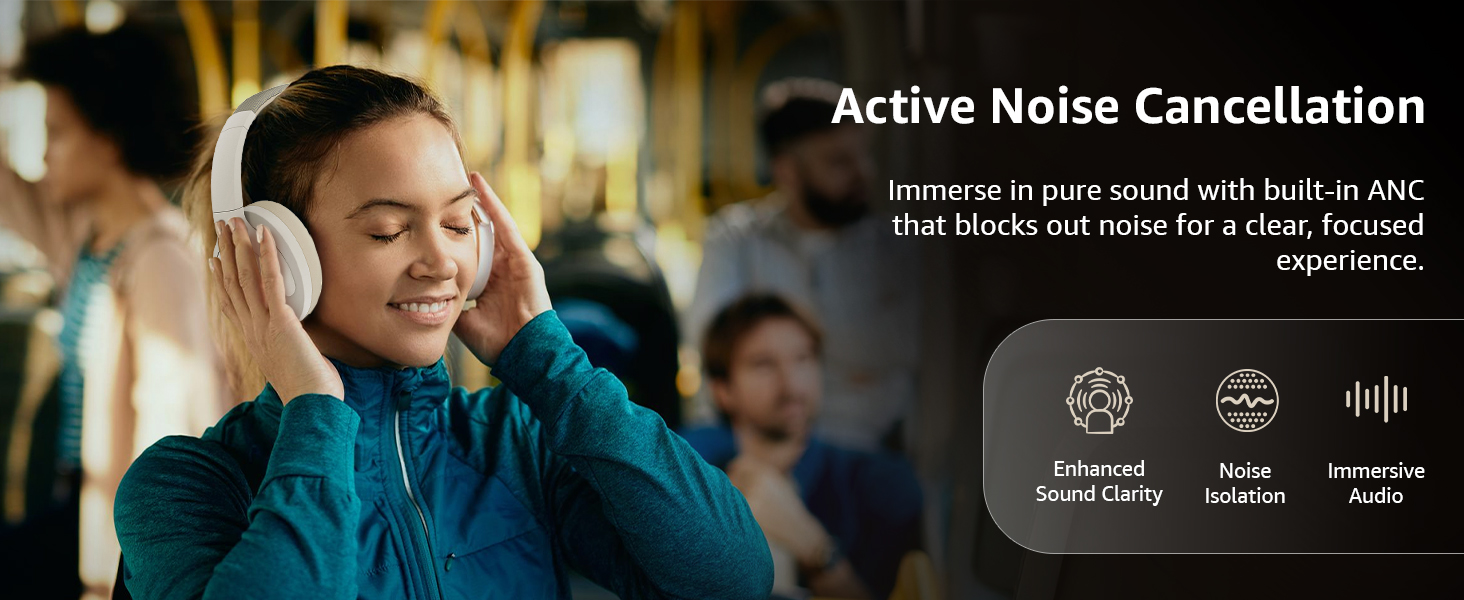
Image: A graphic emphasizing the benefits of Active Noise Cancellation, including enhanced sound clarity and immersive audio.
4. ຄຸນນະພາບສຽງ ແລະ ໄດຣເວີ
The headphones are equipped with 40mm drivers, designed to deliver rich bass, clear mids, and precise highs for a balanced audio experience.
ຮູບພາບ: ລະເບີດ view diagram illustrating the 40mm drivers, which are responsible for the headphone's sound output.
ບໍາລຸງຮັກສາ
1. ທໍາຄວາມສະອາດ
- ເຊັດຫູຟັງດ້ວຍຜ້າອ່ອນໆ, ແຫ້ງ, ບໍ່ມີເສັ້ນດ່າງ.
- Do not use abrasive cleaners, solvents, or spray cleaners directly on the headphones.
- Clean the ear cushions gently with a damp cloth if necessary, and allow them to air dry completely before use.
2. ການເກັບຮັກສາ
When not in use, store the headphones in a cool, dry place, away from direct sunlight and extreme temperatures. The headphones feature a sleek and foldable design for convenient storage and portability.
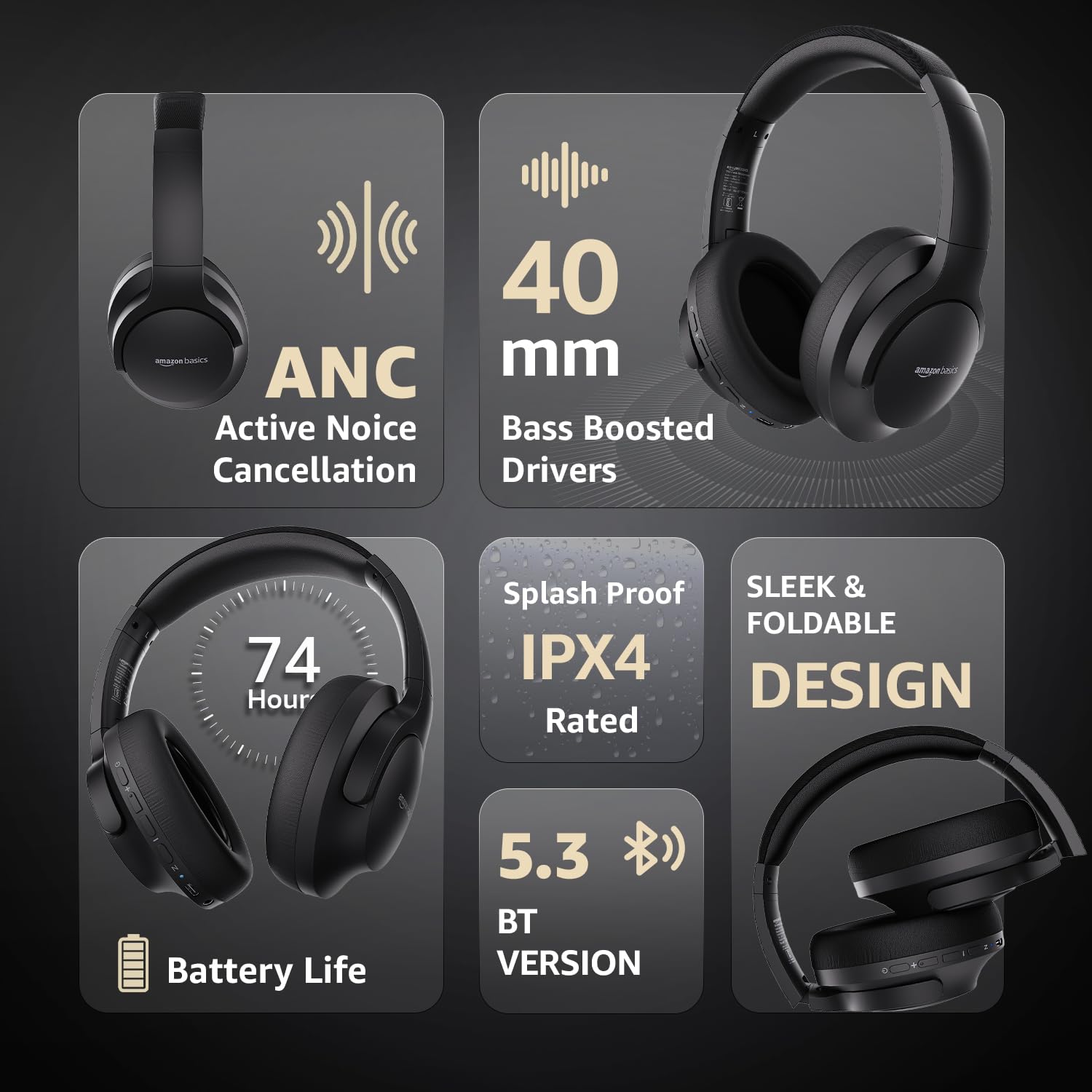
Image: An infographic highlighting key features, including the sleek and foldable design of the headphones for easy storage.
3. ການດູແລຫມໍ້ໄຟ
- ຫຼີກລ້ຽງການປະຈຸຫມໍ້ໄຟຢ່າງເຕັມທີ່ເລື້ອຍໆ.
- ໃຫ້ສາກຫູຟັງເປັນປະຈຳ, ເຖິງແມ່ນວ່າຈະບໍ່ໄດ້ໃຊ້ເປັນເວລາດົນກໍຕາມ, ເພື່ອຮັກສາສຸຂະພາບຂອງແບັດເຕີຣີ.
- ຫ້າມບໍ່ໃຫ້ແບດເຕີຣີ້ຢູ່ໃນອຸນຫະພູມສູງ.
ການແກ້ໄຂບັນຫາ
| ບັນຫາ | ສາເຫດທີ່ເປັນໄປໄດ້ | ການແກ້ໄຂ |
|---|---|---|
| ຫູຟັງບໍ່ເປີດ. | ແບັດເຕີຣີຕໍ່າ. | Charge the headphones fully using the supplied USB Type-C cable. |
| ບໍ່ສາມາດຈັບຄູ່ຜ່ານ Bluetooth ໄດ້. | ຫູຟັງບໍ່ຢູ່ໃນໂໝດຈັບຄູ່; ອຸປະກອນ Bluetooth ປິດ; ໄກຈາກອຸປະກອນ. | Ensure headphones are in pairing mode (flashing blue/red). Turn Bluetooth on your device. Move headphones closer to the device (within 10m). |
| ບໍ່ມີສຽງ. | ປະລິມານຕ່ໍາເກີນໄປ; ແຫຼ່ງສຽງທີ່ບໍ່ຖືກຕ້ອງ; ຫູຟັງບໍ່ໄດ້ເຊື່ອມຕໍ່. | Increase volume on headphones and device. Verify correct audio output on device. Re-pair Bluetooth or check AUX cable connection. |
| ANC ບໍ່ເຮັດວຽກຢ່າງມີປະສິດທິພາບ. | ANC ບໍ່ໄດ້ເປີດໃຊ້ງານ; ສິ່ງລົບກວນສິ່ງແວດລ້ອມສູງເກີນໄປ. | Press the ANC button to activate. ANC is most effective against low-frequency, constant noise. |
ຂໍ້ມູນຈໍາເພາະ
| ຄຸນສົມບັດ | ລາຍລະອຽດ |
|---|---|
| ໝາຍເລກຕົວແບບ | AB-IBT-82ANC |
| ເຕັກໂນໂລຊີການເຊື່ອມຕໍ່ | ໄຮ້ສາຍ (Bluetooth 5.3), ມີສາຍ (3.5 ມມ AUX) |
| ຂະໜາດຄົນຂັບ | 40 ມມ |
| ຄວາມອາດສາມາດຫມໍ້ໄຟ | 500 mAh Lithium Polymer |
| ອາຍຸແບັດເຕີຣີ (ANC ປິດ) | ສູງສຸດເຖິງ 74 ຊົ່ວໂມງ (ໃນລະດັບສຽງ 50%) |
| ອາຍຸແບັດເຕີຣີ (ANC ເປີດ) | Up to 34 hours (at 100% volume), 62 hours (at 50% volume) |
| ພອດສາກໄຟ | USB Type-C |
| Range ໄຮ້ສາຍ | ເຖິງ 10 ແມັດ |
| ການຈັດອັນດັບຄວາມຕ້ານທານນ້ໍາ | IPX4 (ກັນນໍ້າກະແຈກກະຈາຍ) |
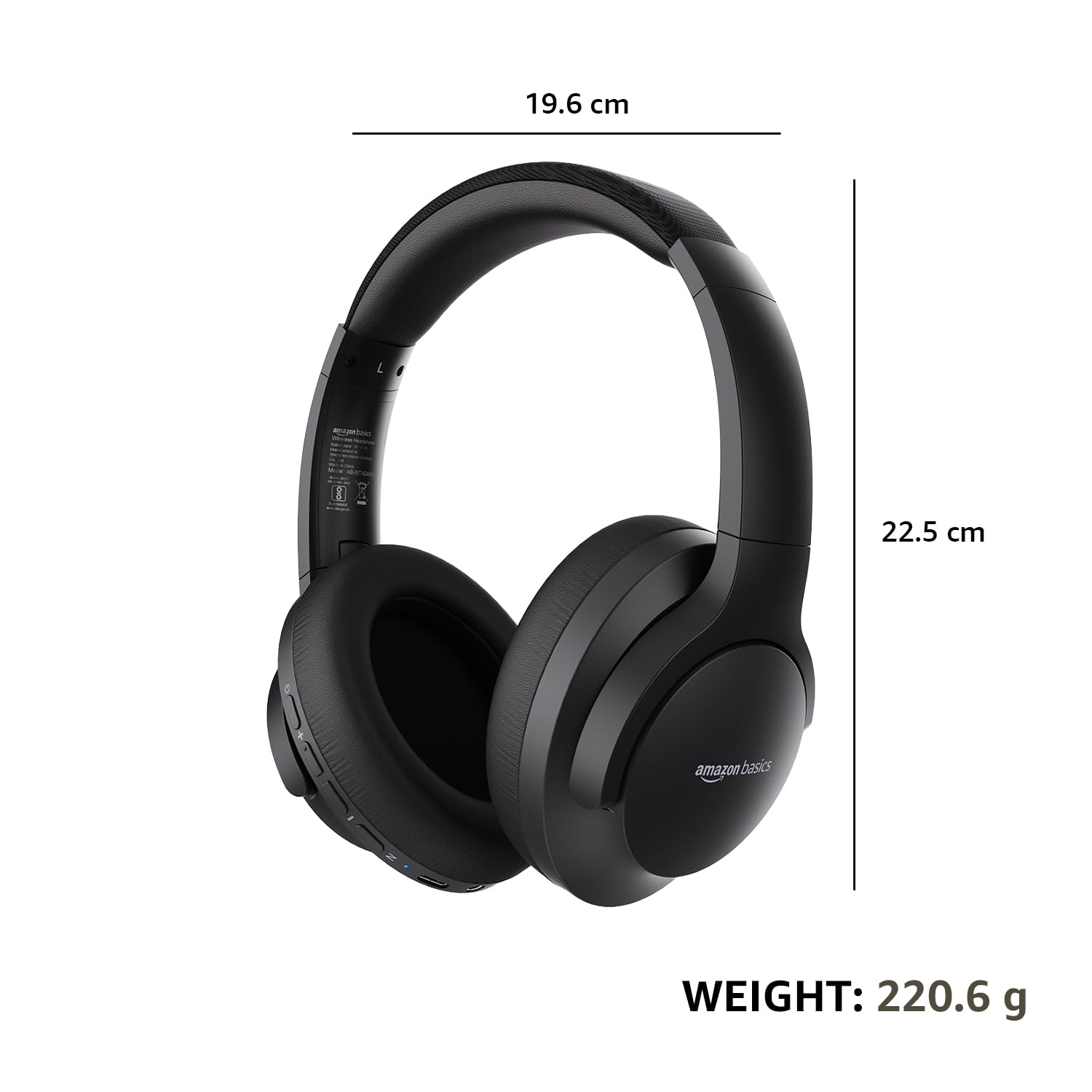
| Dimensions (Headphone) | 19.61 x 22.5 x 8.72 cm |
| ນ້ຳໜັກ (ຫູຟັງ) | 220.6 g |
| ວັດສະດຸ | ພາດສະຕິກ, ໂພລີຢູຣີເທນ (PU) |
| ອຸປະກອນທີ່ເຂົ້າກັນໄດ້ | ໂທລະສັບມືຖື, ເຄື່ອງຫຼິ້ນເກມ, ແລັບທັອບ, ແທັບເລັດ |

Image: A visual representation of the headphone's dimensions and weight for reference.
ຄວາມສະດວກສະບາຍແລະການອອກແບບ
The headphones are designed for extended wear with an over-ear fit, soft ear cushions, and an adjustable headband, ensuring comfort during long listening sessions.

Image: A person wearing the headphones, demonstrating the comfortable over-ear fit.
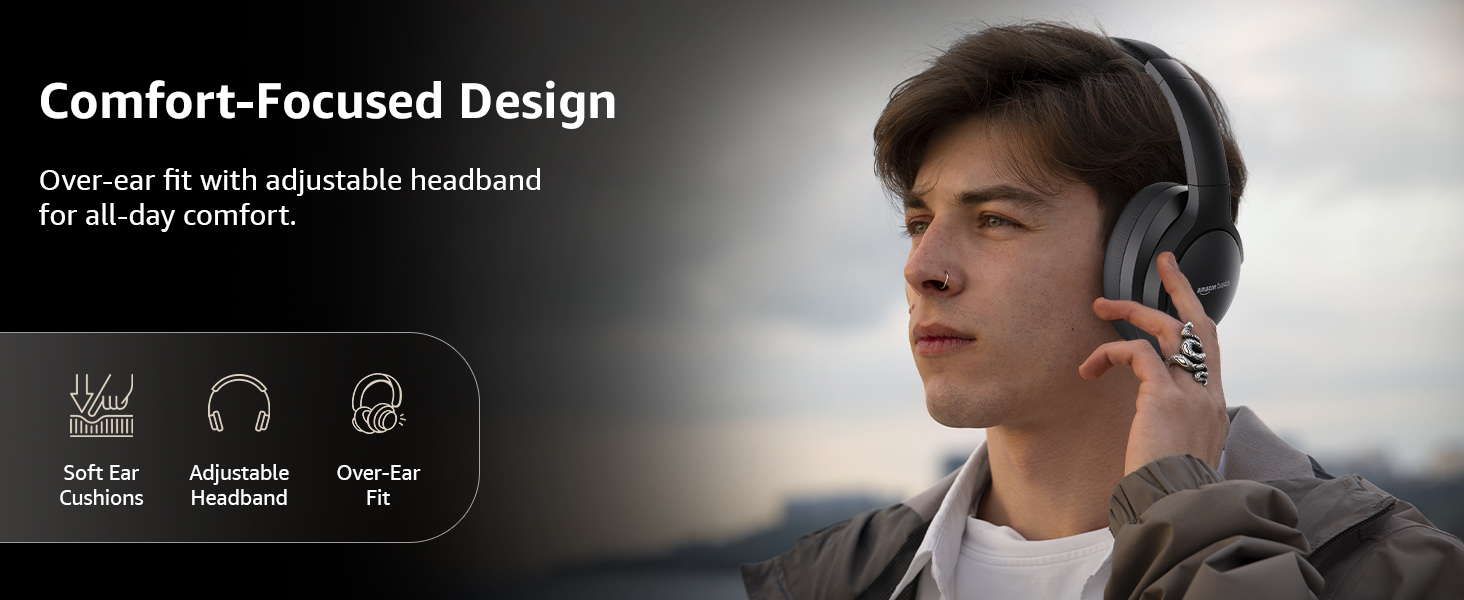
Image: A graphic detailing the comfort-focused design elements, including soft ear cushions and an adjustable headband.
ການຮັບປະກັນແລະການສະຫນັບສະຫນູນ
Warranty information for your Amazon Basics Pro Series Wireless Noise Cancelling ANC Over Ear Headphones is typically provided with the product packaging or can be found on the Amazon Basics official website. For technical support or warranty claims, please refer to the contact information provided with your purchase or visit the Amazon Basics support page.
ກະລຸນາເກັບຮັກສາຫຼັກຖານການຊື້ຂອງທ່ານສໍາລັບການສອບຖາມທີ່ກ່ຽວຂ້ອງກັບການຮັບປະກັນ.
Ask a question about this manual
Ask about setup, troubleshooting, compatibility, parts, safety, or missing instructions. Manuals+ will review the question and use this page’s manual context to help answer it.