
1. ບົດແນະນຳ
This manual provides essential instructions for the safe and effective use of your Generic AC DC Adapter Charger, designed as a compatible replacement for the Zebra TC520K-1HEZU4P-NA barcode scanner. Please read this manual thoroughly before use to ensure proper operation and to prevent damage to the adapter or your device.
2. ຜະລິດຕະພັນເກີນview
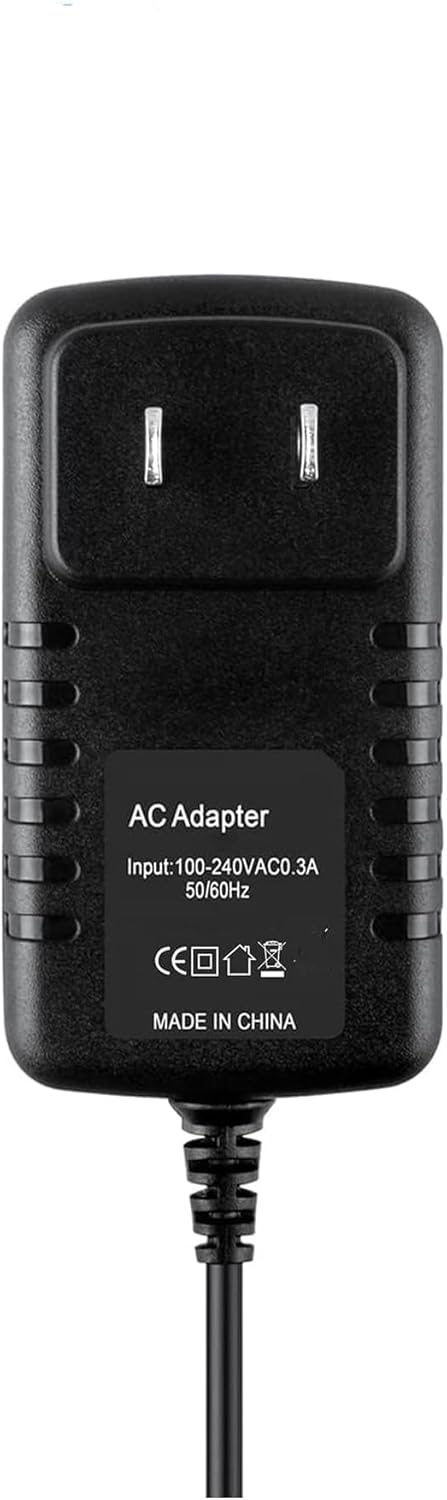
ຮູບທີ 1: ດ້ານໜ້າ view of the AC DC Adapter Charger, showing input specifications and certification marks.
The AC DC Adapter Charger is a high-quality power supply designed to provide stable and safe charging for compatible devices. It features over-voltage, over-current, and short-circuit protection to safeguard your equipment.
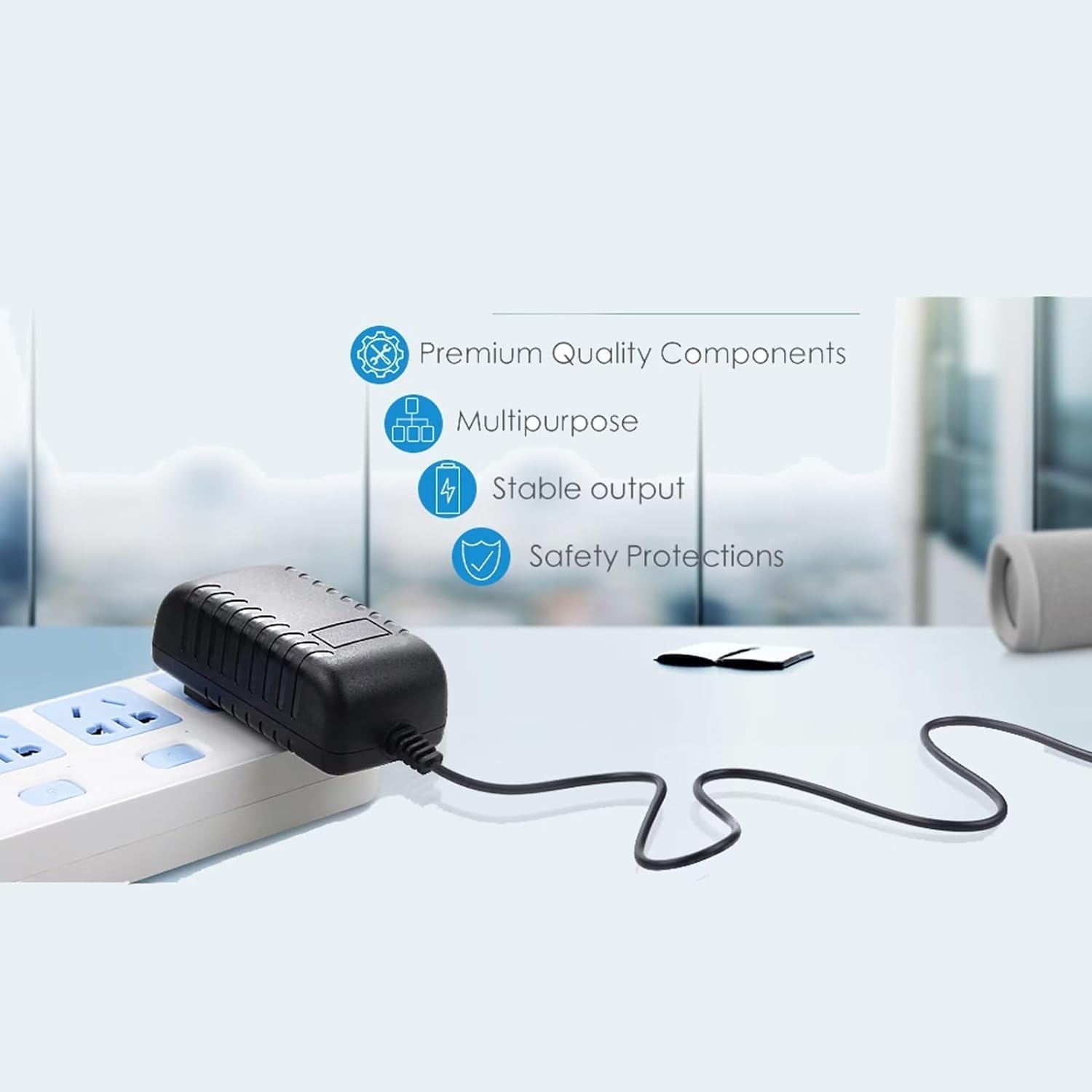
ຮູບທີ 2: Illustration highlighting key features: Premium Quality Components, Multipurpose design, Stable output, and Safety Protections.

ຮູບທີ 3: Visual representation of the 5-foot cable length and the presence of an LED indicator light.
3. ຕັ້ງຄ່າ
- ກວດສອບຄວາມເຂົ້າກັນໄດ້: Ensure your device is the Zebra TC520K-1HEZU4P-NA barcode scanner. This adapter is specifically designed for this model.
- ກວດສອບອະແດບເຕີ: ກ່ອນການນຳໃຊ້, ໃຫ້ກວດກາອະແດບເຕີ ແລະ ສາຍໄຟດ້ວຍສາຍຕາເພື່ອເບິ່ງຮ່ອງຮອຍຄວາມເສຍຫາຍ. ຢ່າໃຊ້ຖ້າເສຍຫາຍ.
- ເຊື່ອມຕໍ່ຫາອຸປະກອນ: Insert the barrel connector end of the adapter cable firmly into the charging port of your Zebra TC520K-1HEZU4P-NA barcode scanner.
- ເຊື່ອມຕໍ່ຫາປລັກສຽບໄຟ: Plug the AC adapter into a standard 100V-240V wall power outlet. The adapter is designed for worldwide input voltage.
- ຕົວຊີ້ບອກພະລັງງານ: If equipped, an LED light on the adapter will illuminate to indicate that power is being supplied.
4. ຄໍາແນະນໍາການດໍາເນີນງານ
Once connected, the adapter will begin supplying power to your device, either operating it directly or charging its internal battery. The charging status of your device will typically be indicated by the device itself (e.g., a battery icon on the screen or an LED indicator on the scanner).
ຂໍ້ຄວນລະວັງຄວາມປອດໄພທີ່ສຳຄັນ:
- ໃຊ້ສະເພາະກັບອຸປະກອນທີ່ເຂົ້າກັນໄດ້ຕາມທີ່ລະບຸໄວ້ເທົ່ານັ້ນ.
- ຢ່າໃຫ້ອະແດບເຕີຖືກນໍ້າ, ຄວາມຊຸ່ມ ຫຼື ອຸນຫະພູມສູງສຸດ.
- ຫຼີກເວັ້ນການລຸດລົງຫຼືໃສ່ອະແດບເຕີເພື່ອຜົນກະທົບທີ່ເຂັ້ມແຂງ.
- Do not attempt to open or modify the adapter.
- ຖອດອະແດບເຕີອອກຈາກປລັກສຽບຝາເມື່ອບໍ່ໄດ້ໃຊ້ງານເປັນເວລາດົນ.
5. ບໍາລຸງຮັກສາ
- ທໍາຄວາມສະອາດ: Disconnect the adapter from power and the device before cleaning. Use a soft, dry cloth to wipe the surface. Do not use liquid cleaners.
- ການເກັບຮັກສາ: Store the adapter in a cool, dry place away from direct sunlight and extreme temperatures. Avoid tightly winding the cable to prevent damage.
- ການດູແລສາຍໄຟ: Do not pull the cable forcefully or bend it sharply, especially near the connectors, as this can damage internal wires.
6. ການແກ້ໄຂບັນຫາ
- ອຸປະກອນບໍ່ໄດ້ສາກໄຟ:
- Ensure the adapter is securely plugged into both the wall outlet and the device.
- Verify the wall outlet is functional by testing it with another device.
- ສະພາບຫມໍ້ໄຟ: Rechargeable batteries have a limited lifespan (typically 1 to 3 years). If the device's battery is old or dead, it may not accept a charge, even with a functional adapter. This is not an adapter fault. If unsure, a voltmeter can be used to test the adapter's output voltage.
- ອະແດບເຕີຮູ້ສຶກອົບອຸ່ນ: It is normal for the adapter to feel slightly warm during operation. If it becomes excessively hot, disconnect it immediately and contact support.
- ບໍ່ມີໄຟຕົວຊີ້ວັດພະລັງງານ: If your adapter has an LED indicator and it does not light up when plugged in, check the power connections and the wall outlet.
7. ຂໍ້ມູນຈໍາເພາະ
| ຄຸນສົມບັດ | ຂໍ້ມູນຈໍາເພາະ |
|---|---|
| ຍີ່ຫໍ້ | ທົ່ວໄປ |
| Model Number (Mfr Part) | A5497 |
| ອຸປະກອນທີ່ເຂົ້າກັນໄດ້ | Zebra TC520K-1HEZU4P-NA (Barcode Scanner) |
| ການປ້ອນຂໍ້ມູນ Voltage | 100V - 240V AC (Worldwide) |
| ຜົນໄດ້ຮັບ Voltage | 12 volts DC |
| ປະຈຸບັນຜົນຜະລິດ | 2 Amps |
| ປະເພດຕົວເຊື່ອມຕໍ່ | ຕົວເຊື່ອມຕໍ່ Barrel |
| ຄວາມຍາວສາຍ | 5 ຟຸດ |
| ຄຸນນະສົມບັດພິເສດ | ເກີນ Voltage Protection, Over Current Protection, Short Circuit Protection, Travel-friendly |
| ວັດສະດຸ | ທອງແດງ, ພາດສະຕິກ |
| ສີ | ດຳ |
| ນ້ຳໜັກ | 4 ອອນ |
| ການຢັ້ງຢືນ | CE |
8. ຂໍ້ມູນການຮັບປະກັນ
ຜະລິດຕະພັນນີ້ມາພ້ອມກັບ a 30-day refund warranty ນັບຈາກວັນທີ່ຊື້. ການຮັບປະກັນນີ້ກວມເອົາຂໍ້ບົກພ່ອງຈາກການຜະລິດ. ມັນບໍ່ກວມເອົາຄວາມເສຍຫາຍທີ່ເກີດຈາກການໃຊ້ຜິດ, ອຸບັດຕິເຫດ, ການດັດແປງທີ່ບໍ່ໄດ້ຮັບອະນຸຍາດ, ຫຼື ການສວມໃສ່ ແລະ ການຈີກຂາດຕາມປົກກະຕິ. ກະລຸນາເກັບຫຼັກຖານການຊື້ຂອງທ່ານໄວ້ເພື່ອການຮຽກຮ້ອງການຮັບປະກັນ.
9. ສະຫນັບສະຫນູນ
If you encounter any issues that cannot be resolved using the troubleshooting guide, or if you have questions regarding the product, please contact the seller through the platform where you made your purchase. Provide your order details and a clear description of the issue for prompt assistance.