
1. ຜະລິດຕະພັນເກີນview
The Phomemo Thermal Sticker Paper is designed for use with Phomemo thermal printers, providing a convenient solution for various printing needs. This self-adhesive paper comes in multiple colors (Purple, Pink, Blue) and is suitable for creating labels, notes, photos, and more.
ຄຸນນະສົມບັດທີ່ສໍາຄັນປະກອບມີ:
- ປອດ BPA: Ensures safe use for all ages.
- ກັນນ້ຳ: Provides durability against moisture.
- Oil-Proof: Resists smudges from oils.
- ກາວທີ່ເຂັ້ມແຂງ: Ensures secure attachment to surfaces.

Image: Phomemo thermal sticker paper rolls highlighting key features.
2. ຄວາມເຂົ້າກັນໄດ້
This thermal sticker paper is compatible with the following Phomemo printer models:
- ໂຟເມໂມ M03
- ໂຟເມໂມ M03AS
- ໂຟໂມໂມ M04S
- ໂຟເມໂມ M04AS
- Phomemo M832, M833, M834, M835 portable printers
- Most mini 3-inch to 4-inch print width pocket printers

Image: Visual representation of compatible Phomemo printer models.
3. Setup: Loading the Paper Roll
Follow these steps to properly load the thermal sticker paper into your compatible Phomemo printer:
- Open the paper compartment of your Phomemo printer.
- Place the thermal paper roll into the compartment. Ensure the printing surface of the paper is facing the print head. For most Phomemo printers, the printing surface should face outwards.
- Pull out a small piece of paper (approximately 1-2 inches) from the paper outlet.
- Adjust the width of the roll holder within the printer to match the width of the paper roll (77mm) for optimal printing results and to prevent paper jams.
- Close the paper compartment cover securely.
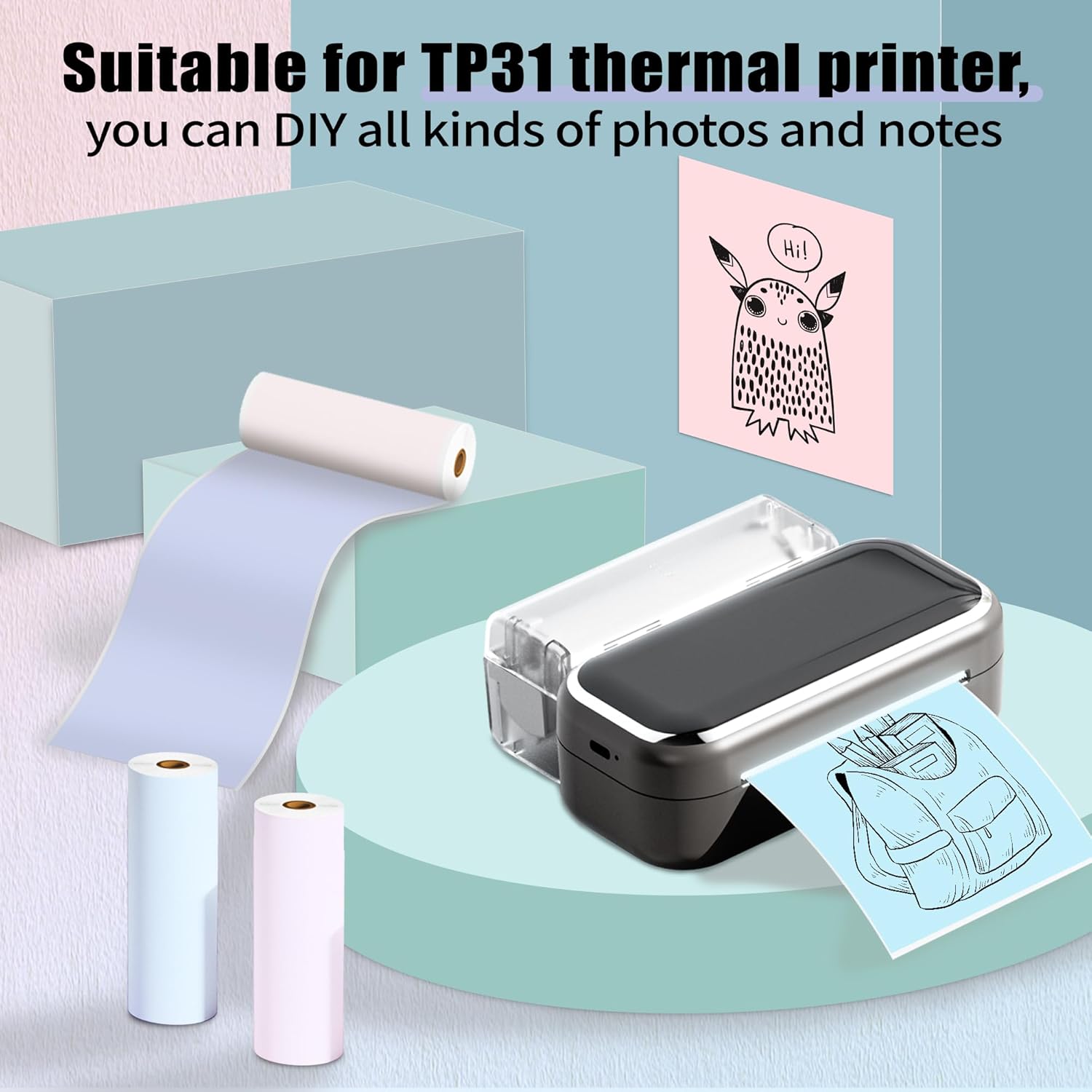
Image: Phomemo printer with thermal paper, illustrating typical usage.
4. ຄໍາແນະນໍາການດໍາເນີນງານ
Once the paper is loaded, you can begin printing using your Phomemo printer and its associated mobile application. Ensure your printer has sufficient power for clear prints.
General Printing Tips:
- Connect your Phomemo printer to your device via Bluetooth as per your printer's specific instructions.
- Use the Phomemo app to select your desired content (text, images, notes, lists).
- Confirm print settings such as density and size within the app before printing.
- After printing, gently tear the paper along the printer's cutting edge.

ຮູບພາບ: Examples of diverse applications for Phomemo thermal sticker paper.
Creative Uses:
The self-adhesive nature of this paper allows for versatile applications:
- ໂຄງການ DIY: Customize printouts by cutting them to desired sizes for crafts.
- ອົງການຈັດຕັ້ງ: Create labels for files, storage, or pantry items.
- Study Aids: Print notes, diagrams, or flashcards.
- ການປັບແຕ່ງສ່ວນຕົວ: Design gift tags, room decorations, or journal entries.
5. ການ ບຳ ລຸງຮັກສາແລະການເກັບຮັກສາ
To ensure the longevity and quality of your thermal prints and paper, observe the following guidelines:
- ການເກັບຮັກສາ: Store unused thermal paper rolls in a cool, dry place away from direct sunlight.
- ຫຼີກເວັ້ນການອຸນຫະພູມສູງ: Do not expose thermal paper to high temperatures, as this can cause premature fading or blackening.
- Avoid Acidic Environments: Keep thermal paper away from acidic materials or environments, which can also accelerate fading.
- ທໍາຄວາມສະອາດເຄື່ອງພິມ: Regularly clean your printer's print head according to its specific manual to maintain print quality.

Image: Demonstrations of the paper's water resistance, oil proofing, and adhesive strength.
6. ການແກ້ໄຂບັນຫາ
If you encounter issues with your Phomemo Thermal Sticker Paper, consider the following:
ຮອຍພິມບໍ່ຊັດເຈນ ຫຼື ຈາງລົງ:
- ພະລັງງານເຄື່ອງພິມ: Ensure your Phomemo printer has ample power. Low battery can affect print quality.
- ທິດທາງເຈ້ຍ: Verify that the thermal paper is loaded with the printing surface facing the print head.
- ເງື່ອນໄຂການເກັບຮັກສາ: Confirm the paper has not been exposed to high temperatures or acidic substances, which can degrade its thermal properties.
- ຄວາມສະອາດຫົວພິມ: A dirty print head can cause streaks or faded areas. Refer to your printer's manual for cleaning instructions.
ເຈ້ຍຕິດ:
- Roll Holder Adjustment: Ensure the paper roll holder is adjusted correctly to the paper's width (77mm) to prevent misalignment.
- ການໂຫຼດທີ່ຖືກຕ້ອງ: Re-check that the paper roll is seated correctly in the compartment and not skewed.
7. ຂໍ້ມູນຈໍາເພາະຂອງຜະລິດຕະພັນ
| ຄຸນສົມບັດ | ລາຍລະອຽດ |
|---|---|
| ໝາຍເລກຕົວແບບ | P-Q22-RMS-PBPU-77 |
| ປະເພດເຈ້ຍ | Self-Adhesive Thermal Sticker Paper |
| ຄວາມກວ້າງຂອງມ້ວນ | 3.03 ນິ້ວ (77 ມມ) |
| Roll Length | 11.48 ຟຸດ (3.5 ແມັດ) |
| ເສັ້ນຜ່າສູນກາງມ້ວນ | 1.1 ນິ້ວ (28 ມມ) |
| Inner Core Diameter | 0.39 ນິ້ວ (10 ມມ) |
| ປະລິມານ | 3 ມ້ວນຕໍ່ຊຸດ |
| ພິມສີ | Black characters |
| Paper Colors | Purple, Pink, Blue |
| ປະເພດວັດສະດຸ | ເຈ້ຍ |
| ປະເພດສໍາເລັດຮູບ | ບໍ່ເຄືອບ |
| ນ້ໍາຫນັກລາຍການ | 4.2 ອອນສ໌ (ຕໍ່ຊອງ) |
| ຂະໜາດສິນຄ້າ | 1.1 x 3.03 x 1.1 inches (per roll) |
8. ການຮັບປະກັນແລະການສະຫນັບສະຫນູນ
Phomemo offers an 18-month product replacement policy for this thermal sticker paper. For any inquiries, technical assistance, or to claim a replacement, please contact Phomemo customer support through the official Phomemo webເວັບໄຊ ຫຼືເວທີການຊື້ຂອງທ່ານ.
ສໍາລັບຂໍ້ມູນເພີ່ມເຕີມແລະການສະຫນັບສະຫນູນ, ໄປຢ້ຽມຢາມ ຮ້ານ Phomemo ໃນ Amazon.