
1. ບົດແນະນຳ
Thank you for choosing the Claiks Electric Standing Desk. This manual provides essential information for the safe and efficient use of your new desk. Please read it thoroughly before assembly and operation, and keep it for future reference.
Electric standing desks are increasingly adopted in modern workplaces for their ergonomic benefits. They allow users to alternate between sitting and standing positions, which can help alleviate discomfort in the back and hips often associated with prolonged sitting, and improve focus and productivity. Experience a healthier and more efficient work style with your Claiks standing desk.

Image: Claiks Electric Standing Desk in a modern office setting, showcasing its sleek design and functionality.
2. ຄຸນລັກສະນະຂອງຜະລິດຕະພັນ
- ຄວາມສູງທີ່ສາມາດປັບໄດ້: The desk offers a height adjustment range from 72cm to 118cm, with a lifting speed of 20mm/s. This allows for flexible use as a gaming desk, office desk, or study table, adapting to various user needs.
- ຟັງຊັນຫນ່ວຍຄວາມຈໍາ: Store up to 3 preferred height settings for quick and easy one-touch adjustments between sitting and standing positions.
- High Performance & Load Capacity: Equipped with reinforced steel legs and a high-performance motor, ensuring excellent load-bearing capacity and durability. The maximum load capacity is 80kg, accommodating multiple monitors and gaming equipment.
- Safe and Durable Tabletop: The tabletop is made from environmentally friendly materials with low indoor air pollutant emissions. It features melamine resin, making it resistant to water, heat, and stains, and easy to clean.
- ການດໍາເນີນງານງຽບ: Designed for extremely quiet operation, allowing you to enjoy a peaceful working environment.

Image: The Claiks Electric Standing Desk illustrating its adjustable height range from 72cm to 118cm.
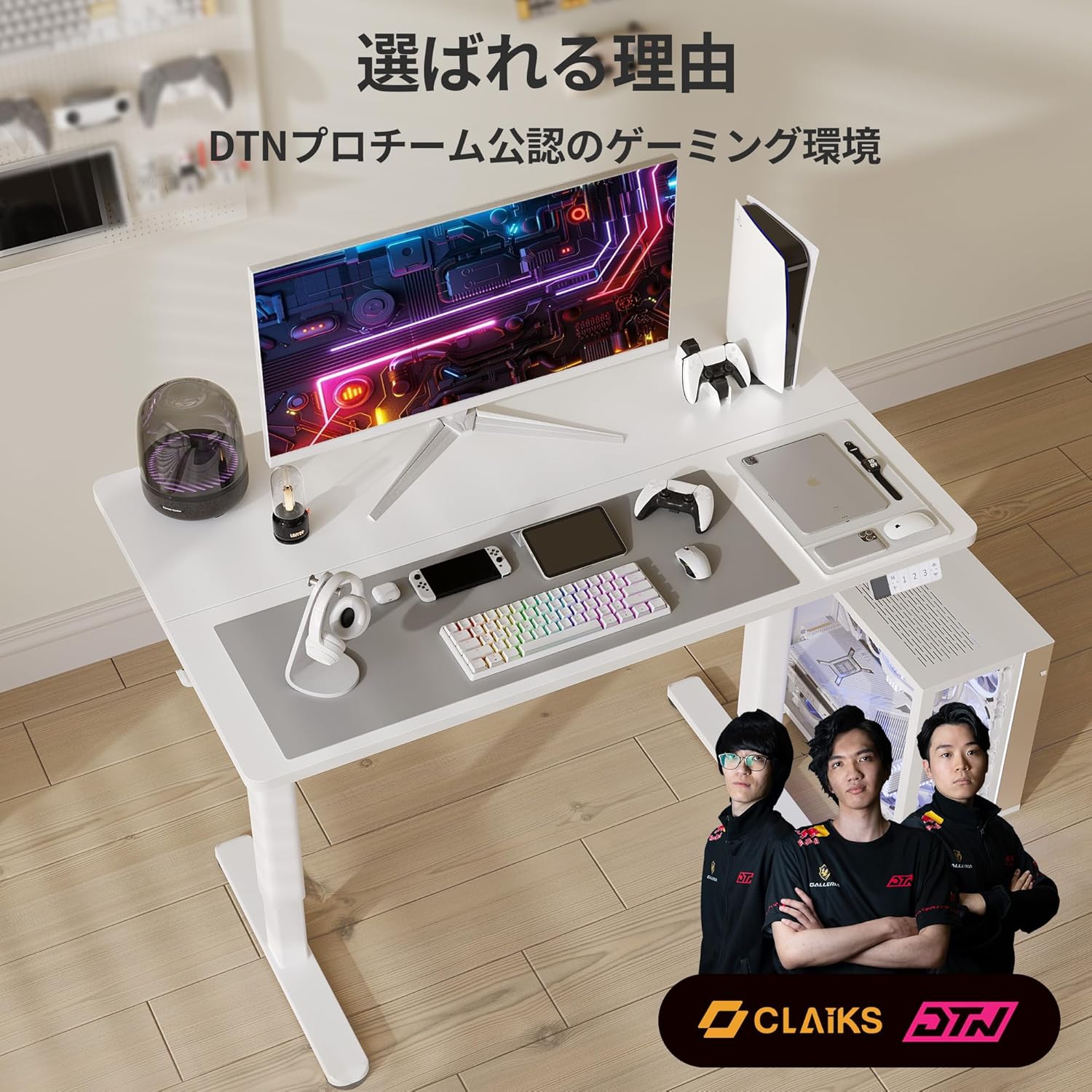
Image: A person sitting on the Claiks Electric Standing Desk, demonstrating its robust 80kg load capacity.

Image: Visual representation of the Claiks Electric Standing Desk's quiet operation, indicating a noise level of approximately 45dB.
3. ການຕິດຕັ້ງແລະການປະກອບ
Before starting assembly, please ensure all parts are present and undamaged. Refer to the parts list below and the assembly videos for detailed instructions.

ຮູບພາບ: ລະເບີດ view showing all components included with the Claiks Electric Standing Desk for assembly.
ວິດີໂອການປະກອບ:
ErGear Electric Standing Desk Assembly Guide
Video: A comprehensive assembly guide for the ErGear Electric Standing Desk, demonstrating step-by-step installation of components.
Anovara Standing Desk Assembly Video
Video: An assembly video for the Anovara Standing Desk, providing visual instructions for putting the desk together.
Dripex Electric Standing Desk Assembly and Usage
Video: This video demonstrates the assembly process and various usage scenarios for the Dripex Electric Standing Desk.
4. ຄໍາແນະນໍາການດໍາເນີນງານ
The Claiks Electric Standing Desk features an intuitive control panel for easy height adjustment and memory settings.

Image: The multi-functional control panel of the Claiks Electric Standing Desk, featuring an LED display, memory buttons (1, 2, 3), and up/down adjustment buttons.
4.1. ການປັບຄວາມສູງ
- ໃຊ້ ຂຶ້ນ (▲) ແລະ ລົງ (▼) arrow buttons on the control panel to raise or lower the desk to your desired height.
- The current height will be displayed on the LED screen.
4.2. ການຕັ້ງຄ່າ Presets Memory
The desk allows you to save up to three preferred height settings:
- ປັບໂຕະກັບຄວາມສູງທີ່ທ່ານຕ້ອງການໂດຍໃຊ້ປຸ່ມຂຶ້ນ/ລົງ.
- ກົດ M button. The LED display will show "S-".
- ພາຍໃນ 3 ວິນາທີ, ໃຫ້ກົດປຸ່ມຕົວເລກໜຶ່ງ (1, 2, ຫຼື 3) to save the current height to that preset. The display will show "S-1", "S-2", or "S-3" to confirm.
4.3. ການໃຊ້ຄ່າທີ່ຕັ້ງໄວ້ລ່ວງໜ້າຂອງໜ່ວຍຄວາມຈຳ
- Simply press the corresponding number button (1, 2, ຫຼື 3) ເພື່ອຍ້າຍໂຕະອັດຕະໂນມັດໄປສູ່ຄວາມສູງທີ່ບັນທຶກໄວ້.
4.4. ຣີເຊັດຟັງຊັນ
- If the desk encounters an issue or needs to be recalibrated, press and hold the ລົງ (▼) button until the desk reaches its lowest position and then slightly rises. This performs a full reset.
5. ບໍາລຸງຮັກສາ
- ທໍາຄວາມສະອາດ: ເຊັດໂຕະ ແລະກອບດ້ວຍຜ້າອ່ອນ, ງamp ຜ້າ. ຫຼີກລ່ຽງນໍ້າຢາທໍາຄວາມສະອາດທີ່ມີສີຂັດ ຫຼື ສານເຄມີຮຸນແຮງທີ່ອາດຈະທໍາລາຍພື້ນຜິວໄດ້.
- ກວດກາປົກກະຕິ: Periodically check all screws and connections to ensure they are tight. Retighten if necessary to maintain stability.
- ການຄຸ້ມຄອງສາຍໄຟ: Utilize the integrated cable clips and hooks to keep cables tidy and prevent them from interfering with the desk's movement.
6. ການແກ້ໄຂບັນຫາ
| ບັນຫາ | ສາເຫດທີ່ເປັນໄປໄດ້ | ການແກ້ໄຂ |
|---|---|---|
| ໂຕະບໍ່ຍ້າຍ. | Power cable disconnected, overload, or motor error. | Check power connection. Reduce load on the desk. Perform a reset (see 4.4). |
| ການປັບລະດັບຄວາມສູງທີ່ບໍ່ສະເໝີພາບ. | Synchronization issue between legs. | Perform a reset (see 4.4). Ensure all screws are tightened. |
| ສະແດງລະຫັດຂໍ້ຜິດພາດ. | ຂໍ້ຜິດພາດຂອງລະບົບສະເພາະ. | Perform a reset (see 4.4). If the error persists, contact customer support. |
7. ຂໍ້ມູນຈໍາເພາະ

Image: A diagram illustrating the dimensions of the Claiks Electric Standing Desk, including width, depth, and height range.
| ຄຸນສົມບັດ | ລາຍລະອຽດ |
|---|---|
| ຍີ່ຫໍ້ | Claiks |
| ໝາຍເລກຕົວແບບ | P1.01.001.0009.JP |
| ປະເພດໂຕະ | ໂຕະຕັ້ງໂຕະໄຟຟ້າ |
| ສີ | ສີຂາວ |
| ຂະ ໜາດ (D x W x H) | 60cm x 140cm x 70cm (initial height) |
| ຊ່ວງການປັບຄວາມສູງ | 72cm ຫາ 118cm |
| ຄວາມໄວຍົກ | 20mm/s |
| ຄວາມສາມາດໃນການໂຫຼດສູງສຸດ | 80 ກິໂລກຣາມ |
| ວັດສະດຸພື້ນຖານ | ເຫຼັກກາກບອນ |
| Tabletop Finish | Laminate (Melamine Resin) |
| ຄຸນນະສົມບັດພິເສດ | Compact, Scratch Resistant, Memory Function |
8. ການຮັບປະກັນແລະການສະຫນັບສະຫນູນ
Claiks is committed to providing high-quality products and excellent customer service. All Claiks electric standing desks come with a ການຮັບປະກັນຂອງຜູ້ຜະລິດ 3 ປີ.
During the warranty period, we offer free repair or replacement services for any manufacturing defects. Our customer support team is available to assist you in multiple languages, including Japanese and English. Please feel free to contact us anytime for assistance.