
1. ບົດແນະນຳ
Thank you for choosing the Bewinner Mini Body Camera 1080P. This portable and wearable video recorder is designed for various applications, including walking, riding, outdoor activities, and home monitoring. It features 1080P HD video recording, night vision, a 180° rotatable lens, and Wi-Fi connectivity for real-time monitoring. Please read this manual carefully to ensure proper use and optimal performance of your device.
2. ຄຸນລັກສະນະຂອງຜະລິດຕະພັນ
- Multi-function: Supports video recording, photo capture, noise reduction recording, night vision mode, and motion detection.
- ເລນໝຸນໄດ້ 180°: The lens can rotate 180 degrees, offering flexible recording angles and allowing use as a car dash camera.
- ການບັນທຶກໂດຍກົງ: Insert a memory card (up to 256GB, not included) to begin recording immediately.
- ການເຊື່ອມຕໍ່ Wi-Fi: Enables real-time monitoring and video viewing directly on your smartphone via a dedicated app.
- ລຳໂພງສະເຕີຣິໂອໃນຕົວ: Provides synchronized audio and video playback for an enhanced viewປະສົບການ.

ຮູບ 2.1: ເກີນview of Bewinner Mini Body Camera features.
3. ຕັ້ງຄ່າ
3.1 ການສາກອຸປະກອນ
Before first use, fully charge the camera. Connect the camera to a USB power source using the provided USB cable. The charging indicator light will show the charging status and turn off when fully charged.
3.2 ການໃສ່ແຜ່ນຄວາມຈໍາ
This camera supports a Micro SD card (TF card) up to 256GB. Ensure the camera is powered off before inserting or removing the memory card. Insert the card into the designated slot until it clicks into place.
3.3 ການເປີດ/ປິດ
- ເປີດ: ກົດປຸ່ມເປີດປິດຄ້າງໄວ້ສອງສາມວິນາທີຈົນກວ່າໜ້າຈໍຈະສະຫວ່າງຂຶ້ນ.
- ປິດພະລັງງານ: ກົດປຸ່ມເປີດປິດຄ້າງໄວ້ສອງສາມວິນາທີຈົນກວ່າໜ້າຈໍຈະປິດ.
4. ຄໍາແນະນໍາການດໍາເນີນງານ
4.1 ການບັນທຶກວິດີໂອ
To start video recording, ensure a memory card is inserted. Press the Video Record button once. The recording indicator will illuminate or flash. Press the button again to stop recording. Videos are saved to the memory card.
4.2 ການຖ່າຍຮູບ
To take a photo, press the Photo button once. The camera will capture an image and save it to the memory card.

Figure 4.1: Simple operation with dedicated buttons for recording modes.
4.3 180° Rotatable Lens
The camera's lens can be manually rotated 180 degrees to adjust the recording angle as needed. This allows for versatile placement and capture from different perspectives.

Figure 4.2: The camera's lens can be rotated 180 degrees for flexible recording.
4.4 ໂໝດວິໄສທັດກາງຄືນ
The camera is equipped with 4 LED fill lights for night vision. To activate night vision, locate the dedicated night vision button or setting in the menu. This feature allows for clear recording in low-light conditions.
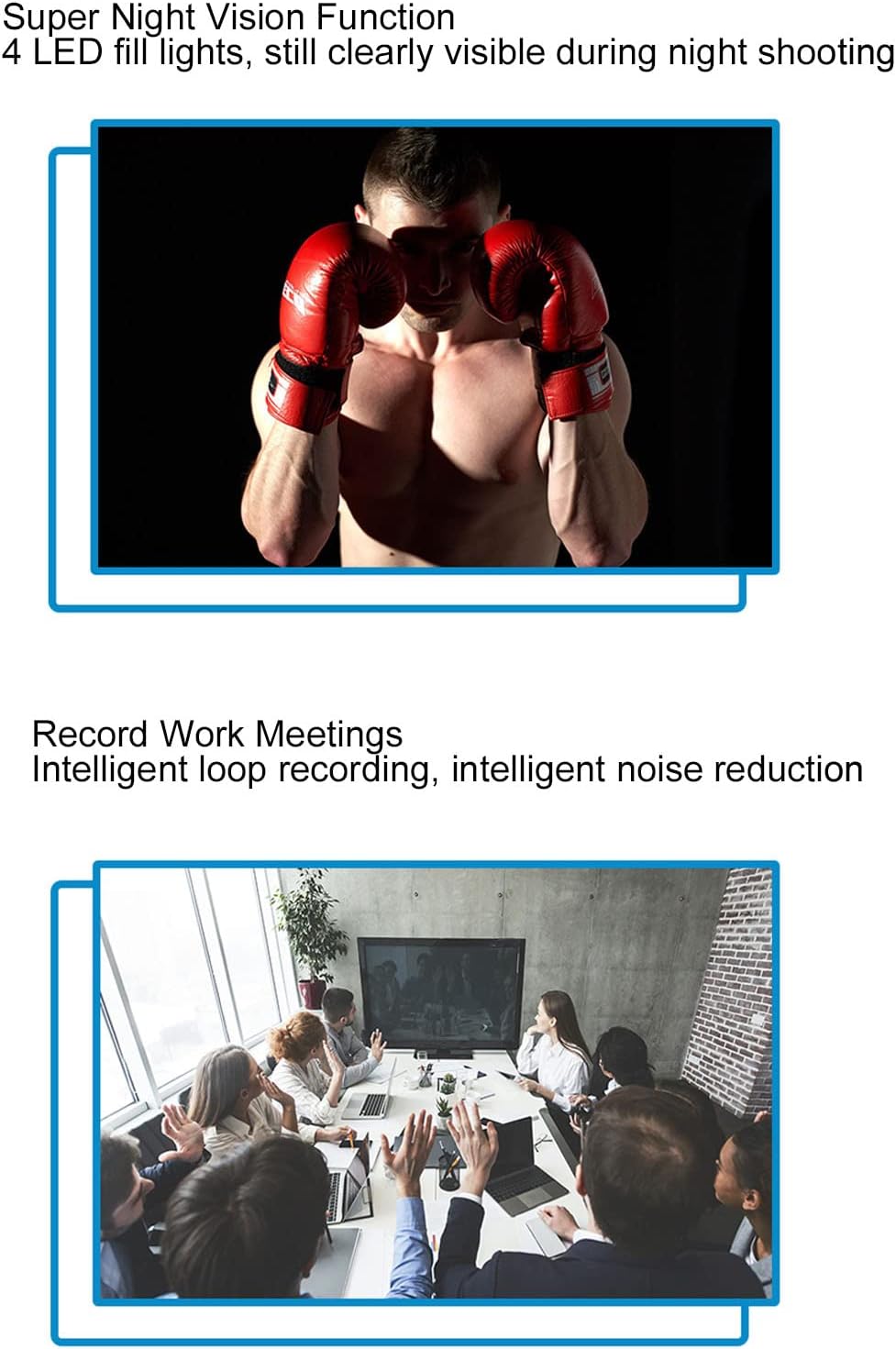
Figure 4.3: Night vision capability for clear recording in the dark.
4.5 ການກວດຈັບການເຄື່ອນໄຫວ
When motion detection is enabled, the camera will automatically begin recording when it detects movement within its field of view. This helps conserve memory and battery life by only recording relevant events.

Figure 4.4: Motion detection feature for automatic recording upon movement.
4.6 Wi-Fi Connection and Real-time Monitoring
The camera supports Wi-Fi connectivity, allowing you to connect it to your smartphone for real-time monitoring. Download the dedicated app (refer to the quick start guide for app name and download instructions). Once connected, you can view ດໍາລົງຊີວິດ footage, adjust settings, and review ບັນທຶກ files directly on your phone.

Figure 4.5: Real-time monitoring via smartphone app using Wi-Fi connection.
4.7 Synchronized Audio and Video Playback
The built-in stereo external speaker ensures that audio is synchronized with video playback, providing a complete recording experience.
Video 4.1: Demonstration of the Bewinner Mini Body Camera's features and operation, including its 1080P HD recording capability.
5. ບໍາລຸງຮັກສາ
- ທໍາຄວາມສະອາດ: ໃຊ້ຜ້າອ່ອນໆແຫ້ງເພື່ອທຳຄວາມສະອາດຕົວກ້ອງຖ່າຍຮູບ. ສຳລັບເລນ, ໃຫ້ໃຊ້ຜ້າທຳຄວາມສະອາດເລນພິເສດ ແລະ ນ້ຳຢາເພື່ອຫຼີກລ່ຽງຮອຍຂີດຂ່ວນ.
- ການເກັບຮັກສາ: ເກັບຮັກສາກ້ອງຖ່າຍຮູບໄວ້ໃນບ່ອນທີ່ເຢັນ, ແຫ້ງ, ຫ່າງຈາກແສງແດດໂດຍກົງ ແລະອຸນຫະພູມທີ່ຮຸນແຮງ.
- ການດູແລຫມໍ້ໄຟ: ເພື່ອຍືດອາຍຸການໃຊ້ງານຂອງແບັດເຕີຣີ, ໃຫ້ຫຼີກລ່ຽງການສາກແບັດເຕີຣີໃຫ້ໝົດເລື້ອຍໆ. ໃຫ້ສາກກ້ອງຖ່າຍຮູບເປັນປະຈຳ, ເຖິງແມ່ນວ່າຈະບໍ່ໄດ້ໃຊ້ງານເປັນເວລາດົນກໍຕາມ.
- ກາດຫນ່ວຍຄວາມຈໍາ: Periodically format the memory card to maintain optimal performance and prevent data corruption. Back up important files ກ່ອນການຈັດຮູບແບບ.
6. ການແກ້ໄຂບັນຫາ
| ບັນຫາ | ສາເຫດທີ່ເປັນໄປໄດ້ | ການແກ້ໄຂ |
|---|---|---|
| ກ້ອງຖ່າຍຮູບບໍ່ເປີດ. | ແບັດເຕີຣີຕໍ່າ; ອຸປະກອນເຮັດວຽກຜິດປົກກະຕິ. | Charge the camera fully. If problem persists, contact support. |
| ບໍ່ສາມາດບັນທຶກວິດີໂອ/ຖ່າຍຮູບໄດ້. | No memory card; memory card full; memory card error. | Insert a memory card. Delete old files or replace the card. Format the memory card. |
| ການເຊື່ອມຕໍ່ Wi-Fi ລົ້ມເຫລວ. | Incorrect app; Wi-Fi signal weak; camera Wi-Fi off. | Ensure correct app is installed. Move closer to the camera. Activate Wi-Fi on the camera. |
| ຄຸນນະພາບຮູບພາບບໍ່ດີ. | Dirty lens; low light conditions (night vision off). | Clean the lens. Activate night vision in low light. |
7. ຂໍ້ມູນຈໍາເພາະ
| ຄຸນສົມບັດ | ລາຍລະອຽດ |
|---|---|
| ຍີ່ຫໍ້ | ຜູ້ເລີ່ມຕົ້ນ |
| ຊື່ຕົວແບບ | Bewinner8io91n6b0z |
| ເຕັກໂນໂລຊີການເຊື່ອມຕໍ່ | Wi-Fi |
| ການນຳໃຊ້ພາຍໃນ/ນອກ | ພາຍໃນ, ກາງແຈ້ງ |
| ອຸປະກອນທີ່ເຂົ້າກັນໄດ້ | ໂທລະສັບສະຫຼາດ |
| ປະເພດການຄວບຄຸມ | Android |
| ສີ | ດຳ |
| ປະເພດ Alert | ການເຄື່ອນໄຫວເທົ່ານັ້ນ |
| ການປະເມີນກັນນ້ໍາ | IP54 |
| ຄວາມລະອຽດການຖ່າຍວິດີໂອ | 1080p |
| ຮູບແບບການຖ່າຍຮູບວິດີໂອ | MOV |
| ແຫຼ່ງພະລັງງານ | ພະລັງງານຫມໍ້ໄຟ |
| ຄວາມອາດສາມາດຫມໍ້ໄຟ | 1400 mAh |
| ປະເພດຈຸດສຸມ | ຄູ່ມືການສຸມໃສ່ |
8. ການຮັບປະກັນແລະການສະຫນັບສະຫນູນ
For warranty information and technical support, please refer to the product packaging or contact Bewinner customer service directly. Keep your purchase receipt for warranty claims.