
ແນະນຳ
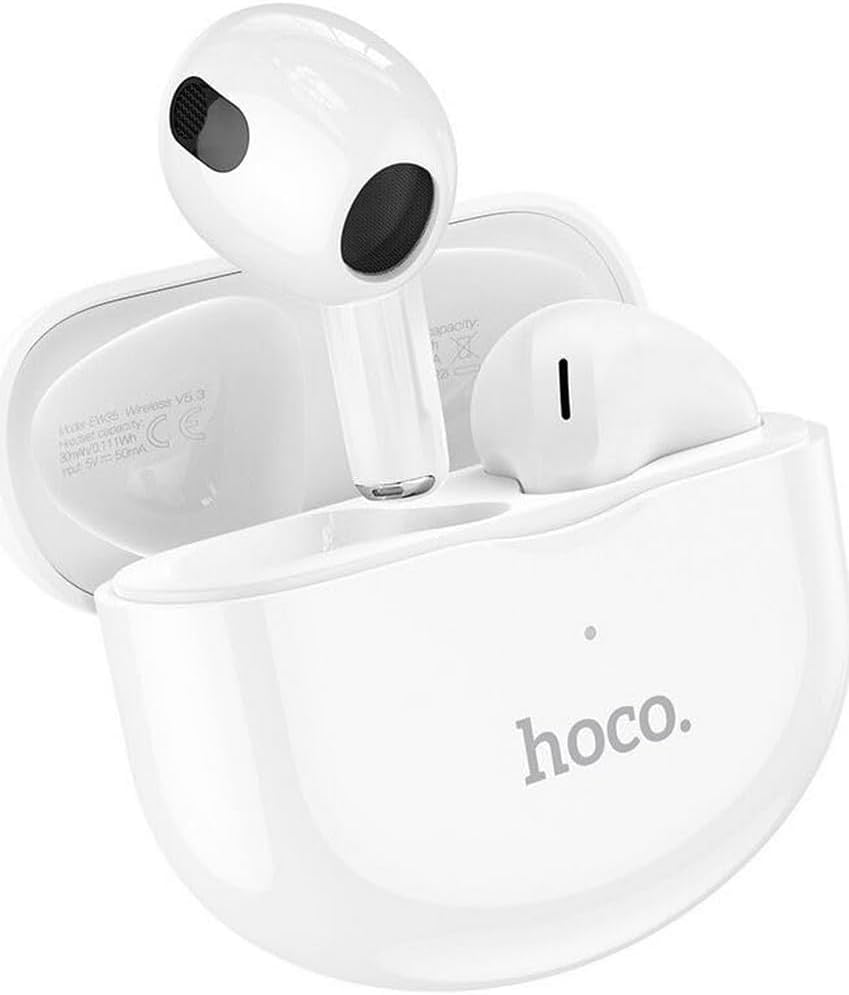
Thank you for choosing the Hoco EW35 Wireless Bluetooth Earphones. These earphones are designed to provide a high-quality audio experience with the convenience of wireless connectivity. Featuring Bluetooth 5.3, touch controls, and an integrated voice assistant, the EW35 offers seamless interaction with your compatible devices. This manual will guide you through the setup, operation, and maintenance of your earphones.
ເນື້ອໃນຊຸດ
ກະລຸນາກວດເບິ່ງຊຸດສຳລັບລາຍການຕໍ່ໄປນີ້:
- Hoco EW35 Wireless Bluetooth Earphones (Left and Right)
- ກ່ອງສາກ
- ຄູ່ມືຜູ້ໃຊ້
- ກໍລະນີປ້ອງກັນ

ຕັ້ງຄ່າ
1. ກຳລັງສາກຫູຟັງ ແລະ ເຄສ
Before first use, ensure both the earphones and the charging case are fully charged. The charging case holds multiple charges for the earphones, extending their usage time.
- ໃສ່ຫູຟັງລົງໃນກ່ອງສາກໄຟ. ໃຫ້ແນ່ໃຈວ່າຫູຟັງຖືກໃສ່ຢ່າງຖືກຕ້ອງໃນຊ່ອງທີ່ສອດຄ້ອງກັນ.
- ເຊື່ອມຕໍ່ກ່ອງສາກໄຟກັບແຫຼ່ງພະລັງງານໂດຍໃຊ້ສາຍ USB ທີ່ເຂົ້າກັນໄດ້.
- The indicator light on the charging case will show the charging status. Refer to the product's specific LED indicators for full charge notification.

2. ການຈັບຄູ່ກັບອຸປະກອນ Bluetooth
The Hoco EW35 earphones use Bluetooth 5.3 for a stable and efficient connection.
- ເປີດກ່ອງສາກໄຟ. ຫູຟັງຈະເຂົ້າສູ່ໂໝດຈັບຄູ່ໂດຍອັດຕະໂນມັດ (ສະແດງດ້ວຍໄຟ LED ກະພິບຢູ່ເທິງຫູຟັງ).
- ໃນອຸປະກອນຂອງທ່ານ (ໂທລະສັບສະຫຼາດ, ແທັບເລັດ, ແລັບທັອບ, ແລະອື່ນໆ), ໃຫ້ໄປທີ່ການຕັ້ງຄ່າ Bluetooth.
- ຊອກຫາ available devices and select "Hoco EW35" from the list.
- Once connected, the earphones will indicate a successful pairing (e.g., a voice prompt or solid LED light).
- ຫູຟັງຈະເຊື່ອມຕໍ່ໃໝ່ໂດຍອັດຕະໂນມັດກັບອຸປະກອນທີ່ຈັບຄູ່ສຸດທ້າຍເມື່ອເອົາອອກຈາກເຄສ, ຖ້າ Bluetooth ຖືກເປີດໃຊ້ໃນອຸປະກອນ.
ຄໍາແນະນໍາການດໍາເນີນງານ
ແຕະການຄວບຄຸມ
The Hoco EW35 earphones feature intuitive touch controls on each earbud. The specific functions may vary slightly depending on your device and application.
- ຫຼິ້ນ/ຢຸດ: ແຕະເທື່ອດຽວໃສ່ຫູຟັງຫູຟັງ.
- ເພງຕໍ່ໄປ: ແຕະສອງເທື່ອໃສ່ຫູຟັງເບື້ອງຂວາ.
- ຕິດຕາມກ່ອນ ໜ້າ ນີ້: ແຕະສອງເທື່ອໃສ່ຫູຟັງທາງຊ້າຍ.
- ຮັບ/ສາຍໂທ: ແຕະເທື່ອດຽວໃສ່ຫູຟັງຫູຟັງລະຫວ່າງສາຍໂທເຂົ້າ ຫຼືສາຍທີ່ເປີດຢູ່.
- ປະຕິເສດການໂທ: ກົດຫູຟັງອັນໃດອັນໜຶ່ງຄ້າງໄວ້ 2 ວິນາທີໃນລະຫວ່າງສາຍໂທເຂົ້າ.
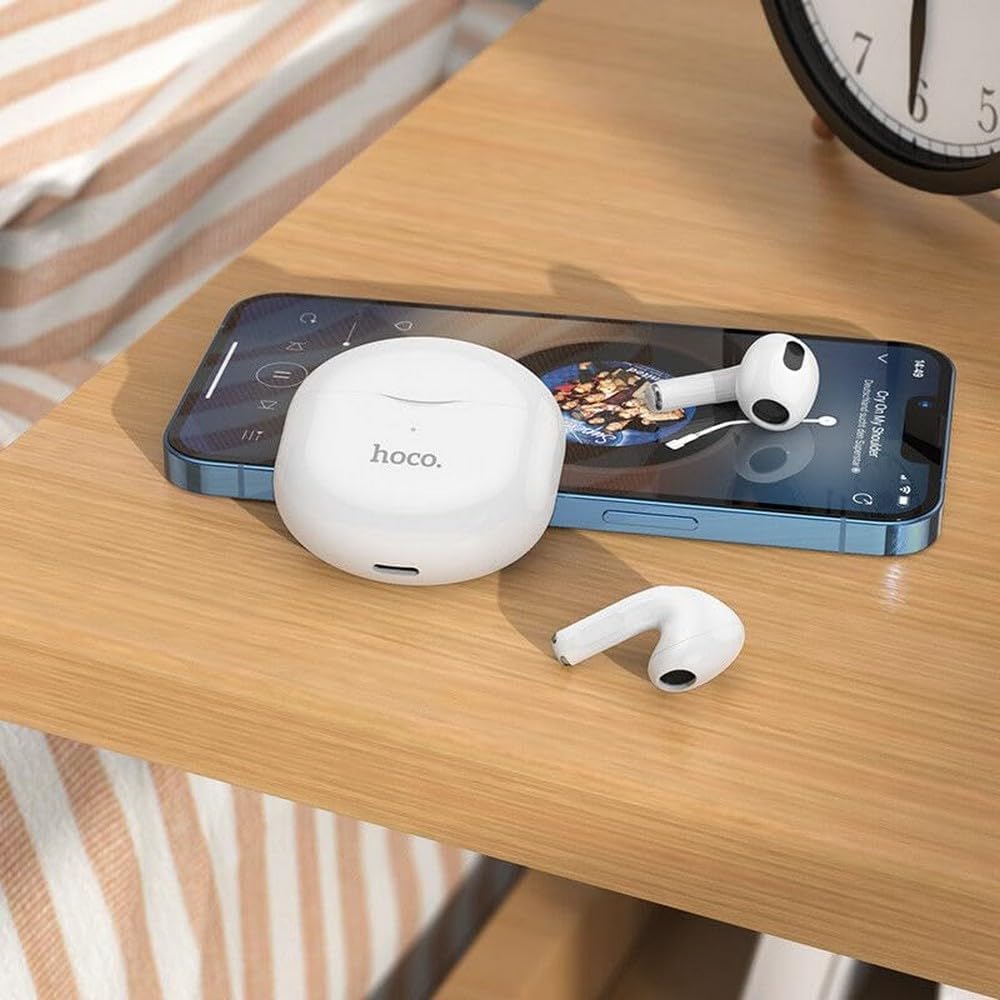
- ກະຕຸ້ນຜູ້ຊ່ວຍສຽງ: ແຕະສາມເທື່ອໃສ່ຫູຟັງຫູຟັງ.
ຜູ້ຊ່ວຍສຽງ
The integrated voice assistant allows you to control your device using voice commands. Triple tap either earbud to activate your device's voice assistant (e.g., Siri, Google Assistant).
ບໍາລຸງຮັກສາ
ທໍາຄວາມສະອາດ
ການທໍາຄວາມສະອາດເປັນປົກກະຕິຊ່ວຍຮັກສາຄຸນນະພາບສຽງແລະສຸຂະອະນາໄມ.
- ໃຊ້ຜ້າອ່ອນ, ແຫ້ງ, ແລະ ບໍ່ມີຂົນເພື່ອເຊັດຫູຟັງ ແລະ ກ່ອງສາກໄຟ.
- ສໍາລັບຝຸ່ນ stubborn, ເລັກນ້ອຍ dampເຊັດຜ້າດ້ວຍນ້ຳ ຫຼື ນ້ຳຢາທຳຄວາມສະອາດອ່ອນໆທີ່ບໍ່ຮຸນແຮງ. ຫຼີກລ່ຽງການໃຫ້ນ້ຳເຂົ້າໄປໃນຮູເປີດ.
- ຢ່າໃຊ້ສານເຄມີທີ່ຮຸນແຮງ, ເຫຼົ້າ, ຫຼືວັດສະດຸຂັດ.
- Gently clean the ear tips and speaker mesh to remove earwax or debris.
ການເກັບຮັກສາ
ເມື່ອບໍ່ໄດ້ໃຊ້, ໃຫ້ເກັບຮັກສາຫູຟັງໃສ່ໃນກະເປົ໋າສາກໄຟເພື່ອປົກປ້ອງພວກມັນ ແລະ ສືບຕໍ່ສາກໄຟ.
- ເກັບຮັກສາໄວ້ໃນບ່ອນທີ່ເຢັນ, ແຫ້ງ, ຫ່າງຈາກແສງແດດໂດຍກົງແລະອຸນຫະພູມທີ່ສຸດ.
- Avoid exposing the earphones or case to excessive moisture. While the earphones are rated as waterproof, prolonged exposure or submersion is not recommended.
ການແກ້ໄຂບັນຫາ
If you encounter issues with your Hoco EW35 earphones, try the following solutions:
- ຫູຟັງບໍ່ຈັບຄູ່:
- ກວດໃຫ້ແນ່ໃຈວ່າໄດ້ສາກຫູຟັງທັງສອງແລ້ວ.
- ປິດ Bluetooth ໃນອຸປະກອນຂອງທ່ານ ແລະເປີດມັນຄືນໃໝ່.
- Forget "Hoco EW35" from your device's Bluetooth list and attempt to pair again.
- Place earphones back in the case, close it, wait a few seconds, then open it again to re-enter pairing mode.
- No sound from one or both earphones:
- ກວດເບິ່ງລະດັບສຽງໃນອຸປະກອນທີ່ເຊື່ອມຕໍ່ຂອງທ່ານ.
- ໃຫ້ແນ່ໃຈວ່າຫູຟັງຢູ່ໃນຫູຂອງທ່ານຢ່າງຖືກຕ້ອງ.
- ເຊື່ອມຕໍ່ຫູຟັງກັບອຸປະກອນຂອງທ່ານຄືນໃໝ່.
- ເຮັດຄວາມສະອາດສິ່ງເສດເຫຼືອໃດໆຈາກຕາຫນ່າງລໍາໂພງ.
- ບັນຫາການສາກໄຟ:
- ໃຫ້ແນ່ໃຈວ່າສາຍສາກໄດ້ເຊື່ອມຕໍ່ຢ່າງປອດໄພກັບທັງກໍລະນີ ແລະແຫຼ່ງພະລັງງານ.
- ລອງສາຍສາກໄຟ ຫຼືອະແດັບເຕີສາຍສາກອື່ນ.
- ເຮັດຄວາມສະອາດແຜ່ນຕິດຕໍ່ການສາກໄຟຢູ່ທັງຫູຟັງ ແລະ ເຄສ.
- ການຄວບຄຸມການສໍາພັດບໍ່ຕອບສະຫນອງ:
- ໃຫ້ແນ່ໃຈວ່ານິ້ວມືຂອງທ່ານສະອາດແລະແຫ້ງ.
- Try restarting the earphones by placing them in the case and taking them out again.
ຂໍ້ມູນຈໍາເພາະ
| ຄຸນສົມບັດ | ລາຍລະອຽດ |
|---|---|
| ຊື່ຕົວແບບ | EW35 |
| ຍີ່ຫໍ້ | ໂຮໂຄ |
| ເຕັກໂນໂລຊີການເຊື່ອມຕໍ່ | ໄຮ້ສາຍ (Bluetooth 5.3) |
| ການຈັດວາງຫູ | ໃນຫູ |
| ປັດໄຈແບບຟອມ | ໃນຫູ |
| ວັດສະດຸ | ພາດສະຕິກ |
| ເວລາຫຼິ້ນ | Up to 4 hours (per earbud) |
| ວິທີການຄວບຄຸມ | ແຕະ, ການຄວບຄຸມດ້ວຍສຽງ |
| ຄຸນນະສົມບັດພິເສດ | Integrated Voice Assistant, Touch Control |
| ລະດັບຄວາມຕ້ານທານນ້ໍາ | ກັນນ້ຳ |
| ການຍົກເລີກສິ່ງລົບກວນ | ບໍ່ມີ |
| ອຸປະກອນທີ່ເຂົ້າກັນໄດ້ | Smartphones, Tablets, Laptops, Desktops, Smart Speakers, Game Consoles |
| ແບັດເຕີຣີ | 1 lithium-ion (ລວມ) |
| ແບັດເຕີຣີທີ່ສາມາດສາກໄດ້ | ແມ່ນແລ້ວ |

ຂໍ້ມູນຄວາມປອດໄພ
ກະລຸນາອ່ານ ແລະ ປະຕິບັດຕາມຄຳແນະນຳດ້ານຄວາມປອດໄພເຫຼົ່ານີ້ເພື່ອປ້ອງກັນຄວາມເສຍຫາຍຕໍ່ອຸປະກອນຂອງທ່ານ ຫຼື ການບາດເຈັບຕໍ່ຕົວທ່ານເອງ:
- ຫຼີກເວັ້ນການຟັງໃນລະດັບສຽງສູງສໍາລັບໄລຍະເວລາທີ່ຂະຫຍາຍອອກໄປເພື່ອປ້ອງກັນຄວາມເສຍຫາຍຂອງການໄດ້ຍິນ.
- Do not use the earphones in situations where inability to hear ambient sounds could be dangerous (e.g., driving, cycling, walking in traffic).
- ຮັກສາຫູຟັງ ແລະກ່ອງສາກໃຫ້ຫ່າງຈາກອຸນຫະພູມທີ່ຮຸນແຮງ, ແສງແດດໂດຍກົງ, ແລະເປີດແປວໄຟ.
- Do not attempt to disassemble, repair, or modify the product. This may void the warranty and cause damage.
- ຮັກສາໃຫ້ໄກຈາກເດັກນ້ອຍ ແລະສັດລ້ຽງ. ຊິ້ນສ່ວນນ້ອຍໆອາດເຮັດໃຫ້ເກີດອັນຕະລາຍຕໍ່ການຫາຍໃຈ.
- Dispose of the product and its battery responsibly, following local regulations.
ການຮັບປະກັນແລະການສະຫນັບສະຫນູນ
For detailed warranty information, please refer to the warranty card included in your product packaging. If you require further assistance or have questions not covered in this manual, please visit the official Hoco website ຫຼືຕິດຕໍ່ສະຫນັບສະຫນູນລູກຄ້າຂອງເຂົາເຈົ້າໂດຍກົງ.
ທ່ານສາມາດຊອກຫາຂໍ້ມູນເພີ່ມເຕີມ ແລະຊັບພະຍາກອນທີ່ສະຫນັບສະຫນູນໄດ້ທີ່: www.hoco.com