
1. ບົດແນະນຳ
Thank you for choosing the MNN Portable Monitor. This 14-inch Full HD (1920x1200P) display is designed to enhance your productivity and entertainment on the go. Featuring an advanced IPS matte screen with a 178° full viewing angle, it delivers accurate and vibrant colors while effectively reducing blue light radiation for eye comfort during prolonged use. Its ultra-slim and lightweight design makes it an ideal companion for travelers, students, gamers, and professionals.
2. ຄຸນນະສົມບັດແລະຜົນປະໂຫຍດທີ່ສໍາຄັນ
- Full HD Portable Monitor: 14-inch display with 1920x1200P resolution, advanced IPS matte screen, and 178° full viewing angle for accurate, vibrant colors and reduced blue light radiation.
- ພອດ Type-C ຄູ່: Features two full-function USB-C ports for true plug-and-play. A single USB Type-C cable can transmit both power supply and display signal. Compatible with laptops, PCs, phones, MacBooks, PS5/PS4, and Switch.
- Lightweight and Ultra-Slim: Easily fits into backpacks and suitcases, providing stress-free portability for various users.
- ໂໝດການສະແດງຜົນທີ່ຫຼາກຫຼາຍ: Supports Copy Mode, Extended Mode, Second Screen Mode, and Portrait Mode to enhance work efficiency and gaming experience.
- ໂໝດ HDR: Upgrades image quality with brighter highlights, deeper colors, and more realistic visuals.
- ຂາຕັ້ງໃນຕົວ: Convenient integrated stand on the back for easy setup anywhere.
3. ສິ່ງທີ່ຢູ່ໃນກ່ອງ
The MNN Portable Monitor package includes everything you need to get started:
- MNN Portable Monitor (14 inch FHD 1920x1200P)
- Smart Cover (doubles as a stand)
- ສາຍ USB-C ຫາ USB-C
- ສາຍ HDMI ຫາ Mini HDMI
- ຄູ່ມືຜູ້ໃຊ້
4. ຄໍາແນະນໍາການຕິດຕັ້ງ
The MNN Portable Monitor is designed for easy plug-and-play setup. Follow these steps to connect your device:
- Unpack the Monitor: ເອົາຈໍພາບ ແລະອຸປະກອນເສີມທັງໝົດອອກຈາກເຄື່ອງຫຸ້ມຫໍ່ຢ່າງລະມັດລະວັງ.
- ຕໍາແໜ່ງ Monitor: Use the included smart cover to prop up the monitor to your desired viewing angle. The magnetic cover allows for stable positioning.
- ເຊື່ອມຕໍ່ກັບອຸປະກອນຂອງທ່ານ:
- Using USB-C (Single Cable Solution): If your laptop, PC, phone, or gaming console supports Thunderbolt 3.0 or USB 3.1 Type-C DP Alt-Mode, connect one end of the provided USB-C to USB-C cable to the monitor's full-function USB-C port and the other end to your device's compatible USB-C port. This single cable will provide both power and video signal.
- Using HDMI (Video Only): Connect one end of the provided HDMI to Mini HDMI cable to the monitor's Mini HDMI port and the other end to your device's HDMI output. For power, connect a USB-C power adapter (not included) to one of the monitor's USB-C ports.
- ເປີດ: The monitor should automatically power on and display your device's screen. If not, press the power button on the monitor.
5. ຄໍາແນະນໍາການດໍາເນີນງານ
5.1. ໂໝດສະແດງຜົນ
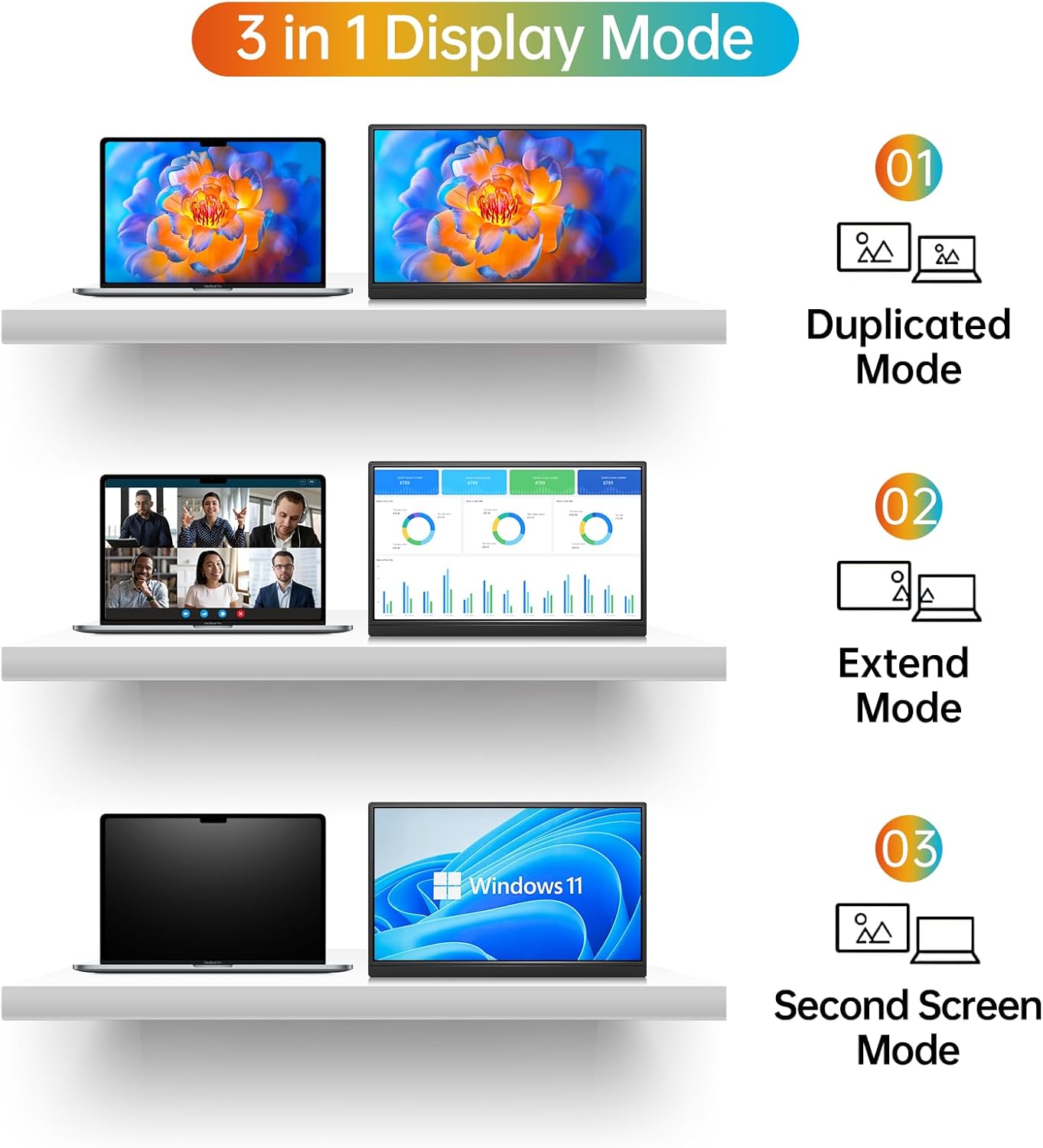
The MNN Portable Monitor supports multiple display modes to suit your needs:
- ໂໝດສຳເນົາ: Duplicates your main screen, ideal for presentations or sharing content.
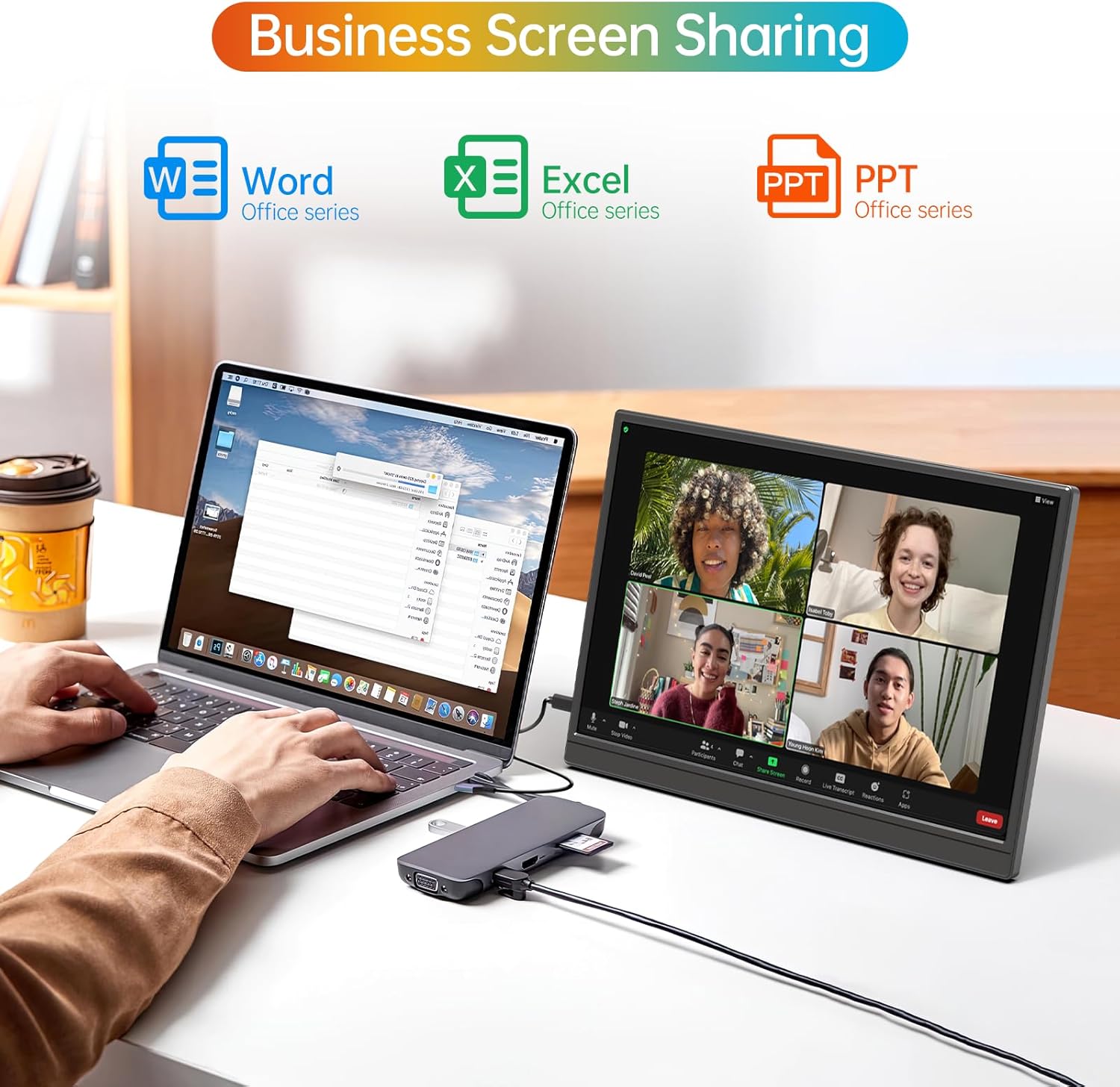
- ຮູບແບບການຂະຫຍາຍ: Extends your desktop space, allowing you to multitask efficiently with different applications open on each screen.
- ໂໝດໜ້າຈໍທີສອງ: ໃຊ້ພຽງແຕ່ຈໍພາບພົກພາເປັນຈໍສະແດງຜົນເທົ່ານັ້ນ.
- ແບບ Portrait: Rotates the display for vertical viewing, beneficial for coding, document review, or social media feeds.
5.2. ເມນູການສະແດງເທິງໜ້າຈໍ (OSD).
The OSD menu allows you to adjust various settings for optimal viewing. Use the buttons on the side of the monitor to navigate and select options.
- Power / Back Button: Turns the monitor on/off and navigates back in the OSD menu.
- ປຸ່ມຄວາມສະຫວ່າງ +/-: ປັບຄວາມສະຫວ່າງໜ້າຈໍ.
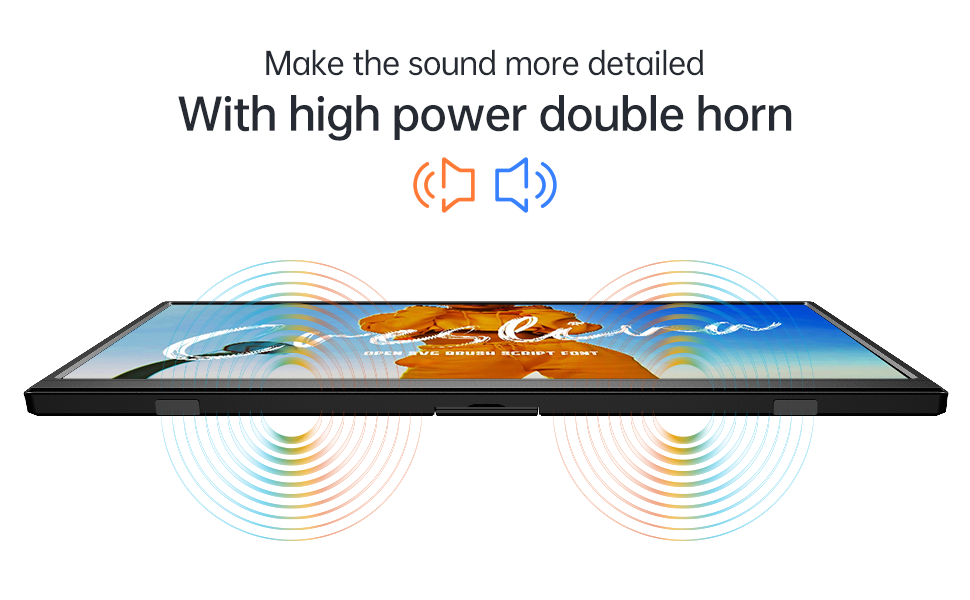
- ລະດັບສຽງ +/- ປຸ່ມ: Controls the audio output from the built-in speakers or connected headphones.
- OSD Button: ເປີດເມນູ OSD.
- Jack ຫູຟັງ 3.5 ມມ: Connect external headphones for private audio.

6. ບໍາລຸງຮັກສາ
To ensure the longevity and optimal performance of your MNN Portable Monitor, follow these maintenance guidelines:
- ທໍາຄວາມສະອາດຫນ້າຈໍ: ໃຊ້ຜ້າແພທີ່ອ່ອນໆ ທີ່ບໍ່ມີເສັ້ນດ່າງ dampຜະສົມດ້ວຍນ້ໍາຫຼືການແກ້ໄຂການທໍາຄວາມສະອາດຫນ້າຈໍ. ຫຼີກເວັ້ນການສານເຄມີທີ່ຮຸນແຮງຫຼືວັດສະດຸຂັດ.
- ທໍາຄວາມສະອາດ Casing: ເຊັດຈໍສະແດງຜົນ casing ດ້ວຍຜ້າອ່ອນ, ແຫ້ງ.
- ການເກັບຮັກສາ: When not in use, especially during travel, keep the monitor protected by its smart cover to prevent scratches and damage.
- ຫຼີກລ້ຽງສະພາບທີ່ຮ້າຍແຮງ: ຢ່າໃຫ້ຈໍພາບຖືກອຸນຫະພູມ, ຄວາມຊຸ່ມຊື່ນ ຫຼື ແສງແດດໂດຍກົງເປັນເວລາດົນ.
- ຈັດການດ້ວຍຄວາມລະມັດລະວັງ: Although designed for portability, avoid dropping or subjecting the monitor to strong impacts.
7. ການແກ້ໄຂບັນຫາ
If you encounter any issues with your MNN Portable Monitor, refer to the following common solutions:
| ບັນຫາ | ການແກ້ໄຂທີ່ເປັນໄປໄດ້ |
|---|---|
| ບໍ່ມີຈໍສະແດງຜົນ/ບໍ່ມີສັນຍານ |
|
| ບໍ່ມີສຽງຫລືປະລິມານຕ່ ຳ |
|
| ໜ້າຈໍກະພິບ ຫຼືຮູບພາບບໍ່ສະຖຽນ |
|
| ຈໍສະແດງຜົນບໍ່ໄດ້ເປີດ |
|
| Poor picture quality/washed out colors |
|
8. ຂໍ້ມູນຈໍາເພາະ
| ຄຸນສົມບັດ | ລາຍລະອຽດ |
|---|---|
| ຍີ່ຫໍ້ | MNN |
| ຊື່ຕົວແບບ | M140F1 |
| ຂະໜາດໜ້າຈໍ | 14 ນິ້ວ |
| ຄວາມລະອຽດເດີມ | 1920x1200 (FHD 1200P) |
| ອັດຕາສ່ວນ | 16:10 |
| ລາຍລະອຽດຫນ້າຈໍ | Matte |
| ເຕັກໂນໂລຊີການສະແດງ | IPS LCD |
| Viewໃນມຸມ | 178 ອົງສາ |
| ຄວາມສະຫວ່າງ | 400cd/m² |
| ອັດຕາສ່ວນກົງກັນຂ້າມ | Approximately 500:1 to 1000:1 |
| ອັດຕາການໂຫຼດຂໍ້ມູນຄືນໃໝ່ | 60 Hz |
| ເວລາຕອບສະຫນອງ | 5 ມິນລິວິນາທີ |
| ການເຊື່ອມຕໍ່ | 2x Full-function USB Type-C, 1x Mini HDMI |
| ສຽງ | Built-in Speakers, 3.5mm Headphone Jack |
| ຄຸນນະສົມບັດພິເສດ | HDR, Low Blue Light, Flicker-Free, Built-in Stand |
| ຂະໜາດລາຍການ (D x W x H) | 17"D x 2.3"W x 10.7"H |
| ນ້ໍາຫນັກລາຍການ | 1.35 ກິໂລກຣາມ |
| ອຸປະກອນທີ່ເຂົ້າກັນໄດ້ | Laptop, PC, Phone, MacBook, PS5/PS4, Switch |
| UPC | 795847642673 |
9. ການຮັບປະກັນແລະການສະ ໜັບ ສະ ໜູນ
MNN is committed to providing customer-centric quality service.
- ການຮັບປະກັນ: The MNN Portable Monitor comes with a Full Warranty, valid for 2 years from the date of purchase. This covers manufacturing defects and malfunctions under normal use.
- ການຊ່ວຍເຫຼືອລູກຄ້າ: For any questions, problems, or support needs, please feel free to contact MNN customer service.
ຂໍ້ມູນຕິດຕໍ່:
ອີເມວ: support@mnntech.com