
1. ຂໍ້ມູນຄວາມປອດໄພ
Your safety is paramount. Please read and understand all safety instructions before operating the WEELMOTION Hoverboard.
UL2272 Certification
Every WEELMOTION hoverboard is UL 2272 certified, having passed rigorous battery and charger safety tests. This certification ensures compliance with electrical safety standards.
ຄຸນນະສົມບັດຄວາມປອດໄພທີ່ສໍາຄັນ:
- No-Fall Technology: Provides enhanced balance support, making it easier and safer for beginners.
- ການປ້ອງກັນຄວາມຮ້ອນເກີນ: Automatically shuts down the device if internal temperatures exceed safe limits.
- ການປ້ອງກັນວົງຈອນສັ້ນ: ປ້ອງກັນຄວາມເສຍຫາຍຈາກໄຟຟ້າລັດວົງຈອນ.
- Fire-Resistant Shell: Constructed with materials designed to resist fire.
- Over-Speed Alert: Notifies the rider when exceeding safe speeds.
ຫມາຍເຫດຄວາມປອດໄພທີ່ສໍາຄັນ:
- Always use the original WEELMOTION charger. Using non-compatible or uncertified chargers may prevent charging, damage the battery, or create potential safety risks.
- Wear appropriate safety gear, including a helmet, knee pads, and elbow pads, during operation.
- Do not operate the hoverboard in unsafe conditions, such as on wet surfaces, steep inclines, or in heavy traffic.
- Ensure the hoverboard is fully charged before each use to avoid unexpected power loss.

Image: The WEELMOTION Hoverboard emphasizing its safety features, including advanced chip, smart sensor, no-fall technology, UL2272 certification, overheat protection, non-slip pedal, fire protection shell, and over-speed alert.
2. ຜະລິດຕະພັນເກີນview
The WEELMOTION 6.5 Chrome Hoverboard is designed for a smooth and enjoyable riding experience. It combines powerful performance with advanced safety features and entertainment options.
ຄຸນນະສົມບັດທີ່ສໍາຄັນ:
- ມໍເຕີຄູ່ທີ່ມີປະສິດທິພາບ: Equipped with dual 200W brushless motors for speeds up to 8 km/h.
- All-Terrain Wheels: Features 6.5-inch solid shining tires suitable for various terrains.
- ແບດເຕີຣີທີ່ຍາວນານ: High-capacity lithium-ion battery provides a range of 6–8 km per charge.
- ໄຟ LED ທີ່ສົດໃສ: Includes LED wheel lights, dynamic LED strip lights, and bright front LEDs for visibility and style.
- Integrated Music Speaker: Connects to your device via Bluetooth for music playback during rides.
- UL 2272 ໄດ້ຮັບການຢັ້ງຢືນ: Ensures electrical safety and peace of mind.

Image: The WEELMOTION 6.5 Chrome Hoverboard, showcasing its sleek design and vibrant chrome lemon finish.
ຮູບພາບ: ລະເບີດ view highlighting the 400W dual motor, maximum 220 lbs load capacity, 12-degree climbing angle, and 10 km/h maximum speed.

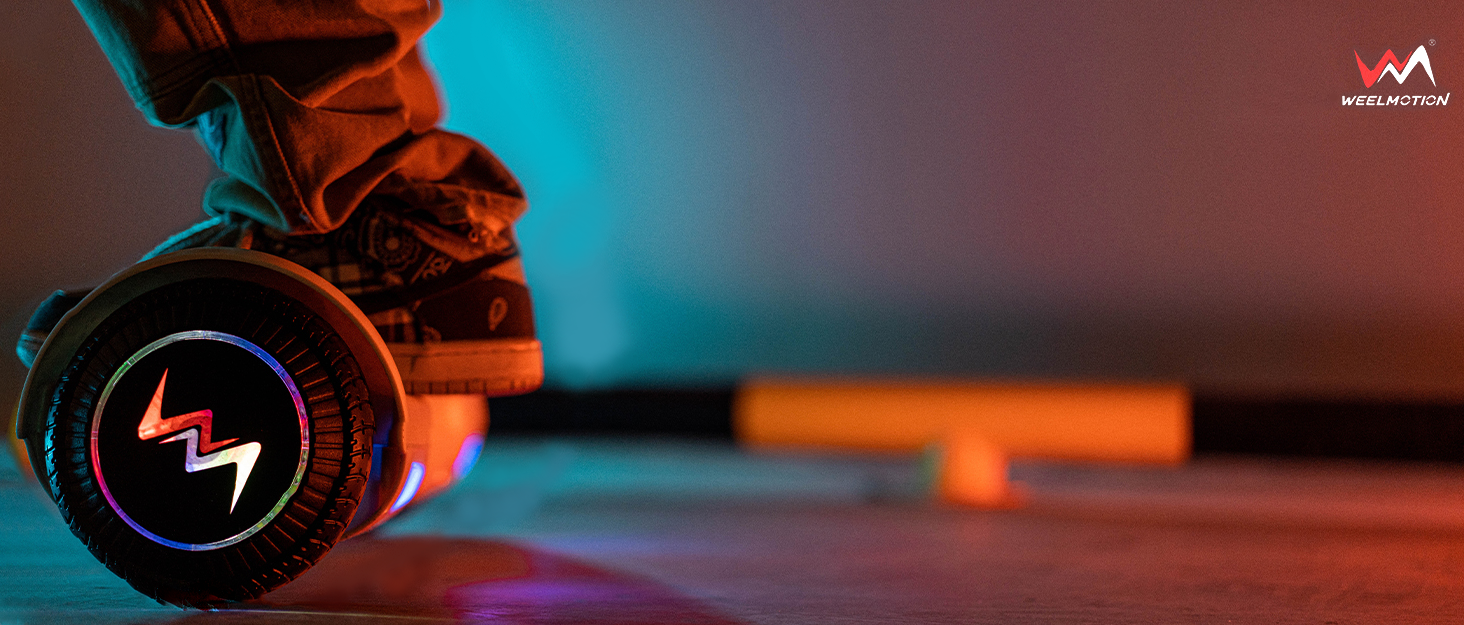
Image: The hoverboard illuminated by its vibrant LED lights, with musical notes indicating the built-in music speaker feature.
3. ຕັ້ງຄ່າ
Unboxing ແລະການກວດກາເບື້ອງຕົ້ນ:
- ເອົາສ່ວນປະກອບທັງຫມົດອອກຈາກການຫຸ້ມຫໍ່ຢ່າງລະມັດລະວັງ.
- Verify that all included components (hoverboard, charger, manual, bag) are present.
- Inspect the hoverboard for any visible damage. Do not use if damaged.
Charging the Hoverboard:
- Locate the charging port on the hoverboard.
- Connect the original WEELMOTION charger to the charging port.
- ສຽບສາຍສາກເຂົ້າໄປໃນປລັກສຽບໄຟຟ້າມາດຕະຖານ.
- ໂດຍປົກກະຕິແລ້ວ ໄຟສັນຍານສະແດງຢູ່ເທິງເຄື່ອງສາກໄຟຈະປ່ຽນເປັນສີແດງໃນລະຫວ່າງການສາກໄຟ ແລະ ເປັນສີຂຽວເມື່ອສາກເຕັມແລ້ວ.
- Allow the hoverboard to charge completely before its first use. Charging time may vary.
Important: Only use the original WEELMOTION charger provided with your hoverboard.

Image: The hoverboard with an icon representing its 72Wh battery, indicating a riding range of up to 6-8 km.
4. ຄໍາແນະນໍາການດໍາເນີນງານ
The WEELMOTION Hoverboard features a built-in gyroscope stabilization system and advanced self-balancing technology for intuitive control.
Riding the Hoverboard:
- ເປີດ: Press the power button located on the hoverboard. The indicator lights will illuminate.
- ການຕິດຕັ້ງ: Place one foot firmly on a footpad. Once the hoverboard stabilizes, quickly step on with your other foot. Maintain a relaxed posture and keep your body centered.
- Moving Forward/Backward: Lean slightly forward to move forward, and lean slightly backward to move backward.
- ການຫັນ: To turn left, press your right foot forward. To turn right, press your left foot forward.
- ໝຸນ 360 ອົງສາ: To rotate in place, push one foot forward and the other foot backward simultaneously.
- ການຖອນການຕິດຕັ້ງ: Step off the hoverboard one foot at a time, preferably backward, to maintain balance.

Image: A person demonstrating riding the WEELMOTION Hoverboard, highlighting its ease of use.

Image: The hoverboard illustrating its self-balance mode, which is beginner-friendly, and its smart-sensor technology.
Using the Music Speaker:
- Ensure the hoverboard is powered on.
- ເປີດໃຊ້ Bluetooth ໃນອຸປະກອນມືຖືຂອງທ່ານ.
- ຊອກຫາ available Bluetooth devices and select the WEELMOTION Hoverboard.
- Once paired, you can play music through the hoverboard's built-in speaker.
Video: An official WEELMOTION video demonstrating the WM-02 Hoverboard in use, showcasing its features and smooth operation.
5. ບໍາລຸງຮັກສາ
ທໍາຄວາມສະອາດ:
- Turn off the hoverboard before cleaning.
- ໃຊ້ອ່ອນ, ງamp cloth to wipe down the exterior. Avoid using harsh chemicals or abrasive cleaners.
- Do not spray water directly onto the hoverboard, as this can damage electronic components.
ການດູແລຫມໍ້ໄຟ:
- Charge the battery regularly, even if the hoverboard is not in frequent use, to maintain battery health.
- ຫຼີກລ້ຽງການລະບາຍຫມໍ້ໄຟໃຫ້ຫມົດກ່ອນທີ່ຈະສາກໄຟ.
- Store the hoverboard in a cool, dry place away from direct sunlight and extreme temperatures.
ການເກັບຮັກສາ:
- If storing for an extended period, ensure the battery is charged to approximately 50-70%.
- Store in a dry environment to prevent moisture damage.
6. ການແກ້ໄຂບັນຫາ
If you encounter issues with your WEELMOTION Hoverboard, please refer to the following common solutions:
Hoverboard Not Turning On:
- ກວດໃຫ້ແນ່ໃຈວ່າແບັດເຕີຣີເຕັມແລ້ວ.
- ກວດເບິ່ງປຸ່ມເປີດປິດສໍາລັບການມີສ່ວນພົວພັນທີ່ເຫມາະສົມ.
ການດຸ່ນດ່ຽງຄວາມຫຍຸ້ງຍາກ:
- Ensure you are on a flat, even surface.
- Recalibrate the hoverboard if necessary (refer to specific model instructions for calibration).
- Practice mounting and dismounting in a safe, open area.
Bluetooth Speaker Not Connecting:
- Ensure the hoverboard is powered on and Bluetooth is enabled on your device.
- Move your device closer to the hoverboard.
- Try restarting both the hoverboard and your Bluetooth device.
For more complex issues or if troubleshooting steps do not resolve the problem, please contact WEELMOTION customer support.
7. ຂໍ້ມູນຈໍາເພາະ
| ຄຸນສົມບັດ | ລາຍລະອຽດ |
|---|---|
| ຍີ່ຫໍ້ | WEELMOTION |
| ຊື່ຕົວແບບ | Chrome Citron |
| ເລກສ່ວນ | D02 |
| ຂະໜາດສິນຄ້າ | 61.5 x 20.5 x 17 cm |
| ນ້ໍາຫນັກລາຍການ | 6.92 ກິໂລ |
| ຂະໜາດລໍ້ | 6.5 ນິ້ວ |
| ຄວາມໄວສູງສຸດ | 10 ກິໂລແມັດຕໍ່ຊົ່ວໂມງ |
| ວັດtage | 200 watts (Dual Motors) |
| ປະເພດຫມໍ້ໄຟ | Lithium-ion (ຕ້ອງການ 1 ອັນ, ລວມມີ) |
| ຄໍາແນະນໍານ້ໍາຫນັກສູງສຸດ | 220 ປອນ |
| ຊ່ວງອາຍຸ (ລາຍລະອຽດ) | ຜູ້ໃຫຍ່ |
| ຄຸນນະສົມບັດພິເສດ | LED Light, Light Up Wheel, Long Battery Life, Music Speaker, Rechargeable |
| ວັດສະດຸ | ພາດສະຕິກ, ໂລຫະ, ຢາງ |
| ແບບເບກ | ເບຣກແບບຟື້ນຟູ |
| ອົງປະກອບລວມ | Bag, Charger, Manual |
8. ການຮັບປະກັນແລະການສະ ໜັບ ສະ ໜູນ
For warranty information, product support, or any inquiries, please contact WEELMOTION customer service.
ຂໍ້ມູນຕິດຕໍ່ຜູ້ຜະລິດ: support@weelmotion.co
Please have your model number (D02) and purchase details ready when contacting support.