
1. ບົດແນະນຳ
This manual provides essential instructions for the safe and efficient use of your HOCO C94A Metro 20W Fast Charger with Type-C to Lightning Cable. Please read this manual thoroughly before using the product and retain it for future reference.
2. ຜະລິດຕະພັນເກີນview
The HOCO C94A Metro is a single-port fast charger designed to provide efficient power delivery for various mobile devices. It comes as a set with a Type-C to Lightning charging cable, supporting multiple fast charging protocols.
ຄຸນນະສົມບັດທີ່ສໍາຄັນ:
- ຜົນຜະລິດ: Type-C port with 20W power delivery.
- ໂປຣໂຕຄອນການສາກໄວ: Supports PD20W, PPS, QC3.0, FCP, and AFC.
- ວັດສະດຸ: Constructed from flame-retardant PC material for enhanced safety.
- ປະເພດປລັກ: European standard pin (EU).
- ລວມສາຍເຄເບີ້ນ: A 1-meter Type-C to Lightning charging cable.
- ຄວາມເຂົ້າກັນໄດ້: Compatible with a wide range of devices including iPhones, Samsung, Xiaomi, and Oppo smartphones, as well as other cellular phones, cameras, GPS devices, power tools, and tablets.
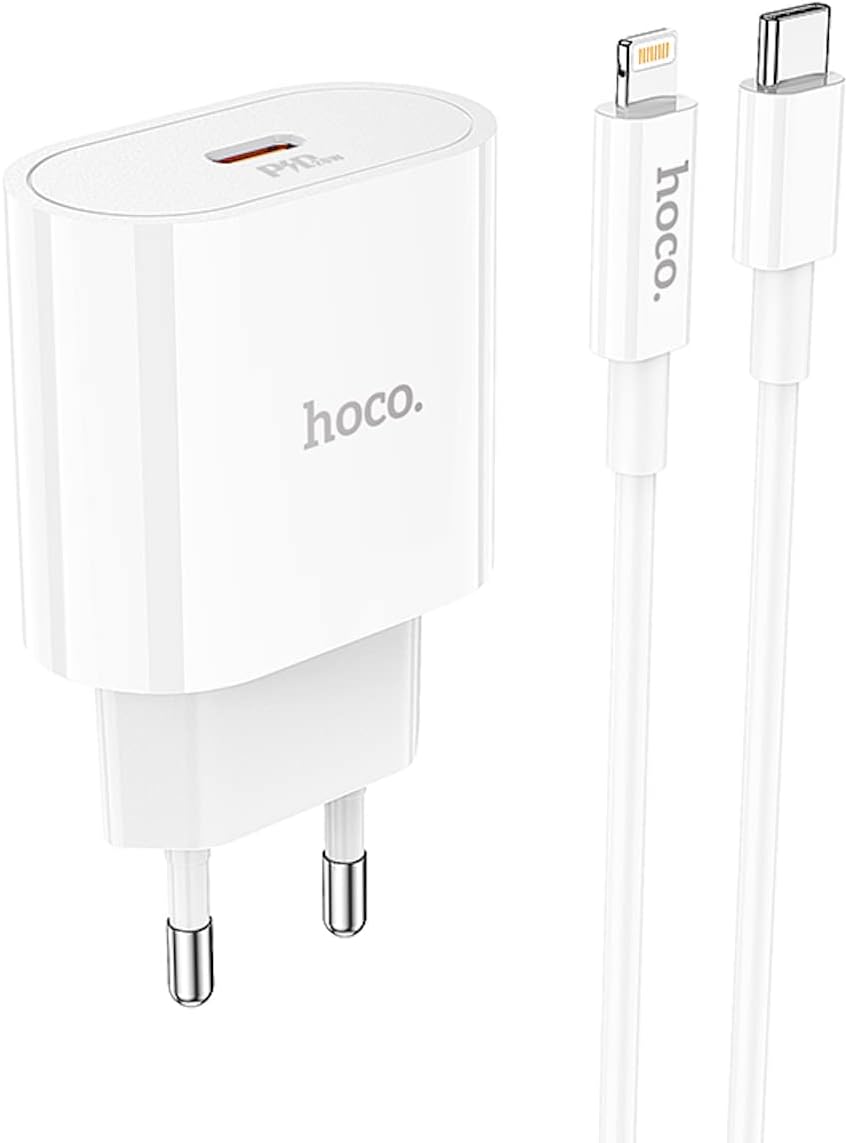
Image 2.1: The HOCO C94A Metro 20W Fast Charger and its accompanying 1-meter Type-C to Lightning cable, shown together.

ຮູບພາບທີ 2.2: ເປັນການປິດ view of the HOCO C94A charger, highlighting its single Type-C output port.
3. ຂໍ້ມູນຄວາມປອດໄພ
ເພື່ອຮັບປະກັນການເຮັດວຽກທີ່ປອດໄພ ແລະປ້ອງກັນຄວາມເສຍຫາຍ, ກະລຸນາປະຕິບັດຕາມຄໍາແນະນໍາດ້ານຄວາມປອດໄພຕໍ່ໄປນີ້:
- Do not expose the charger or cable to water or excessive moisture. This product is not water resistant.
- ຫຼີກລ້ຽງການຫຼຸດລົງ, disassembled, ຫຼືພະຍາຍາມທີ່ຈະສ້ອມແປງອຸປະກອນດ້ວຍຕົນເອງ.
- Keep the charger away from extreme temperatures, direct sunlight, and flammable materials.
- Ensure the charger is plugged into a compatible power outlet (EU standard).
- ຖອດສາຍສາກອອກຈາກປລັກສຽບໄຟເມື່ອບໍ່ໄດ້ໃຊ້ ຫຼື ໃນລະຫວ່າງພາຍຸໄຟຟ້າ.
- Do not use the charger if it appears damaged or if the cable is frayed.
- The charger is made from flame-retardant PC material, but proper usage is still essential for safety.
4. ຕັ້ງຄ່າ
Setting up your HOCO C94A charger is straightforward:
- ເຊື່ອມຕໍ່ສາຍສາກ: Insert the HOCO C94A charger into a standard EU wall power outlet.
- ເຊື່ອມຕໍ່ສາຍ: Plug the USB Type-C end of the provided cable into the Type-C port on the charger.
- ເຊື່ອມຕໍ່ຫາອຸປະກອນ: Plug the Lightning end of the cable into your compatible device (e.g., iPhone, iPad).
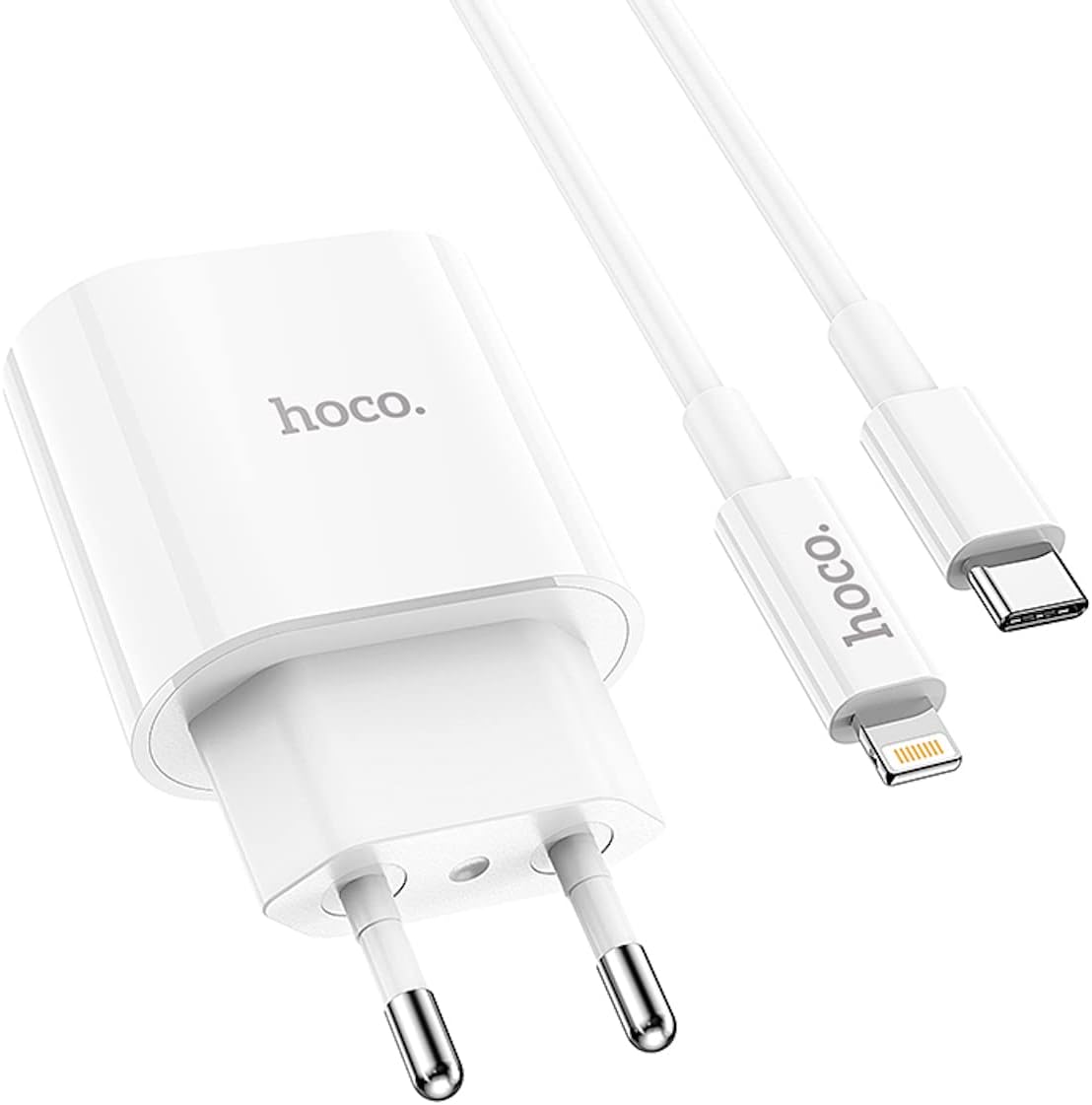
Image 4.1: The HOCO C94A charger and cable ready for connection to a device.
5. ຄໍາແນະນໍາການດໍາເນີນງານ
Once set up, the HOCO C94A charger operates automatically:
- After connecting your device, charging will begin automatically.
- The charger will intelligently detect your device's charging requirements and deliver power according to supported fast charging protocols (PD20W, PPS, QC3.0, FCP, AFC) for optimal charging speed.
- Monitor your device's screen for charging indicators.
- When charging is complete, disconnect your device from the cable, and then unplug the charger from the wall outlet.
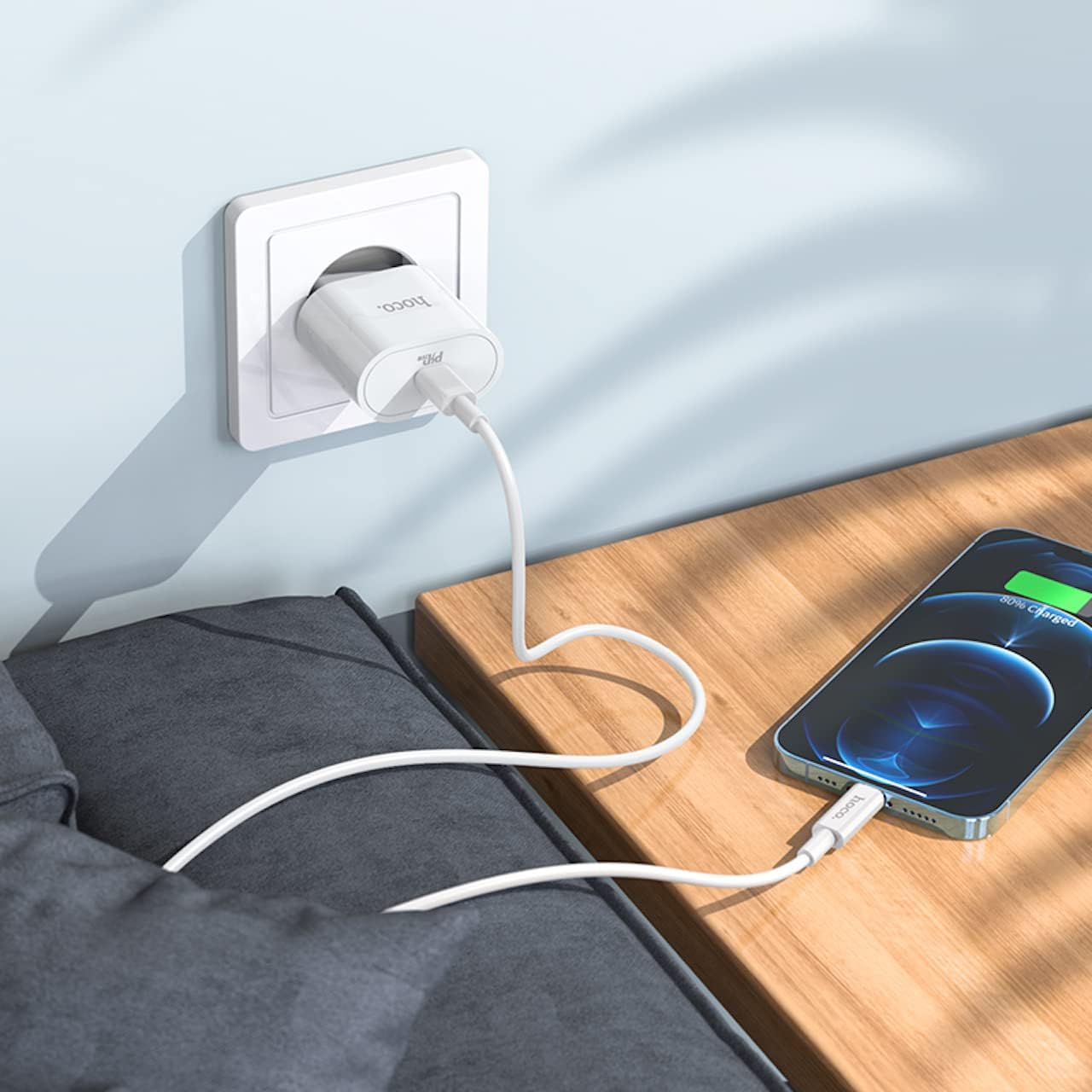
Image 5.1: The HOCO C94A charger in use, connected to a wall socket and charging a smartphone.

Image 5.2: The HOCO C94A charger connected to a power strip, providing power to a smartphone.
6. ບໍາລຸງຮັກສາ
ການດູແລທີ່ເໝາະສົມຈະຊ່ວຍຍືດອາຍຸການໃຊ້ງານຂອງເຄື່ອງສາກໄຟຂອງທ່ານ:
- ທໍາຄວາມສະອາດ: ຖອດສາຍສາກຈາກປລັກສຽບໄຟກ່ອນທຳຄວາມສະອາດ. ໃຊ້ຜ້າປຽກອ່ອນໆເຊັດພື້ນຜິວ. ຢ່າໃຊ້ເຄື່ອງເຮັດຄວາມສະອາດຂອງແຫຼວຫຼື aerosols.
- ການເກັບຮັກສາ: ເກັບຮັກສາສາຍສາກ ແລະສາຍໄຟໄວ້ໃນບ່ອນທີ່ເຢັນ ແລະແຫ້ງ ຫ່າງຈາກແສງແດດໂດຍກົງ ແລະອຸນຫະພູມທີ່ຮຸນແຮງ.
- ການດູແລສາຍໄຟ: Avoid bending or twisting the cable excessively, especially near the connectors, to prevent internal damage.
- ການເປີດເຜີຍນ້ໍາ: As the product is not water resistant, avoid any contact with liquids.
7. ການແກ້ໄຂບັນຫາ
If you encounter issues with your HOCO C94A charger, try the following steps:
- ອຸປະກອນບໍ່ໄດ້ສາກໄຟ:
- ກວດໃຫ້ແນ່ໃຈວ່າໄດ້ສຽບສາຍສາກເຂົ້າກັບປລັກສຽບໄຟທີ່ເຮັດວຽກຢ່າງປອດໄພ.
- Verify that the Type-C to Lightning cable is firmly connected to both the charger and your device.
- ລອງໃຊ້ປລັກສຽບຝາຜະໜັງແບບອື່ນ.
- Test the charger with a different compatible cable or device to isolate the issue.
- ການສາກໄຟຊ້າ:
- Ensure your device supports fast charging protocols (PD, QC, FCP, AFC) and that the cable is also compatible.
- Check if your device's battery is extremely low, as charging speed can vary.
- Avoid using your device heavily while charging, as this can slow down the process.
- ສາກໄຟເກີນຄວາມຮ້ອນ:
- It is normal for chargers to become warm during operation. However, if it becomes excessively hot, immediately unplug it from the wall and your device.
- ຮັບປະກັນການລະບາຍອາກາດທີ່ພຽງພໍຢູ່ຮອບເຄື່ອງສາກ.
- ຖ້າອາການຮ້ອນເກີນໄປຍັງຄົງຢູ່, ໃຫ້ຢຸດໃຊ້ ແລະ ຕິດຕໍ່ຝ່າຍຊ່ວຍເຫຼືອ.
8. ຂໍ້ມູນຈໍາເພາະ
| ຄຸນສົມບັດ | ລາຍລະອຽດ |
|---|---|
| ໝາຍເລກຕົວແບບ | C94A |
| ຍີ່ຫໍ້ | HOCO |
| ຜົນຜະລິດ | Type-C: 20W |
| ອະນຸສັນຍາທີ່ຮອງຮັບ | PD20W, PPS, QC3.0, FCP, AFC |
| ວັດສະດຸ | PC ຕ້ານໄຟໄຫມ້ |
| ປະເພດສຽບ | European Standard (EU) |
| ປະເພດສາຍ | ປະເພດ-C ຫາຟ້າຜ່າ |
| ຄວາມຍາວສາຍ | 1 ແມັດ |
| ສີ | ສີຂາວ |
| ຄຸນນະສົມບັດພິເສດ | ສາກໄວ, ປ້ອງກັນວົງຈອນສັ້ນ |
| ອຸປະກອນທີ່ເຂົ້າກັນໄດ້ | Cellular Phones (iPhone, Samsung, Xiaomi, Oppo), Cameras, GPS, Power Tools, Tablets |
| ລະດັບຄວາມຕ້ານທານນ້ໍາ | ບໍ່ທົນທານຕໍ່ນ້ໍາ |
| ຂະໜາດແພັກເກັດ | 18.4 x 9 x 4 cm |
| ນ້ຳໜັກ | 65 g |

ຮູບພາບ 8.1: ລາຍລະອຽດ view of the HOCO C94A charger, displaying its model information and certifications.
9. ການຮັບປະກັນແລະການສະຫນັບສະຫນູນ
HOCO products are manufactured to high-quality standards. For information regarding warranty coverage and customer support, please refer to the warranty card included with your purchase or visit the official HOCO webເວັບໄຊ. ຮັກສາຫຼັກຖານການຊື້ຂອງທ່ານສໍາລັບການຮ້ອງຂໍການຮັບປະກັນ.
For technical assistance or further inquiries, please contact your retailer or the HOCO customer service department.