
ພາສັນເວີ LW45
Parsonver LW45 Smart Watch ຄູ່ມືຜູ້ໃຊ້
Model: LW45 | Brand: Parsonver
ແນະນຳ
This manual provides detailed instructions for the Parsonver LW45 Smart Watch. Please read this guide thoroughly to understand the watch's functions, setup, and maintenance, ensuring optimal performance and longevity of your device.
ເນື້ອໃນຊຸດ
ເມື່ອເປີດແພັກເກັດ, ກວດເບິ່ງວ່າສິນຄ້າທັງໝົດມີຢູ່:
- ໂມງອັດສະລິຍະ Parsonver LW45
- ສາຍສາກ
- ຄູ່ມືຜູ້ໃຊ້
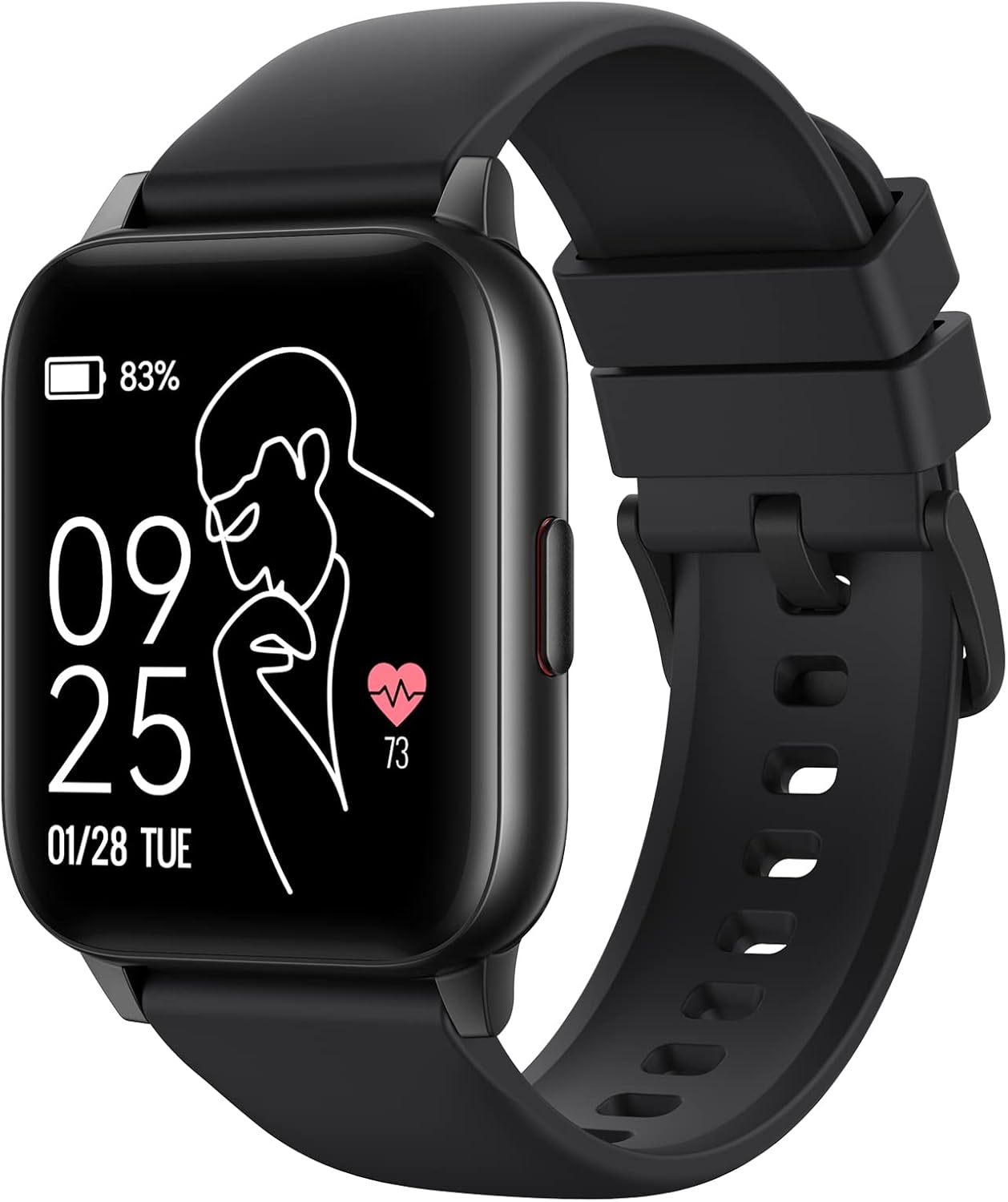
Image: The Parsonver LW45 Smart Watch, black model, displaying time and health metrics.
ຄູ່ມືການຕິດຕັ້ງ
1. ການສາກອຸປະກອນ
Before initial use, fully charge the smart watch. Connect the charging cable to the charging port on the back of the watch and to a USB power source. The watch display will indicate charging status.
2. ການຕິດຕັ້ງແອັບ ແລະ ການຈັບຄູ່
- Download the official Parsonver app from your smartphone's app store (compatible with iOS 10.0/Android 5.0 or above).
- ໃຫ້ແນ່ໃຈວ່າ Bluetooth ຖືກເປີດໃຊ້ຢູ່ໃນໂທລະສັບສະຫຼາດຂອງທ່ານ.
- ເປີດ app ແລະປະຕິບັດຕາມຄໍາແນະນໍາໃນຫນ້າຈໍເພື່ອສ້າງບັນຊີຫຼືເຂົ້າສູ່ລະບົບ.
- Select "Add Device" or similar option within the app to search for your LW45 Smart Watch.
- ຢືນຢັນຄຳຮ້ອງຂໍການຈັບຄູ່ໃນສະມາດໂຟນ ແລະໂມງຂອງທ່ານ.
ໝາຍເຫດ: The watch connects via Bluetooth 5.0. Maintain proximity between the watch and your smartphone for a stable connection.

Image: A smartphone displaying the Parsonver app, illustrating the device connection process.
ຄໍາແນະນໍາການດໍາເນີນງານ
ການນໍາທາງພື້ນຖານ
- ໜ້າຈໍສຳຜັດ: ປັດຊ້າຍ/ຂວາ, ຂຶ້ນ/ລົງເພື່ອນຳທາງເມນູ ແລະ ເຂົ້າເຖິງຄຸນສົມບັດຕ່າງໆ. ແຕະເພື່ອເລືອກ.
- ປຸ່ມຂ້າງ: ກົດເພື່ອກັບຄືນຫາໜ້າຈໍຫຼັກ ຫຼືປຸກອຸປະກອນ.
ໂໝດກິລາ
The LW45 Smart Watch features 16 default sports modes. Over 100 additional sports modes can be customized and added via the companion app. These include activities such as walking, running, cycling, swimming, yoga, and strength training.
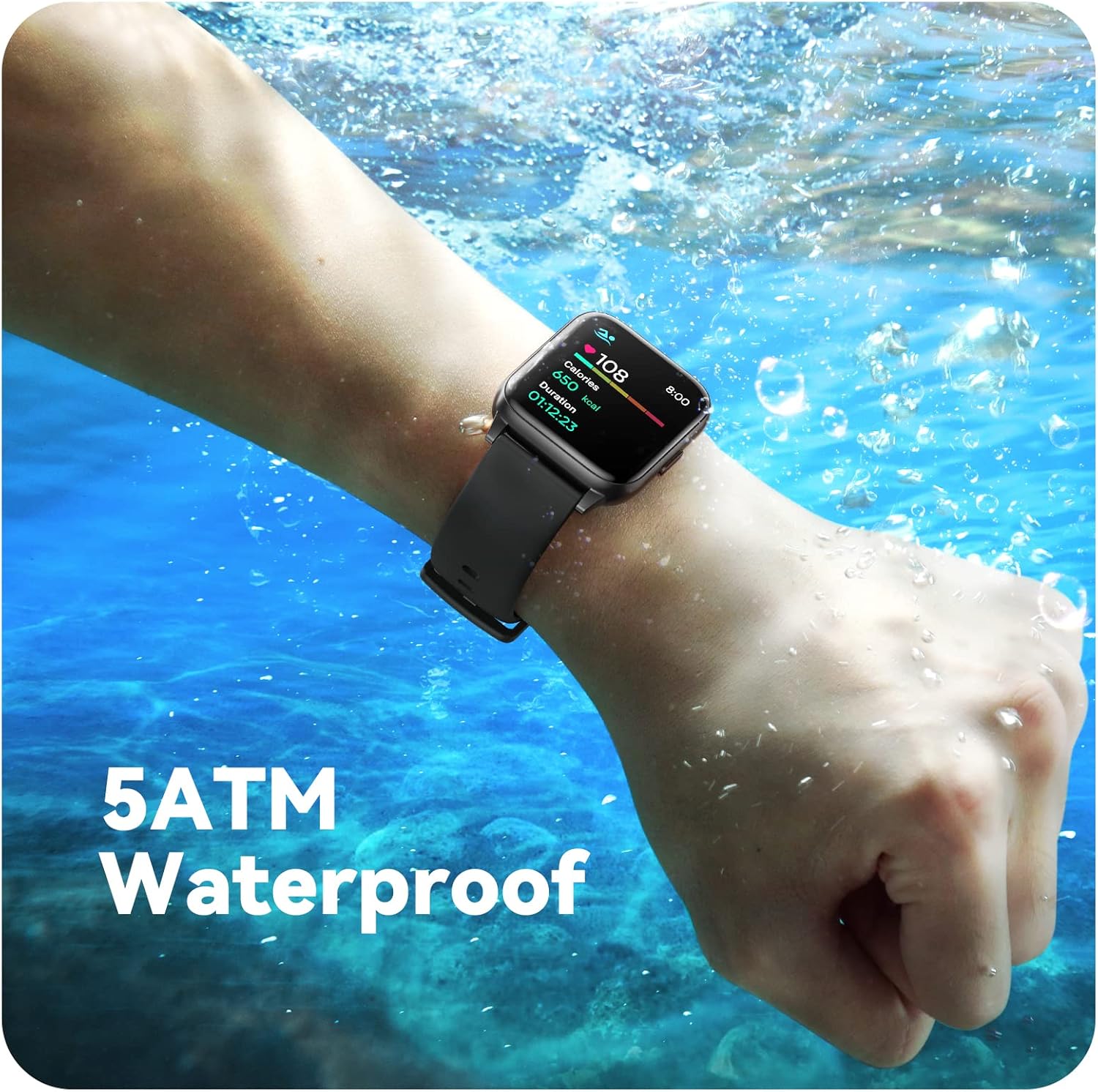
Image: A person engaged in soccer, wearing the smart watch, demonstrating its use during sports activities.

Image: A smartphone screen displaying a wide selection of sports modes within the Parsonver application.
ການຕິດຕາມສຸຂະພາບ
- ການກວດສອບອັດຕາການເຕັ້ນຫົວໃຈ: Provides 24/7 real-time heart rate data.
- ການຕິດຕາມອົກຊີໃນເລືອດ: ວັດແທກລະດັບອົກຊີເຈນໃນເລືອດ.
- ການຕິດຕາມການນອນ: Automatically monitors sleep patterns, including deep sleep, light sleep, and awake times (from 9:00 PM to 12:00 PM the next day).
- Hydration and Sedentary Alerts: The watch can provide reminders for hydration and prolonged inactivity.
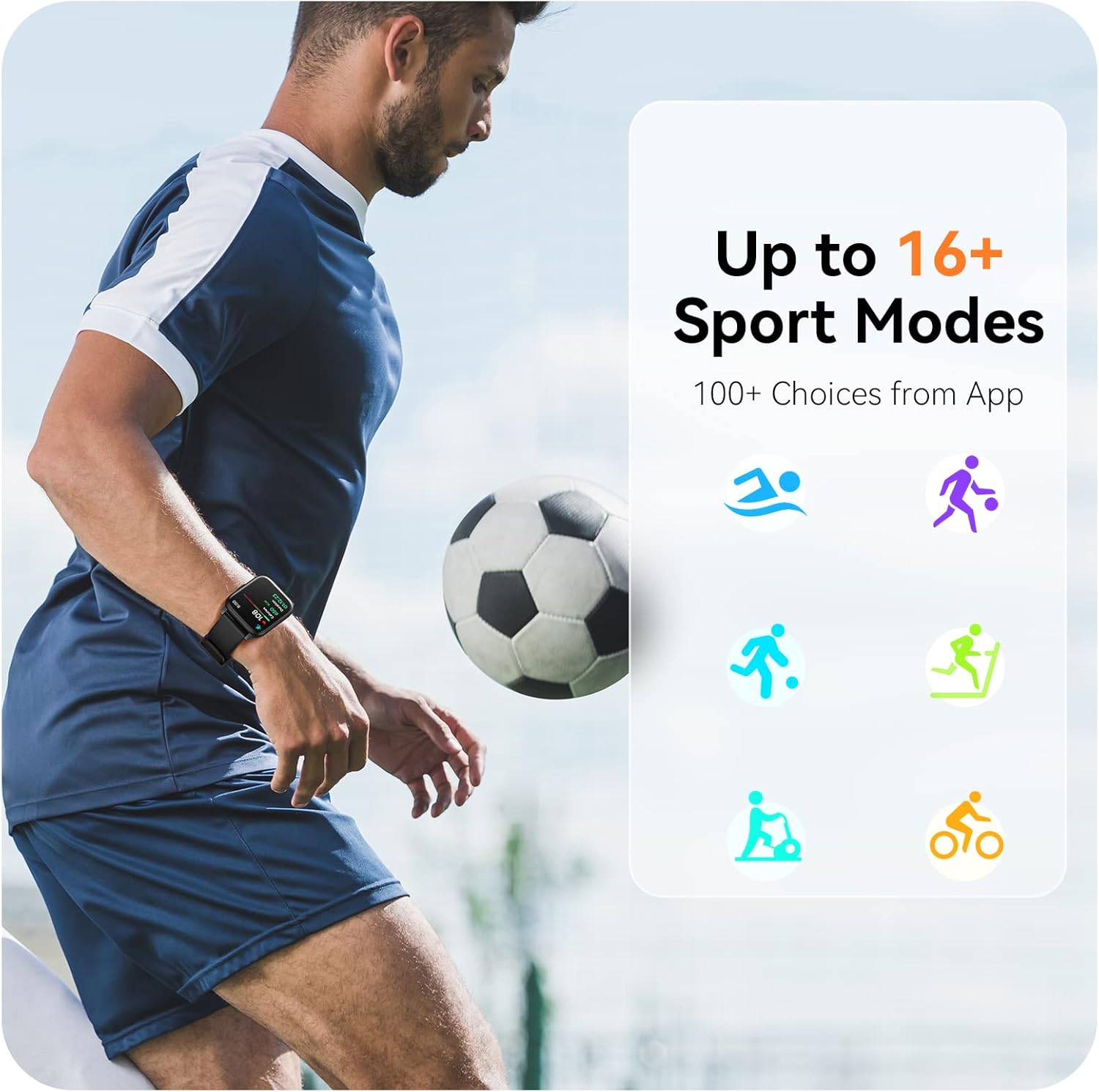
Image: A man running, with the smart watch on his wrist showing real-time fitness data.

Image: A person sleeping, with the smart watch tracking sleep and displaying data on a connected phone.
ການແຈ້ງເຕືອນ
Receive notifications for incoming calls, SMS messages, emails, and alerts from social media applications (WhatsApp, LinkedIn, Instagram, Twitter) when connected to your smartphone. You can reject calls directly from the watch, but cannot answer or reply to messages.
Image: The smart watch screen showing icons for different types of notifications.
ຟັງຊັນເພີ່ມເຕີມ
The 1.69-inch high-definition touch screen provides access to various features:
- ພະຍາກອນອາກາດ
- ໂມງປຸກ
- ໂມງຈັບເວລາ ແລະໂມງຈັບເວລາ
- ການຄວບຄຸມກ້ອງຖ່າຍຮູບທາງໄກ
- ການຄວບຄຸມການຫຼີ້ນດົນຕີ
Image: The smart watch screen showing a weather forecast display.
ການປັບແຕ່ງ
ປັບແຕ່ງປະສົບການໂມງຂອງທ່ານໃຫ້ເປັນແບບສ່ວນຕົວ:
- ເບິ່ງ ໜ້າ: Choose from a variety of pre-installed watch faces or download more via the app.
- ພື້ນຫຼັງແບບກຳນົດເອງ: Set your own photos as watch face backgrounds through the app.
- Time and Unit Formats: Adjust time display (12/24 hour) and measurement units (Metric/Imperial, Celsius/Fahrenheit) in the app settings.
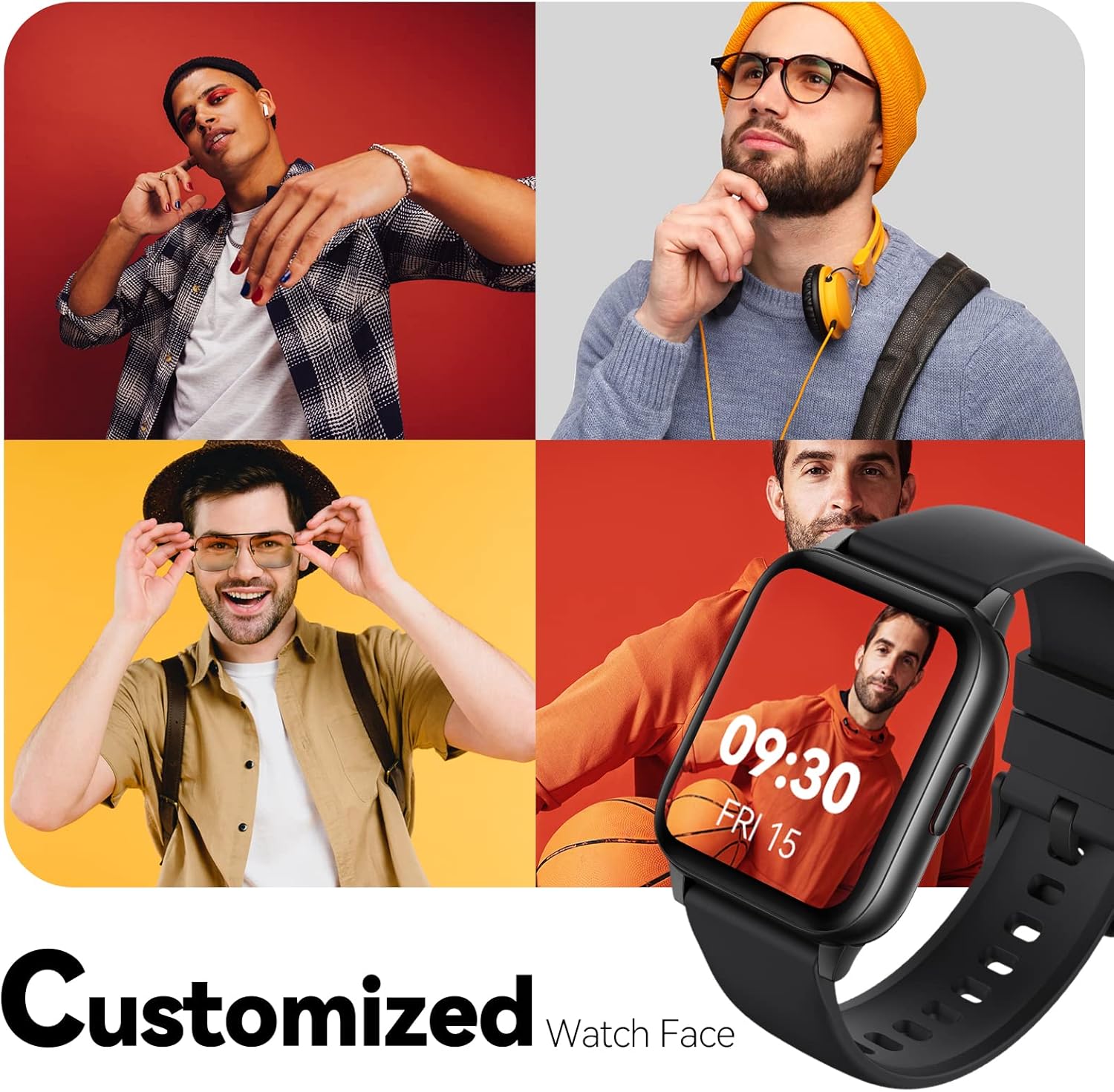
Image: Multiple watch face designs shown on the smart watch, highlighting customization.

Image: A visual guide demonstrating how to adjust time formats, units, and customize watch faces via the companion app.
ການຕໍ່ຕ້ານນ້ໍາ
The Parsonver LW45 Smart Watch is rated 5ATM waterproof, meaning it is water-resistant up to 50 meters. This allows for use during swimming, showering, and in various weather conditions like rain or snow. Important: Do not press any buttons while the watch is submerged in water.

Image: The smart watch submerged in water, illustrating its 5ATM waterproof capability.
ບໍາລຸງຮັກສາ
- ທໍາຄວາມສະອາດ: Regularly clean the watch and strap with a soft, dry cloth. For stubborn dirt, use a slightly damp ຜ້າແລະສະບູອ່ອນໆ, ຫຼັງຈາກນັ້ນລ້າງອອກແລະແຫ້ງຢ່າງລະອຽດ.
- ຕິດຕໍ່ພົວພັນການສາກໄຟ: ຮັກສາຈຸດເຊື່ອມຕໍ່ການສາກໄຟຢູ່ດ້ານຫຼັງຂອງໂມງໃຫ້ສະອາດ ແລະ ບໍ່ມີສິ່ງເສດເຫຼືອເພື່ອຮັບປະກັນການສາກໄຟທີ່ຖືກຕ້ອງ.
- ການເກັບຮັກສາ: ເກັບຮັກສາໂມງໄວ້ໃນບ່ອນທີ່ເຢັນ, ແຫ້ງເມື່ອບໍ່ໄດ້ໃຊ້.
- ຫຼີກເວັ້ນສານເຄມີ: Do not expose the watch to strong chemicals, solvents, or detergents, as these can damage the materials.
ການແກ້ໄຂບັນຫາ
| ສະບັບ | ການແກ້ໄຂທີ່ເປັນໄປໄດ້ |
|---|---|
| ໂມງບໍ່ເປີດ ຫຼືສາກໄຟ | Ensure the charging cable is securely connected to both the watch and a working USB power source. Clean the charging contacts. Try a different USB port or adapter. |
| ບໍ່ສາມາດຈັບຄູ່ກັບສະມາດໂຟນໄດ້ | Ensure Bluetooth is enabled on your phone. Restart both the watch and phone. Make sure the watch is within Bluetooth range. Check if other Bluetooth devices are interfering. Uninstall previous watch apps if present. |
| ບໍ່ໄດ້ຮັບການແຈ້ງເຕືອນ | Verify that notification permissions are enabled for the Parsonver app in your phone's settings. Ensure the watch is connected via Bluetooth. Check app settings for specific notification toggles. |
| Inaccurate step count or sleep data | Ensure the watch is worn snugly on your wrist. Calibrate the watch through the app if available. Note that some activities (like driving) might register as steps. Sleep tracking is active from 9:00 PM to 12:00 PM the next day. |
ຂໍ້ມູນຈໍາເພາະ
| ຄຸນສົມບັດ | ລາຍລະອຽດ |
|---|---|
| ຊື່ຕົວແບບ | LW45 |
| ຂະໜາດໜ້າຈໍ | 1.69 ນິ້ວ |
| ການຕໍ່ຕ້ານນ້ໍາ | 5ATM (ເຖິງ 50 ແມັດ) |
| ນ້ຳໜັກ | 40 ກຣາມ |
| ຄວາມເຂົ້າກັນໄດ້ຂອງລະບົບປະຕິບັດການ | iOS 10.0/Android 5.0 or above |
| ການເຊື່ອມຕໍ່ | Bluetooth 5.0 |
| ຄວາມອາດສາມາດຫມໍ້ໄຟ | 300 ລ້ານamp ຊົ່ວໂມງ |
| ຄວາມອາດສາມາດເກັບຮັກສາຫນ່ວຍຄວາມຈໍາ | 128 MB |
| GPS | ຜ່ານໂທລະສັບສະຫຼາດ |
| ອົງປະກອບລວມ | ໂມງອັດສະລິຍະ |
ສະຫນັບສະຫນູນແລະການຮັບປະກັນ
For technical assistance or warranty inquiries, please contact Parsonver customer service. Refer to the product packaging or the official Parsonver webເວັບໄຊສໍາລັບຂໍ້ມູນຕິດຕໍ່ໃນປະຈຸບັນຫຼາຍທີ່ສຸດ.
ອີເມວການບໍລິການລູກຄ້າ: support@parsonver.com

Image: The official Parsonver brand logo.
Image: A graphic indicating 24/7 online customer support availability.
ຂໍ້ມູນຄວາມປອດໄພທີ່ສໍາຄັນ
- ຢ່າພະຍາຍາມຖອດຫຼືດັດແປງໂມງ.
- Keep the watch away from extreme temperatures.
- Consult a medical professional before starting any new exercise regimen, especially if you have pre-existing health conditions. The health monitoring features are for informational purposes and not for medical diagnosis.
- ກຳຈັດອຸປະກອນ ແລະ ແບັດເຕີຣີຂອງມັນຕາມລະບຽບຂອງທ້ອງຖິ່ນ.
Ask a question about this manual
Ask about setup, troubleshooting, compatibility, parts, safety, or missing instructions. Manuals+ will review the question and use this page’s manual context to help answer it.