
ແນະນຳ
ຂອບໃຈສໍາລັບການຊື້asing the Cuifati A100 Mini Cartoon Kids Camera. This camera is designed for children aged 3-12, offering a fun and safe way to explore photography and videography. Its compact, lightweight, and durable design, made from food-grade ABS material, ensures a comfortable and secure grip for small hands. This manual provides essential information for setting up, operating, and maintaining your camera.
The camera features a 2.0-inch color display, 20MP photo resolution, 720P video recording, and includes various photo frames and filters to enhance creativity. It is equipped with a built-in 400mAh rechargeable battery for extended use.
ຂໍ້ມູນຄວາມປອດໄພ
- This product is intended for children aged 3-12. Adult supervision is recommended during use.
- The camera is made from food-grade ABS material, ensuring it is safe for children.
- Do not expose the camera to extreme temperatures, direct sunlight for prolonged periods, or moisture.
- ຫຼີກລ້ຽງການລຸດລົງ ຫຼື ວາງກ້ອງໃຫ້ຖືກຜົນກະທົບຢ່າງແຮງ.
- Keep small parts, such as memory cards, out of reach of very young children to prevent choking hazards.
- Use only the provided charging cable or a compatible DC5V 1A charger.
- The battery is built-in and non-detachable. Do not attempt to replace it.
ເນື້ອໃນຊຸດ
ກະລຸນາກວດເບິ່ງຊຸດເພື່ອຮັບປະກັນວ່າສິນຄ້າທັງໝົດມີຢູ່:
- 1 x Cuifati A100 Children Camera
- 1 x Fixing Strap
- 1 x Anti-lost Rope
- 1 x ສາຍສາກ USB

ຮູບທີ 1: Package contents including the camera, straps, and charging cable.
ສິນຄ້າເກີນview
The Cuifati A100 camera features a user-friendly design with a durable, rounded body for comfortable handling.

ຮູບທີ 2: The camera's light and round design.
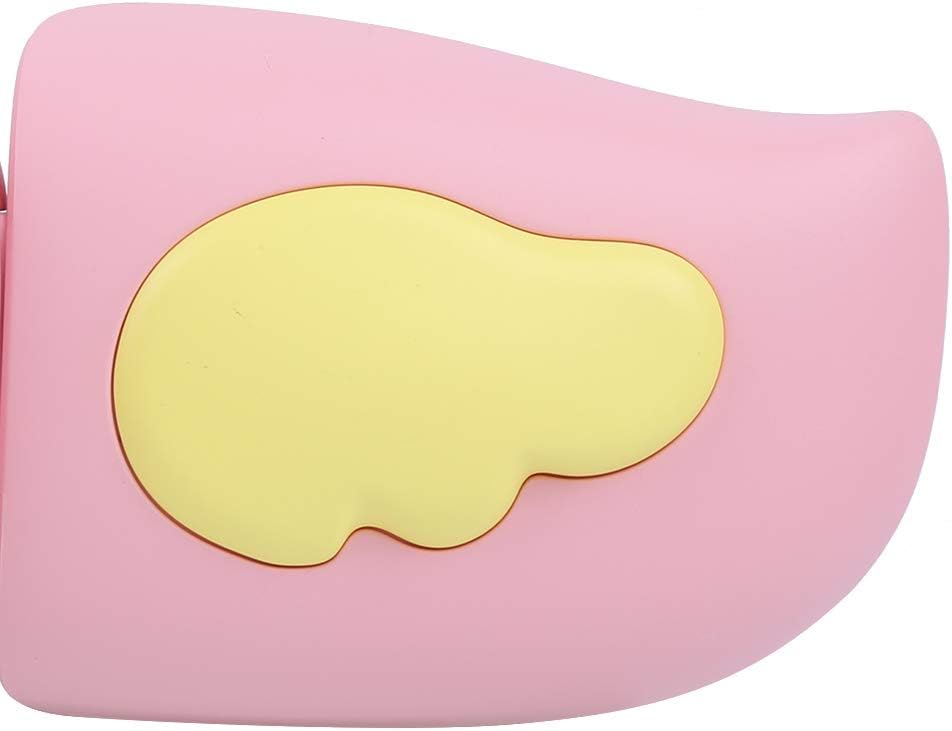
ຮູບທີ 3: Detail of the camera's ergonomic design.
ຄຸນນະສົມບັດທີ່ສໍາຄັນ:
- ຈໍສະແດງຜົນສີ 2.0 ນິ້ວ: ສໍາລັບ viewການບັນທຶກຮູບພາບ, ວິດີໂອ ແລະ ເມນູການນຳທາງ.
- ເລນຄົງທີ່: 100° viewing angle for capturing wide scenes.
- ປຸ່ມທີ່ເປັນມິດກັບຜູ້ໃຊ້: Intuitive controls for easy operation.
- ການໂຕ້ຕອບ USB: ສໍາລັບການສາກໄຟແລະການໂອນຂໍ້ມູນ.
- ຊ່ອງໃສ່ກາດຫນ່ວຍຄວາມຈໍາ: Supports up to 32GB (card not included).
ຕັ້ງຄ່າ
1. ກຳລັງສາກກ້ອງ
Before first use, fully charge the camera's built-in 400mAh battery. The camera features a large capacity battery for strong endurance.
- Connect the provided USB charging cable to the camera's USB port.
- Connect the other end of the USB cable to a DC5V 1A USB power adapter (not included) or a computer's USB port.
- The charging indicator light will illuminate. Once charging is complete, the light may change color or turn off.
2. ການໃສ່ກາດຫນ່ວຍຄວາມຈໍາ
A memory card (MicroSD card, up to 32GB) is required to save photos and videos. It is not included in the package.
- ຊອກຫາຊ່ອງໃສ່ກາດຫນ່ວຍຄວາມຈໍາຢູ່ດ້ານຂ້າງຂອງກ້ອງຖ່າຍຮູບ.
- Gently insert a MicroSD card into the slot with the metal contacts facing the front of the camera until it clicks into place.
- ເພື່ອເອົາບັດອອກ, ຄ່ອຍໆຍູ້ມັນເຂົ້າໄປອີກຈົນກວ່າມັນຈະງໍອອກມາ.
ຄໍາແນະນໍາການດໍາເນີນງານ
1. ເປີດ/ປິດ
- ເພື່ອເປີດເຄື່ອງ: ກົດປຸ່ມເປີດ/ປິດຄ້າງໄວ້ (ໂດຍປົກກະຕິແລ້ວມີເຄື່ອງໝາຍ Ⓜ or a similar icon) for a few seconds until the screen lights up.
- ປິດເຄື່ອງ: ກົດປຸ່ມເປີດປິດຄ້າງໄວ້ອີກຄັ້ງຈົນກວ່າໜ້າຈໍຈະປິດ.

ຮູບທີ 4: Camera in hand, showing the display and control buttons.
2. ຖ່າຍຮູບ
- ເປີດກ້ອງຖ່າຍຮູບ. ໂດຍປົກກະຕິມັນຈະເປັນຄ່າເລີ່ມຕົ້ນເປັນໂໝດຮູບ.
- ວາງກອບຮູບຂອງທ່ານໂດຍໃຊ້ຈໍສະແດງຜົນສີຂະໜາດ 2.0 ນິ້ວ.
- Press the Shutter button (often a prominent button on top or side) to take a picture.
- The camera supports 20MP photo resolution.
- Utilize the 4 types of photo stickers and 9 kinds of filters for creative effects.
- Time-lapse shooting for selfies can be set for 3 or 5 seconds.
3. ການບັນທຶກວິດີໂອ
- From photo mode, navigate to video mode using the mode button (usually marked 'M' or a video camera icon).
- ກົດປຸ່ມຊັດເຕີເພື່ອເລີ່ມການບັນທຶກ. ຕົວຊີ້ບອກການບັນທຶກຈະປາກົດຢູ່ໜ້າຈໍ.
- ກົດປຸ່ມ Shutter ອີກຄັ້ງເພື່ອຢຸດການບັນທຶກສຽງ.
- The camera records videos in 720P (1080x720) resolution.
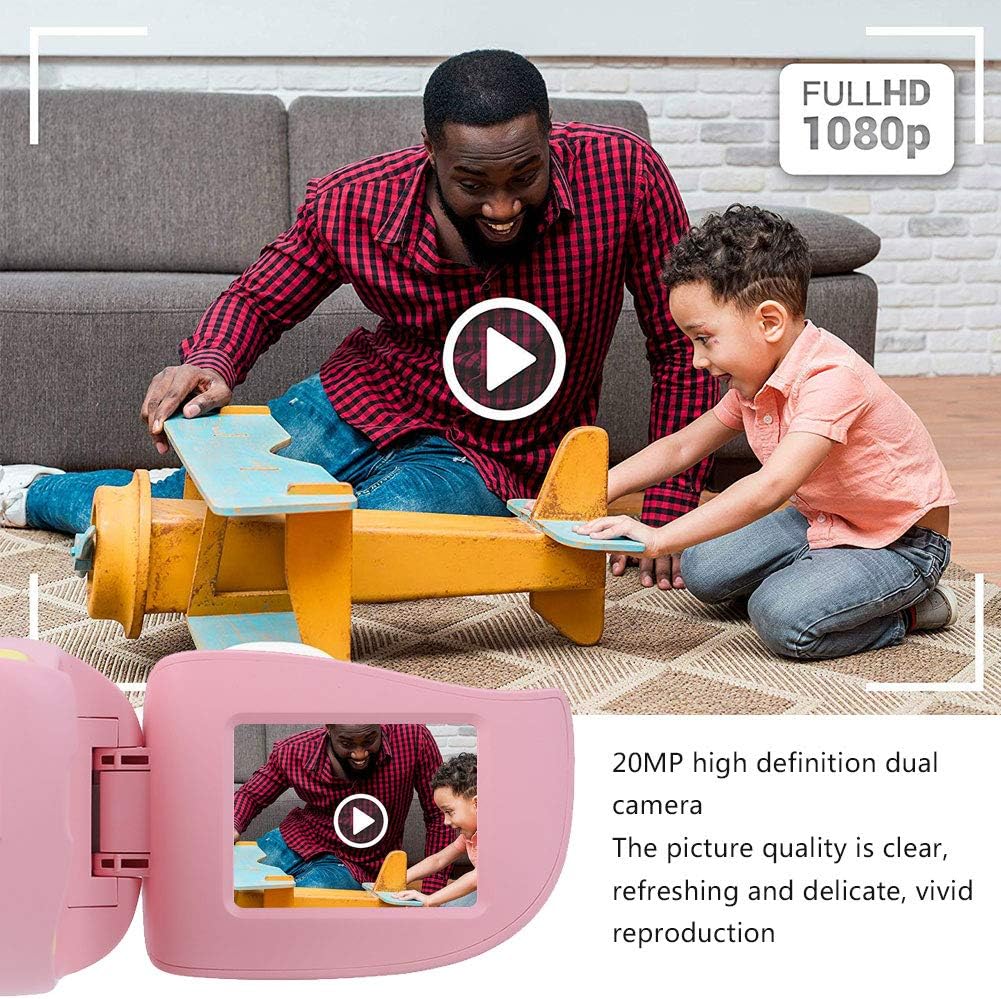
ຮູບທີ 5: Illustrating the camera's 20MP photo and 720P video capabilities.
4. ຮູບແບບການຫຼິ້ນ
- ເຂົ້າໂໝດການຫຼິ້ນຄືນໂດຍໃຊ້ປຸ່ມໂໝດ.
- Use the navigation buttons (up/down or left/right arrows) to browse through your photos and videos.
- Press the OK/Shutter button to view ຮູບພາບ ຫຼືຫຼິ້ນວິດີໂອ.
5. Settings and Games
- Access the settings menu via the mode button or a dedicated menu button. Here you can adjust language (Chinese, English, Russian, Korean, Japanese), date/time, and other camera parameters.
- The camera supports a variety of built-in games for entertainment. Navigate to the game section through the menu.
ບໍາລຸງຮັກສາ
- ທໍາຄວາມສະອາດ: Use a soft, dry cloth to clean the camera body. For the lens, use a specialized lens cleaning cloth. Do not use liquid cleaners or abrasive materials.
- ການເກັບຮັກສາ: ເກັບຮັກສາກ້ອງຖ່າຍຮູບໄວ້ໃນບ່ອນທີ່ເຢັນ, ແຫ້ງ ແລະ ຫ່າງຈາກແສງແດດໂດຍກົງ ແລະ ຄວາມຊຸ່ມເມື່ອບໍ່ໄດ້ໃຊ້ງານ.
- ການດູແລຫມໍ້ໄຟ: ເພື່ອຍືດອາຍຸການໃຊ້ງານຂອງແບັດເຕີຣີ, ໃຫ້ຫຼີກລ່ຽງການສາກແບັດເຕີຣີໃຫ້ໝົດເລື້ອຍໆ. ໃຫ້ສາກກ້ອງຖ່າຍຮູບເປັນປະຈຳ, ເຖິງແມ່ນວ່າຈະບໍ່ໄດ້ໃຊ້ງານເປັນເວລາດົນກໍຕາມ.
ການແກ້ໄຂບັນຫາ
| ບັນຫາ | ສາເຫດທີ່ເປັນໄປໄດ້ | ການແກ້ໄຂ |
|---|---|---|
| ກ້ອງຖ່າຍຮູບບໍ່ເປີດ. | ແບັດເຕີຣີເຫຼືອໜ້ອຍ ຫຼືໝົດແລ້ວ. | Charge the camera using the USB charging cable. |
| ບໍ່ສາມາດຖ່າຍຮູບ/ບັນທຶກວິດີໂອໄດ້. | ບໍ່ໄດ້ໃສ່ກາດໜ່ວຍຄວາມຈຳ ຫຼື ບັດເຕັມ/ເສຍຫາຍ. | Insert a compatible MicroSD card (up to 32GB). Check if the card has sufficient space or try formatting it (this will erase all data). |
| ຮູບພາບ/ວິດີໂອແມ່ນມົວ. | ເລນເປື້ອນ ຫຼືແສງບໍ່ດີ. | Clean the lens with a soft cloth. Ensure adequate lighting for your shots. |
| ກ້ອງຄ້າງ ຫຼື ບໍ່ຕອບສະໜອງ. | ຊອບແວຂັດຂ້ອງ. | Press and hold the Power button for an extended period (e.g., 10-15 seconds) to force a restart. If the issue persists, ensure the battery is charged. |
ຂໍ້ມູນຈໍາເພາະ
| ຕົວແບບ | A100 |
| ວັດສະດຸ | ABS ຊັ້ນອາຫານ |
| ໜ້າຈໍ | 2.0 Inch Color Display Screen (LCD) |
| ເລນ | Fixed Lens, 100° Viewໃນມຸມ |
| ຂະຫນາດກາງການເກັບຮັກສາ | Memory Card (MicroSD), Maximum Support 32GB (Not Included) |
| ຮູບແບບຮູບພາບ | JPG |
| ຮູບແບບວິດີໂອ | JPEG |
| ຄວາມລະອຽດວິດີໂອ | 720P (1080x720) |
| ຮູບພາບພິກະເຊນ | ຄວາມລະອຽດພາບນິ່ງທີ່ມີປະສິດທິພາບ 20 MP |
| ຂອບຮູບ | 4 ປະເພດ |
| ຜົນກະທົບການກັ່ນຕອງ | 9 ປະເພດ |
| ການປ້ອນຂໍ້ມູນ Voltage | DC5V 1A |
| ຟັງຊັນ | Taking Pictures, Video Recording, Games |
| ພາສາທີ່ຮອງຮັບ | Chinese, English, Russian, Korean, Japanese |
| ແບັດເຕີຣີ | Built-in, Non-Detachable 400mAh Lithium Battery |
| ນ້ຳໜັກ | ປະມານ. 220g |
| ຂະໜາດ (ປະມານ) | 13 x 11 x 7 ຊຕມ (Parcel Dimensions) |
| ການເຊື່ອມຕໍ່ | USB, Wi-Fi |
| ເທັກໂນໂລຍີເຊັນເຊີຮູບພາບ | CMOS |
| ການຄວບຄຸມການຮັບແສງ | ຄູ່ມື |
| ໂໝດຍິງ | ກິລາ |
| ການຍິງຢ່າງຕໍ່ເນື່ອງ | 30 FPS |
| ຊ່ວງອາຍຸ | ເດັກນ້ອຍ (3-12 ປີ) |
ການຮັບປະກັນແລະການສະຫນັບສະຫນູນ
Specific warranty information is not provided in this manual. For details regarding warranty coverage, technical support, or service, please refer to the documentation included with your purchase or contact the retailer where the product was acquired. You may also visit the official Cuifati brand store for additional information.
Cuifati Brand Store: ເຂົ້າເບິ່ງຮ້ານຄ້າ