
ແນະນຳ
Thank you for choosing the Perel VTBAL206 Smart Body Scale. This manual will guide you through the proper use and care of your new smart scale, designed to help you monitor your body composition with ease through the Tuya Smart app.
ຂໍ້ມູນຄວາມປອດໄພ
- ຢ່າໃຊ້ອຸປະກອນນີ້ຖ້າທ່ານມີເຄື່ອງກະຕຸ້ນຫົວໃຈ ຫຼື ອຸປະກອນການແພດພາຍໃນອື່ນໆ.
- ຢ່າໃຊ້ອຸປະກອນນີ້ຖ້າທ່ານຖືພາ.
- Keep the scale dry. Avoid placing it in wet environments.
- The scale surface can be slippery when wet. Step on and off carefully.
- ຢ່າໂດດສຸດຂະຫນາດ.
- This scale is for household use only and not for medical diagnosis or treatment.
ເນື້ອໃນຊຸດ
- Perel VTBAL206 Smart Body Scale
- ຄູ່ມືແນະ ນຳ (ເອກະສານນີ້)
- ແບດເຕີຣີ (ຖ້າລວມ, ກວດເບິ່ງການຫຸ້ມຫໍ່)
ຕັ້ງຄ່າ
1. ການຕິດຕັ້ງຫມໍ້ໄຟ
Locate the battery compartment on the underside of the scale. Open the cover and insert the required batteries, ensuring correct polarity. Close the battery compartment cover securely.
2. ດາວໂຫຼດ ແລະ ຕິດຕັ້ງແອັບ
The Perel VTBAL206 Smart Body Scale works with the Tuya Smart app. Download the app from the Apple App Store (for iOS devices) or Google Play Store (for Android devices).
- ຊອກຫາ "Tuya Smart" in your device's app store.
- ດາວນ໌ໂຫລດແລະຕິດຕັ້ງ app ໄດ້.
- ລົງທະບຽນສຳລັບບັນຊີໃໝ່ ຫຼື ເຂົ້າສູ່ລະບົບຖ້າທ່ານມີບັນຊີແລ້ວ.
3. Pairing the Scale with the App
- ໃຫ້ແນ່ໃຈວ່າ Bluetooth ຖືກເປີດໃຊ້ຢູ່ໃນໂທລະສັບສະຫຼາດຂອງທ່ານ.
- ເປີດແອັບ Tuya Smart.
- Step onto the scale briefly to activate it. The display should light up.
- In the Tuya Smart app, tap "Add Device" or the "+" icon in the top right corner.
- Select "Fitness Equipment" or "Scale" from the device list.
- Follow the on-screen instructions to connect the scale. The app should automatically detect the scale via Bluetooth.
- Once connected, you may be prompted to enter personal information such as gender, age, height, and activity level. This information is crucial for accurate body composition analysis.

Image: The Perel VTBAL206 Smart Body Scale shown alongside a smartphone displaying the Tuya Smart app, illustrating the connection process.
ຄໍາແນະນໍາການດໍາເນີນງານ
ການວັດແທກ
- ວາງຂະຫນາດເທິງພື້ນຜິວແຂງ, ຮາບພຽງ. ຫຼີກລ້ຽງການມີພົມປູພື້ນ ຫຼືພື້ນທີ່ບໍ່ສະເໝີກັນ.
- ໃຫ້ແນ່ໃຈວ່າຕີນຂອງເຈົ້າສະອາດແລະແຫ້ງ.
- Open the Tuya Smart app on your smartphone and ensure it's connected to the scale.
- Step onto the scale barefoot, placing your feet on the metal electrodes. Stand still until the measurement is complete.
- The scale display will show your weight. The app will then display a comprehensive analysis of your body composition data.
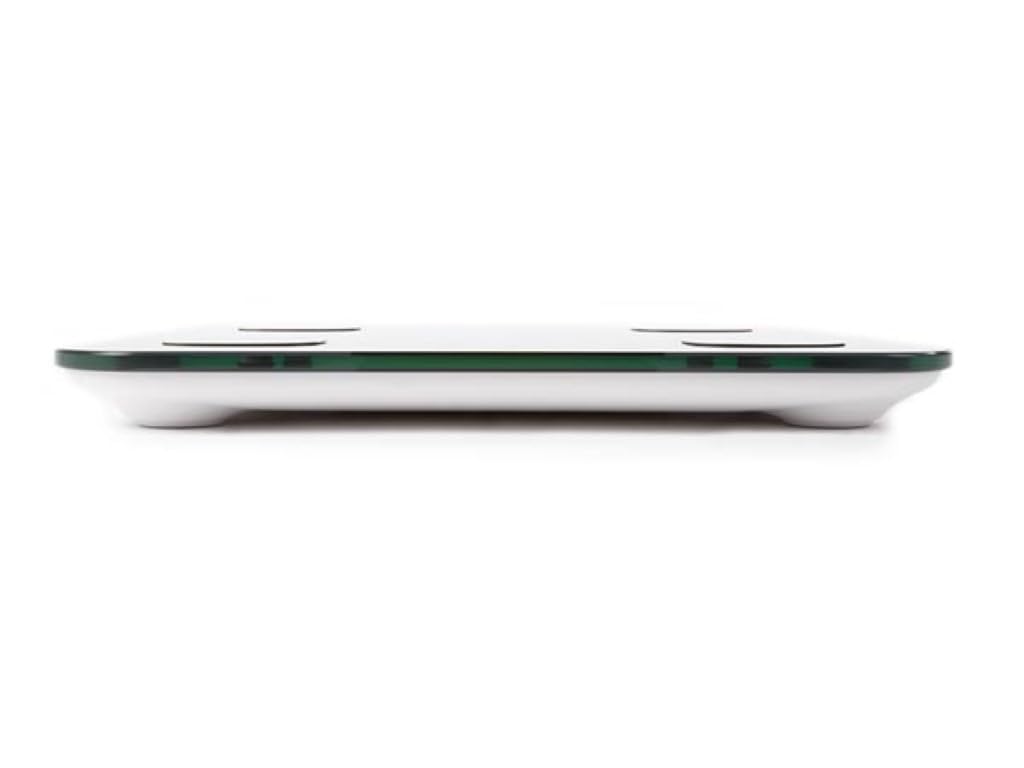
Image: The scale's LED display showing a weight measurement of 49.7 kg.

ຮູບພາບ: A ລາຍລະອຽດ view of the Tuya Smart app interface, displaying various body metrics after a measurement.

Image: Further details from the Tuya Smart app, including water content, muscle, calorie, and other health indicators.
ການເຂົ້າໃຈຂໍ້ມູນຂອງທ່ານ
The Tuya Smart app provides various metrics to help you understand your body composition:
- ນ້ຳໜັກ: Your total body weight.
- BMI (ດັດຊະນີມະຫາຊົນຂອງຮ່າງກາຍ): ການວັດແທກໄຂມັນໃນຮ່າງກາຍໂດຍອີງໃສ່ຄວາມສູງແລະນ້ໍາຫນັກ.
- ໄຂມັນໃນຮ່າງກາຍ: ເປີເຊັນtagຂອງໄຂມັນໃນຮ່າງກາຍຂອງທ່ານ.
- ເນື້ອໃນນ້ໍາ: ເປີເຊັນtage ຂອງນ້ໍາໃນຮ່າງກາຍຂອງທ່ານ.
- ມວນກ້າມເນື້ອ: ນ້ຳໜັກທັງໝົດຂອງກ້າມຊີ້ນໃນຮ່າງກາຍຂອງທ່ານ.
- ມວນກະດູກ: The total weight of bone in your body.
- ໄຂມັນ Visceral: Fat stored around your organs.
- ທາດໂປຼຕີນ: ເປີເຊັນtage ຂອງທາດໂປຼຕີນໃນຮ່າງກາຍຂອງທ່ານ.
- BMR (ອັດຕາການເຜົາຜະຫລານອາຫານພື້ນຖານ): The number of calories your body needs at rest.
Consult a healthcare professional for personalized advice based on your body composition data.
ບໍາລຸງຮັກສາ
ທໍາຄວາມສະອາດ
- ເຊັດພື້ນຜິວທີ່ມີຂະຫນາດອ່ອນໆ, ງamp ຜ້າ.
- ຫ້າມໃຊ້ເຄື່ອງເຮັດຄວາມສະອາດທີ່ມີຮອຍຂີດຂ່ວນ ຫຼືຈຸ່ມນ້ຳໃສ່.
- ໃຫ້ແນ່ໃຈວ່າຂະຫນາດແຫ້ງຫມົດກ່ອນທີ່ຈະເກັບຮັກສາຫຼືການນໍາໃຊ້ຕໍ່ໄປ.
ການເກັບຮັກສາ
ເກັບຮັກສາຂະຫນາດໄວ້ໃນບ່ອນທີ່ເຢັນ, ແຫ້ງ, ຫ່າງຈາກແສງແດດໂດຍກົງແລະອຸນຫະພູມທີ່ຮ້າຍກາດ. ຫຼີກລ່ຽງການວາງວັດຖຸໜັກໃສ່ຂະໜາດເມື່ອບໍ່ໃຊ້ງານ.
ການແກ້ໄຂບັນຫາ
| ບັນຫາ | ສາເຫດທີ່ເປັນໄປໄດ້ | ການແກ້ໄຂ |
|---|---|---|
| ຂະໜາດບໍ່ເປີດ. | ຫມໍ້ໄຟຕ່ໍາຫຼືຕາຍ; ການຕິດຕັ້ງຫມໍ້ໄຟບໍ່ຖືກຕ້ອງ. | ປ່ຽນແບັດ; ຮັບປະກັນ polarity ທີ່ຖືກຕ້ອງ. |
| App cannot connect to the scale. | Bluetooth is off; scale not activated; app not open; interference. | Ensure Bluetooth is on; step on scale to activate; open app; try pairing again. Move closer to the scale. |
| ການອ່ານນ້ໍາຫນັກທີ່ບໍ່ຖືກຕ້ອງ. | Scale on uneven surface; scale not calibrated; user movement. | Place scale on a hard, flat surface. Step on and off quickly to calibrate to zero. Stand still during measurement. |
| Body composition data not displayed. | Not standing barefoot; feet not on electrodes; personal info not entered in app. | Ensure bare feet are on all four electrodes. Verify personal information in the Tuya Smart app. |
ຂໍ້ມູນຈໍາເພາະ
| ຄຸນສົມບັດ | ລາຍລະອຽດ |
|---|---|
| ໝາຍເລກຕົວແບບ | VTBAL206 |
| ຍີ່ຫໍ້ | Perel |
| ວັດສະດຸ | ແກ້ວ Tempered |
| ປະເພດການສະແດງ | LED |
| ຂະໜາດ (L x W x H) | ຂະໜາດປະມານ 33 cm x 31 cm x 4.5 cm |
| ການເຊື່ອມຕໍ່ | Bluetooth (Tuya Smart App compatible) |
| ຫົວໜ່ວຍວັດແທກ | kg (kilograms) |

Image: The Perel VTBAL206 Smart Body Scale with its physical dimensions indicated.
ການຮັບປະກັນແລະການສະຫນັບສະຫນູນ
Perel products are designed for quality and reliability. For warranty information or technical support, please refer to the warranty card included with your purchase or contact your retailer. You can also visit the official Perel webສະຖານທີ່ສໍາລັບການຊ່ວຍເຫຼືອເພີ່ມເຕີມ.
For general inquiries, please contact Perel customer service.