
1. ບົດແນະນຳ
Thank you for choosing the Pixio PX259 Prime Gaming Monitor. This manual provides essential information for setting up, operating, and maintaining your monitor to ensure optimal performance and longevity. Please read this manual thoroughly before using the product and retain it for future reference.
The Pixio PX259 Prime is a high-performance 24.5-inch gaming monitor featuring a 280Hz refresh rate, 1ms GTG response time, and a Fast Nano IPS panel, designed to deliver a smooth and immersive gaming experience.
2. ເນື້ອໃນຊຸດ
ກວດສອບວ່າລາຍການທັງຫມົດແມ່ນມີຢູ່ໃນຊຸດຂອງທ່ານ:
- Pixio PX259 Prime Monitor
- Monitor Stand (ຖານ ແລະ ຄໍ)
- ສາຍ DisplayPort
- ອະແດບເຕີໄຟຟ້າ AC
- ສາຍໄຟ
- ຄູ່ມືຜູ້ໃຊ້ (ເອກະສານນີ້)

Image: The Pixio PX259 Prime monitor showcasing its 24.5-inch screen, 280Hz refresh rate, 1080p FHD resolution, and Fast IPS panel technology.
3. ສະພາ
ປະຕິບັດຕາມຂັ້ນຕອນເຫຼົ່ານີ້ເພື່ອປະກອບຈໍພາບຂອງທ່ານ:
- ລະມັດລະວັງຖອດຈໍແລະອົງປະກອບຢືນອອກຈາກການຫຸ້ມຫໍ່.
- ແນບຄໍຂາຕັ້ງໃສ່ກັບແຜງຈໍພາບ. ໃຫ້ແນ່ໃຈວ່າມັນກົດຢ່າງປອດໄພເຂົ້າໄປໃນສະຖານທີ່ຫຼືໄດ້ຖືກ fastened ດ້ວຍ screws ຖ້າຫາກວ່າໄດ້ສະຫນອງໃຫ້.
- ຕິດຖານຂາຕັ້ງເຂົ້າກັບຄໍຂາຕັ້ງ. ຂັນສະກູນິ້ວໂປ້ ຫຼື ສະກູຈາກດ້ານລຸ່ມຂອງຖານໃຫ້ແໜ້ນ.
- ວາງຈໍສະແດງຜົນທີ່ປະກອບໃສ່ໃນພື້ນທີ່ຮາບພຽງທີ່ຫມັ້ນຄົງ.
4. ການເຊື່ອມຕໍ່
The Pixio PX259 Prime offers versatile connectivity options. Refer to the image below for port locations.

ຮູບພາບ: ດ້ານຫລັງ view of the monitor displaying the DC power input, two DisplayPort 1.2 inputs (280Hz), two HDMI 2.0 inputs (240Hz), and an earphone jack.
ການເຊື່ອມຕໍ່ກັບອຸປະກອນໃດຫນຶ່ງ:
- ພະລັງງານ: Connect the power cable to the AC adapter, then plug the adapter into the monitor's DC IN port and a power outlet.
- DisplayPort: For optimal performance (280Hz refresh rate), connect your PC's graphics card to one of the monitor's DisplayPort 1.2 inputs using the provided DisplayPort cable.
- HDMI: Connect your device (e.g., gaming console, PC) to one of the monitor's HDMI 2.0 inputs. Note that HDMI 2.0 supports up to 240Hz.
- ສຽງອອກ: Connect headphones or external speakers to the earphone jack for audio.
5. ຄໍາແນະນໍາການດໍາເນີນງານ
ເປີດ/ປິດ:
ກົດປຸ່ມເປີດປິດຢູ່ໃນຈໍສະແດງຜົນເພື່ອເປີດຫຼືປິດມັນ.
On-Screen Display (OSD) Navigation:
The monitor features a joystick-style button for navigating the OSD menu. Push the joystick in to access the main menu, then move it up, down, left, or right to select and adjust settings.
ການຕັ້ງຄ່າກະແຈ:
- ອັດຕາການໂຫຼດຂໍ້ມູນຄືນໃໝ່: Ensure your graphics card settings are configured to output at 280Hz (via DisplayPort) or 240Hz (via HDMI) for the smoothest experience.
- ເວລາຕອບສະໜອງ: The 1ms GTG response time is automatically enabled by the Fast IPS panel.
- AMD FreeSync Premium: Enable FreeSync in your monitor's OSD and your graphics card control panel for tear-free gaming.
- ການຕັ້ງຄ່າສີ: Adjust brightness, contrast, and color temperature to your preference. The monitor supports 101.34% sRGB for vibrant colors.
- ຄຸນນະສົມບັດຂອງເກມ: Access built-in crosshairs and other game-specific enhancements through the OSD.
- ໂໝດປະຢັດຕາ: Activate this mode to reduce blue light emission for comfortable extended viewing.
6. ຄຸນສົມບັດຫຼາຍກວ່າview
The Pixio PX259 Prime is engineered with features to enhance your gaming and viewປະສົບການ:
- ອັດຕາການສົດຊື່ນ 280Hz: Provides ultra-smooth motion and reduced input lag, crucial for competitive gaming.
- ເວລາຕອບສະໜອງ 1ms GTG: Minimizes motion blur and ghosting, ensuring crisp visuals during fast-paced action.
- Fast Nano IPS Panel: Combines the wide viewing angles and color accuracy of IPS technology with the rapid response times typically found in TN panels.
- AMD FreeSync Premium: synchronizes ອັດຕາການໂຫຼດຫນ້າຈໍຄືນຂອງຈໍພາບກັບອັດຕາເຟຣມຂອງ GPU ຂອງທ່ານ, ກໍາຈັດການ tearing ຫນ້າຈໍແລະການ stuttering.
- ສີທີ່ສົດໃສ: With 101.34% sRGB coverage, experience rich, accurate, and lifelike colors.
- ລຳ ໂພງຄູ່: Equipped with integrated speakers for audio output.
- ໂໝດປະຢັດຕາ: Reduces blue light to minimize eye strain during prolonged use.
- Gaming Ready: Features like customizable crosshairs are available to assist in gameplay.

Image: Monitor displaying a dynamic game scene, highlighting 280Hz Refresh Rate, 1ms (GTG) Response Time, Fast IPS Panel, and AMD FreeSync Premium.

Image: Visual comparison demonstrating the smoothness of 280Hz refresh rate versus a conventional 60Hz display in a gaming context.

Image: Visual comparison illustrating the difference between 4ms and 1ms GTG response time, showing reduced motion blur with 1ms.
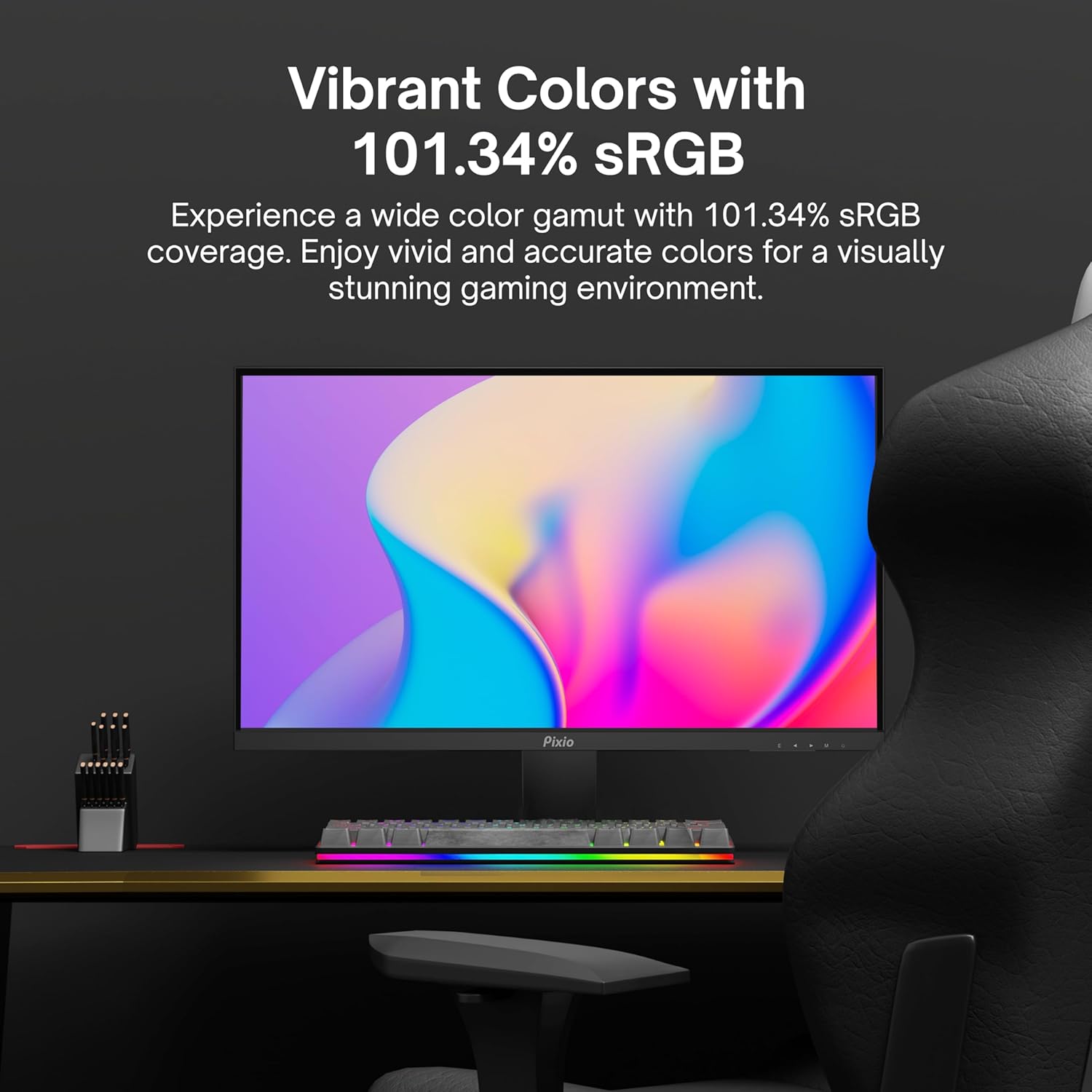
Image: Monitor displaying a colorful game environment, emphasizing the vibrant color reproduction with 101.34% sRGB.
ວິດີໂອຜະລິດຕະພັນຫຼາຍກວ່າview:
Video: An official product video from Pixio showcasing the PX259 Prime 25-inch 1080p 280Hz Fast IPS 1ms Gaming Monitor, highlighting its features and performance.
7. ບໍາລຸງຮັກສາ
- ທໍາຄວາມສະອາດຫນ້າຈໍ: ເຊັດໜ້າຈໍຢ່າງອ່ອນໂຍນດ້ວຍຜ້າອ່ອນໆ, ບໍ່ມີເຈັ້ຍ. ສໍາລັບຮອຍແຂງ, ງampen the cloth with a small amount of screen cleaner (non-ammonia based) and wipe carefully.
- ທໍາຄວາມສະອາດ Casing: ໃຊ້ຜ້າປຽກແຫ້ງເພື່ອເຊັດ casing. ຫຼີກເວັ້ນການນໍາໃຊ້ເຄື່ອງເຮັດຄວາມສະອາດຂັດຫຼືສານລະລາຍ.
- ການລະບາຍອາກາດ: ໃຫ້ແນ່ໃຈວ່າຊ່ອງລະບາຍອາກາດຂອງຈໍສະແດງຜົນບໍ່ໄດ້ຖືກບລັອກເພື່ອປ້ອງກັນຄວາມຮ້ອນເກີນໄປ.
- ການເກັບຮັກສາ: ຖ້າເກັບຮັກສາຈໍພາບເປັນເວລາດົນ, ຖອດມັນອອກຈາກພະລັງງານແລະເກັບຮັກສາມັນໄວ້ໃນບ່ອນທີ່ເຢັນ, ແຫ້ງ, ດີກວ່າຢູ່ໃນບັນຈຸພັນຕົ້ນສະບັບຂອງມັນ.
8. ການແກ້ໄຂບັນຫາ
- ບໍ່ມີພະລັງງານ:
- ກວດໃຫ້ແນ່ໃຈວ່າສາຍໄຟຖືກເຊື່ອມຕໍ່ຢ່າງປອດໄພກັບຈໍພາບ ແລະປລັກສຽບໄຟທີ່ເຮັດວຽກໄດ້.
- ກວດເບິ່ງວ່າອະແດັບເຕີໄຟເຮັດວຽກຢ່າງຖືກຕ້ອງຫຼືບໍ່.
- ບໍ່ມີສັນຍານ:
- Verify that the video cable (DisplayPort or HDMI) is securely connected to both the monitor and your device.
- ໃຫ້ແນ່ໃຈວ່າເລືອກແຫຼ່ງປ້ອນຂໍ້ມູນທີ່ຖືກຕ້ອງຢູ່ໃນເມນູ OSD ຂອງຈໍພາບ.
- ທົດສອບດ້ວຍສາຍວິດີໂອ ຫຼືພອດອື່ນຖ້າມີ.
- ການຈີກຂາດ/ການສະດຸ້ງໜ້າຈໍ:
- Enable AMD FreeSync Premium in both the monitor's OSD and your graphics card settings.
- ຮັບປະກັນວ່າໄດເວີກຣາຟິກຂອງທ່ານອັບເດດແລ້ວ.
- Incorrect Refresh Rate:
- Check your operating system's display settings and your graphics card control panel to set the refresh rate to 280Hz (DisplayPort) or 240Hz (HDMI).
- Ensure you are using a DisplayPort cable for 280Hz.
- ຄຸນນະພາບ/ສີຂອງຮູບພາບບໍ່ດີ:
- ປັບຄວາມສະຫວ່າງ, ກົງກັນຂ້າມ, ແລະການຕັ້ງຄ່າສີໃນເມນູ OSD.
- ໃຫ້ແນ່ໃຈວ່າສາຍວິດີໂອບໍ່ເສຍຫາຍ.
9. ຂໍ້ມູນຈໍາເພາະ
Detailed technical specifications for the Pixio PX259 Prime monitor:
| ຄຸນສົມບັດ | ຂໍ້ມູນຈໍາເພາະ |
|---|---|
| ໝາຍເລກຕົວແບບ | PX259 Prime |
| ຂະໜາດໜ້າຈໍ | 24.5 Inches (25 Inches equivalent) |
| ປະເພດແຜງ | Fast Nano IPS |
| ຄວາມລະອຽດ | FHD 1080p (1920 x 1080 ພິກເຊວ) |
| ອັດຕາການໂຫຼດຂໍ້ມູນຄືນໃໝ່ | 280Hz (144Hz Supported) |
| ເວລາຕອບສະຫນອງ | 1ms GTG |
| ອັດຕາສ່ວນ | 16:9 |
| ຄວາມສະຫວ່າງຂອງຮູບພາບ | ປີ 350 Candela |
| Adaptive Sync | AMD FreeSync Premium |
| ການເຊື່ອມຕໍ່ | 2x DisplayPort 1.2, 2x HDMI 2.0, Earphone Jack, DC In |
| ຂະໜາດສິນຄ້າ | 7.09 x 21.98 x 16.52 ນິ້ວ |
| ນ້ໍາຫນັກລາຍການ | 12.42 ປອນ |
| ຄວາມເຂົ້າກັນໄດ້ຂອງ VESA | 75x75mm (VESA Ready) |

Image: Diagram showing the dimensions of the Pixio PX259 Prime monitor, including width (21.98 inches), height (16.52 inches), and depth (7.09 inches).
10. ການຮັບປະກັນແລະການສະຫນັບສະຫນູນ
Pixio products are designed for reliability and performance. For specific warranty details, please refer to the warranty card included with your product or visit the official Pixio website. For technical support, troubleshooting assistance, or service inquiries, please contact Pixio customer support through their official channels.
ຊັບພະຍາກອນອອນໄລນ໌: For additional information, FAQs, and driver downloads, please visit the Pixio Store on Amazon.