
ແນະນຳ
Thank you for choosing the Dilwe TS100 True Wireless Earbuds. This manual provides essential information for setting up, operating, and maintaining your earbuds to ensure optimal performance and longevity. Please read this manual thoroughly before using the product.
ເນື້ອໃນຊຸດ
Upon opening your Dilwe TS100 True Wireless Earbuds package, please verify that all the following items are included:
- 2 x Dilwe TS100 Earbuds
- 1 x ກ່ອງສາກ
- 4 x ຫູຫູ (ຂະໜາດຕ່າງໆ)
- ສາຍໄຟສາກແບັດ USB-C 1 x
- 1 x ຄູ່ມືແນະນຳ (ເອກະສານນີ້)

Image: Contents of the Dilwe TS100 package, including two earbuds, a charging case, a USB-C cable, and multiple ear tip sizes.
ຕັ້ງຄ່າ
1. ການສາກຫູຟັງ ແລະ ເຄສ
Before initial use, fully charge the earbuds and the charging case. The charging case has a capacity of 400mAh, and each earbud has a 50mAh battery. A full charge typically takes 1-2 hours.
- ເຊື່ອມຕໍ່ສາຍ USB-C ທີ່ໃຫ້ມາເຂົ້າກັບພອດສາກໄຟໃນເຄສ ແລະ ກັບແຫຼ່ງພະລັງງານ USB ທີ່ເຂົ້າກັນໄດ້.
- ໄຟສະແດງຢູ່ໃນກໍລະນີຈະສະແດງສະຖານະການສາກໄຟ.
- ວາງຫູຟັງໃສ່ກະເປົ໋າສາກໄຟ. ພວກເຂົາຈະເລີ່ມສາກໄຟໂດຍອັດຕະໂນມັດ.
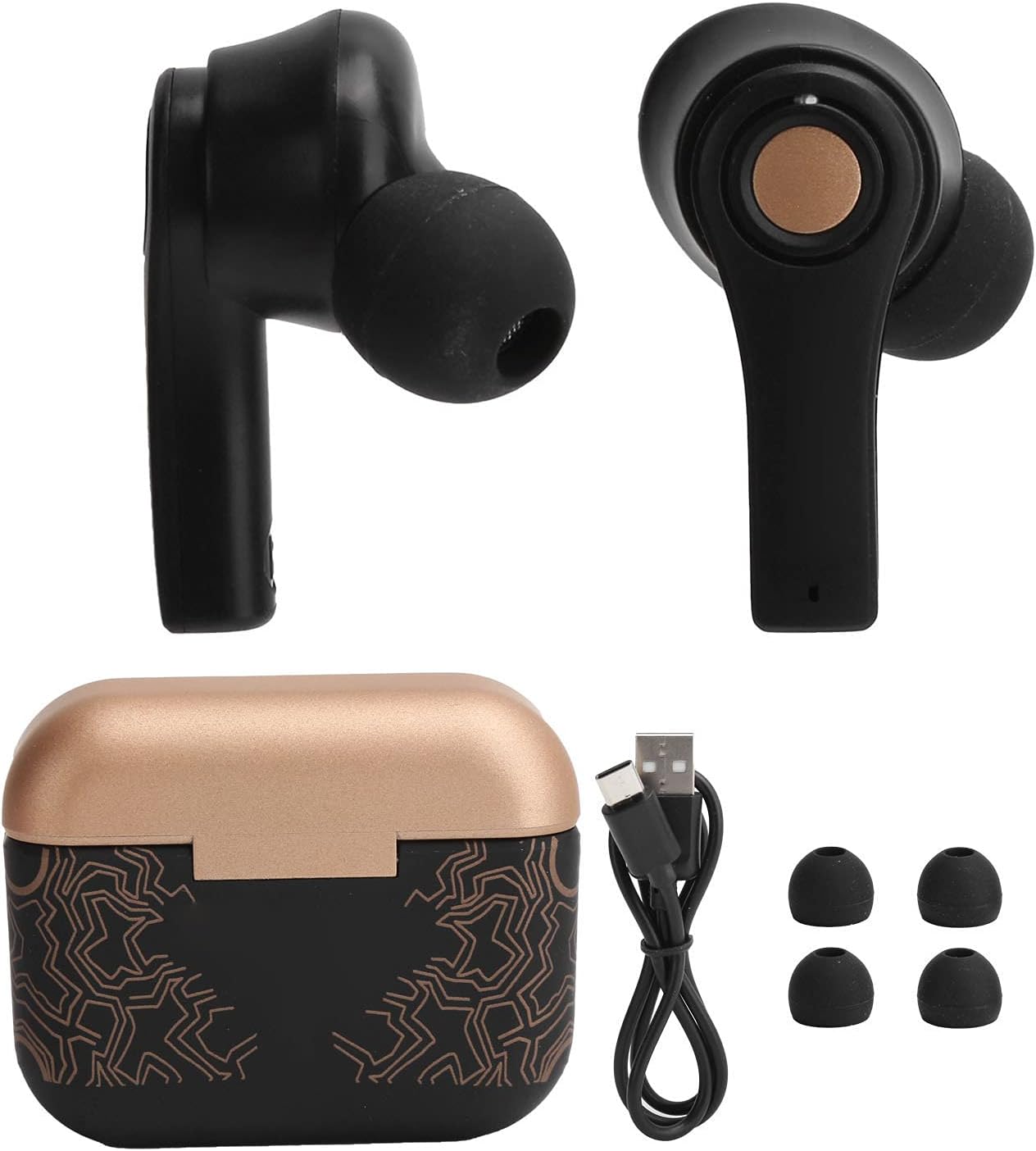
Image: Earbuds placed inside the open charging case, showing charging indicators.
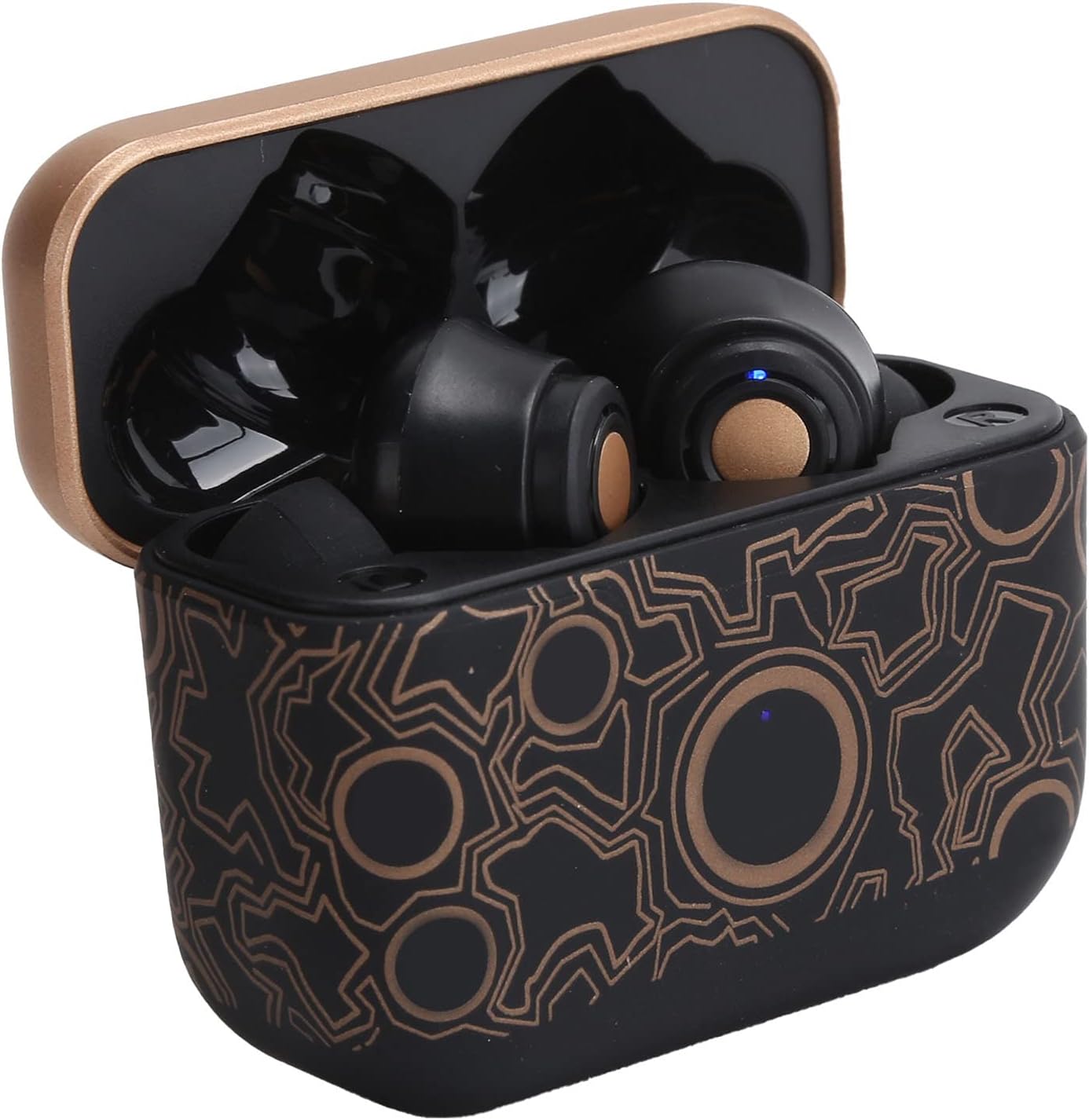
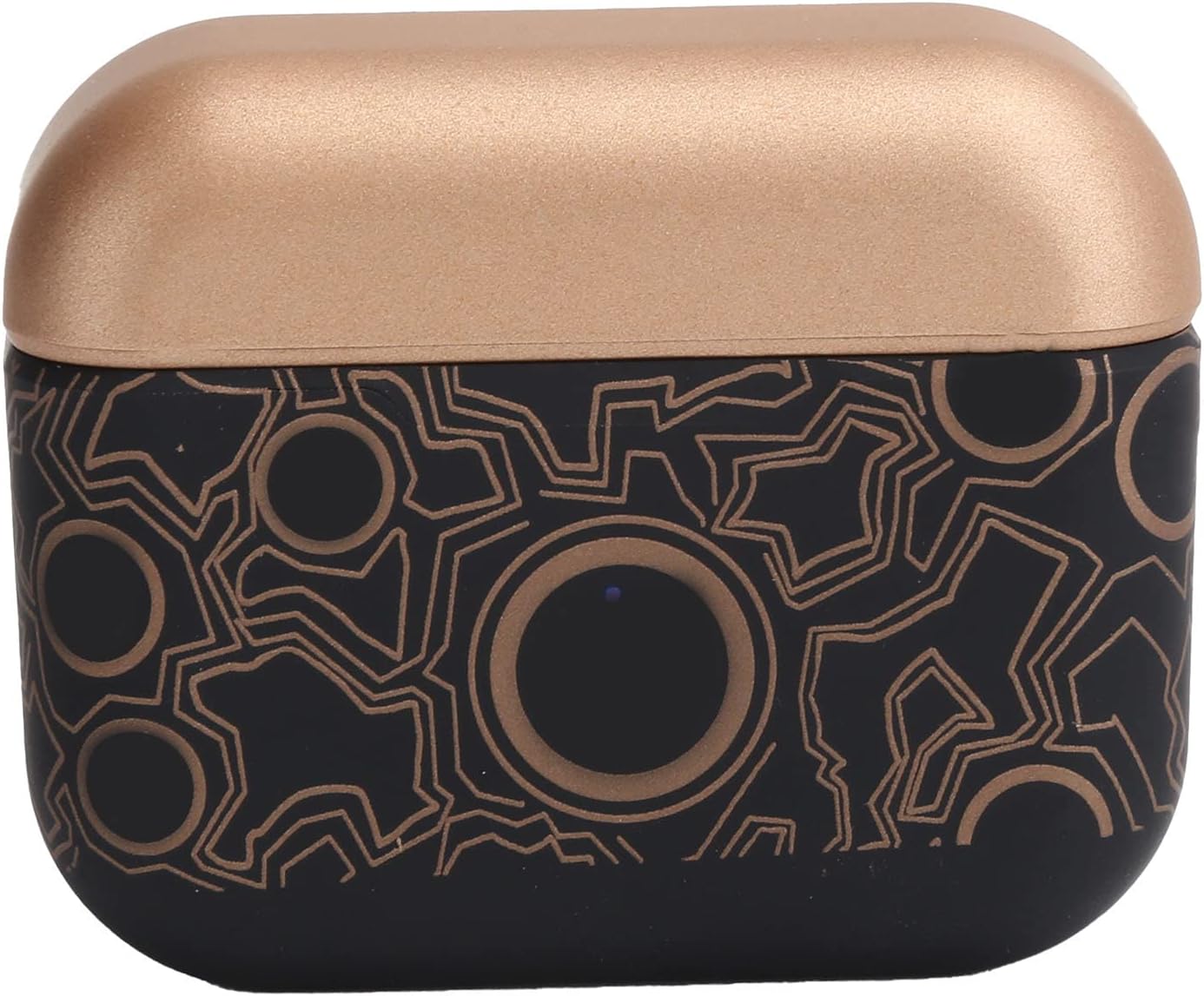
Image: The closed charging case, ready for portable power.
2. ການຈັບຄູ່ກັບອຸປະກອນ
The Dilwe TS100 earbuds feature automatic pairing for convenience.
- ກວດໃຫ້ແນ່ໃຈວ່າໄດ້ສາກຫູຟັງແລ້ວ.
- ເປີດກ່ອງສາກ ແລະຖອດຫູຟັງທັງສອງຂ້າງອອກ. ພວກເຂົາຈະເປີດເຄື່ອງອັດຕະໂນມັດ ແລະເຂົ້າສູ່ໂໝດຈັບຄູ່.
- On your mobile device (e.g., smartphone, tablet), go to the Bluetooth settings.
- ຊອກຫາ available devices and select "TS100" from the list.
- ເມື່ອເຊື່ອມຕໍ່ແລ້ວ, ທ່ານຈະໄດ້ຍິນສຽງຢືນຢັນ, ແລະໄຟສັນຍານຂອງຫູຟັງຈະປ່ຽນໄປ.
The earbuds support Bluetooth 5.0 connectivity, providing a stable connection within an 18-20 meter range.
ຄໍາແນະນໍາການດໍາເນີນງານ
The Dilwe TS100 earbuds utilize multi-function touch controls for various operations.
ເປີດ/ປິດ
- ເປີດ: Remove the earbuds from the charging case. They will automatically power on.
- ປິດພະລັງງານ: Place the earbuds back into the charging case. They will automatically power off and begin charging.
ການຄວບຄຸມການໂທ
- ຮັບສາຍ: Click the multi-function key once.
- ປະຕິເສດການໂທ: Long press the multi-function key.
- ວາງສາຍ: Click the multi-function key once during a call.
ການຄວບຄຸມການຫຼີ້ນດົນຕີ
- ຫຼິ້ນ/ຢຸດ: Click the multi-function key once.
- ເພງຕໍ່ໄປ: Click the main ear (right earbud) multi-function key three times.
- ເພງກ່ອນໜ້າ: Click the secondary ear (left earbud) multi-function key three times.
ການຄວບຄຸມປະລິມານ
- ປະລິມານຂຶ້ນ: Double click the main ear (right earbud) multi-function key.
- ປະລິມານລົງ: Double click the secondary ear (left earbud) multi-function key.

Image: An earbud comfortably seated in an ear, highlighting the ergonomic design and touch control surface.
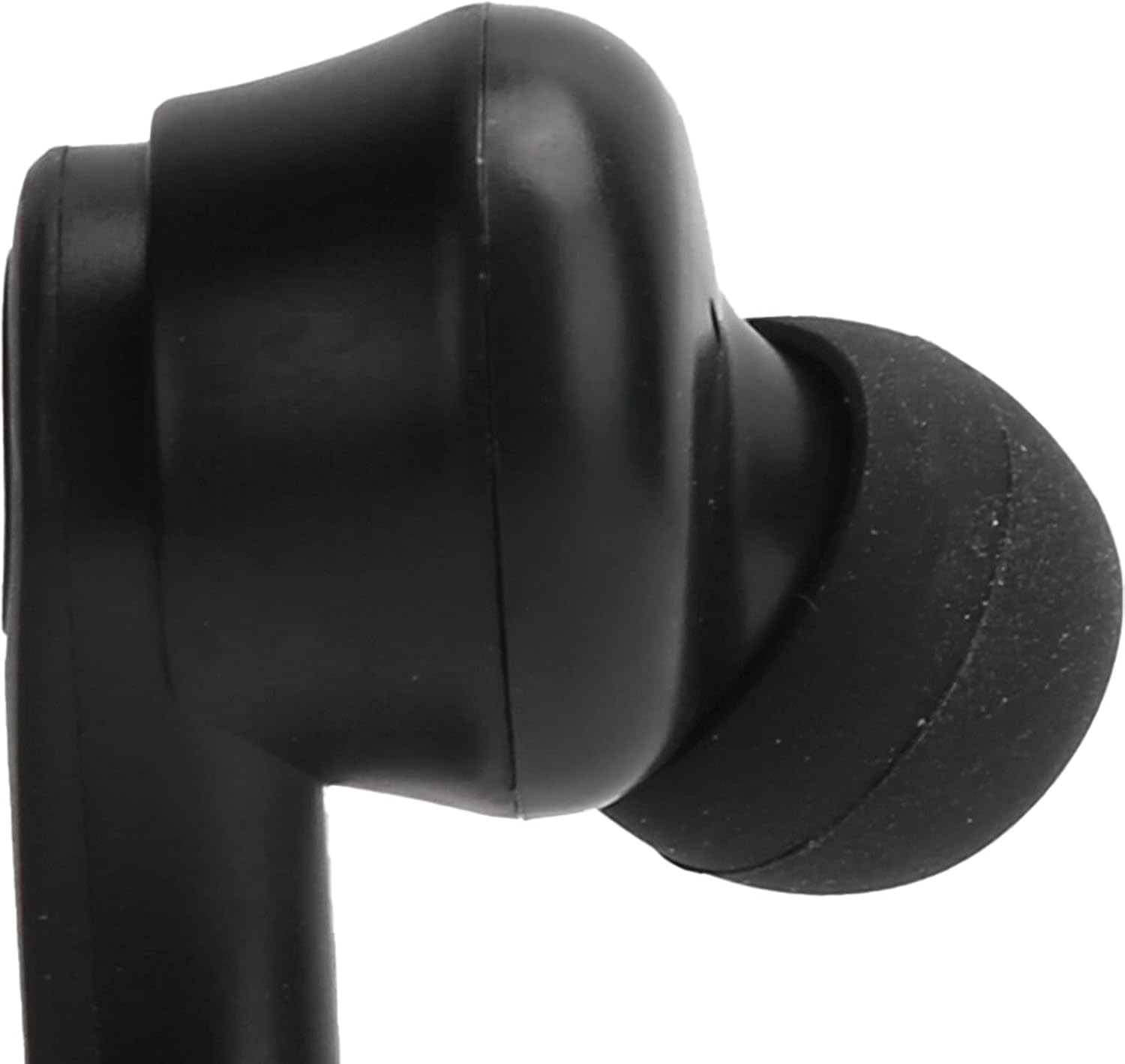
ຮູບພາບ: A close-up view of the left earbud's stem, indicating its designation.
ບໍາລຸງຮັກສາ
Proper maintenance ensures the longevity and optimal performance of your Dilwe TS100 earbuds.
- ທໍາຄວາມສະອາດ: ເຮັດຄວາມສະອາດຫູຟັງ ແລະ ກ່ອງສາກໄຟເປັນປະຈຳດ້ວຍຜ້າອ່ອນໆ, ແຫ້ງ ແລະ ບໍ່ມີຂົນ. ຫຼີກລ່ຽງການໃຊ້ວັດສະດຸທີ່ມີສີຂັດ ຫຼື ສານເຄມີຮຸນແຮງ. ຄ່ອຍໆເຮັດຄວາມສະອາດຈຸກຫູ ແລະ ຕາໜ່າງລຳໂພງເພື່ອປ້ອງກັນການສະສົມຂອງຂີ້ເຜີ້ງ.
- ການເກັບຮັກສາ: ເມື່ອບໍ່ໄດ້ໃຊ້, ໃຫ້ເກັບຮັກສາຫູຟັງເອຍບັດໃສ່ໃນກະເປົ໋າສາກໄຟເພື່ອປົກປ້ອງພວກມັນຈາກຂີ້ຝຸ່ນ, ຄວາມເສຍຫາຍ, ແລະເພື່ອຮັກສາສາຍສາກ.
- ການດູແລຫມໍ້ໄຟ: To prolong battery life, avoid fully discharging the earbuds and charging case frequently. Charge them regularly, even if not in constant use. The earbuds offer a standby time of 1-2 months.
- ຄວາມຕ້ານທານນ້ໍາ: The earbuds feature anti-sweat performance, making them suitable for workouts. However, they are not fully waterproof. Avoid submerging them in water or exposing them to heavy rain.
ຮູບພາບ: A ລາຍລະອຽດ view of the earbud's tip and speaker mesh, emphasizing areas for cleaning.
ການແກ້ໄຂບັນຫາ
If you encounter issues with your Dilwe TS100 earbuds, try the following solutions:
- ຫູຟັງບໍ່ຈັບຄູ່:
- ກວດໃຫ້ແນ່ໃຈວ່າຖອດຫູຟັງຫູຟັງທັງສອງອອກຈາກກ່ອງສາກ.
- ປິດ Bluetooth ໃນອຸປະກອນຂອງທ່ານ, ຈາກນັ້ນເປີດມັນຄືນ.
- Forget "TS100" from your device's Bluetooth list and attempt to pair again.
- Ensure earbuds and device are within the 18-20m operating range.
- ບໍ່ມີສຽງຈາກຫູຟັງອັນໜຶ່ງ:
- ໃສ່ຫູຟັງທັງສອງຂ້າງກັບຄືນໃສ່ໃນກ່ອງສາກໄຟ, ປິດຝາປິດ, ລໍຖ້າສອງສາມວິນາທີ, ຈາກນັ້ນຖອດອອກອີກຄັ້ງ.
- ກວດເບິ່ງການຕັ້ງຄ່າສຽງຂອງອຸປະກອນຂອງທ່ານເພື່ອຮັບປະກັນຄວາມສົມດຸນຢູ່ກາງ.
- ຫູຟັງບໍ່ສາກ:
- ກວດໃຫ້ແນ່ໃຈວ່າສາຍ USB-C ເຊື່ອມຕໍ່ຢ່າງປອດໄພກັບທັງກ່ອງສາກ ແລະແຫຼ່ງພະລັງງານ.
- ກວດສອບວ່າແຫຼ່ງພະລັງງານມີການເຄື່ອນໄຫວ.
- ລ້າງລາຍການສາກໄຟຢູ່ທັງຫູຫູຟັງແລະພາຍໃນກະເປົ໋າສາກໄຟ.
- ການຄວບຄຸມການສໍາພັດທີ່ບໍ່ຕອບສະໜອງ:
- ໃຫ້ແນ່ໃຈວ່ານິ້ວມືຂອງທ່ານສະອາດ ແລະແຫ້ງໃນເວລາໃຊ້ການຄວບຄຸມການສໍາພັດ.
- ຣີສະຕາດຫູຟັງເອຍບັດໂດຍການວາງໃສ່ໃນກໍລະນີ ແລະຖອດມັນອອກອີກຄັ້ງ.
ຂໍ້ມູນຈໍາເພາະ
| ຄຸນສົມບັດ | ລາຍລະອຽດ |
|---|---|
| ປະເພດລາຍການ | ຫູຟັງ Bluetooth |
| ຍີ່ຫໍ້ | ດິລເວ |
| ຕົວແບບ | TS100 |
| ວັດສະດຸ | ABS |
| ນ້ຳໜັກ | ປະມານ. 120g / 4.2oz |
| ລຸ້ນ Bluetooth | V5.0 |
| Horn ເສັ້ນຜ່າສູນກາງ | 13ມມ |
| ໄລຍະທາງປະຕິບັດການ | 18-20ມ |
| ຄວາມອາດສາມາດຫມໍ້ໄຟ Earbud | ແບັດເຕີຣີລິທຽມໂພລີເມີ 50mAh (ໃນຕົວ) |
| ຄວາມອາດສາມາດສາກໄຟໄດ້ | ແບັດເຕີຣີລິທຽມໂພລີເມີ 400mAh (ໃນຕົວ) |
| ເວລາສະແຕນບາຍ | 1-2 ເດືອນ |
| Talk/Music Playing Time | 3-5 ຊົ່ວໂມງ |
| ການໂຕ້ຕອບການສາກໄຟ | USB-C |
| ເວລາສາກໄຟ | 1-2 ຊົ່ວໂມງ |
| ຄວາມຖີ່ | 2400.0-2483.5MHz |
| ວິທີການຄວບຄຸມ | ແຕະການຄວບຄຸມ |
| ການຄວບຄຸມສິ່ງລົບກວນ | Sound Isolation / Noise Reduction |
| ຄຸນສົມບັດເພີ່ມເຕີມ | Ergonomic, Anti-sweat performance |
ສິນຄ້າເກີນview ວິດີໂອ
ວີດີໂອ: ຢ່າງເປັນທາງການview of the Dilwe TS100 True Wireless Earbuds, demonstrating key features and design.
ການຮັບປະກັນ & ສະຫນັບສະຫນູນ
Dilwe products are designed and manufactured to the highest quality standards. While specific warranty details are not provided in this manual, please refer to the retailer's return policy or the official Dilwe brand store for information regarding warranty coverage and customer support.
ສໍາລັບການຊ່ວຍເຫຼືອເພີ່ມເຕີມ, ທ່ານສາມາດໄປຢ້ຽມຢາມໄດ້ Dilwe Store on Amazon.