
1. ບົດແນະນຳ
ຂອບໃຈສໍາລັບການຊື້asing the JAM Retro Classic+ Bluetooth Speaker. This manual provides essential information for setting up, operating, and maintaining your speaker. Please read it thoroughly before use to ensure optimal performance and longevity of your device.
2. ເນື້ອໃນຊຸດ
ກວດສອບວ່າລາຍການທັງຫມົດແມ່ນມີຢູ່ໃນຊຸດຂອງທ່ານ:
- JAM Retro Classic+ Bluetooth Speaker
- ສາຍສາກ USB
- ຄູ່ມືເລີ່ມຕົ້ນດ່ວນ
3. ຕັ້ງຄ່າ
3.1 ກຳລັງສາກລຳໂພງ
Before first use, fully charge the speaker. Connect the provided USB charging cable to the speaker's USB port and the other end to a USB power adapter (not included) or a computer's USB port.
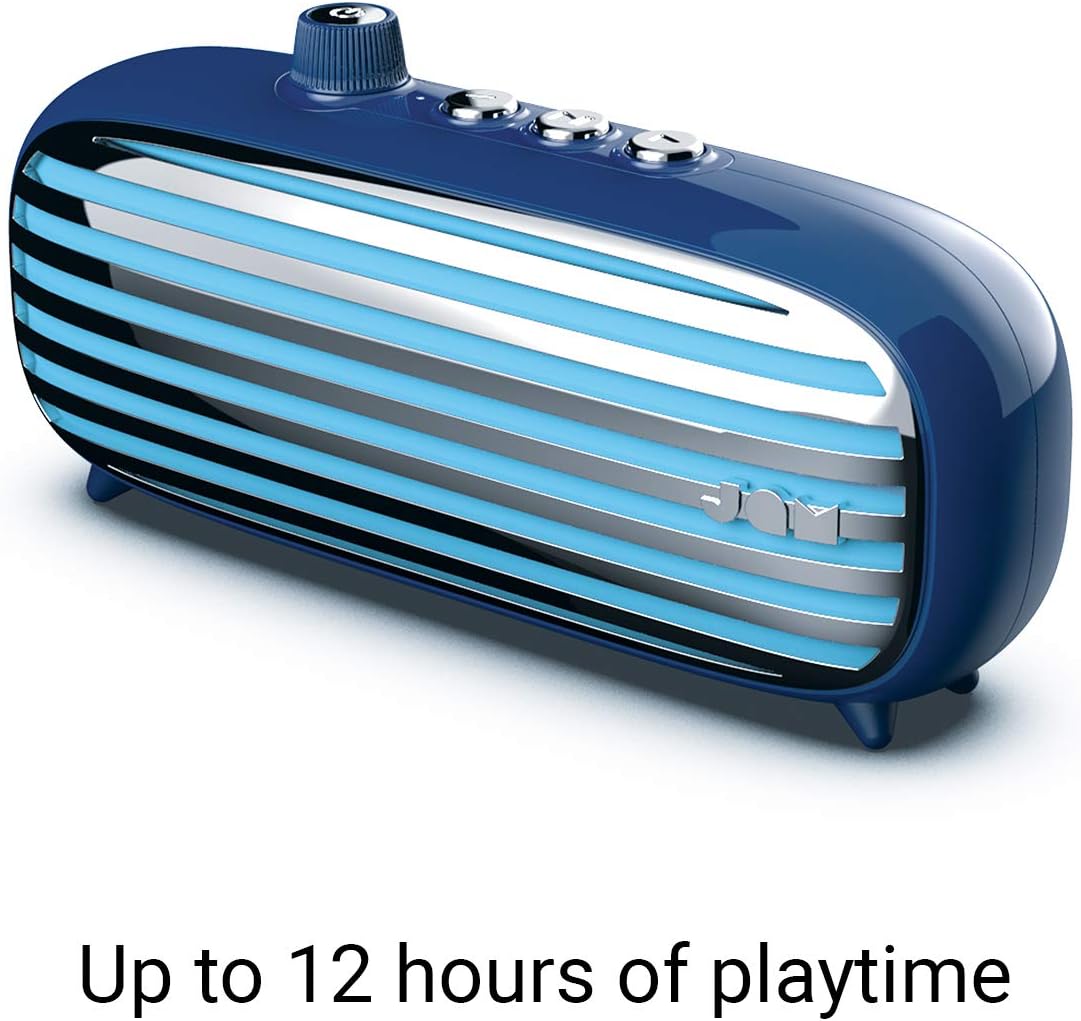
Image: The JAM Retro Classic+ Bluetooth Speaker in blue, with a USB charging cable connected to its side port, indicating the charging process.
3.2 ການເປີດ/ປິດ
To power on the speaker, press and hold the button located in the center of the volume dial on the front for approximately 4 seconds. The dial will light up in neon blue, and an audible sound will confirm it is powered on. To power off, press and hold the same button again.

Image: A blue JAM Retro Classic+ Bluetooth Speaker with its volume dial illuminated in blue, indicating it is powered on.
3.3 ການຈັບຄູ່ Bluetooth
Once powered on, the speaker will automatically enter Bluetooth pairing mode. On your device (smartphone, tablet, computer), enable Bluetooth and search for "JAM Vintage" in the list of available devices. Select it to pair. An audible confirmation will sound upon successful pairing.
4. ການດໍາເນີນງານ
4.1 ການຫລີ້ນດົນຕີ
- ຫຼິ້ນ/ຢຸດ: Press the central play/pause button on the top of the speaker.
- ເພງຕໍ່ໄປ: Press the forward button (right arrow) on the top.
- ຕິດຕາມກ່ອນ ໜ້າ ນີ້: Press the back button (left arrow) on the top.
- ການຄວບຄຸມລະດັບສຽງ: Rotate the large dial on the front of the speaker to adjust the volume.
4.2 ການທໍາງານຂອງລໍາໂພງ
When connected via Bluetooth to your smartphone, the speaker can be used as a speakerphone:
- ຮັບສາຍ: ກົດປຸ່ມຫຼິ້ນ / ຢຸດຫນຶ່ງຄັ້ງ.
- ສິ້ນສຸດການໂທ: Press the play/pause button once during a call.
- ປະຕິເສດການໂທ: ກົດປຸ່ມຫຼິ້ນ/ຢຸດຄ້າງໄວ້.
4.3 ການເຊື່ອມຕໍ່ Aux-in
For non-Bluetooth devices, connect an audio cable (not included) from your device's headphone jack to the Aux-in port on the side of the speaker. The speaker will automatically switch to Aux-in mode.
5. ຄຸນນະສົມບັດທີ່ສໍາຄັນ
- ການອອກແບບ Retro: Aesthetic inspired by classic vintagແລະວິທະຍຸ.
- ເວລາຫຼິ້ນ 12 ຊົ່ວໂມງ: ເພີດເພີນໄປກັບການຫຼິ້ນເພງແບບຂະຫຍາຍດ້ວຍການສາກຄັ້ງດຽວ.
- ການເຊື່ອມຕໍ່ Bluetooth: ການຖ່າຍທອດສຽງໄຮ້ສາຍແບບບໍ່ມີຮອຍຕໍ່.
- ພອດ Aux-in: Wired connection option for various devices.
- ການສາກ USB: Convenient charging via standard USB.
- ລຳໂພງ: Integrated microphone for hands-free calls.
- ການຈັບຄູ່ສະເຕຣິໂອ: Connect two Classic+ speakers for enhanced stereo sound.
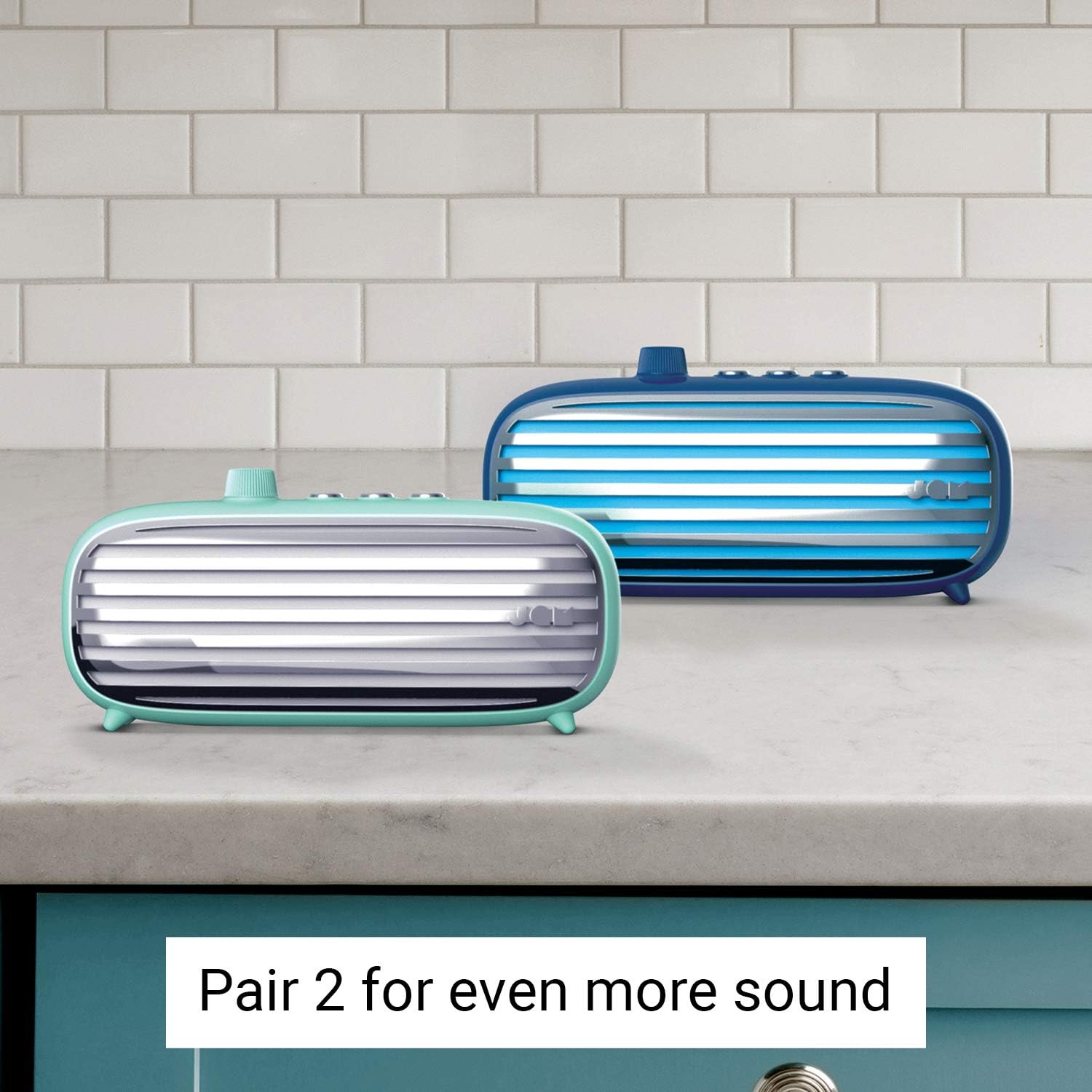
Image: Two JAM Retro Classic+ Bluetooth Speakers, one in blue and one in mint green, positioned side-by-side on a kitchen counter, demonstrating the stereo pairing feature.
6. ບໍາລຸງຮັກສາ
- ທໍາຄວາມສະອາດ: ໃຊ້ຜ້າອ່ອນ, ແຫ້ງເພື່ອເຮັດຄວາມສະອາດລໍາໂພງ. ຢ່າໃຊ້ເຄື່ອງເຮັດຄວາມສະອາດຂັດຫຼືສານລະລາຍ.
- ການເກັບຮັກສາ: ເກັບຮັກສາລຳໂພງໄວ້ໃນບ່ອນທີ່ເຢັນ, ແຫ້ງ, ຫ່າງຈາກແສງແດດໂດຍກົງ ແລະ ອຸນຫະພູມທີ່ຮ້າຍກາດ.
- ຄວາມຕ້ານທານນ້ໍາ: ຜູ້ບັນລະຍາຍຄົນນີ້ແມ່ນ ບໍ່ waterproof. Avoid exposure to water or moisture.
7. ການແກ້ໄຂບັນຫາ
| ບັນຫາ | ການແກ້ໄຂ |
|---|---|
| ລຳໂພງບໍ່ເປີດ. | Ensure the speaker is fully charged. Press and hold the power button for 4 seconds. |
| ບໍ່ສາມາດຈັບຄູ່ຜ່ານ Bluetooth ໄດ້. | Make sure Bluetooth is enabled on your device and the speaker is in pairing mode. Ensure no other devices are currently connected to the speaker. Try restarting both devices. |
| ບໍ່ມີສຽງ. | Check the volume levels on both the speaker and your connected device. Ensure the correct input mode (Bluetooth or Aux-in) is selected. |
| ຄຸນະພາບສຽງບໍ່ດີ. | ຍ້າຍລຳໂພງໃຫ້ໃກ້ກັບອຸປະກອນ Bluetooth ຂອງທ່ານຫຼາຍຂຶ້ນເພື່ອຫຼຸດຜ່ອນການລົບກວນ. ໃຫ້ແນ່ໃຈວ່າແຫຼ່ງສຽງມີຄຸນນະພາບດີ. |
8. ຂໍ້ມູນຈໍາເພາະ
- ໝາຍເລກຕົວແບບ: HX-P425-BL
- ຍີ່ຫໍ້: ສຽງ Jam
- ການເຊື່ອມຕໍ່: Bluetooth, ຕົວຊ່ວຍ, USB
- ພະລັງງານອອກຂອງລໍາໂພງ: 6 ວັດ
- ໂModeດອອກສຽງ: ສະເຕຣິໂອ
- ຊີວິດຫມໍ້ໄຟ: ສູງສຸດ 12 ຊົ່ວໂມງ
- ວິທີການຄວບຄຸມ: ແຕະ
- ແຫຼ່ງພະລັງງານ: ແບດເຕີຣີ້ໃຊ້ພະລັງງານ (ມີຫມໍ້ໄຟ Lithium Ion 1 ໜ່ວຍ)
- ສີ: ສີຟ້າ
- GTIN/UPC: 031262097576
9. ການຮັບປະກັນແລະການສະ ໜັບ ສະ ໜູນ
For warranty information and customer support, please refer to the official Jam Audio webເວັບໄຊ ຫຼືຕິດຕໍ່ບໍລິການລູກຄ້າຂອງເຂົາເຈົ້າໂດຍກົງ. ຮັກສາໃບຮັບເງິນການຊື້ຂອງທ່ານສໍາລັບການຮ້ອງຂໍການຮັບປະກັນ.
ທາງການ Webເວັບໄຊ: www.jamaudio.com