
1. ຜະລິດຕະພັນເກີນview
The FosPower Emergency Weather Radio Model A3 is a versatile device designed for emergency preparedness and outdoor activities. It features NOAA/AM/FM radio reception, a powerful 14800mWh (4000mAh) internal power bank, and multiple charging options including USB-C, solar, and hand crank. Additional functions include an SOS alarm, a bright flashlight, and a reading light.
ຄຸນນະສົມບັດທີ່ສໍາຄັນ:
- 14800mWh (4000mAh) Power Bank: Provides extended radio operation and can charge external USB devices.
- ແຫຼ່ງພະລັງງານຫຼາຍ: Rechargeable via USB-C, hand crank, and solar panel.
- ປຸກ SOS: Activates a loud siren and flashing light for emergency signaling.
- ແຫຼ່ງແສງຄູ່: Includes a flashlight and a reading light with motion sensor functionality.
- NOAA Emergency Weather Broadcast Access: Receives local weather information and hazard alerts.
- ວິທະຍຸ AM/FM: Full access to standard AM and FM radio broadcasts.

Figure 1: FosPower Emergency Weather Radio Model A3. This image displays the radio with its solar panel open, hand crank visible, flashlight illuminated, and a smartphone connected for charging.
2. ເນື້ອໃນຊຸດ ແລະ ສ່ວນປະກອບຕ່າງໆ
ເນື້ອໃນຊຸດ:
- FosPower Emergency Weather Radio (Model A3)
- ສາຍສາກ USB-C
- ຄູ່ມືຜູ້ໃຊ້
ອົງປະກອບທີ່ສໍາຄັນ:
- ເສົາອາກາດ: Extendable for improved radio reception.
- ແຜງແສງອາທິດ: For supplementary charging in sunlight.
- Hand Crank: ສຳລັບການຜະລິດພະລັງງານດ້ວຍມື.
- ໄຟສາຍ: ແຫຼ່ງແສງສະຫວ່າງປະສົມປະສານ.
- ແສງອ່ານ: Panel light, often with motion sensor.
- ປຸ່ມ SOS: Activates emergency alarm.
- ປຸ່ມລະດັບສຽງ: Controls audio output and powers the unit on/off.
- ປຸ່ມປັບ: ປັບຄວາມຖີ່ວິທະຍຸ.
- ຕົວເລືອກແຖບ: Switches between AM, FM, and WB (Weather Band).
- ຊ່ອງສຽບ USB-C: ສຳລັບການສາກໄຟວິທະຍຸ.
- USB-A Output Port: ສໍາລັບການສາກໄຟອຸປະກອນພາຍນອກ.
- ຫູຟັງ Jack: ສໍາລັບການຟັງສ່ວນຕົວ.
3. ການຕິດຕັ້ງເບື້ອງຕົ້ນ
3.1 ການສາກວິທະຍຸ
Before first use, it is recommended to fully charge the radio's internal 14800mWh (4000mAh) battery using the USB-C port.
- ການສາກ USB-C: Connect the provided USB-C cable to the radio's USB-C input port and the other end to a standard USB power adapter (not included) or a computer USB port. The charging indicator will illuminate.
- ການສາກດ້ວຍມື Crank: Rotate the hand crank clockwise or counter-clockwise at a steady pace (approximately 130-150 RPM) for 3-5 minutes to generate sufficient power for initial operation or to extend battery life.
- ການສາກໄຟແສງອາທິດ: Place the radio with the solar panel facing direct sunlight. This method is primarily for maintaining battery charge or for emergency power generation, and is slower than USB-C charging.

Figure 2: Multiple Power Sources. This diagram highlights the USB, hand crank, and solar panel charging options for the radio.
4. ຄໍາແນະນໍາການດໍາເນີນງານ
4.1 ການເປີດ/ປິດ ແລະ ການຄວບຄຸມລະດັບສຽງ
ເພື່ອເປີດວິທະຍຸ, ໃຫ້ໝຸນປຸ່ມ ປະລິມານດັງ clockwise from the 'OFF' position. Continue rotating to increase the volume. To power off, rotate the ປະລິມານດັງ counter-clockwise until it clicks into the 'OFF' position.
4.2 Radio Tuning (AM/FM/NOAA)
- ຂະຫຍາຍເສົາອາກາດ: For optimal reception, fully extend the telescopic antenna.
- ເລືອກແຖບ: ໃຊ້ ຕົວເລືອກແຖບ switch to choose between 'AM', 'FM', or 'WB' (Weather Band).
- ສະຖານີປັບສຽງ: ໝຸນ ປຸ່ມປັບ to scan for desired radio stations or NOAA weather channels. The tuning indicator light will illuminate when a strong signal is detected.
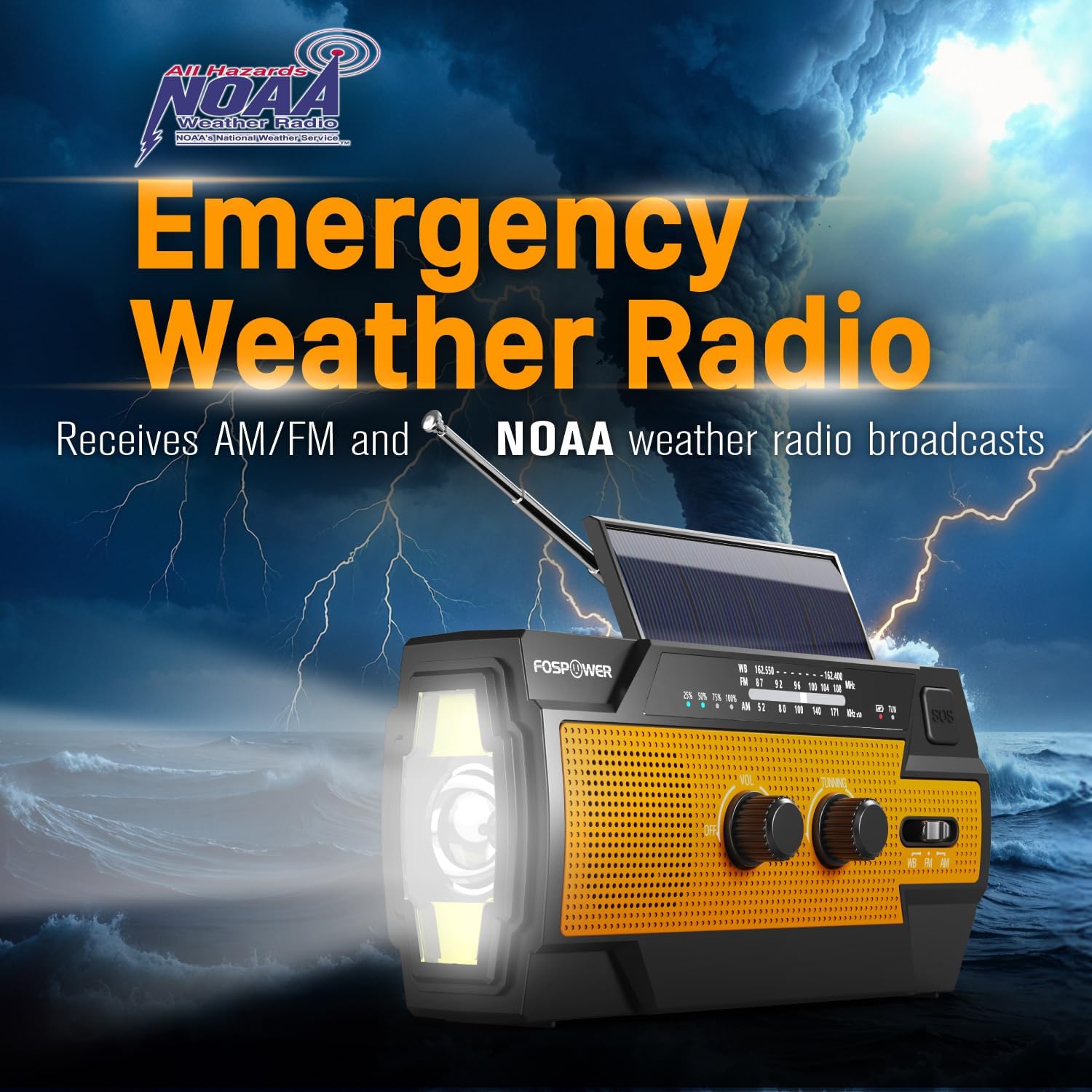
Figure 3: Emergency Weather Radio Function. This image shows the radio against a stormy background, emphasizing its ability to receive AM/FM and NOAA weather broadcasts.
4.3 ການເຮັດວຽກຂອງໄຟສາຍ
The integrated flashlight offers multiple modes:
- Press the flashlight button once for ແບບເຕັມຮູບແບບ (ຄວາມສະຫວ່າງສູງສຸດ).
- ກົດອີກເທື່ອຫນຶ່ງສໍາລັບ Far Mode (focused beam).
- ກົດເປັນຄັ້ງທີສາມສໍາລັບ ແບບກວ້າງ (broader illumination).
- Press a fourth time to turn the flashlight off.

Figure 4: Flashlight Settings. This image illustrates the three distinct flashlight modes available on the radio.
4.4 Reading Light Operation
The reading light provides illumination for close-range tasks:
- Slide the reading light switch to the 'LIGHT' position for constant illumination.
- Slide the switch to the 'AUTO' position to activate the motion sensor. The light will turn on when motion is detected and turn off after approximately 30 seconds of no motion.

Figure 5: Reading Light Modes. This image shows the reading light in operation, highlighting its constant and motion-activated settings.
4.5 ຟັງຊັນປຸກ SOS
In an emergency, activate the SOS alarm to attract attention:
- ກົດຄ້າງໄວ້ ປຸ່ມ SOS ເພື່ອເປີດໃຊ້ siren ດັງແລະໄຟກະພິບ.
- Release the button to deactivate the alarm.
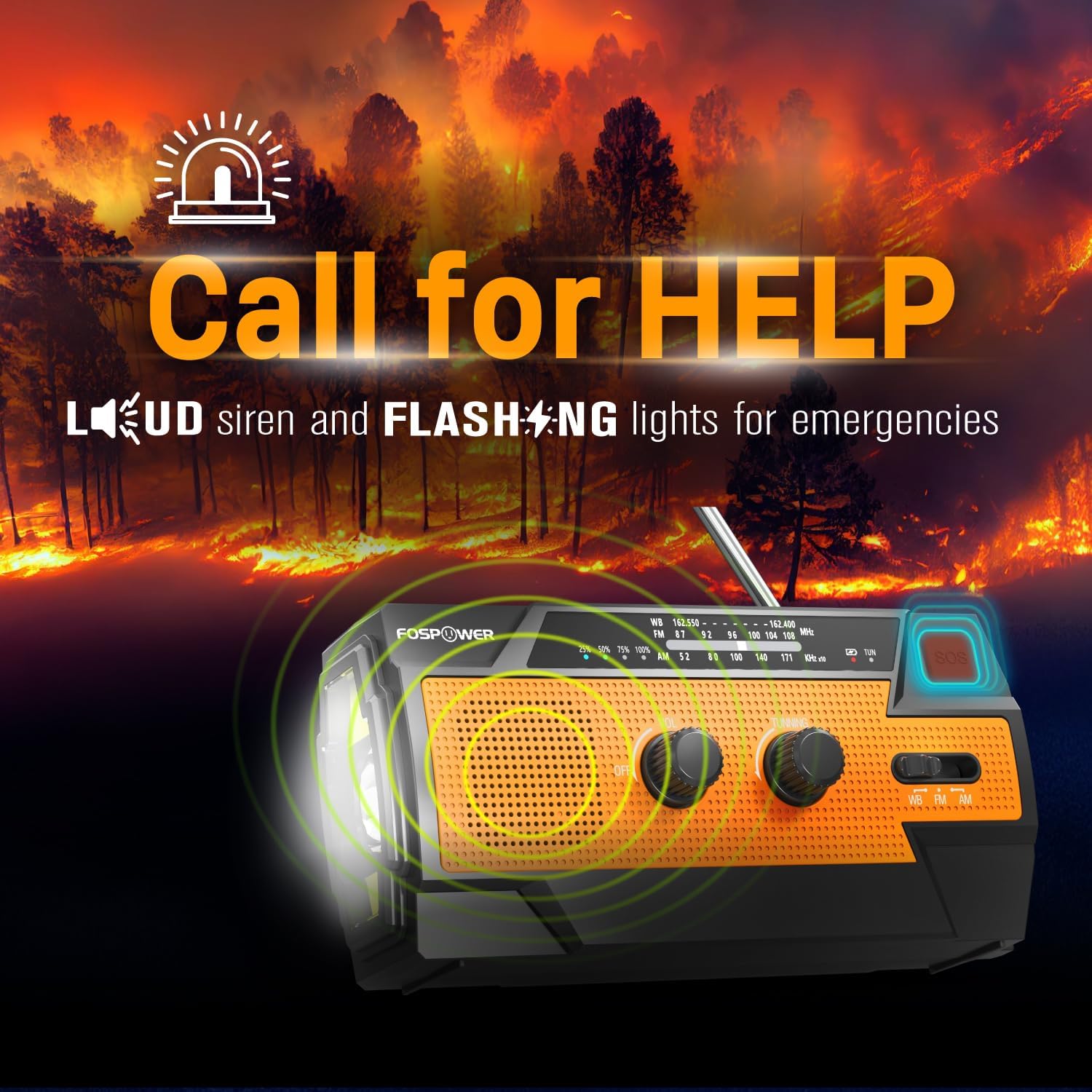
Figure 6: SOS Alarm Activation. This image depicts the radio emitting a loud siren and flashing lights, indicating the SOS function is active.
4.6 ໃຊ້ເປັນ Power Bank
The radio's internal battery can be used to charge external USB devices:
- Connect your smartphone, tablet, or other USB-powered device to the radio's ຜອດອອກ USB-A ໃຊ້ສາຍສາກຂອງອຸປະກອນຂອງທ່ານ.
- The radio will begin charging the connected device. Monitor the radio's battery indicator to ensure sufficient charge remains for its own operation.

Figure 7: Power Bank Function. This image shows the radio charging a smartphone on a wooden table outdoors, demonstrating its 14800mWh power bank capability.
5. ການດູແລແລະບໍາລຸງຮັກສາ
- ທໍາຄວາມສະອາດ: ເຊັດວິທະຍຸດ້ວຍສຽງອ່ອນ, ງamp ຜ້າ. ຢ່າໃຊ້ສານເຄມີທີ່ຮຸນແຮງຫຼືເຄື່ອງເຮັດຄວາມສະອາດຂັດ.
- ການເກັບຮັກສາ: Store the radio in a cool, dry place away from direct sunlight and extreme temperatures. For long-term storage, ensure the battery is partially charged (around 50%) and recharge every 3-6 months to prevent deep discharge.
- ຄວາມຕ້ານທານນ້ໍາ: The radio is IPX3 water resistant, meaning it can withstand spraying water. Do not submerge the radio in water.

Figure 8: IPX3 Water Resistance. This image shows the radio in a light rain shower, illustrating its IPX3 water-resistant design suitable for harsh environments.
6. ການແກ້ໄຂບັນຫາ
| ບັນຫາ | ສາເຫດທີ່ເປັນໄປໄດ້ | ການແກ້ໄຂ |
|---|---|---|
| ວິທະຍຸບໍ່ເປີດ. | ແບັດເຕີຣີໝົດ. | Charge the radio via USB-C, hand crank, or solar panel. |
| ການຮັບວິທະຍຸທີ່ບໍ່ດີ. | ແອນເຕນນາບໍ່ໄດ້ຍືດອອກ, ສັນຍານອ່ອນ, ມີການລົບກວນ. | Fully extend the telescopic antenna. Move to an open area away from obstructions. Fine-tune the tuning knob. |
| Flashlight/Reading light not working. | Battery is low, incorrect mode selected. | Charge the radio. Ensure the correct light mode (Full, Far, Wide for flashlight; Light, Auto for reading light) is selected. |
| External device not charging from radio. | Radio battery is low, cable issue, device incompatibility. | ໃຫ້ແນ່ໃຈວ່າວິທະຍຸມີໄຟພຽງພໍ. ກວດສອບການເຊື່ອມຕໍ່ສາຍ USB. ລອງໃຊ້ສາຍ USB ຫຼື ອຸປະກອນອື່ນ. |
| Hand crank is stiff or difficult to turn. | Possible obstruction or internal issue. | Ensure there are no physical obstructions. Turn the crank smoothly and avoid excessive force. If problem persists, contact customer support. |
| ການສາກໄຟແສງອາທິດຊ້າ ຫຼື ບໍ່ມີປະສິດທິພາບ. | Insufficient sunlight, dirty solar panel. | Place the radio in direct, strong sunlight. Clean the solar panel surface with a soft cloth. Note that solar charging is supplementary. |
7. ຂໍ້ມູນຈໍາເພາະຂອງຜະລິດຕະພັນ
| ຄຸນສົມບັດ | ຂໍ້ມູນຈໍາເພາະ |
|---|---|
| ໝາຍເລກຕົວແບບ | FOSPWB-2402 |
| ຂະໜາດສິນຄ້າ | 6.23"L x 2.48"W x 3.19"H (15.82 x 6.30 x 8.10 cm) |
| ນ້ໍາຫນັກລາຍການ | 1.06 ປອນ (0.48 ກິໂລ) |
| ແຫຼ່ງພະລັງງານ | Solar, Battery (14800mWh internal), Handcrank |
| ຄວາມອາດສາມາດຫມໍ້ໄຟ | 14800mWh (4000mAh) |
| ແຖບວິທະຍຸສະຫນັບສະຫນູນ | AM, FM, WB (Weather Band) |
| ເຕັກໂນໂລຊີການເຊື່ອມຕໍ່ | USB C (Input), USB A (Output) |
| ຄຸນນະສົມບັດພິເສດ | Portable, Power Bank, SOS Alarm, Flashlight, Reading Light |
| ການຕໍ່ຕ້ານນ້ໍາ | IPX3 |

Figure 9: Product Dimensions. This diagram provides the exact measurements of the FosPower Emergency Weather Radio.
8. ການຮັບປະກັນແລະການສະຫນັບສະຫນູນລູກຄ້າ
ການຮັບປະກັນຕະຫຼອດຊີວິດທີ່ຈໍາກັດ
FosPower products are backed by a limited lifetime warranty. This warranty covers defects in materials and workmanship under normal use. Please refer to the official FosPower webເວັບໄຊທ໌ຫຼືເອກະສານການຊື້ຂອງທ່ານສໍາລັບເງື່ອນໄຂການຮັບປະກັນຢ່າງເຕັມທີ່.
ການຊ່ວຍເຫຼືອລູກຄ້າ
For any questions, technical assistance, or warranty claims, please contact FosPower's dedicated USA-based customer service team. Contact information can typically be found on the product packaging or the official FosPower webເວັບໄຊ.
ນອກນັ້ນທ່ານຍັງສາມາດໄປຢ້ຽມຢາມໄດ້ FosPower Store on Amazon ສໍາລັບຂໍ້ມູນເພີ່ມເຕີມແລະການປັບປຸງຜະລິດຕະພັນ.