
ແນະນຳ
The Picun Elite P80S Wireless Headset provides a high-definition audio experience with multidimensional surround sound, extra bass, and noise reduction. Designed for comfort and versatility, it features both wireless and wired connectivity options, a detachable microphone, and intuitive controls. This manual provides detailed instructions for setup, operation, maintenance, and troubleshooting to ensure optimal performance of your headset.
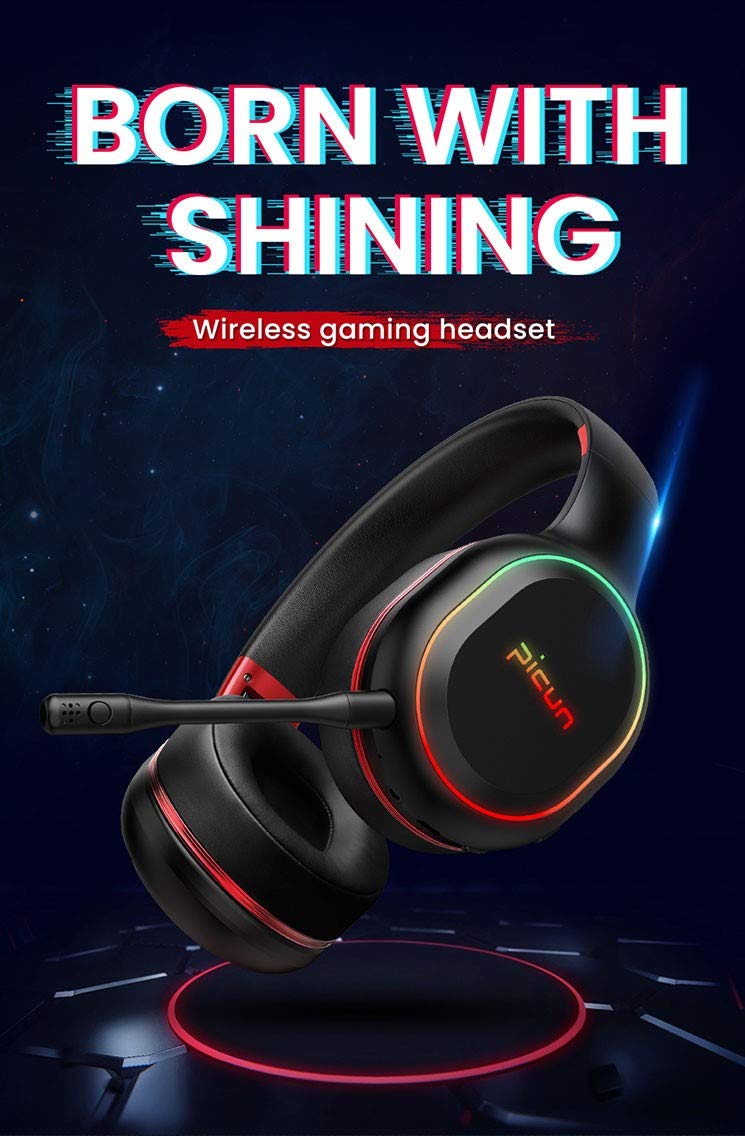
Image: The Picun Elite P80S Wireless Headset, showcasing its design and integrated microphone.
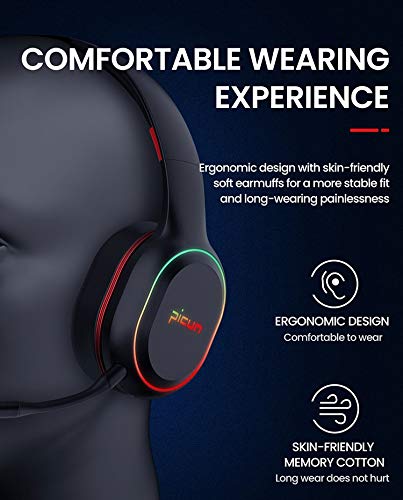
Image: The Picun Elite P80S Headset demonstrating its ergonomic design and comfortable earcups made from skin-friendly memory cotton.
ແມ່ນຫຍັງຢູ່ໃນກ່ອງ
ກະລຸນາກວດສອບວ່າລາຍການທັງໝົດມີຢູ່ໃນຊຸດ:
- Picun Elite P80S Wireless Headset
- ໄມໂຄຣໂຟນທີ່ຖອດອອກໄດ້
- ສາຍສາກ USB
- ສາຍສຽງ AUX 3.5 ມມ
- ຄູ່ມືຜູ້ໃຊ້ (ເອກະສານນີ້)
ຕັ້ງຄ່າ
1. ການສາກຫູຟັງ
Before initial use, fully charge the headset. Connect the provided USB charging cable to the headset's charging port and to a compatible USB power source (e.g., computer USB port, USB wall adapter). The LED indicator will show charging status and turn off or change color when fully charged.
A full charge provides approximately 40 hours of game time or 60 hours of music/media playback in wireless mode.
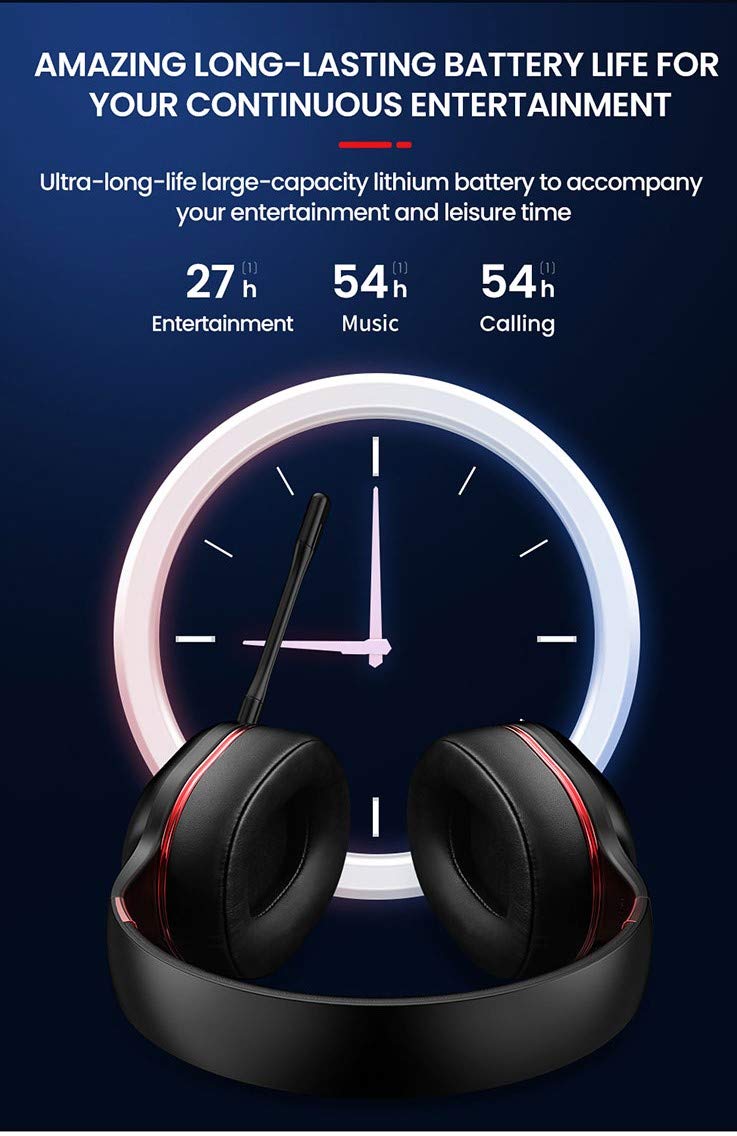
Image: Picun Elite P80S Headset illustrating long battery life for entertainment, music, and calls.
2. ການຕິດໄມໂຄຣໂຟນ
The professional detachable microphone can be inserted into the designated port on the left earcup. Ensure it is securely connected for clear voice communication. The microphone can be rotated 360 degrees for optimal positioning.
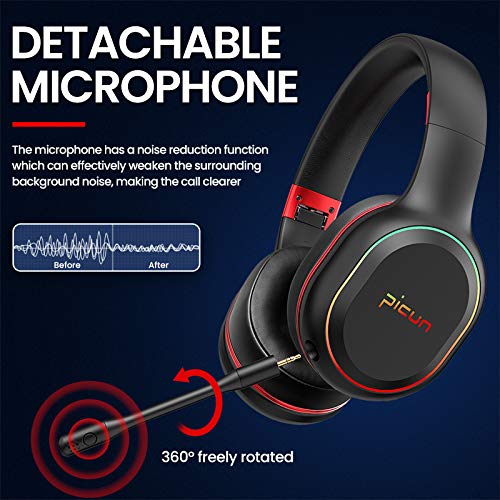
Image: Picun Elite P80S Headset showing the detachable microphone and its 360-degree rotation capability.
ຄໍາແນະນໍາການດໍາເນີນງານ
1. ເປີດ/ປິດ
- ເປີດ: ກົດປຸ່ມເປີດປິດຄ້າງໄວ້ປະມານ 3 ວິນາທີຈົນກວ່າໄຟ LED ຈະສະຫວ່າງຂຶ້ນ.
- ປິດພະລັງງານ: ກົດປຸ່ມເປີດປິດຄ້າງໄວ້ປະມານ 3 ວິນາທີຈົນກວ່າຕົວຊີ້ LED ຈະປິດ.
2. ການຈັບຄູ່ Bluetooth (ໂໝດໄຮ້ສາຍ)
After powering on, the headset will automatically enter pairing mode (LED indicator will flash). On your device (smartphone, PC, console), enable Bluetooth and search for "Picun Elite P80S". Select it to connect. A voice prompt will confirm successful pairing. The headset maintains a stable connection up to 10 meters.

Image: Diagram illustrating the stable and instant connection features of the Picun Elite P80S headset, highlighting 10-meter transmission, audio/video synchronization, call stability, and no in-game delay.
3. Wired Mode (AUX Connection)
To use the headset in wired mode, connect the provided 3.5mm AUX audio cable to the headset's AUX port and to your audio source. Wired mode allows for indefinite playback regardless of battery charge. The headset functions as a passive headphone in wired mode.
4. ການນຳໃຊ້ໄມໂຄຣໂຟນ
- Detachable Pro Microphone: Provides high-definition vocals and effectively reduces ambient noise for clear communication during gaming or calls.
- Inbuilt Microphone: An additional microphone is integrated for general use, ensuring seamless communication even without the detachable mic.
5. ຄຸນສົມບັດສຽງ
The Picun Elite P80S provides omnidirectional stereo sound, allowing for an immersive audio experience, especially beneficial for gaming to detect subtle sound cues.
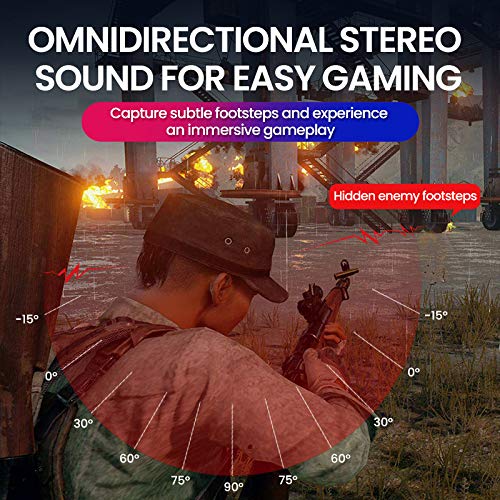
Image: A gaming scenario demonstrating the omnidirectional stereo sound capability, helping users identify sound sources like footsteps from various directions.
6. ການຄວບຄຸມສື່
The headset features integrated buttons for easy control:
- ຫຼິ້ນ/ຢຸດ: Press the Multi-function button once to play or pause music/videos.
- ຮັບ/ສາຍໂທ: Press the Multi-function button once to answer an incoming call, and again to end it.
- ການຄວບຄຸມລະດັບສຽງ: ໃຊ້ປຸ່ມ Volume Up (+) ແລະ Volume Down (-) ເພື່ອປັບລະດັບສຽງ.
- ຕິດຕາມຕໍ່ໄປ / ກ່ອນ ໜ້າ ນີ້: Long press Volume Up (+) for next track, Long press Volume Down (-) for previous track.
7. Dual Shock / Vibration Mode
Activate the Dual Shock / Vibration Mode for an enhanced immersive experience, particularly for deep bass in music and movies, or realistic vibrations during gaming. This mode can be toggled on or off using the dedicated switch on the headset.
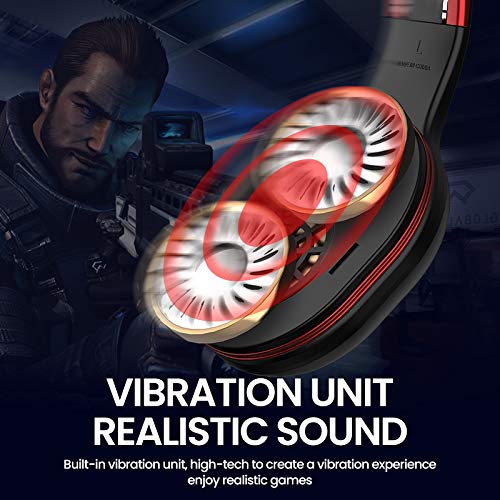
Image: Close-up of the Picun Elite P80S earcup highlighting the built-in vibration unit for realistic sound and gaming experience.
8. LED Light Display
The headset features a gradient colorful breathing light display. To turn the LED lights on or off, press and hold both the Volume Up (+) and Volume Down (-) buttons simultaneously for approximately 3 seconds.

Image: Picun Elite P80S Headset showcasing its gradient colorful breathing light effect, with instructions on how to activate/deactivate it.
ບໍາລຸງຮັກສາ
- ທໍາຄວາມສະອາດ: ໃຊ້ຜ້າປຽກແຫ້ງເພື່ອເຮັດຄວາມສະອາດຊຸດຫູຟັງ. ຢ່າໃຊ້ເຄື່ອງເຮັດຄວາມສະອາດຂັດຫຼືສານລະລາຍ.
- ການເກັບຮັກສາ: ເກັບຮັກສາຊຸດຫູຟັງໄວ້ໃນບ່ອນທີ່ເຢັນ, ແຫ້ງ, ຫ່າງຈາກແສງແດດໂດຍກົງ ແລະອຸນຫະພູມທີ່ຮຸນແຮງ. ການອອກແບບທີ່ສາມາດພັບໄດ້ຊ່ວຍໃຫ້ມີການເກັບຮັກສາທີ່ຫນາແຫນ້ນ.
- ການດູແລຫມໍ້ໄຟ: ເພື່ອຍືດອາຍຸແບັດເຕີຣີ, ຫຼີກເວັ້ນການຖອດຫູຟັງອອກເຕັມທີ່ເລື້ອຍໆ. ສາກໄຟເປັນປະຈໍາ, ເຖິງແມ່ນວ່າບໍ່ໄດ້ໃຊ້ເປັນໄລຍະເວລາ.
- ການດູແລສາຍໄຟ: ຈັບສາຍໄຟຢ່າງລະມັດລະວັງ. ຫຼີກລ່ຽງການງໍແຫຼມ ຫຼື ການດຶງຫຼາຍເກີນໄປເພື່ອປ້ອງກັນຄວາມເສຍຫາຍ.
ການແກ້ໄຂບັນຫາ
No Power / Headset Not Turning On
- Ensure the headset is fully charged. Connect it to a power source using the USB charging cable.
- Verify that the power button is pressed and held for the correct duration (approx. 3 seconds).
ບໍ່ສາມາດຈັບຄູ່ຜ່ານ Bluetooth ໄດ້
- Make sure the headset is in pairing mode (LED flashing). If not, power it off and on again.
- Ensure Bluetooth is enabled on your device and it is within 10 meters of the headset.
- Remove "Picun Elite P80S" from your device's Bluetooth list and attempt to pair again.
- ລອງຈັບຄູ່ກັບອຸປະກອນອື່ນເພື່ອແກ້ໄຂບັນຫາສະເພາະອຸປະກອນ.
ບໍ່ມີສຽງ / ລະດັບສຽງຕ່ໍາ
- ກວດເບິ່ງລະດັບສຽງໃນທັງຊຸດຫູຟັງ ແລະອຸປະກອນທີ່ເຊື່ອມຕໍ່ຂອງທ່ານ.
- If in wired mode, ensure the 3.5mm AUX cable is fully inserted into both the headset and the audio source.
- If in wireless mode, ensure the headset is properly paired and connected.
- ທົດສອບກັບແຫຼ່ງສຽງ ຫຼືແອັບພລິເຄຊັນຕ່າງໆ.
ໄມໂຄຣໂຟນບໍ່ເຮັດວຽກ
- Ensure the detachable microphone is securely plugged into the headset.
- Check microphone settings on your connected device (e.g., input device selection, volume levels).
- Test the microphone in different applications or communication platforms.
One Earpiece Not Working
- ກວດສອບການຕັ້ງຄ່າສົມດຸນສຽງໃນອຸປະກອນທີ່ເຊື່ອມຕໍ່ຂອງທ່ານ.
- If using the AUX cable, ensure it is fully inserted and try a different cable if available.
- ຣີສະຕາດຊຸດຫູຟັງ ແລະອຸປະກອນທີ່ເຊື່ອມຕໍ່ຂອງທ່ານ.
ຂໍ້ມູນຈໍາເພາະ
| ຍີ່ຫໍ້ | Picun |
| ຊື່ຕົວແບບ | Elite P80S |
| ສີ | ດຳ |
| ປັດໄຈແບບຟອມ | ເກີນຫູ |
| ການຄວບຄຸມສິ່ງລົບກວນ | Active Noise Cancellation |
| Jack ຫູຟັງ | Jack ຂະ ໜາດ 3.5 ມມ |
| ວັດສະດຸຫຸ້ມຫໍ່ | ໜັງ Faux |
| ອຸປະກອນທີ່ເຂົ້າກັນໄດ້ | Personal Computers/Laptops, Playstations/ X-box/ Nintendo Switch, Smartphones/Pads |
| ຄຸນສົມບັດສາຍ | ຖອດອອກໄດ້ |
| ປະເພດເຕັກໂນໂລຊີໄຮ້ສາຍ | Bluetooth |
| ປະເພດການຄວບຄຸມ | ການຄວບຄຸມປະລິມານ |
| ວິທີການຄວບຄຸມ | Touch (for some functions, e.g., Play/Pause, Answer/End Call via Multi-function button) |
ການຮັບປະກັນແລະການສະຫນັບສະຫນູນ
For warranty information and technical support, please refer to the warranty card included with your product or contact Picun customer service through their official webເວັບໄຊ. ກະລຸນາຮັກສາຫຼັກຖານການຊື້ຂອງທ່ານສໍາລັບການຮຽກຮ້ອງການຮັບປະກັນໃດໆ.
For further assistance, please visit the official Picun support page or contact their customer service directly.