
ແນະນຳ
This manual provides detailed instructions for the proper use and maintenance of your LG AKB74955603 Air Conditioner Remote Control. Please read this manual thoroughly before operating the device to ensure optimal performance and longevity.
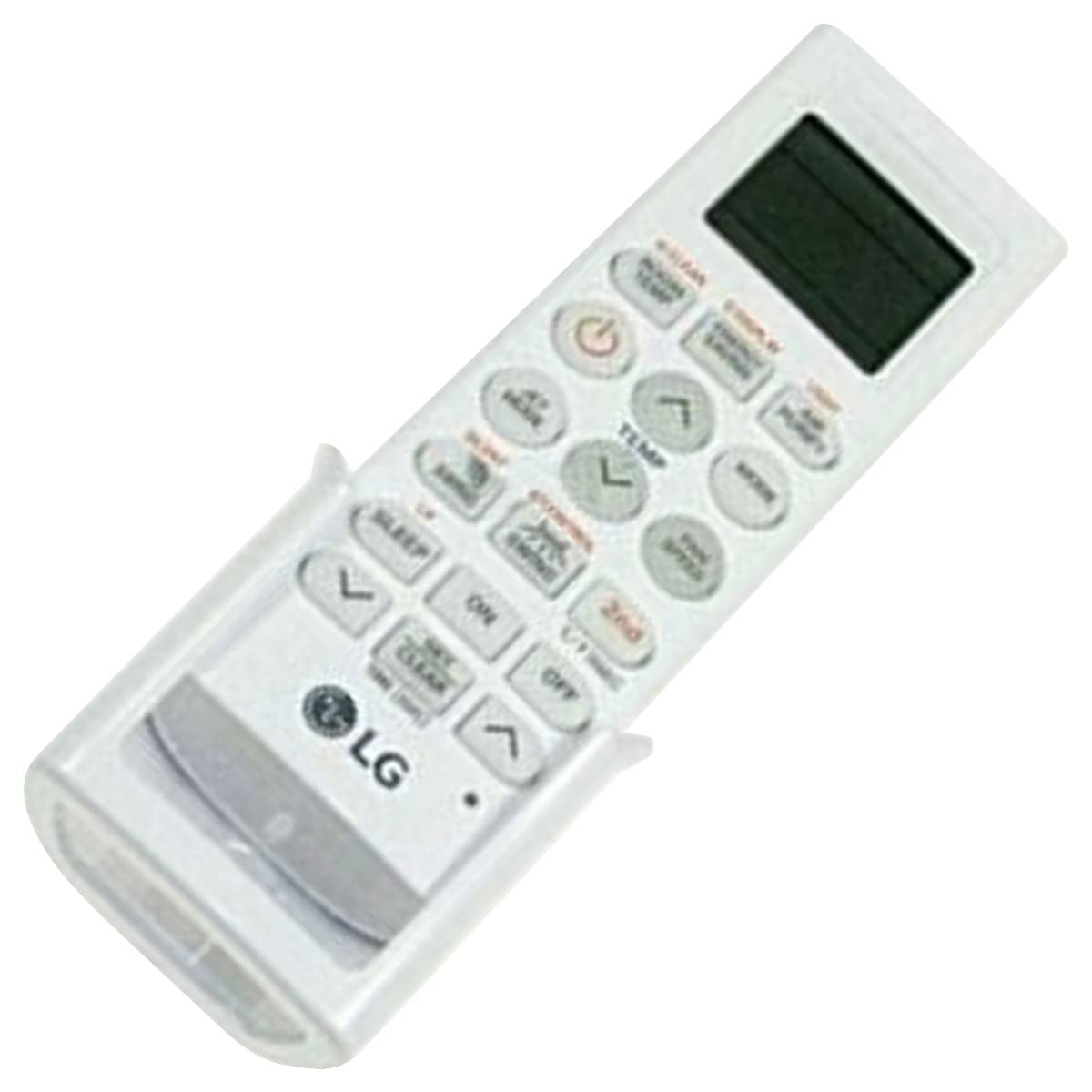
Image: The LG AKB74955603 Air Conditioner Remote Control, a white rectangular device with various control buttons.
ຕັ້ງຄ່າ
1. ການຕິດຕັ້ງຫມໍ້ໄຟ
ການຄວບຄຸມໄລຍະໄກຕ້ອງການສອງ (2) ຫມໍ້ໄຟ AAA ສໍາລັບການດໍາເນີນງານ. ຮັບປະກັນຄວາມຂົ້ວທີ່ຖືກຕ້ອງໃນເວລາໃສ່ແບັດເຕີລີ່.
- ເປີດຝາປິດຊ່ອງໃສ່ແບັດເຕີຣີທີ່ຢູ່ດ້ານຫຼັງຂອງຣີໂໝດຄວບຄຸມ.
- ໃສ່ໝໍ້ໄຟ AAA ໃໝ່ສອງອັນ, ກົງກັບ (+) ແລະ (-) terminals ຕາມທີ່ລະບຸໄວ້ພາຍໃນຊ່ອງ.
- ປິດຝາປິດຊ່ອງໃສ່ຫມໍ້ໄຟຢ່າງປອດໄພ.
ໝາຍເຫດ: Do not mix old and new batteries, or different types of batteries. Remove batteries if the remote control will not be used for an extended period.
ຄໍາແນະນໍາການດໍາເນີນງານ
Point the remote control directly at the air conditioner's receiver. Ensure there are no obstructions between the remote and the unit.
ຟັງຊັນຫຼັກ
- POWER (⏻): ເປີດ ຫຼື ປິດເຄື່ອງປັບອາກາດ.
- ແບບ: ຮອບວຽນຜ່ານໂຫມດການເຮັດວຽກ: ອັດຕະໂນມັດ, ເຢັນ, ແຫ້ງ, ພັດລົມ, ຄວາມຮ້ອນ.
- ອຸນຫະພູມ ▲/▼: ປັບການຕັ້ງຄ່າອຸນຫະພູມທີ່ຕ້ອງການ.
- ຄວາມໄວຂອງພັດລົມ: Selects the fan speed (Auto, Low, Medium, High).
- Swing: ເປີດ ຫຼື ປິດຟັງຊັນການແກວ່ງຂອງແຜ່ນປິດຮູລະບາຍອາກາດ.
- ໂມງຈັບເວລາ: ຕັ້ງຄ່າໂມງຈັບເວລາເປີດ/ປິດສຳລັບເຄື່ອງປັບອາກາດ.
- ນອນ: Activates the sleep mode for comfortable night operation.
- ແສງ: Controls the display light on the air conditioner unit (if available).
- FUNCTION/SPECIAL: Accesses additional functions or settings.
ການດໍາເນີນງານພື້ນຖານ
- ກົດ ພະລັງງານ ປຸ່ມເພື່ອເປີດເຄື່ອງປັບອາກາດ.
- ກົດ ໂໝດ button repeatedly to select your desired operating mode (e.g., Cool).
- ໃຊ້ TEMP ▲/▼ ປຸ່ມເພື່ອກໍານົດອຸນຫະພູມທີ່ຕ້ອງການ.
- Adjust the fan speed using the ຄວາມໄວຂອງພັດລົມ ປຸ່ມຖ້າຈຳເປັນ.
- ເພື່ອປິດເຄື່ອງ, ກົດປຸ່ມ ພະລັງງານ ປຸ່ມອີກເທື່ອຫນຶ່ງ.
ບໍາລຸງຮັກສາ
ການປ່ຽນແບັດ
Replace batteries when the remote control's range decreases or if the display becomes dim. Follow the battery installation steps outlined in the Setup section.
ທໍາຄວາມສະອາດ
Wipe the remote control with a soft, dry cloth. Do not use liquid cleaners, abrasive materials, or chemical solvents, as these may damage the surface or internal components.
ການເກັບຮັກສາ
ເກັບຮັກສາຣີໂໝດຄວບຄຸມໄວ້ໃນບ່ອນທີ່ເຢັນ, ແຫ້ງ ແລະ ຫ່າງຈາກແສງແດດໂດຍກົງ ແລະ ອຸນຫະພູມທີ່ຮຸນແຮງ. ຖ້າເກັບຮັກສາໄວ້ເປັນເວລາດົນ, ໃຫ້ຖອດແບັດເຕີຣີອອກເພື່ອປ້ອງກັນການຮົ່ວໄຫຼ.
ການແກ້ໄຂບັນຫາ
- ການຄວບຄຸມໄລຍະໄກບໍ່ຕອບສະຫນອງ:
- ກວດສອບວ່າແບັດເຕີຣີຖືກໃສ່ຢ່າງຖືກຕ້ອງ ແລະ ບໍ່ໝົດ. ປ່ຽນໃໝ່ຖ້າຈຳເປັນ.
- ໃຫ້ແນ່ໃຈວ່າມີສາຍຕາທີ່ຊັດເຈນລະຫວ່າງຣີໂໝດຄວບຄຸມ ແລະ ເຄື່ອງຮັບສັນຍານຂອງເຄື່ອງປັບອາກາດ.
- ກວດສອບວ່າການຄວບຄຸມຫ່າງໄກສອກຫຼີກແມ່ນຊີ້ໂດຍກົງທີ່ເຄື່ອງປັບອາກາດ.
- ຂອບເຂດການດຳເນີນງານທີ່ຈຳກັດ:
- ປ່ຽນແບັດໃໝ່.
- Ensure no strong light sources (e.g., direct sunlight, fluorescent lights) are interfering with the infrared signal.
ຂໍ້ມູນຈໍາເພາະ
| ຄຸນສົມບັດ | ລາຍລະອຽດ |
|---|---|
| ຊື່ຕົວແບບ | AKB74955603 |
| ຍີ່ຫໍ້ | LG |
| ອຸປະກອນທີ່ເຂົ້າກັນໄດ້ | ເຄື່ອງປັບອາກາດ |
| ເຕັກໂນໂລຊີການເຊື່ອມຕໍ່ | ອິນຟາເລດ (IR) |
| ຈໍານວນປຸ່ມ | 10 |
| ຂອບເຂດສູງສຸດ | 10 ແມັດ |
| ປະເພດຫມໍ້ໄຟ | 2 x AAA (ບໍ່ລວມ) |
| ຄຸນນະສົມບັດພິເສດ | ໃຊ້ງ່າຍ |
ການຮັບປະກັນແລະການສະຫນັບສະຫນູນ
For warranty information and customer support, please refer to the documentation provided with your air conditioner unit or visit the official LG webເວັບໄຊ. ຮັກສາໃບຮັບເງິນການຊື້ຂອງທ່ານໄວ້ເປັນຫຼັກຖານການຊື້ສໍາລັບການຮຽກຮ້ອງການຮັບປະກັນໃດໆ.
ສຳລັບການຊ່ວຍເຫຼືອເພີ່ມເຕີມ, ທ່ານອາດຈະຕິດຕໍ່ບໍລິການລູກຄ້າ LG ຜ່ານຊ່ອງທາງທາງການຂອງເຂົາເຈົ້າ.