
HyperGear 15077
HyperGear RaveMini Portable Wireless LED Speaker Instruction Manual
ແບບ: 15077
ແນະນຳ
The HyperGear RaveMini is a compact, portable wireless speaker designed to deliver powerful sound with an interactive, beat-driven LED light show. This speaker is suitable for both indoor and outdoor use, offering extended battery life and multiple playback options for a versatile audio experience.

The HyperGear RaveMini speaker and its packaging.
ແມ່ນຫຍັງຢູ່ໃນກ່ອງ
- HyperGear RaveMini Portable Wireless LED Speaker
- ສາຍສາກ Micro USB
- 3.5mm Stereo Auxiliary Cable
ຄຸນສົມບັດ
- Small Size, Big Sound: Engineered with a 40mm neodymium driver for room-filling sound.
- Beat-Driven LED Lightshow: Multi-colored LEDs flash to the beat of your music.
- ການເຊື່ອມຕໍ່ແບບໄຮ້ສາຍ: Connects with any Bluetooth device within a 33-foot range.
- ອາຍຸແບັດເຕີຣີທີ່ຂະຫຍາຍອອກ: Built-in rechargeable battery provides up to 3 hours of wireless playback on a single charge.
- ການສື່ສານ Hands-Free: Integrated microphone and intuitive controls for managing calls and playlists.
- ຕົວເລືອກການຫຼິ້ນຫຼາຍອັນ: Supports Bluetooth, Aux-in, Micro SD memory card, and USB flash drive audio playback.

The RaveMini combines HD sound with a vibrant LED lightshow.

The multi-colored LED lights dance to the beat of the music.
ຕັ້ງຄ່າ
ກຳລັງສາກລຳໂພງ
Before first use, fully charge your RaveMini speaker. Connect the included Micro USB charging cable to the speaker's charging port and the other end to a USB power source (e.g., wall adapter, computer USB port). The charging time is approximately 1 hour, providing up to 3 hours of playback.
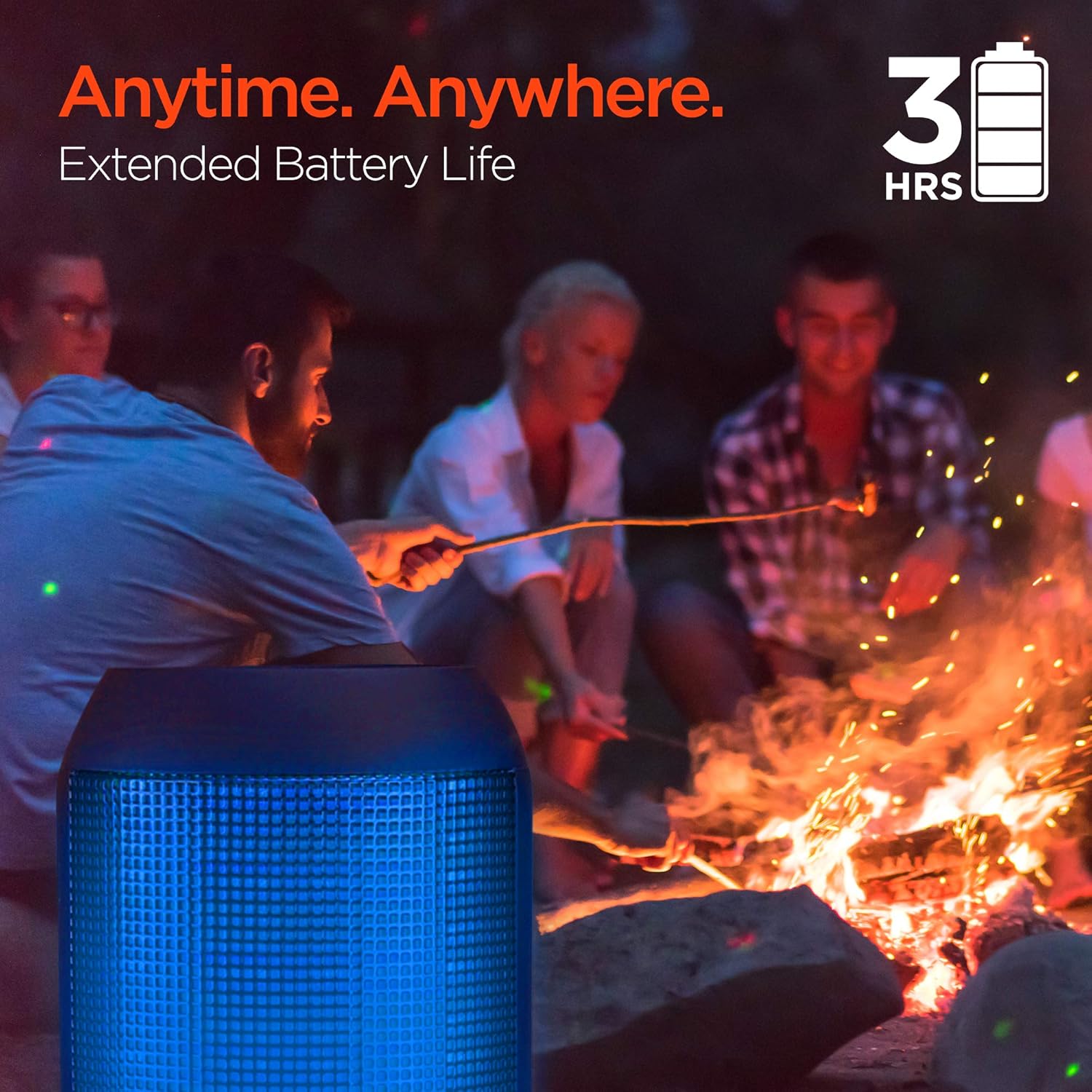
Enjoy up to 3 hours of music with the RaveMini's extended battery life.
ເປີດ/ປິດ
Locate the power button on the speaker. Press and hold the power button for a few seconds to turn the speaker on or off. An audible cue or LED indicator will confirm the power status.
ການຈັບຄູ່ Bluetooth
- Ensure the RaveMini speaker is powered on and in pairing mode (usually indicated by a flashing LED light).
- ໃນອຸປະກອນທີ່ເປີດໃຊ້ Bluetooth ຂອງທ່ານ (ໂທລະສັບສະຫຼາດ, ແທັບເລັດ, ແລະອື່ນໆ), ໄປທີ່ການຕັ້ງຄ່າ Bluetooth.
- ຊອກຫາ available devices and select "HyperGear RaveMini" (or similar name) from the list.
- Once connected, the speaker will provide an audible confirmation, and the LED light may change to a solid color.
- The speaker has a wireless range of up to 33 feet.
ປະຕິບັດການລໍາໂພງ
ການຄວບຄຸມແລະຫນ້າທີ່
The RaveMini features intuitive controls for managing your audio and calls directly from the speaker. Refer to the specific button layout on your device for functions such as:
- ຫຼິ້ນ/ຢຸດດົນຕີ
- Adjust Volume (Volume Up/Down)
- Skip Tracks (Next/Previous)
- ຕອບ/ວາງສາຍ
- Activate Voice Assistant (if supported)
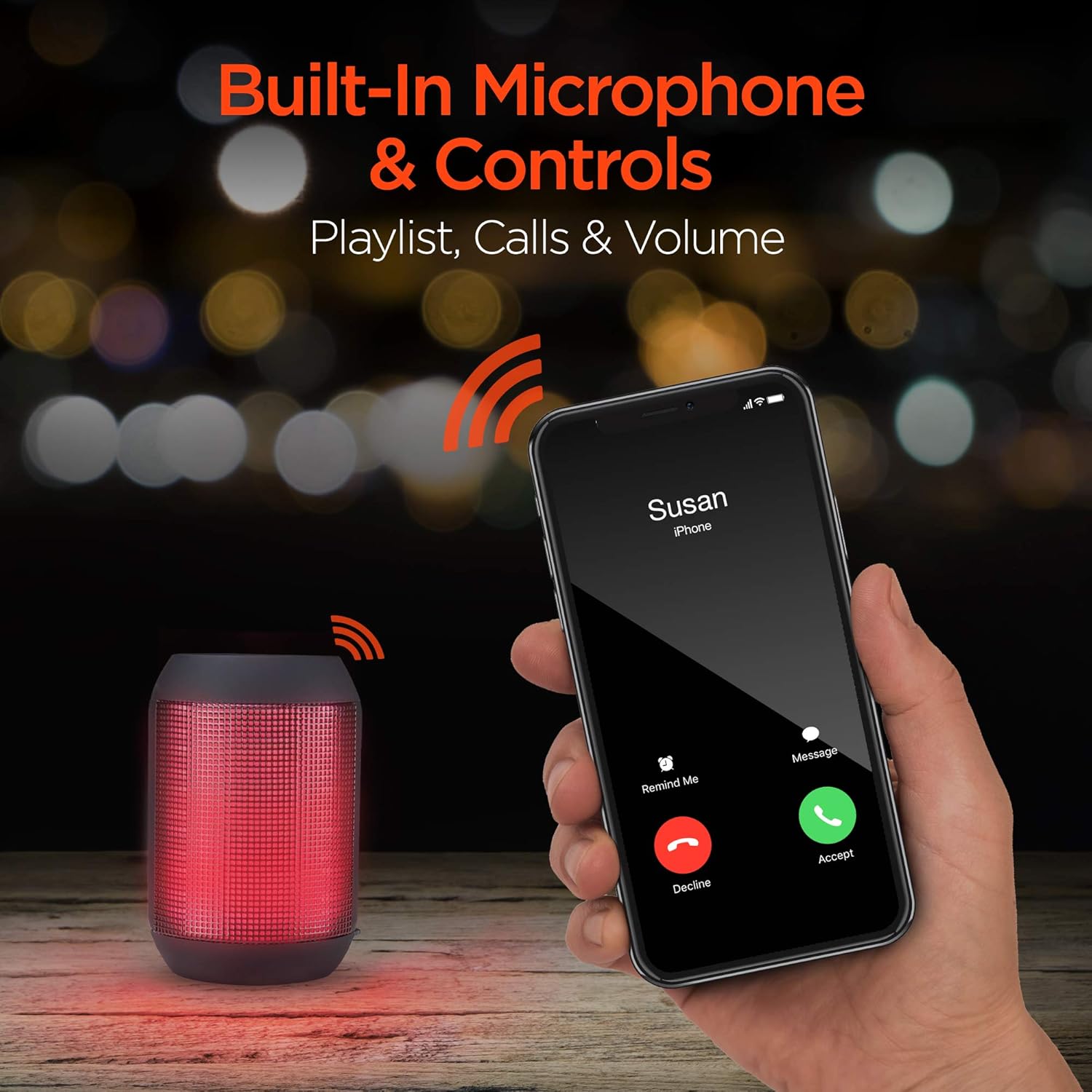
Built-in microphone and controls allow for hands-free calls and playlist navigation.
ໂໝດການຫຼິ້ນ
The RaveMini offers four ways to play your audio:
- Bluetooth: ເຊື່ອມຕໍ່ແບບໄຮ້ສາຍກັບສະມາດໂຟນ, ແທັບເລັດ, ຫຼືອຸປະກອນອື່ນໆທີ່ເປີດໃຊ້ Bluetooth ຂອງທ່ານ.
- Aux-in: Use the included 3.5mm stereo auxiliary cable to connect to non-Bluetooth devices.
- ບັດ Micro SD: Insert a Micro SD memory card with audio files ເຂົ້າໄປໃນຊ່ອງທີ່ກໍານົດໄວ້.
- USB Flash Drive: ເຊື່ອມຕໍ່ USB flash drive ທີ່ມີສຽງ files ກັບພອດ USB.

The RaveMini supports four versatile playback options.
ບໍາລຸງຮັກສາ
- Keep the speaker dry. Do not expose it to excessive moisture or liquids.
- ເຊັດລຳໂພງດ້ວຍຜ້າອ່ອນໆແຫ້ງ. ຫຼີກລ່ຽງການໃຊ້ສານເຄມີທີ່ຮຸນແຮງ ຫຼື ນໍ້າຢາທຳຄວາມສະອາດທີ່ມີສານຂັດ.
- ເກັບຮັກສາລໍາໂພງໄວ້ໃນບ່ອນທີ່ເຢັນ, ແຫ້ງເມື່ອບໍ່ໄດ້ໃຊ້.
- ຫຼີກລ່ຽງການລຸດລົງ ຫຼື ວາງລຳໂພງຕໍ່ກັບຜົນກະທົບທີ່ຮຸນແຮງ.
ການແກ້ໄຂບັນຫາ
| ບັນຫາ | ການແກ້ໄຂທີ່ເປັນໄປໄດ້ |
|---|---|
| ລຳໂພງບໍ່ເປີດ. | Ensure the speaker is fully charged. Connect it to a power source using the Micro USB cable. |
| ບໍ່ສາມາດຈັບຄູ່ກັບອຸປະກອນ Bluetooth ໄດ້. |
|
| ບໍ່ມີສຽງ ຫຼືສຽງຕໍ່າ. |
|
| ໄຟ LED ບໍ່ເຮັດວຽກ. | Check if the light show feature is enabled (if there's a dedicated button). Ensure the speaker has sufficient battery charge. |
ຂໍ້ມູນຈໍາເພາະ
| ຄຸນສົມບັດ | ລາຍລະອຽດ |
|---|---|
| ຊື່ຕົວແບບ | 15077 |
| ປະເພດລຳໂພງ | ກາງແຈ້ງ |
| ຄຸນນະສົມບັດພິເສດ | Wireless Music + Calls, HD Stereo Sound, Beat-Driven LED Lightshow, Aux-in, Micro SD & USB compatible |
| ການນໍາໃຊ້ທີ່ແນະນໍາສໍາລັບຜະລິດຕະພັນ | ສໍາລັບຜູ້ນດົນຕີ |
| ປະເພດການຄວບຄຸມ | ພະລັງງານຫມໍ້ໄຟ |
| ສີ | ດຳ |
| ຊີວິດຫມໍ້ໄຟ | 3 ຊົ່ວໂມງ |
| ເວລາສາກໄຟ | 1 ຊົ່ວໂມງ |
| ແມ່ນກັນນ້ໍາ | ຜິດ |
| ວິທີການຄວບຄຸມ | ແອັບ |
| ເຕັກໂນໂລຊີການສື່ສານໄຮ້ສາຍ | Bluetooth |
| ຂະຫນາດລໍາໂພງ | 40 ມິນລິແມັດ |
| ແຫຼ່ງພະລັງງານ | ພະລັງງານຫມໍ້ໄຟ |
| ຈໍານວນຫມໍ້ໄຟ | ຕ້ອງໃຊ້ແບັດເຕີຣີ AAA 2 ອັນ. (ລວມ) |
| ປະເພດໄດເວີສຽງ | ໄດນາມິກໄດເວີ |
| ຊ່ວງ Bluetooth | 33 ຟຸດ |
| ຂະໜາດໄດເວີສຽງ | 40 ມິນລິແມັດ |
| ອະນຸສັນຍາການເຊື່ອມຕໍ່ | Bluetooth |
| ຈຳນວນຂອງ USB 2 Ports | 1 |
| UPC | 633755150777 |
| ຜູ້ຜະລິດ | ໄຮເປີເກຍ |
| ນ້ໍາຫນັກລາຍການ | 10.9 ອອນ |
| ASIN | B07VHTZHJ4 |
| ວັນທີທໍາອິດທີ່ມີ | ວັນທີ 18 ກໍລະກົດ 2019 |
| ຍີ່ຫໍ້ | HyperGear |
| ລຳໂພງກຳລັງຜົນຜະລິດສູງສຸດ | 5 ວັດ |
| ເຕັກໂນໂລຊີການເຊື່ອມຕໍ່ | Bluetooth, ຕົວຊ່ວຍ, USB |
| ຮູບແບບການອອກສຽງ | ສະເຕຣິໂອ |
| ປະເພດການຕິດຕັ້ງ | ພູຕັ້ງໂຕະ |
ຮັບປະກັນ
The HyperGear RaveMini Portable Wireless LED Speaker comes with a Limited Warranty. For detailed information regarding warranty coverage, terms, and conditions, please refer to the official HyperGear website ຫຼືຕິດຕໍ່ສະຫນັບສະຫນູນລູກຄ້າຂອງເຂົາເຈົ້າໂດຍກົງ. ຮັກສາຫຼັກຖານການຊື້ຂອງທ່ານສໍາລັບການຮ້ອງຂໍການຮັບປະກັນ.
ສະຫນັບສະຫນູນ
ສໍາລັບການຊ່ວຍເຫຼືອເພີ່ມເຕີມ, ການລົງທະບຽນຜະລິດຕະພັນ, ຫຼືເພື່ອ view frequently asked questions, please visit the official HyperGear webເວັບໄຊ:
Visit the HyperGear Store on Amazon
You may also contact HyperGear customer service for direct support.
Ask a question about this manual
Ask about setup, troubleshooting, compatibility, parts, safety, or missing instructions. Manuals+ will review the question and use this page’s manual context to help answer it.