
ແນະນຳ
This manual provides detailed instructions for the operation and maintenance of your MIABOO Retro Portable Bluetooth Speaker and Digital Radio Alarm Clock. Please read this manual thoroughly before use to ensure proper functionality and to maximize your experience with the device.
The MIABOO M20 is a versatile device combining multiple functions:
- ລຳໂພງ Bluetooth ແບບພົກພາ
- Wireless Music Player (TF Card, AUX-IN)
- ໂທຟຣີ
- ວິທະຍຸ AM/FM
- ໂມງປຸກດິຈິຕອນ

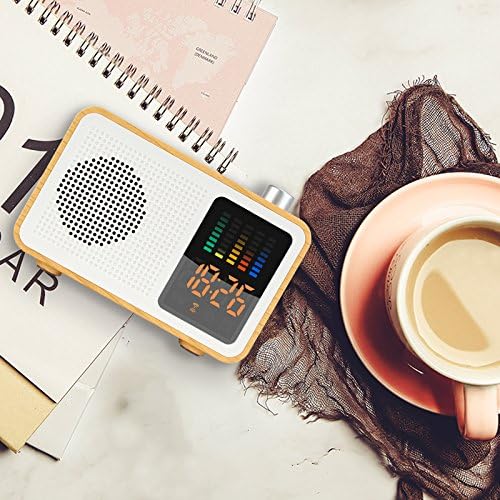
ຮູບພາບ: ທາງຫນ້າ view of the MIABOO Retro Portable Bluetooth Speaker and Digital Radio Alarm Clock, showcasing ໄມ້ຂອງມັນ ຄasing, speaker grille, digital display with time and equalizer, and top control knob.
ຕັ້ງຄ່າ
ການຫຸ້ມຫໍ່ແລະການເກັບຄ່າເບື້ອງຕົ້ນ
Carefully remove the device from its packaging. Before first use, it is recommended to fully charge the device. Connect the provided USB charging cable to the device's USB port and to a compatible USB power adapter (not included) or computer USB port.
The device contains 1 Lithium-Ion battery, which is included and required for operation.
ຮູບພາບ: ຂ້າງ view of the MIABOO speaker showing the USB charging port with a cable connected, along with TF card and AUX ports.
ຄໍາແນະນໍາການດໍາເນີນງານ
ເປີດ/ປິດ
To power on the device, press and hold the power button (usually located on the side or top) until the display illuminates. To power off, press and hold the power button again.
ການເລືອກໂໝດ
Press the 'M' button (Mode button) to cycle through available modes: Bluetooth, FM Radio, AM Radio, TF Card, and AUX-IN.

Image: Graphic illustrating the multiple functions of the MIABOO speaker, including Bluetooth play, AUX play, TF card play, FM radio, and alarm clock.
ການຈັບຄູ່ Bluetooth
- Switch the device to Bluetooth mode. The display will show a Bluetooth icon, and the device will enter pairing mode.
- ໃນອຸປະກອນມືຖືຂອງທ່ານ, ເປີດໃຊ້ Bluetooth ແລະຊອກຫາອຸປະກອນທີ່ມີຢູ່.
- Select "MIABOO M20" (or similar name) from the list of devices.
- Once paired, the device will emit a confirmation sound, and the Bluetooth icon on the display will become solid.
- You can now play audio from your mobile device through the speaker.
ການໃຊ້ວິທະຍຸ FM/AM
- Switch the device to FM or AM Radio mode using the 'M' button.
- To automatically scan and save available stations, press and hold the Play/Pause button. The device will scan and store stations.
- To manually tune, use the '+' and '-' buttons to adjust the frequency.
- To switch between saved stations, briefly press the Play/Pause button or use the '+' and '-' buttons.
ເຄັດລັບ: For improved radio reception, connect a pair of headphones to the AUX-IN port, as the headphone cable can act as an external antenna. Alternatively, ensure the charging cable is connected, as it can also aid reception.
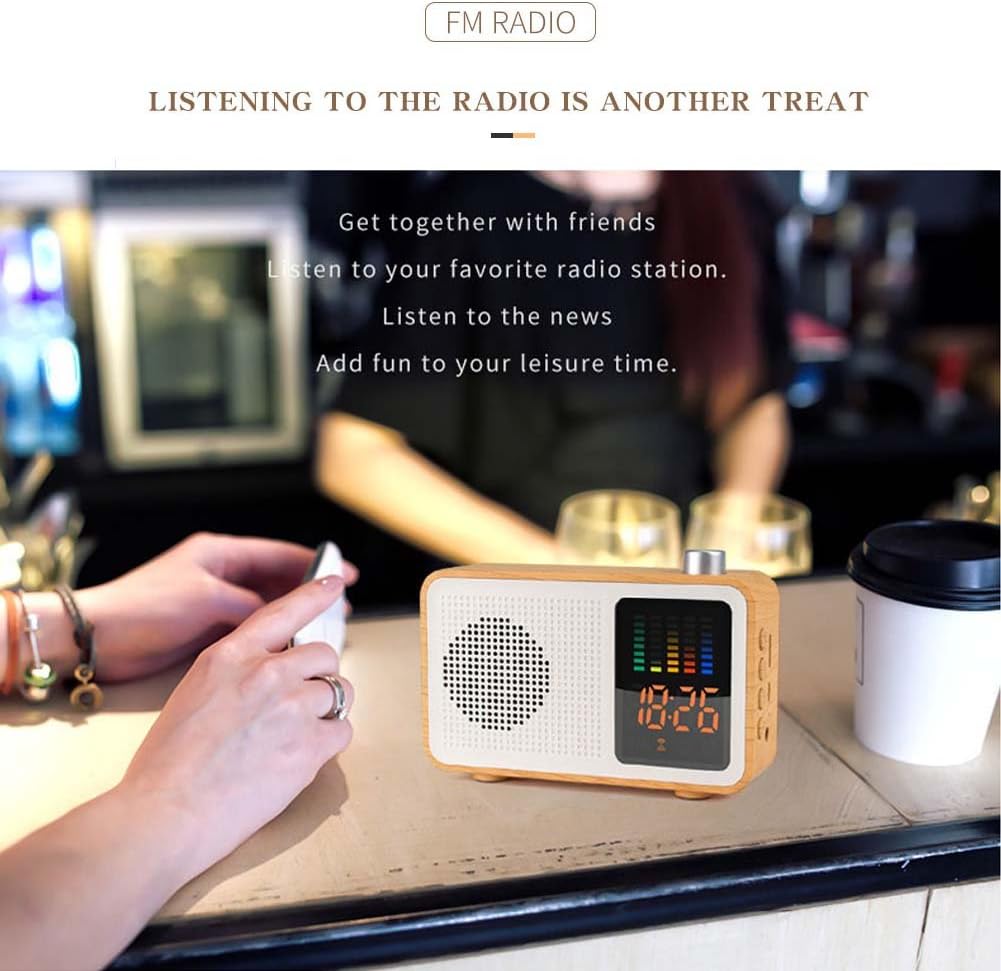
Image: The MIABOO speaker placed on a table in a cafe, demonstrating its use for listening to FM radio.
ການຫຼິ້ນບັດ TF
- ໃສ່ບັດ TF (MicroSD) ທີ່ມີສຽງ MP3 files ເຂົ້າໄປໃນຊ່ອງໃສ່ບັດ TF.
- Switch the device to TF Card mode.
- ອຸປະກອນຈະເລີ່ມຫຼິ້ນສຽງໂດຍອັດຕະໂນມັດ files ຈາກບັດ.
- Use the Play/Pause button to pause/resume playback and the '+' and '-' buttons to skip tracks.
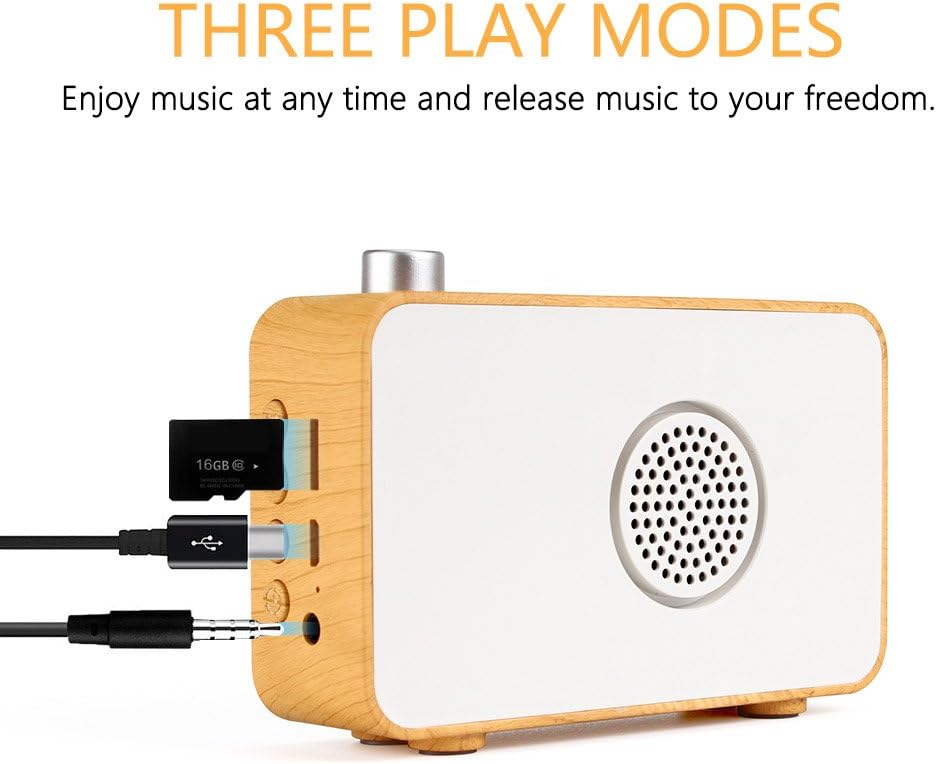
ຮູບພາບ: ຂ້າງ view of the MIABOO speaker showing the TF card slot with a TF card inserted, along with USB and AUX ports.
ໂໝດ AUX-IN
- Connect an external audio device (e.g., smartphone, MP3 player) to the AUX-IN port using a 3.5mm audio cable (not included).
- Switch the device to AUX-IN mode.
- Audio from the connected device will now play through the speaker. Control playback from the external device.
ຟັງຊັນໂມງປຸກ
- In standby mode or while displaying the time, press and hold the 'Alarm' button (often labeled with a bell icon).
- Use the '+' and '-' buttons to set the hour, then press the 'Alarm' button again to confirm.
- Use the '+' and '-' buttons to set the minute, then press the 'Alarm' button again to confirm.
- ໄອຄອນໂມງປຸກຈະປາກົດຢູ່ເທິງຈໍສະແດງຜົນ, ຊີ້ບອກວ່າໂມງປຸກຖືກຕັ້ງແລ້ວ.
- To deactivate the alarm, press the 'Alarm' button briefly.
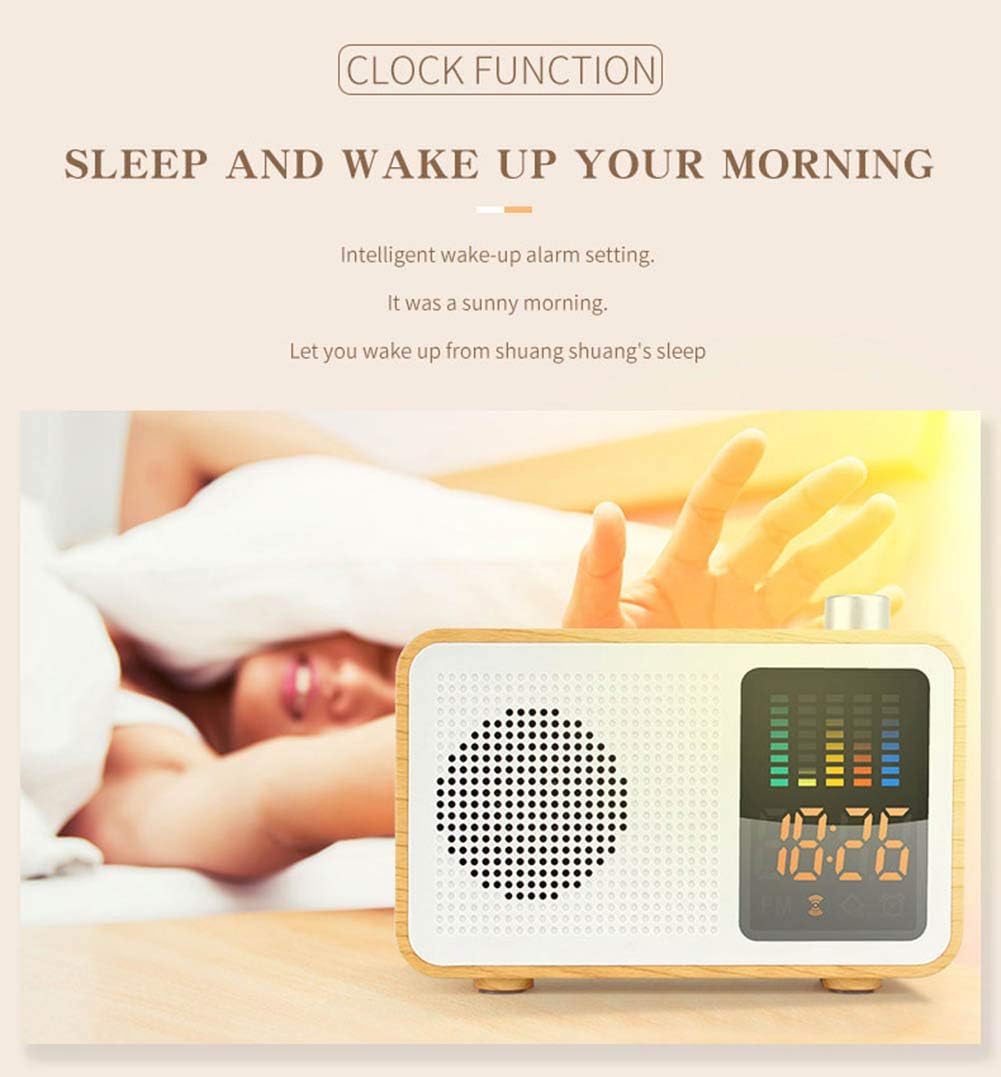
Image: The MIABOO speaker on a bedside table, displaying the time, illustrating its alarm clock function.
ບໍາລຸງຮັກສາ
ທໍາຄວາມສະອາດ
Wipe the device with a soft, dry cloth. Do not use abrasive cleaners or solvents, as these may damage the surface. Avoid exposing the device to excessive moisture.
ການດູແລຫມໍ້ໄຟ
ເພື່ອຍືດອາຍຸການໃຊ້ງານຂອງແບັດເຕີຣີ, ໃຫ້ຫຼີກລ່ຽງການສາກແບັດເຕີຣີຈົນໝົດເລື້ອຍໆ. ໃຫ້ສາກອຸປະກອນເປັນປະຈຳ, ເຖິງແມ່ນວ່າຈະບໍ່ໄດ້ໃຊ້ງານເປັນເວລາດົນກໍຕາມ. ເກັບຮັກສາອຸປະກອນໄວ້ໃນບ່ອນທີ່ເຢັນແລະແຫ້ງ.
ການແກ້ໄຂບັນຫາ
- ບໍ່ມີພະລັງງານ: Ensure the device is charged. Connect the USB charging cable and allow it to charge for at least 30 minutes before attempting to power on again.
- ການຮັບວິທະຍຸທີ່ບໍ່ດີ: Connect headphones to the AUX-IN port or the USB charging cable to improve antenna reception. Try repositioning the device.
- ບັນຫາການຈັບຄູ່ Bluetooth: Ensure the device is in Bluetooth pairing mode. Check that Bluetooth is enabled on your mobile device and that it is within range. Forget previous pairings on your mobile device and try pairing again.
- ບໍ່ມີສຽງ: Check the volume level on both the speaker and the connected audio source. Ensure the correct mode (Bluetooth, FM, TF, AUX) is selected.
- ປຸ່ມບໍ່ຕອບສະໜອງ: If buttons become unresponsive, try resetting the device by powering it off and on again. If the issue persists, ensure the battery is sufficiently charged.
ຂໍ້ມູນຈໍາເພາະ
| ຄຸນສົມບັດ | ລາຍລະອຽດ |
|---|---|
| ຍີ່ຫໍ້ | MIABOO |
| ໝາຍເລກຕົວແບບ | M20 |
| ລຸ້ນ Bluetooth | 4.2 |
| ການຕອບສະໜອງຄວາມຖີ່ | 20Hz-20KHz |
| ພະລັງງານຜົນຜະລິດ | 5W |
| Range ໄຮ້ສາຍ | 10ມ |
| impedance | 4 ໂອມ |
| ແບັດເຕີຣີ | 1200mAh Lithium battery (included) |
| ວັດສະດຸກໍລະນີ | ABS, ໄມ້ |
| ຂະໜາດ (L x W x H) | 120mm x 84.5mm x 33.8mm |
| ນ້ຳໜັກ | 360 ກຣາມ |
| ປະເພດການສະແດງ | ດິຈິຕອລ |
| ແຫຼ່ງພະລັງງານ | ພະລັງງານຫມໍ້ໄຟ |

Image: Diagram showing the dimensions of the MIABOO speaker (120mm length, 84.5mm height, 33.8mm width) and listing key specifications like Bluetooth version, frequency, output power, battery capacity, and materials.
ການຮັບປະກັນແລະການສະຫນັບສະຫນູນ
ສຳລັບຂໍ້ມູນການຮັບປະກັນ ແລະ ການສະໜັບສະໜູນລູກຄ້າ, ກະລຸນາອ້າງອີງເອກະສານການຊື້ ຫຼື ຕິດຕໍ່ຮ້ານຄ້າປີກຂອງທ່ານ. ເກັບຫຼັກຖານການຊື້ຂອງທ່ານໄວ້ສຳລັບການຮຽກຮ້ອງການຮັບປະກັນໃດໆ.