
ສິນຄ້າເກີນview
The Lutron Maestro LED+ Dimmer Switch is engineered for reliable dimming performance across a wide range of dimmable CFLs and LEDs. It also provides full-range dimming for traditional incandescent and halogen bulbs. This advanced dimming technology ensures precise control over your lighting, enhancing comfort and energy efficiency in your home.
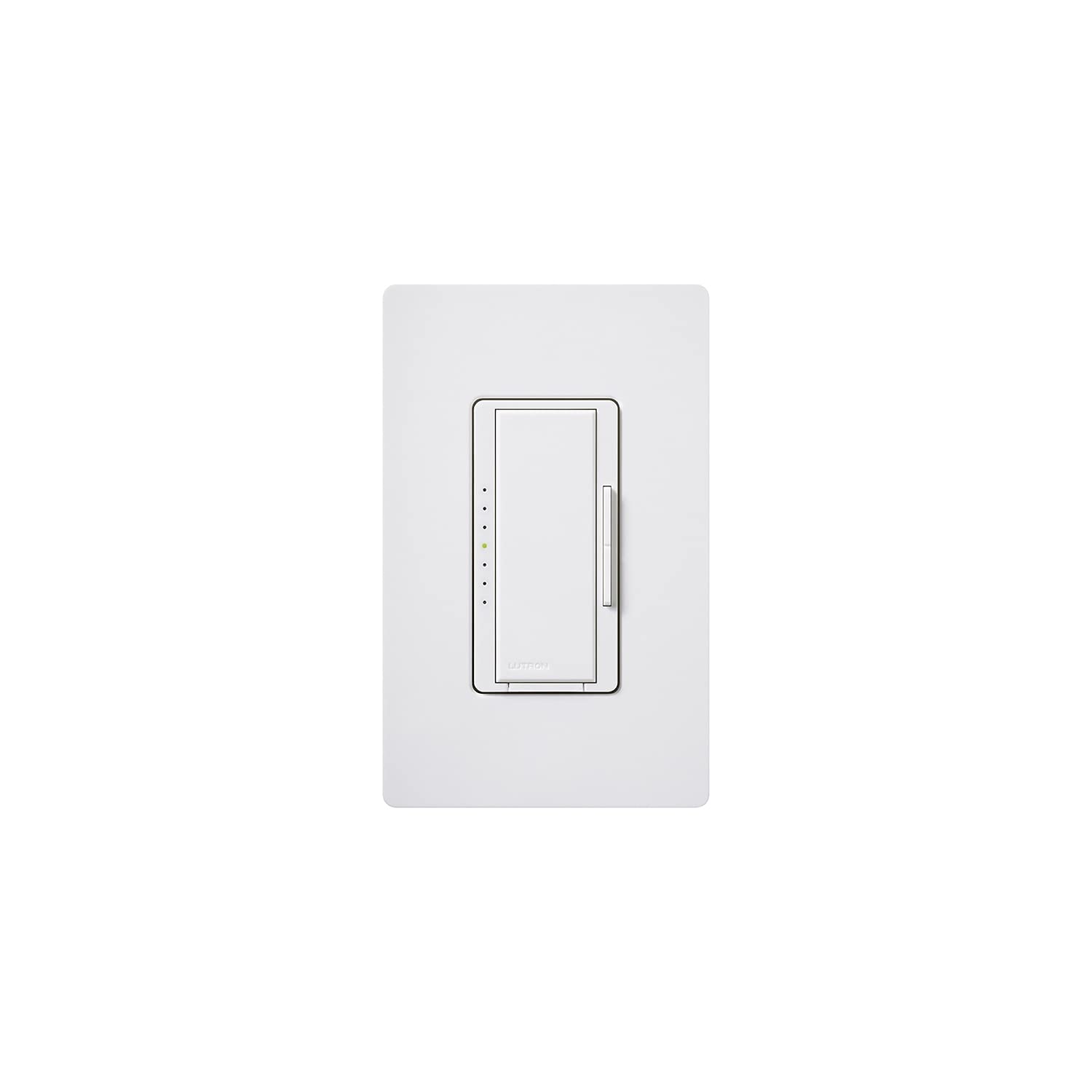
ຮູບພາບ: ທາງຫນ້າ view of the Lutron Maestro LED+ Dimmer Switch in white, showcasing its sleek design and integrated dimmer control.
ແມ່ນຫຍັງຢູ່ໃນກ່ອງ
- Lutron Maestro LED+ Dimmer Switch (MACL-153MH-WH)
- ຄູ່ມືການຕິດຕັ້ງດ່ວນ
ການຕິດຕັ້ງ & ການຕິດຕັ້ງ
ຄວາມປອດໄພທໍາອິດ
ຄຳເຕືອນ: Before attempting any electrical installation, always ensure the power is turned OFF at the circuit breaker. Use an electrical tester to confirm there is no power to the outlet to prevent electrical shock or injury.
ຂັ້ນຕອນການຕິດຕັ້ງ
- ປິດໄຟ: Locate the circuit breaker controlling the light switch you intend to replace and turn off the power.
- ເອົາປຸ່ມເກົ່າອອກ: Carefully remove the existing wall plate and unscrew the old switch from the wall box. Disconnect the wires from the old switch.
- Verify No Power: Use an electrical tester to confirm that there is no power to any of the wires in the wall box.
- ເຊື່ອມຕໍ່ Dimmer ໃໝ່: Connect the wires from the wall box to the new Lutron Maestro dimmer switch. Refer to the included Quick Installation Guide for specific wiring diagrams based on your electrical setup (e.g., single-pole or 3-way). Ensure all connections are secure.
- ຕິດຕັ້ງດິມເມີ: ຄ່ອຍໆຍູ້ສະວິດໄຟหรี่ໄຟແບບມີສາຍເຂົ້າໄປໃນກ່ອງຕິດຝາ ແລະ ຍຶດມັນໃຫ້ແໜ້ນດ້ວຍສະກູທີ່ໃຫ້ມາ.
- ຕິດຕັ້ງແຜ່ນຕິດຝາ: Attach the new wall plate over the dimmer switch.
- ຟື້ນຟູພະລັງງານ: Return to the circuit breaker and restore power to the circuit.
ຄໍາແນະນໍາການດໍາເນີນງານ
The Lutron Maestro LED+ Dimmer Switch offers intuitive control over your lighting. It features a large tap switch for basic on/off functionality and a discreet rocker switch for fine-tuning brightness levels.
- ເປີດ/ປິດໄຟ: Press the large tap switch to turn the lights on or off. When turned on, the lights will return to their previously set dimmed level.
- ປັບຄວາມສະຫວ່າງ: Use the small rocker switch located on the side of the main tap switch. Press the top portion of the rocker to gradually increase light intensity, and the bottom portion to gradually decrease it.
- Temporary Full Brightness: To quickly bring the lights to full brightness, double-tap the large tap switch. The lights will go to 100% output.
- Return to Previous Dimmed Level (from Full Brightness): If the lights are at full brightness (e.g., after a double-tap), press and hold the large tap switch until the indicator lights flash. Then, press the large tap switch once more to return to the last set dimmed level.
- Turn Off from Full Brightness: If the lights are at full brightness, a single press of the large tap switch will turn them off.
ຂໍ້ມູນຈໍາເພາະ
| ຍີ່ຫໍ້ | Lutron |
| ຕົວແບບ | MACL-153MH-WH |
| ປະເພດສະຫຼັບ | Dimmer Switch |
| ຮູບແບບການເຮັດວຽກ | ປິດ |
| ການຈັດອັນດັບປັດຈຸບັນ | 10 Amps |
| ປະເພດການຕິດຕໍ່ | ເປີດປົກກະຕິ |
| ປະເພດຕົວເຊື່ອມຕໍ່ | Screw Terminals |
| ສະຖານີ | ໝວກ |
| ວັດສະດຸ | ພາດສະຕິກ |
| ຂະໜາດລາຍການ (L x W x H) | 1 x 2 x 3 ນິ້ວ |
| ປະເພດວົງຈອນ | 3 ທາງ |
| ປະເພດການຕິດຕັ້ງ | ຕິດຝາ |
| ປະເພດຕົວກະຕຸ້ນ | Rocker |
| ຈໍານວນຕໍາແໜ່ງ | 1 |
| ປະເພດການຄວບຄຸມ | ຫຼາຍສະຖານທີ່ |
| ວິທີການຄວບຄຸມ | ໄລຍະໄກ |
| ອະນຸສັນຍາການເຊື່ອມຕໍ່ | Wi-Fi |
| ວັດtage | 600.00 |
| ສີ | ສີຂາວ |
| ນ້ໍາຫນັກລາຍການ | 0.15 ປອນ |
| ການຈັດອັນດັບການປົກປ້ອງສາກົນ | IP54 |
| ສະເພາະເຈາະຈົງ | UL |
ການແກ້ໄຂບັນຫາ
ບັນຫາທົ່ວໄປ & ວິທີແກ້ໄຂ
- ໄຟບໍ່ມືດມົວ ຫຼື ກະພິບ: Ensure your light bulbs are specifically rated as dimmable CFLs or LEDs. Non-dimmable bulbs may not function correctly or may flicker. Verify the dimmer's wattage capacity matches or exceeds the total wattage of your connected bulbs.
- Dimmer not responding: Check the circuit breaker to confirm that power is supplied to the switch. Inspect all wiring connections to ensure they are secure and correctly installed according to the wiring diagram.
- ໄຟບໍ່ເປີດ: First, check if the light bulb is correctly installed and not burnt out. Next, verify the circuit breaker is in the ON position. Finally, inspect the wiring connections at the dimmer switch for any loose or incorrect connections.
ການຮັບປະກັນ & ສະຫນັບສະຫນູນ
The Lutron Maestro LED+ Dimmer Switch comes with a 10-year warranty (with product registration). For detailed warranty information, technical support, or to access additional resources, please refer to the included product documentation or visit the official Lutron webເວັບໄຊ.


