
ແນະນຳ
The AGPTEK G02 MP3 Player is a compact and lightweight portable audio device designed for music playback and FM radio reception. Featuring an 8GB internal memory and a convenient clip design, it is ideal for active users. This manual provides detailed instructions for setup, operation, maintenance, and troubleshooting to ensure optimal performance of your device.

The AGPTEK G02 MP3 Player is designed for portability, featuring a clip for secure attachment during activities like exercise.
ເນື້ອໃນຊຸດ
ກະລຸນາກວດສອບວ່າລາຍການທັງຫມົດທີ່ລະບຸໄວ້ຂ້າງລຸ່ມນີ້ແມ່ນລວມຢູ່ໃນຊຸດຂອງທ່ານ:
- AGPTEK G02 MP3 Player (8 GB memory)
- ສາຍ Micro USB
- ຄູ່ມືຜູ້ໃຊ້ (ພາສາອັງກິດ)
- ຫູຟັງ

The package includes the AGPTEK G02 MP3 Player, headphones, a Micro USB cable, and the user manual.
ສິນຄ້າເກີນview
Familiarize yourself with the buttons and ports on your AGPTEK G02 MP3 Player:

ລະອຽດ view of the AGPTEK G02 MP3 Player, indicating the Earphone Jack, Blue Indicator, Red Indicator, VOL+, Play/Pause, Next, Previous, VOL-, FM/Music Switch, Shuffle/Repeat Switch, and Reset button.
- ຫູຟັງຫູຟັງ: ເຊື່ອມຕໍ່ຫູຟັງຂອງທ່ານທີ່ນີ້.
- ຕົວຊີ້ວັດສີຟ້າ: ແສງສະຖານະ.
- ຕົວຊີ້ວັດສີແດງ: Status light, often for charging.
- VOL+ / VOL-: ປັບລະດັບສຽງຂຶ້ນ ຫຼື ລົງ.
- ຫຼິ້ນ/ຢຸດ: Press to play or pause music. Long press for power on/off.
- Next / Previous: Skip to the next or previous track. Long press for fast forward/rewind.
- FM/Music Switch: Toggle between FM radio and music playback modes.
- Shuffle/Repeat Switch: Change playback mode (shuffle, repeat one, repeat all).
- ຕັ້ງຄ່າ ໃໝ່: ປຸ່ມຮູຂຸມຂົນນ້ອຍເພື່ອຣີເຊັດອຸປະກອນຫາກບໍ່ຕອບສະໜອງ.
ຕັ້ງຄ່າ
1. ການສາກແບັດເຕີຣີ
Before first use, fully charge the MP3 player. Connect the Micro USB cable to the player's USB port and the other end to a computer's USB port or a USB wall adapter (not included). The red indicator light will typically show charging status and turn off or change color when fully charged. A full charge usually takes approximately 2 hours and provides 8-10 hours of playback.
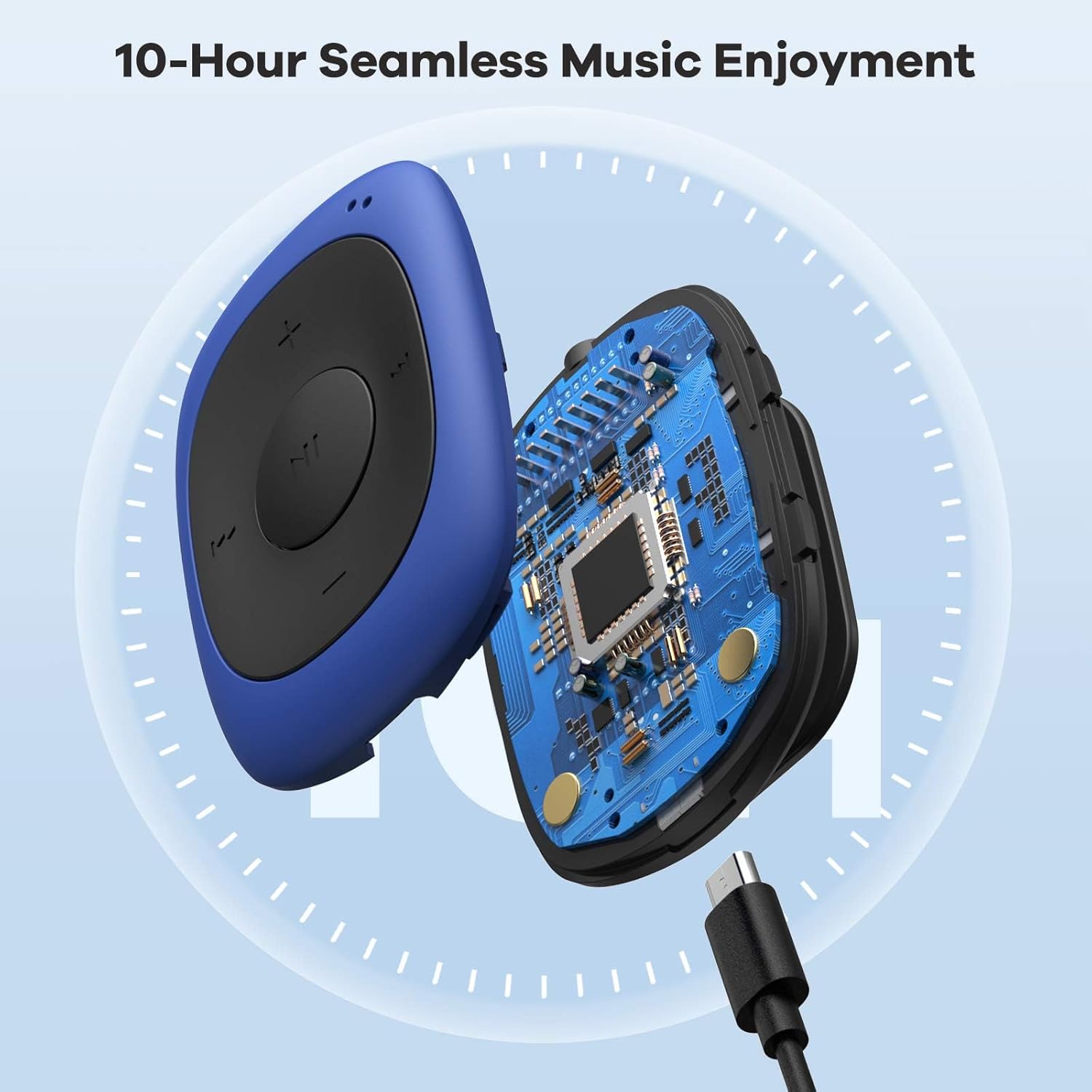
The AGPTEK G02 MP3 Player features a Micro USB port for charging and data transfer.
2. ການຖ່າຍໂອນດົນຕີ Files
Connect the MP3 player to your computer using the Micro USB cable. The player will appear as a removable disk drive. Drag and drop your MP3, WMA, or WAV audio files directly into the player's storage. Ensure files are properly transferred before disconnecting the device.
ຄໍາແນະນໍາການດໍາເນີນງານ
1. ເປີດ/ປິດ
- ເພື່ອເປີດເຄື່ອງ: Long press the central Play/Pause button.
- ປິດເຄື່ອງ: Long press the central Play/Pause button again.
2. ການປັບລະດັບສຽງ
- ກົດ VOL+ ປຸ່ມເພື່ອເພີ່ມປະລິມານ.
- ກົດ VOL- ປຸ່ມເພື່ອຫຼຸດລະດັບສຽງ.
3. ການຫຼິ້ນເພງ
- ຫຼິ້ນ/ຢຸດ: Press the central Play/Pause button.
- ເພງຕໍ່ໄປ: ກົດ ຕໍ່ໄປ ປຸ່ມ.
- ຕິດຕາມກ່ອນ ໜ້າ ນີ້: ກົດ ທີ່ຜ່ານມາ ປຸ່ມ.
- Fast Forward: ກົດຄ້າງໄວ້ ຕໍ່ໄປ ປຸ່ມ.
- ຖອຍຫຼັງ: ກົດຄ້າງໄວ້ ທີ່ຜ່ານມາ ປຸ່ມ.
4. Shuffle/Repeat Mode
ໃຊ້ອຸທິດຕົນ Shuffle/Repeat Switch to cycle through playback modes:
- ສັບຊ້ອນ: ຫຼິ້ນເພງຕາມລຳດັບສຸ່ມ.
- ເຮັດຊ້ຳໜຶ່ງ: ເຮັດຊ້ຳເພງປັດຈຸບັນ.
- ເຮັດຊ້ຳທັງໝົດ: Repeats all tracks in the current folder/list.

The AGPTEK G02 MP3 Player features dedicated buttons for easy control of music playback modes.
ການດໍາເນີນງານວິທະຍຸ FM
The AGPTEK G02 MP3 Player includes an FM radio function (87MHz-108MHz).
- ສະຫຼັບໄປໂໝດ FM: ໃຊ້ FM/Music Switch to toggle to FM radio mode.
- ສະແກນຫາສະຖານີ: In FM mode, long press the Play/Pause button to automatically scan and save available FM stations.
- ປ່ຽນສະຖານີ: ໃຊ້ ຕໍ່ໄປ ແລະ ທີ່ຜ່ານມາ ປຸ່ມເພື່ອ ນຳ ທາງຜ່ານສະຖານີທີ່ບັນທືກ.

The AGPTEK G02 MP3 Player offers FM radio functionality, allowing access to news, sports, music, and weather broadcasts.
ບໍາລຸງຮັກສາ
1. ທໍາຄວາມສະອາດ
Wipe the player with a soft, dry cloth. Avoid using liquid cleaners or solvents, as they may damage the device.
2. ການດູແລຫມໍ້ໄຟ
To prolong battery life, avoid fully discharging the battery frequently. Charge the device regularly, even if not in use for extended periods. Do not expose the device to extreme temperatures.
3. ການເກັບຮັກສາ
Store the MP3 player in a cool, dry place away from direct sunlight and moisture. If storing for a long time, ensure the battery has some charge.
ການແກ້ໄຂບັນຫາ
- Player does not turn on: Ensure the battery is charged. Connect to a power source and try again. If unresponsive, locate the small reset pinhole and gently press it with a thin object (e.g., a paperclip) to reset the device.
- ບໍ່ມີສຽງ ຫຼືສຽງບິດເບືອນ: Check headphone connection. Ensure headphones are fully plugged into the earphone jack. Test with different headphones if possible. Adjust volume levels.
- Music playback issues (e.g., shuffle not working as expected): Verify the shuffle/repeat switch setting. If specific songs are skipped, ensure the file format is supported (MP3, WMA, WAV) and the files are not corrupted. Re-transfer problematic files.
- ການຮັບວິທະຍຸ FM ແມ່ນບໍ່ດີ: Ensure headphones are connected, as they often act as the antenna. Try moving to an open area or adjusting your position.
- ອຸປະກອນບໍ່ຮັບຮູ້ໂດຍຄອມພິວເຕີ: Ensure the USB cable is securely connected. Try a different USB port or cable. Restart your computer and the MP3 player.
ຂໍ້ມູນຈໍາເພາະ
| ຊື່ຕົວແບບ | mp3 player (G02) |
| ຍີ່ຫໍ້ | AGPTEK |
| ຄວາມອາດສາມາດເກັບຮັກສາຫນ່ວຍຄວາມຈໍາ | 8 GB |
| ເຕັກໂນໂລຊີການເຊື່ອມຕໍ່ | Aux |
| ປະເພດສື່ທີ່ຮອງຮັບ | MP3, WMA, WAV |
| ຊ່ວງຄວາມຖີ່ວິທະຍຸ FM | 87MHz-108MHz |
| ອາຍຸແບັດເຕີຣີ (ສະເລ່ຍ) | 10 ຊົ່ວໂມງ |
| ນ້ໍາຫນັກລາຍການ | 0.01 Kilograms (0.49 oz) |
| ຂະໜາດລາຍການ (D x W x H) | 0.61" x 1.43" x 1.97" (15.6 x 36.2 x 50 ມມ) |
| ຄວາມເຂົ້າກັນໄດ້ຂອງລະບົບປະຕິບັດການ | Windows 98 / XP / SE / ME / 2K, MAC OS 10, Linux 2.4.2 XP / VISTA / Win7 |
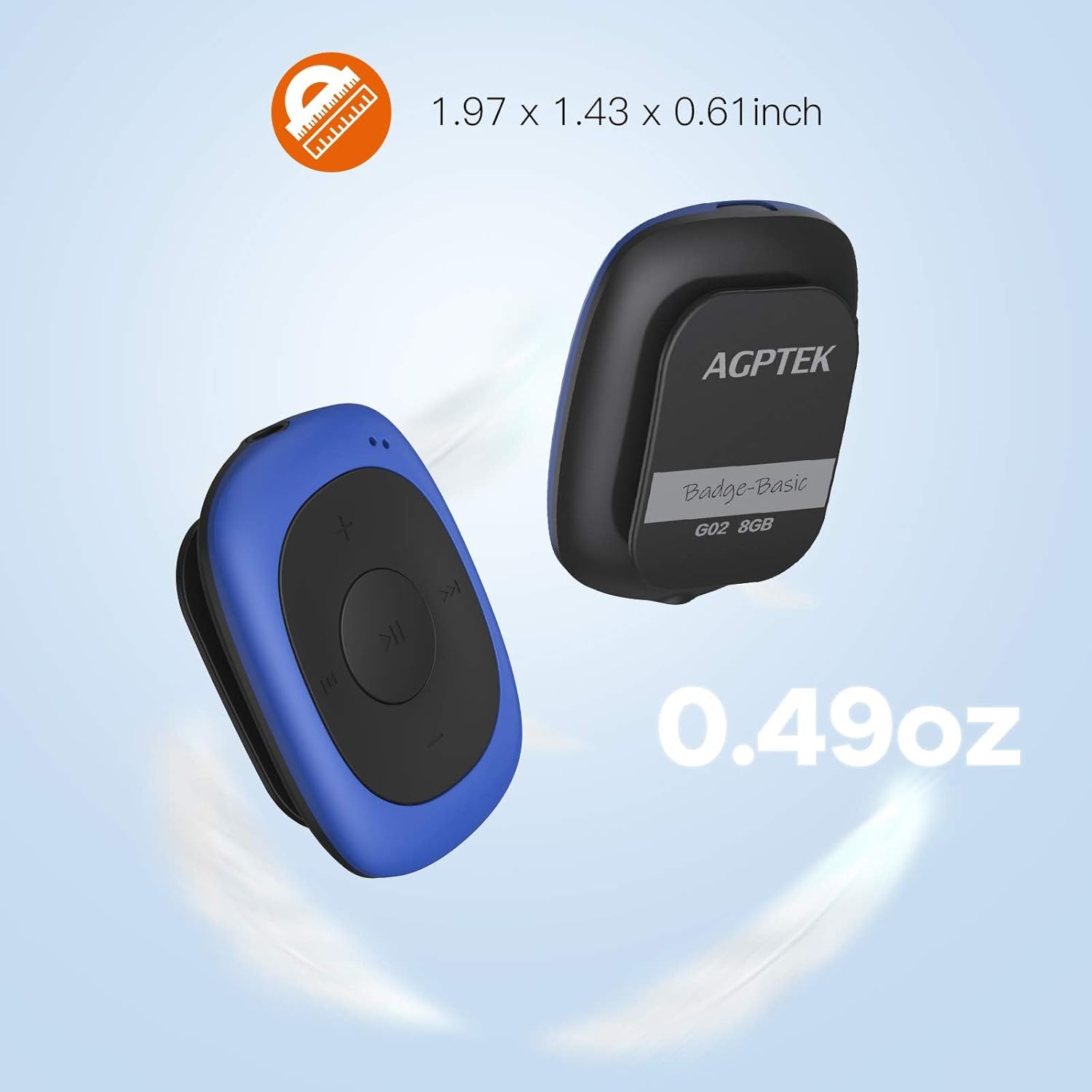
The compact size and light weight of the AGPTEK G02 MP3 Player make it highly portable.
ຂໍ້ມູນການຮັບປະກັນ
For specific warranty details, please refer to the documentation included with your purchase or contact AGPTEK customer support. Typically, products come with a limited warranty covering manufacturing defects from the date of purchase.
ການຊ່ວຍເຫຼືອລູກຄ້າ
If you encounter any issues not covered in this manual or require further assistance, please contact AGPTEK customer support through their official website or the retailer where you purchased the product. Have your model number (_SML) and purchase information ready.