
ແນະນຳ
The Metrovac Datavac Electric Duster is designed to provide a powerful, continuous stream of clean, dry air for dusting and cleaning sensitive electronics, computer components, and other delicate equipment. This manual provides essential information for safe and effective use of your electric duster.

ຮູບພາບ: The Metrovac Datavac Electric Duster unit shown with its included accessories, including different nozzles and a detailing tool kit.
ຄໍາແນະນໍາຄວາມປອດໄພ
Please read and understand all safety instructions before operating the Metrovac Datavac Electric Duster. Failure to follow these instructions may result in electric shock, fire, or serious injury.
- Always unplug the unit from the power outlet when not in use or before performing any maintenance.
- Do not operate the duster near water or in wet conditions. Keep hands dry when handling the unit.
- Ensure that the air intake and exhaust vents are not blocked during operation to prevent overheating.
- Use the duster in a well-ventilated area.
- Do not point the air stream directly at people or animals.
- ຮັກສາຂີ້ຝຸ່ນໃຫ້ໄກຈາກເດັກນ້ອຍ.
- Regularly clean the filter to maintain optimal performance and prevent overheating.
- This product is designed for 120V (60Hz) electrical systems. Do not attempt to use it with different voltage or frequency without an appropriate converter.
ເນື້ອໃນຊຸດ
ກວດສອບວ່າລາຍການທັງຫມົດແມ່ນມີຢູ່ໃນຊຸດຂອງທ່ານ:
- Metrovac Datavac Electric Duster Unit
- Air-pin pointer nozzle
- Air concentrator nozzle
- Air-flare nozzle
- 4-piece detailing tool kit
ຕັ້ງຄ່າ
- Unpack the Metrovac Datavac Electric Duster and all accessories from its packaging.
- Select the appropriate nozzle for your cleaning task. The nozzles are designed to fit securely onto the duster's air outlet. Push the desired nozzle firmly onto the outlet until it is snug.
- Ensure the duster's power switch is in the "OFF" position.
- ສຽບສາຍໄຟເຂົ້າກັບປລັກໄຟຟ້າມາດຕະຖານ 120V, 60Hz.
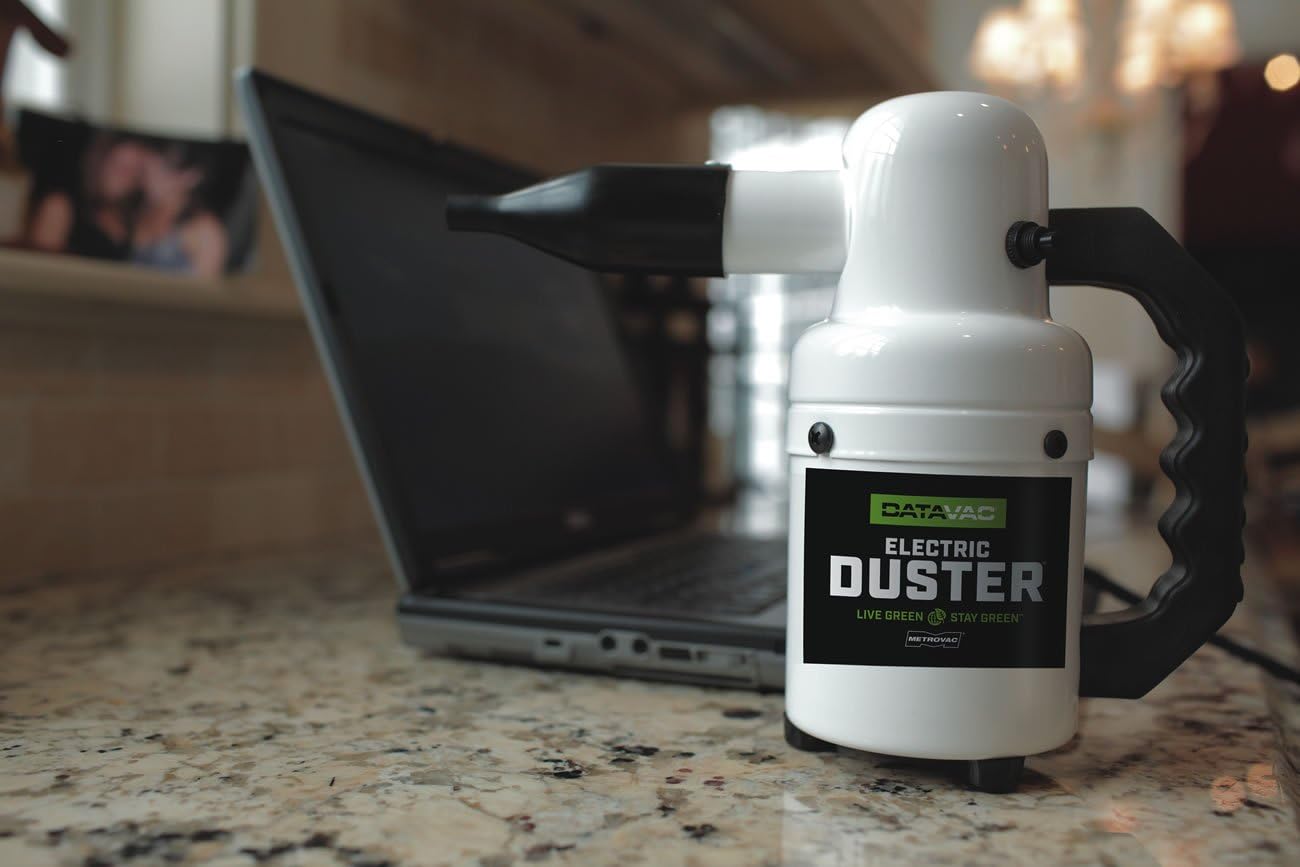
ຮູບພາບ: The Metrovac Datavac Electric Duster positioned on a surface next to a laptop, illustrating a typical setup environment.
ຄໍາແນະນໍາການດໍາເນີນງານ
The Metrovac Datavac Electric Duster provides a powerful air stream for effective cleaning.
- After setup, hold the duster firmly by the handle.
- Flip the power switch to the "ON" position. The duster will immediately begin to emit a powerful air stream. Note that the unit produces a significant amount of air and can be loud during operation.
- Direct the nozzle towards the area you wish to clean. Use short bursts of air for delicate components or a continuous stream for larger areas.
- For optimal cleaning, hold the duster a few inches away from the surface. The air-pin pointer nozzle is ideal for precise cleaning in tight spaces, while the air concentrator and air-flare nozzles are suitable for broader areas. The detailing tool kit provides additional options for specific cleaning needs.
- When finished, flip the power switch to the "OFF" position and unplug the unit.

ຮູບພາບ: The Metrovac Datavac Electric Duster with a precision nozzle being used to clean dust from a camera lens.
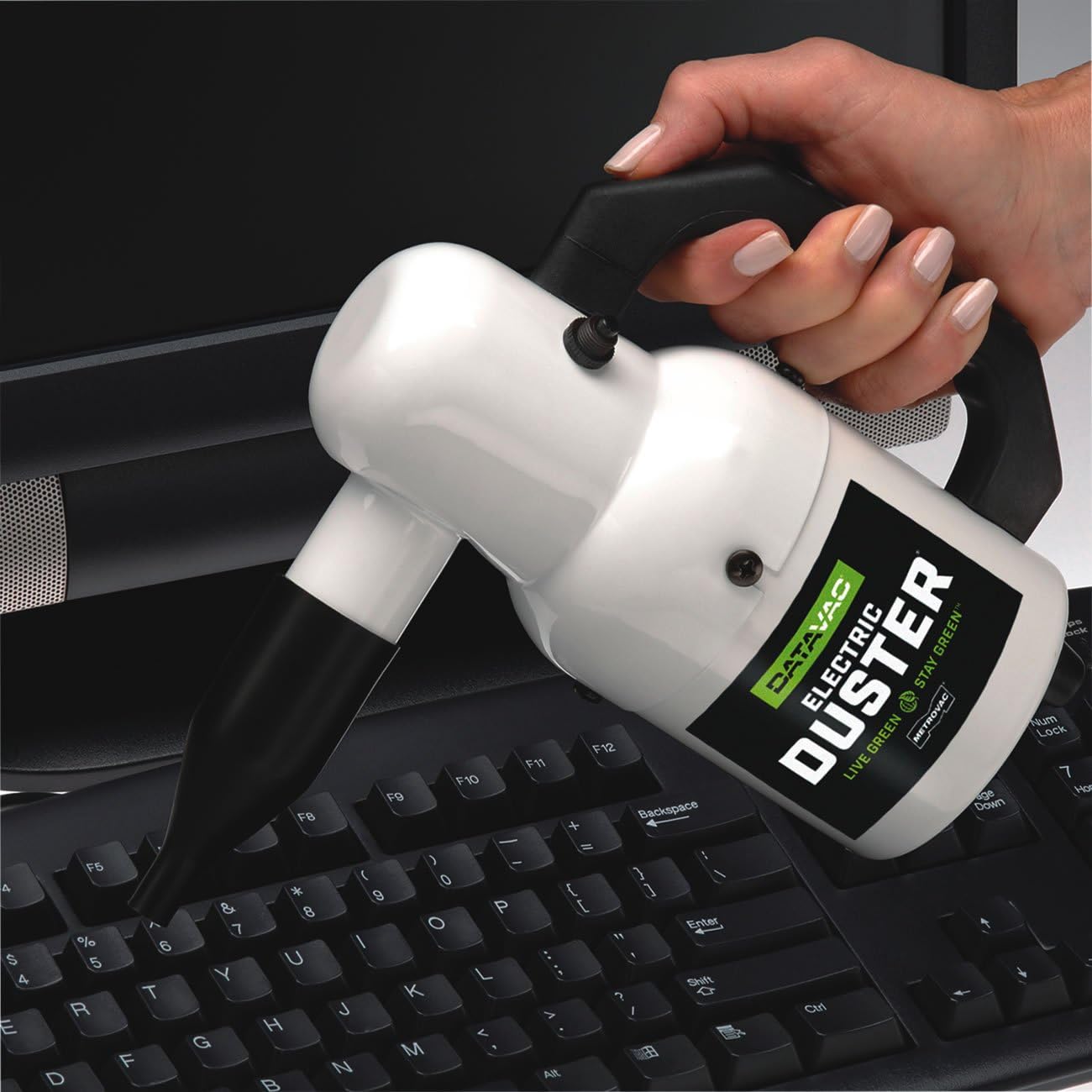
ຮູບພາບ: A hand holding the Metrovac Datavac Electric Duster, directing its air stream to clean debris from a computer keyboard.
ບໍາລຸງຮັກສາ
Proper maintenance ensures the longevity and performance of your electric duster.
- ທໍາຄວາມສະອາດການກັ່ນຕອງ: The duster is equipped with a filter to prevent debris from entering the motor. Regularly inspect and clean the filter. To clean, unplug the unit, locate the filter (typically at the air intake), remove it, and gently tap or brush off accumulated dust. If heavily soiled, rinse with water and ensure it is completely dry before reinserting. A clean filter is crucial for preventing overheating and maintaining strong airflow.
- ການອະນາໄມພາຍນອກ: Wipe the exterior of the duster with a soft, damp ຜ້າ. ຢ່າໃຊ້ສານເຄມີທີ່ຮຸນແຮງຫຼືເຄື່ອງເຮັດຄວາມສະອາດຂັດ.
- ການເກັບຮັກສາ: Store the duster in a cool, dry place, away from direct sunlight and moisture. Ensure the power cord is neatly wrapped and not kinked.
ການແກ້ໄຂບັນຫາ
If you encounter issues with your Metrovac Datavac Electric Duster, refer to the following common problems and solutions:
- ຫນ່ວຍບໍລິການບໍ່ເປີດ:
- Ensure the power cord is securely plugged into a functional 120V, 60Hz outlet.
- Check the power switch to ensure it is in the "ON" position.
- Verify that the electrical outlet is receiving power (test with another appliance).
- Loss of power or weak airflow:
- Check the air intake filter for blockage. A clogged filter significantly reduces airflow. Clean the filter as described in the Maintenance section.
- Ensure no foreign objects are obstructing the nozzle or air outlet.
- Unit overheats quickly:
- This is often caused by a dirty or blocked air intake filter. Clean the filter thoroughly.
- Ensure the duster's vents are not blocked during operation.
- Allow the unit to cool down before resuming use. Prolonged continuous operation can lead to heat buildup.
ຂໍ້ມູນຈໍາເພາະ
- ໝາຍເລກຕົວແບບ: 117117308
- ຍີ່ຫໍ້: METROVAC
- ສະບັບtage: 120V
- ຄວາມຖີ່: 60Hz
- ນ້ໍາຫນັກລາຍການ: 3.17 ປອນ
- ປະເພດວັດສະດຸ: ເຫຼັກກ້າ
- ຈໍານວນລາຍການ: 1 (ຫົວຫນ່ວຍຫຼັກ)
- ອຸປະກອນເສີມລວມ: Air-pin pointer nozzle, air concentrator nozzle, air-flare nozzle, 4-piece detailing tool kit
- UPC: 031275117308
ການຮັບປະກັນແລະການສະຫນັບສະຫນູນ
For specific warranty information, technical assistance, or to inquire about replacement parts, please contact METROVAC customer service directly. You can typically find contact details on the official METROVAC webເວັບໄຊທ໌ຫຼືຜ່ານຮ້ານຂາຍຍ່ອຍບ່ອນທີ່ຜະລິດຕະພັນໄດ້ຖືກຊື້.