
1. ບົດແນະນຳ
This manual provides instructions for the installation, operation, and maintenance of the Emerson F145RF-1600 Wireless Remote Temperature Sensor. This sensor is designed to work with the Emerson BLUE Wireless Easy Install Universal Wireless Thermostat System to enhance temperature control and reduce hot and cold spots within your home.
ຄຸນນະສົມບັດທີ່ສໍາຄັນ:
- Reduces temperature inconsistencies in various areas.
- Supports up to four wireless remote sensors with the Emerson BLUE Wireless Easy Install Thermostat System.
- Designed for easy installation and pairing.
2. ຂໍ້ມູນຄວາມປອດໄພ
Please read and understand all instructions before installing or operating this device. Failure to follow these instructions could result in property damage or personal injury.
- Always turn off power to the thermostat system before performing any installation or maintenance.
- Do not expose the sensor to extreme temperatures, direct sunlight, or moisture.
- ໃຊ້ພຽງແຕ່ປະເພດຫມໍ້ໄຟທີ່ກໍານົດໄວ້ (2 ຫມໍ້ໄຟ AA).
- ຖິ້ມແບດເຕີຣີເກົ່າຢ່າງມີຄວາມຮັບຜິດຊອບຕາມກົດລະບຽບທ້ອງຖິ່ນ.
- ຮັກສາໃຫ້ໄກຈາກເດັກນ້ອຍ.
ຂໍ້ສະເໜີ 65 ຄຳເຕືອນ: ຜະລິດຕະພັນນີ້ອາດມີສານເຄມີທີ່ຮູ້ຢູ່ໃນລັດຄາລິຟໍເນຍເພື່ອເຮັດໃຫ້ເກີດມະເຮັງ ແລະ ຄວາມຜິດປົກກະຕິໃນການເກີດລູກ ຫຼື ອັນຕະລາຍຕໍ່ການຈະເລີນພັນອື່ນໆ.
3. ຜະລິດຕະພັນເກີນview
The Emerson F145RF-1600 is a compact, battery-powered wireless sensor designed to monitor ambient temperature. It communicates wirelessly with a compatible Emerson BLUE thermostat system.
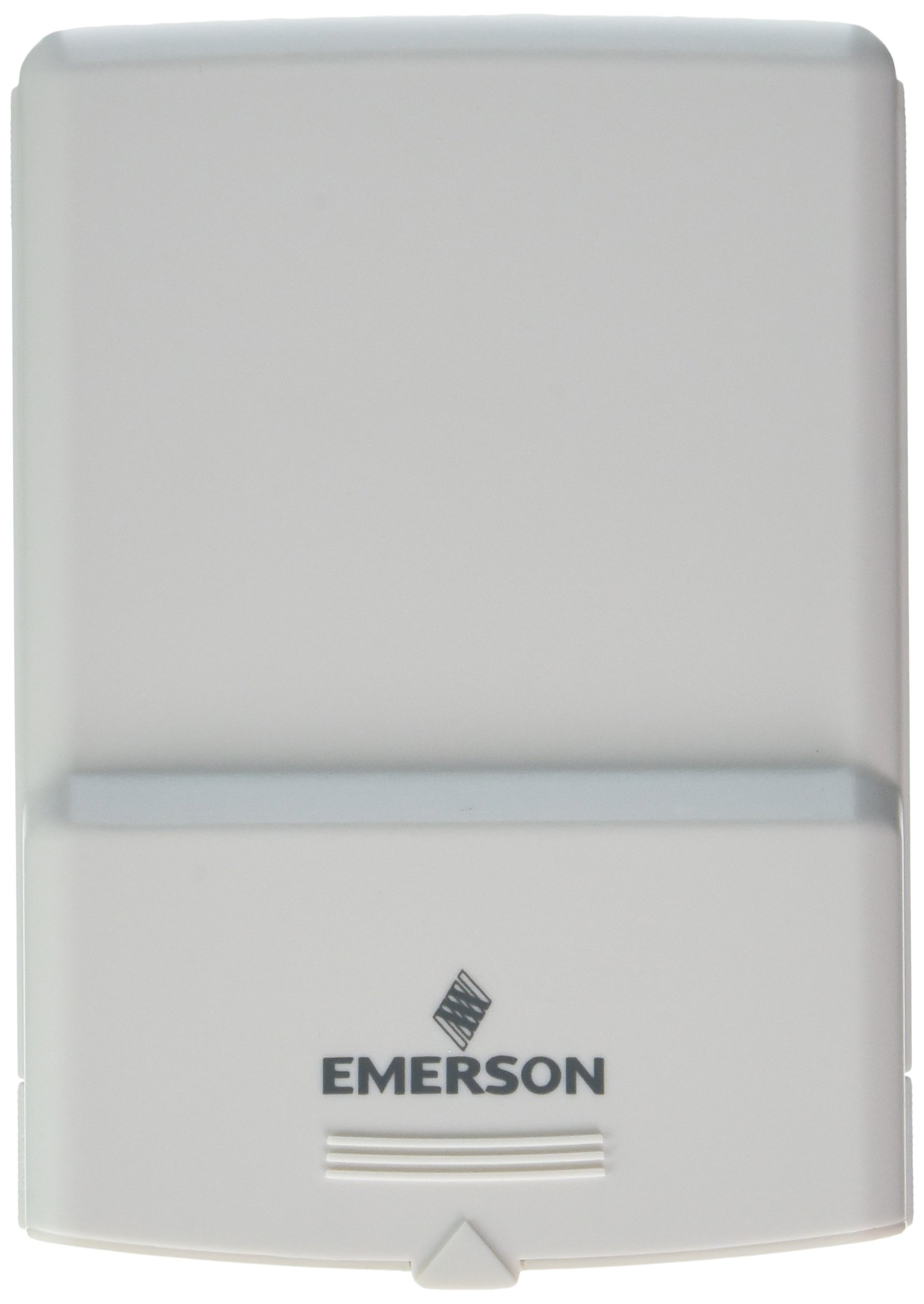
ຮູບທີ 1: Emerson F145RF-1600 Wireless Remote Temperature Sensor. The image displays the sensor in a hand, indicating its approximate height of 4.8 inches (12 cm). The sensor is light-colored, likely white or light grey, with the 'EMERSON' logo visible at the bottom front.
4. ຕັ້ງຄ່າ
4.1. ການຕິດຕັ້ງຫມໍ້ໄຟ
- ຊອກຫາຊ່ອງໃສ່ແບັດເຕີຣີຢູ່ດ້ານຫຼັງຂອງເຊັນເຊີ.
- ເປີດຝາປິດຊ່ອງໃສ່ຫມໍ້ໄຟ.
- ໃສ່ແບັດເຕີຣີອາຄາລາຍ AA ສອງ (2) ກ້ອນ, ຮັບປະກັນວ່າຂົ້ວທີ່ຖືກຕ້ອງ (+/-).
- ປິດຝາປິດຊ່ອງໃສ່ຫມໍ້ໄຟຢ່າງປອດໄພ.
4.2. Pairing with Thermostat System
Refer to your Emerson BLUE Wireless Easy Install Universal Wireless Thermostat System manual for detailed pairing instructions. Generally, the process involves:
- Placing the thermostat system into pairing mode.
- Activating the sensor's pairing function (often a button press or battery insertion).
- Confirming successful pairing on the thermostat display.
Up to four F145RF-1600 sensors can be paired with a single Emerson BLUE Wireless Easy Install system.
4.3. ການຈັດວາງເຊັນເຊີ
Proper placement is crucial for accurate temperature readings and effective system operation.
- ການຈັດວາງພາຍໃນ:
- Place the sensor in a central location within the area you wish to monitor.
- Avoid placing near heat sources (lamps, appliances, direct sunlight) or cold drafts (windows, vents).
- Ensure it is not obstructed by furniture or curtains.
- Outdoor Placement (if applicable):
- Mount the sensor in a shaded area, away from direct sunlight, which can cause inaccurate readings.
- Protect it from direct rain and snow.
- Ensure it is easily accessible for battery replacement.
5. ຄໍາແນະນໍາການດໍາເນີນງານ
Once successfully paired and placed, the F145RF-1600 sensor will automatically transmit temperature data to your Emerson BLUE Wireless Easy Install Thermostat System. The thermostat system will then use this data to optimize heating and cooling, helping to maintain a more consistent temperature throughout your home.
- The sensor operates continuously, sending updates to the main thermostat.
- The thermostat system will display the temperature readings from the remote sensors and use them for its control logic.
- No direct user interaction is typically required with the sensor after setup, other than battery replacement.
6. ບໍາລຸງຮັກສາ
6.1. ການທົດແທນຫມໍ້ໄຟ
The sensor requires two (2) AA batteries. When batteries are low, your Emerson BLUE thermostat system may indicate a low battery warning for the sensor. Replace batteries promptly to ensure continuous operation.
- ເປີດຊ່ອງໃສ່ຫມໍ້ໄຟ.
- ຖອດຖ່ານເກົ່າ.
- ໃສ່ແບັດ AA ໃໝ່, ສັງເກດຂົ້ວ.
- ປິດຫ້ອງປະດັບ.
6.2. ທໍາຄວາມສະອາດ
Wipe the sensor's exterior with a soft, dry cloth as needed. Do not use liquid cleaners or abrasive materials, as these can damage the device.
7. ການແກ້ໄຂບັນຫາ
| ບັນຫາ | ສາເຫດທີ່ເປັນໄປໄດ້ | ການແກ້ໄຂ |
|---|---|---|
| Sensor not reporting temperature / No signal |
|
|
| ການອ່ານອຸນຫະພູມບໍ່ຖືກຕ້ອງ |
|
|
8. ຂໍ້ມູນຈໍາເພາະ
| ໝາຍເລກຕົວແບບ | F145RF-1600 |
| ຜູ້ຜະລິດ | ໄວທ໌-ຣອດເຈີສ (ເອເມີສັນ) |
| ແຫຼ່ງພະລັງງານ | ແບັດເຕີຣີ |
| ຕ້ອງໃຊ້ແບັດເຕີຣີ | 2 ຫມໍ້ໄຟ AA |
| ນ້ໍາຫນັກລາຍການ | 3.2 ອອນ |
| ຂະໜາດສິນຄ້າ | 3.5 x 2.5 x 5.25 ນິ້ວ |
| ວັດສະດຸ | ພາດສະຕິກ |
| ສີ | ສີຟ້າ (Note: Product image shows light grey/white) |
| ຈໍານວນຊຸດລາຍການ | 1 |
9. ຂໍ້ມູນການຮັບປະກັນ
Specific warranty details for the Emerson F145RF-1600 Wireless Remote Temperature Sensor are typically provided with the product packaging or can be found on the official Emerson/White-Rodgers webເວັບໄຊ. ກະລຸນາຮັກສາຫຼັກຖານການຊື້ຂອງທ່ານສໍາລັບການຮຽກຮ້ອງການຮັບປະກັນ.
ສຳລັບເງື່ອນໄຂ ແລະ ຂໍ້ກຳນົດການຮັບປະກັນລະອຽດ, ກະລຸນາເຂົ້າເບິ່ງທີ່ Emerson official webເວັບໄຊ ຫຼືຕິດຕໍ່ສະຫນັບສະຫນູນລູກຄ້າ.
10. ສະຫນັບສະຫນູນ
If you encounter issues not covered in this manual or require further assistance, please contact Emerson customer support.
- ສະຫນັບສະຫນູນອອນໄລນ໌: ຢ້ຽມຢາມ Emerson Support Page ສຳລັບຄຳຖາມທີ່ຖືກຖາມເລື້ອຍໆ, ເອກະສານ, ແລະຕົວເລືອກການຕິດຕໍ່.
- ສະຫນັບສະຫນູນໂທລະສັບ: Refer to your product packaging or the Emerson webສະຖານທີ່ສໍາລັບເບີໂທລະສັບການບໍລິການລູກຄ້າໃນປະຈຸບັນຫຼາຍທີ່ສຸດ.